
Brother QL-800 drivers and software
Brother’s exact South African QL-800 support selector. Choose your operating system and version for applicable drivers and P-touch Editor options.
Open official support (opens in a new tab)Checking which support options are available…
Who would you like help from?
Enter your name to begin your live chat with an online consultant.
What can we help you with?
Your details are used only to respond. MatzoBot requests are securely passed to the MatzoTech team.
Your request has been emailed to MatzoTech. A consultant will reply using the email address or mobile number you supplied.

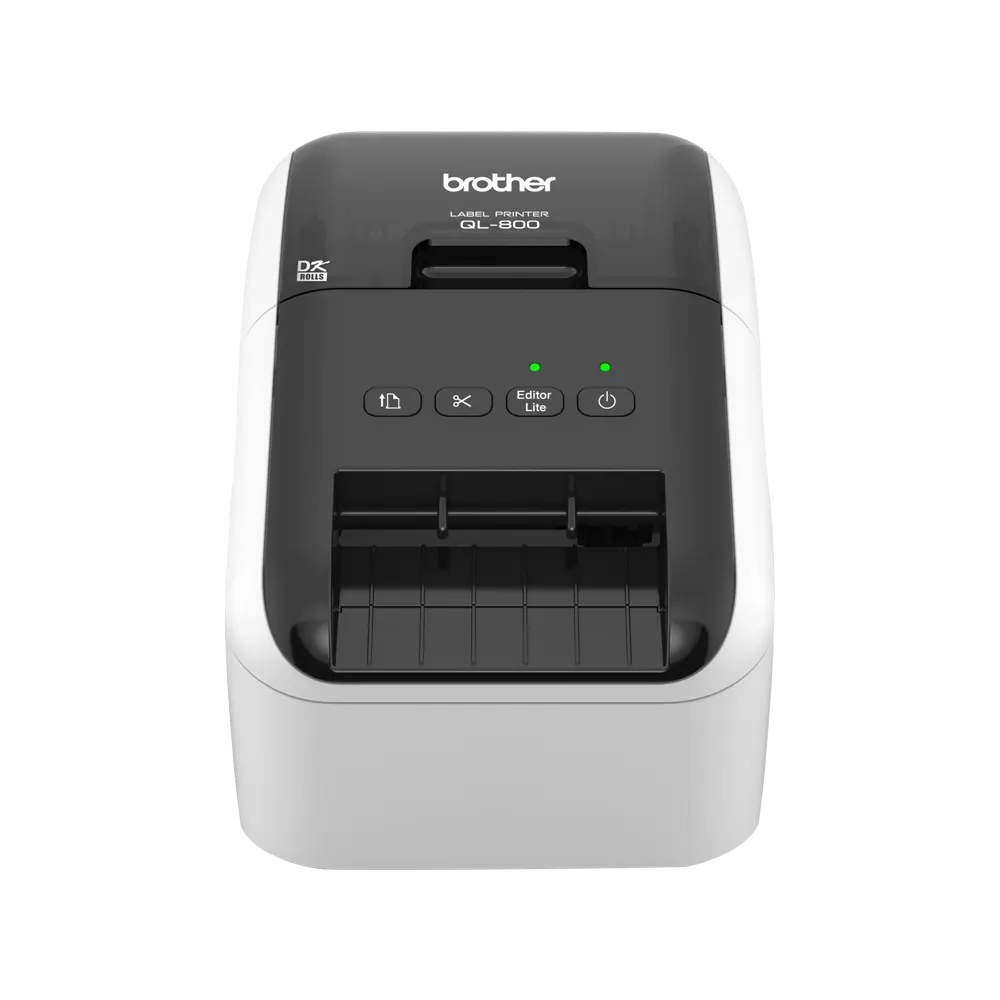
Brother QL-800 USB direct thermal label printer with automatic cutter, up to 62 mm DK media, and black-and-red printing on DK-22251.
R4,589.00
Out of stock
Clear fulfilment, warranty and payment details.
Official manufacturer overview
Brother South Africa · Brother South Africa shows the QL-800 and two-colour label printing. Black-and-red output uses the compatible DK-22251 roll.
Play to load this video from YouTube.
BROTHER · QL-800
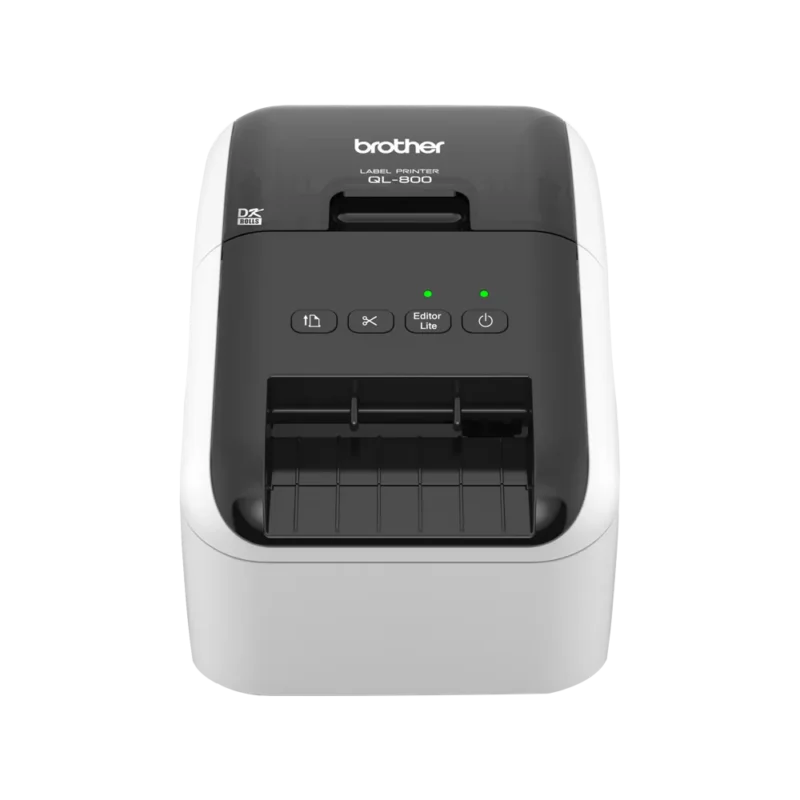
The Brother QL-800 prints labels directly from a USB-connected computer and cuts them automatically. Load compatible DK media up to 62 mm wide for everyday address or file labels. Use the Brother DK-22251 roll when you want black and red on the same white label.
LABEL FORMATS
Use a compatible die-cut DK roll for repeat jobs such as addresses. A continuous DK roll lets you choose the label length in the layout and have the cutter separate it at the end.
TWO-COLOUR PRINT
Use the white DK-22251 roll to add red to a warning, routing note or other priority detail. Brother rates this two-colour mode at up to 24 mm/s, compared with up to 148 mm/s for black-only printing under the applicable conditions.
DESKTOP WORKFLOW
Connect the printer by USB and use Brother P-touch Editor on a supported computer to prepare text, logos and barcodes. Standard and high-resolution modes let you choose the level of detail needed for the label.
| Model | Brother QL-800 |
|---|---|
| Method | Direct thermal label printing |
| Print colours | Black on applicable DK media, or black and red on white DK-22251 |
| Print resolution | 300 × 300 dpi Standard, 300 × 600 dpi High Resolution |
| Print speed | Up to 148 mm/s black-only. Up to 24 mm/s in black-and-red mode. |
| Cutter | Automatic full cutter |
| Supported media | Brother DK die-cut labels and continuous rolls, 12–62 mm roll widths |
|---|---|
| Printable width | Up to 58 mm |
| Two-colour replacement roll | Brother DK-22251, 62 mm × 15.24 m continuous white paper |
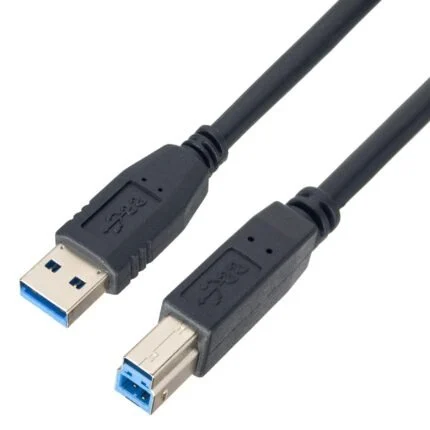
| Connectivity | USB 2.0 Full Speed |
| Software | Brother P-touch Editor. Choose the operating system on the QL-800 support selector. |
| Other label features | Barcode layouts and print preview in supported software |
| Dimensions (W × D × H) | 125.3 × 213 × 142 mm |
|---|---|
| Weight | Approximately 1.15 kg without a DK roll |
| Power | Mains powered, with configurable auto power-off. Follow the supplied unit’s rating label. |
| Listed box contents | Printer, AC cord, USB cable, 100 starter die-cut address labels, 62 mm × 5 m two-colour starter roll and user guide |
Use the print-mode and media settings that match the installed DK roll. The 62 mm figure describes the widest roll, and the usable print area is narrower.
Use official support resources for this product. Each link opens in a new tab.
Brother’s exact South African QL-800 support selector. Choose your operating system and version for applicable drivers and P-touch Editor options.
Open official support (opens in a new tab)Help other shoppers by sharing an honest review.
Write a reviewYou are offline. Reconnect to check prices and shop.
Reviews
There are no reviews yet.