
Keychron M6 8K user manual
Exact 8K hardware guide for USB, 2.4 GHz and Bluetooth setup, button functions and mode controls.
Open official support (opens in a new tab)Checking which support options are available…
Who would you like help from?
Enter your name to begin your live chat with an online consultant.
What can we help you with?
Your details are used only to respond. MatzoBot requests are securely passed to the MatzoTech team.
Your request has been emailed to MatzoTech. A consultant will reply using the email address or mobile number you supplied.

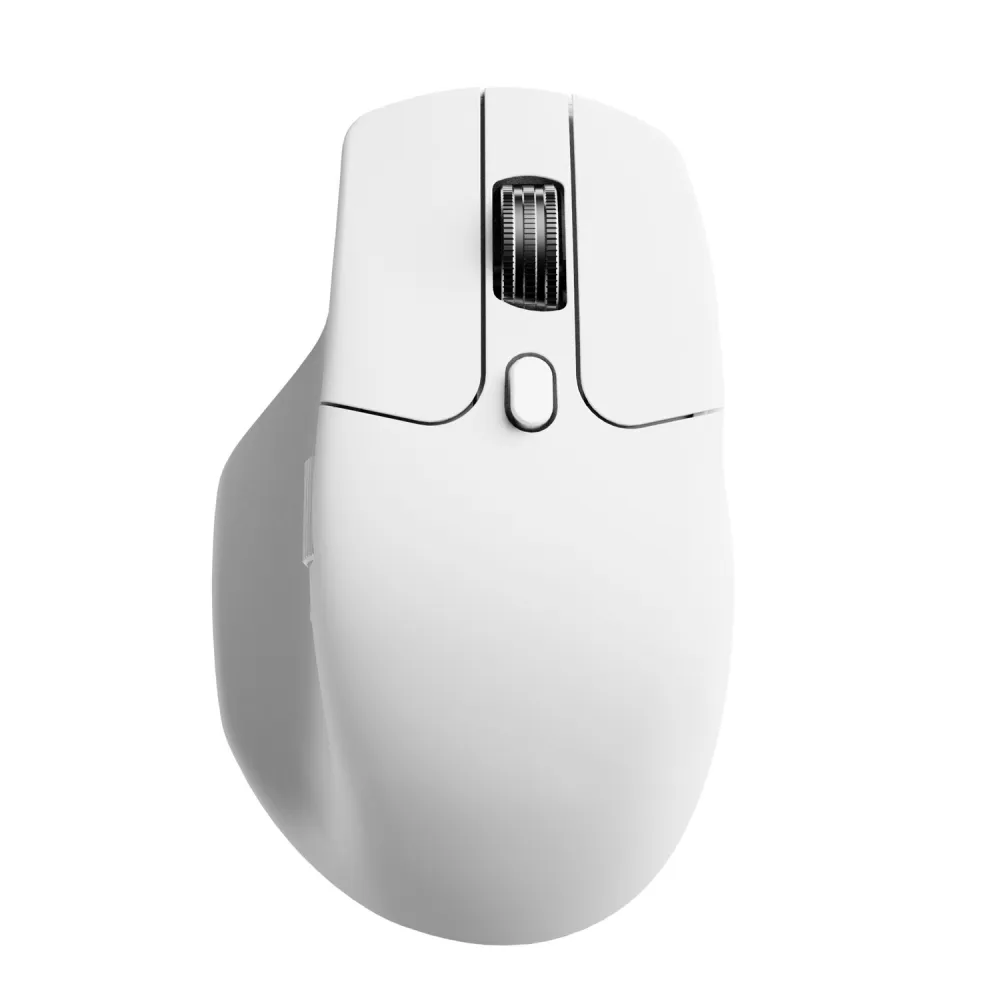
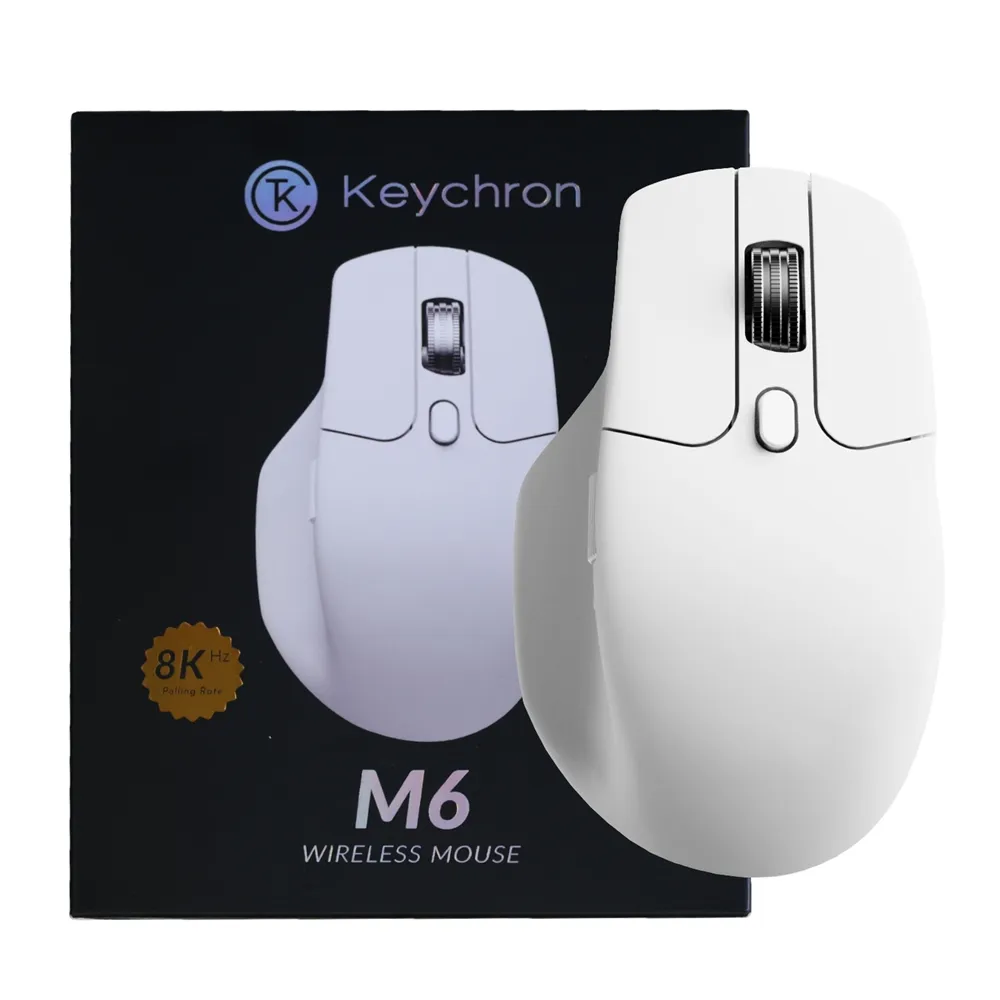
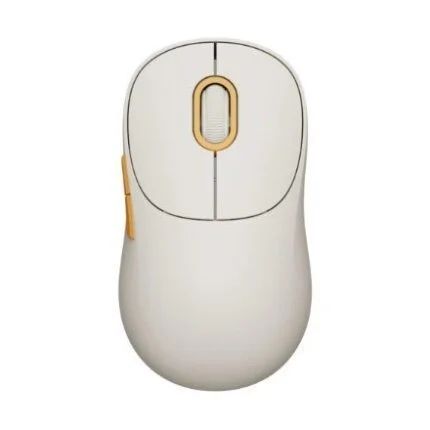
White Keychron M6S-A24 right-handed mouse with PixArt 3950, silent switches, a magnetic main wheel and up to 8,000 Hz over USB or 2.4 GHz.
R1,909.00
Supplier has stock — 10 avail
Clear fulfilment, warranty and payment details.
Official manufacturer overview
Keychron · Keychron demonstrates the M6 family’s shape, wheels and connections. The film shows a dark mouse. This listing is the white M6S-A24 with the premium wheel, 8K sensor and silent switches.
Play to load this video from YouTube.
KEYCHRON M6 8K · WHITE
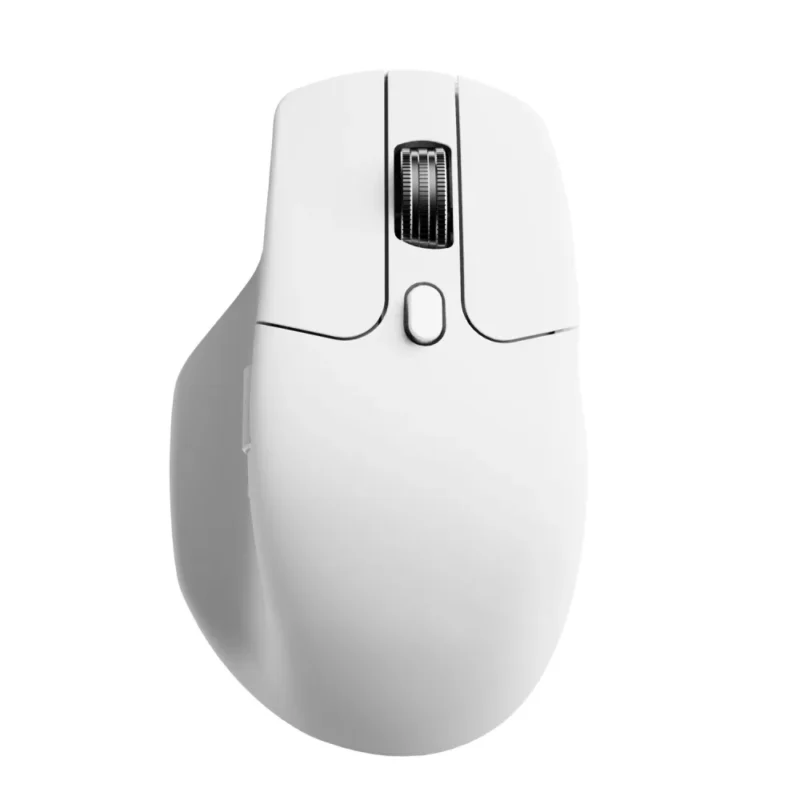
The white Keychron M6S-A24 pairs a right-handed shape and thumb rest with a magnetic metal main wheel and a separate horizontal wheel. Move across a wide spreadsheet with your thumb, then switch the main wheel from stepped to free scrolling when you reach a long document.
SCROLLING
The side wheel moves across columns while the main wheel handles vertical scrolling. Use the top control to alternate between distinct steps for precise movement and a free-spinning mode for longer pages.
TRACKING
The PixArt 3950 gives this version a 100–30,000 DPI range. Choose a comfortable pointer speed for everyday work or raise the report rate over USB or the 2.4 GHz receiver for fast movement. Keychron rates the sensor for tracking at up to 750 inches per second.
CONNECTIONS
Use the included 2.4 GHz receiver, plug in over USB-C or pair up to three Bluetooth devices. The controls under the mouse let you change DPI and report rate. Keychron Launcher adds button remapping, shortcuts and up to five onboard profiles.
DESIGN
The white shell is shaped for a right-handed grip, with a shelf for your thumb. This all-silent version uses Huano silent micro switches, and the main wheel uses Hall-effect sensing. The mouse weighs 86 g.
BATTERY
Keychron rates the 800 mAh battery for up to 35 hours at 8,000 Hz and 50 hours at 4,000 Hz over 2.4 GHz. The manufacturer lists up to 120 hours at 1,000 Hz on the 8K variant. Charging uses the supplied USB-C cable.
| Manufacturer | Keychron |
|---|---|
| Model | M6S-A24 |
| Edition | M6 8K, White Premium Wheel, All Silent Micro Switch |
| Shape | Right-handed, contoured body with thumb rest |
| Mouse weight | 86 g |
| Main wheel | Magnetic metal wheel with stepped and free-scroll modes |
| Side wheel | Horizontal scroll |
| Switches | Huano Silent Micro Switches, rated for 20 million clicks |
| RGB lighting | No |
| Sensor | PixArt 3950 optical |
|---|---|
| Sensitivity | 100–30,000 DPI |
| Tracking speed | Up to 750 IPS, manufacturer rating |
| Maximum report rate | 8,000 Hz in 2.4 GHz or wired USB mode |
| Lift-off distance settings | 0.7 mm, 1.0 mm or 2.0 mm |
| Connection modes | 2.4 GHz wireless via USB-A receiver, Bluetooth 5.3 or wired USB-C |
|---|---|
| Bluetooth device switching | Up to three paired devices |
| Battery | 800 mAh rechargeable |
| Manufacturer runtime at 8,000 Hz | Up to 35 hours in 2.4 GHz mode |
| Manufacturer runtime at 4,000 Hz | Up to 50 hours in 2.4 GHz mode |
| Manufacturer runtime at 1,000 Hz | Up to 120 hours on the 8K model |
| Charging connection | USB-C |
| Keychron Launcher | Windows, macOS or Linux with Chrome, Edge or Opera. Connect by USB cable or 2.4 GHz receiver. |
|---|---|
| Onboard memory | Five profiles |
| In the box | White M6S-A24 mouse, USB-C to USB-C cable, USB-A to USB-C adapter, receiver extension adapter and USB-A 2.4 GHz receiver |
| Warranty | 12 months, subject to terms |
For 8,000 Hz operation, connect by USB cable or the supplied 2.4 GHz receiver and select the setting on the mouse or in Keychron Launcher. Choose the 8K instructions in Keychron’s M6 support guide.
Use official support resources for this product. Each link opens in a new tab.
Exact 8K hardware guide for USB, 2.4 GHz and Bluetooth setup, button functions and mode controls.
Open official support (opens in a new tab)Choose the 8K manual and mouse Launcher guides. Use Chrome, Edge or Opera on Windows, macOS or Linux with USB or 2.4 GHz connected.
Open official support (opens in a new tab)Help other shoppers by sharing an honest review.
Write a reviewYou are offline. Reconnect to check prices and shop.
Reviews
There are no reviews yet.