

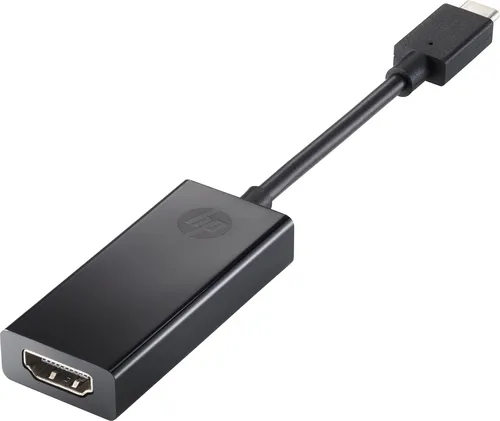
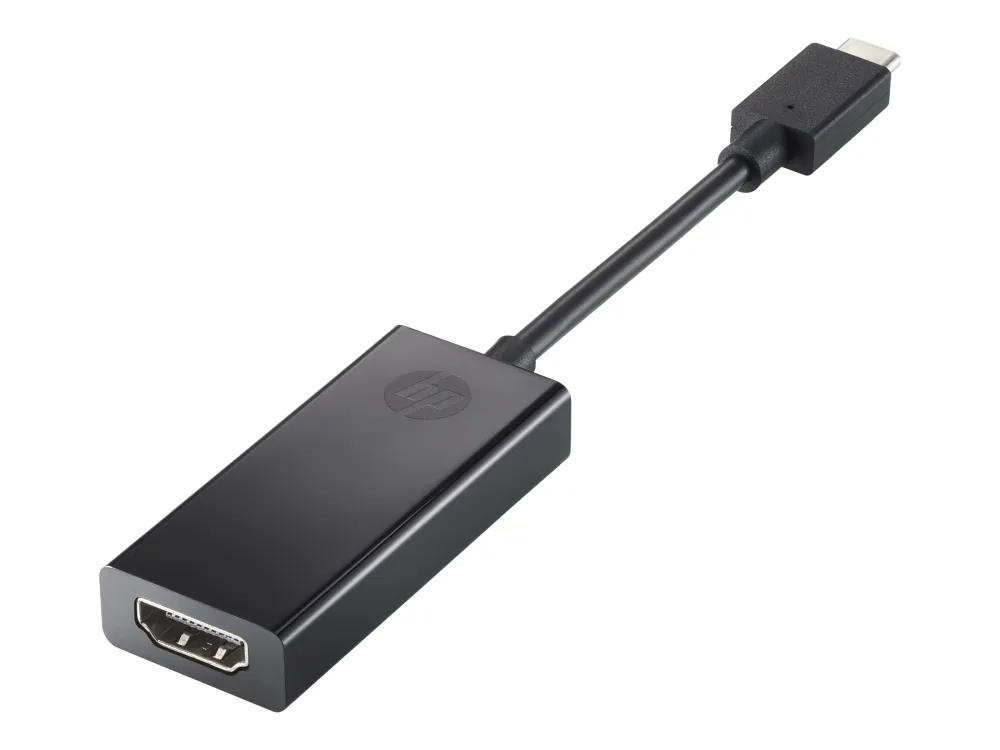
HP USB-C to HDMI 2.0 Adapter
HP USB-C to HDMI 2.0 adapter with DisplayPort Alt Mode host requirement and a maximum HP-rated mode of 4096 × 2160 at 60 Hz.
R409.00
Supplier has stock — 10 avail
Key product details
Full specifications below- Ean: 4573285703325
- Gtin: 4573285703325
- Brand: Hp
Delivery & support
Clear fulfilment, warranty and payment details.
- Availability Supplier has stock — 10 avail Supplier has stock — 10 avail
- Delivery Nationwide courier delivery or collection from Strand, Cape Town. Courier nationwide or Strand collection
- Dispatch Backorder — usually dispatched in 2–3 working days after payment verification, subject to supplier confirmation. Backorder — usually dispatched in 2–3 working days after payment verification, subject to supplier confirmation.
- Warranty Manufacturer warranty applies where stated on the product page. As stated on this page
- Returns See our Returns Policy for eligible change-of-mind and faulty goods procedures. See Returns Policy
- Secure payment PayFast checkout with card, Instant EFT, and Mobicred. PayFast · card · EFT · Mobicred
HP · 1WC36AA · DISPLAY ADAPTER
Connect a USB-C display output to an HDMI screen
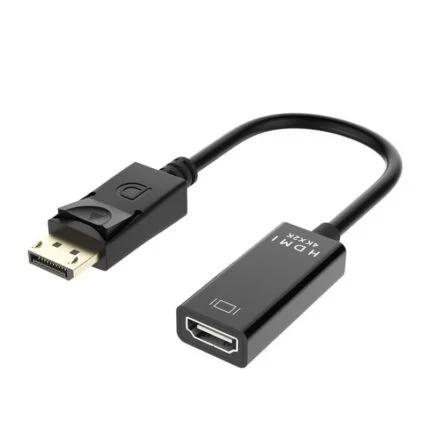
HP’s compact 1WC36AA adapter lets a compatible USB-C device use an HDMI monitor, television or projector. It carries picture and sound over HDMI 2.0 at up to 4096 × 2160 at 60 Hz when the host, display and cable support that mode.
HOST CONNECTION
Look for DisplayPort Alt Mode
The host USB-C port needs DisplayPort Alt Mode. Check the device specification or port markings before connecting. A matching HDMI cable runs from the adapter to the screen.
DESK OR MEETING ROOM
Leave room for the adjacent ports
The short lead gives the HDMI socket some clearance from the host. HP lists Windows 10, Windows 11 and ChromeOS compatibility for the adapter. Choose a display mode supported by the whole connection.
Specifications
Connections
| Manufacturer part | HP 1WC36AA |
|---|---|
| Host connector | USB-C with DisplayPort Alt Mode |
| Display connector | HDMI 2.0 |
| Signal | Digital video and audio |
| Maximum published mode | 4096 × 2160 at 60 Hz |
| Manufacturer-listed OS | Windows 10, Windows 11 and ChromeOS |
Physical and package
| Colour | Black |
|---|---|
| Cable length | 6.7 cm |
| Dimensions | 111.2 × 44.2 × 17.1 mm (W × D × H) |
| Weight | 31 g |
| Contents | HP USB-C to HDMI 2.0 adapter and documentation |
| Manufacturer warranty | HP one-year limited warranty subject to terms |
Check the host USB-C port for DisplayPort Alt Mode and choose a compatible HDMI cable.
Reviews
There are no reviews yet.