
HP M855 and M880 imaging drum replacement guide
Use the official model instructions to identify the correct drum position and replace the assembly.
Open official support (opens in a new tab)Checking which support options are available…
Who would you like help from?
Enter your name to begin your live chat with an online consultant.
What can we help you with?
Your details are used only to respond. MatzoBot requests are securely passed to the MatzoTech team.
Your request has been emailed to MatzoTech. A consultant will reply using the email address or mobile number you supplied.

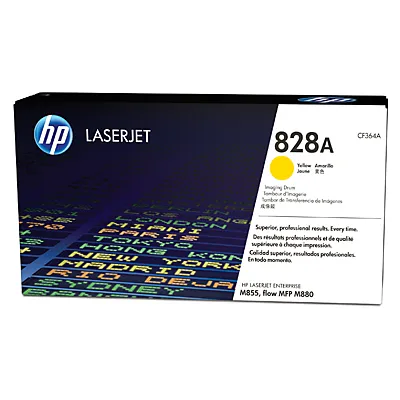
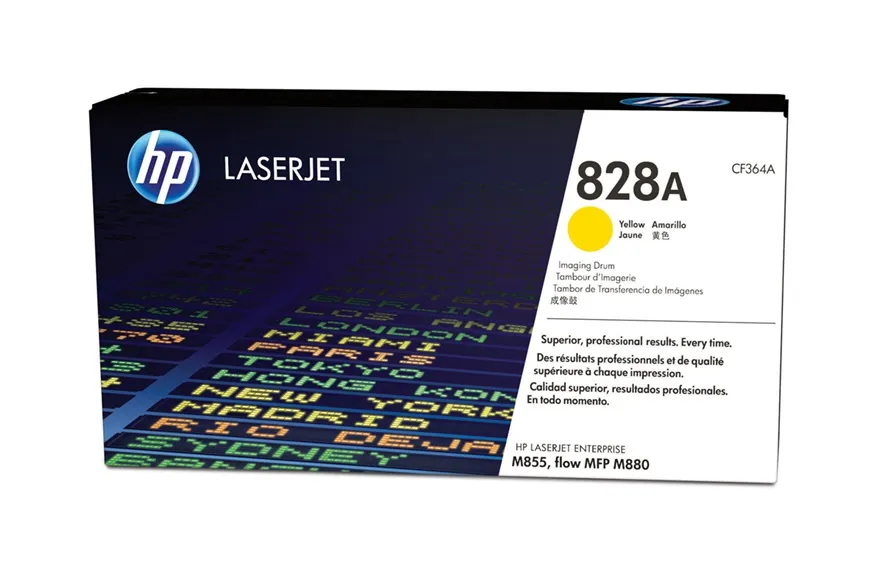
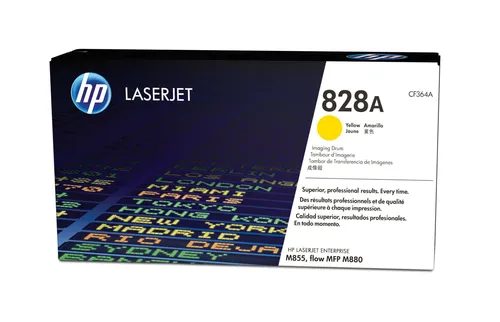
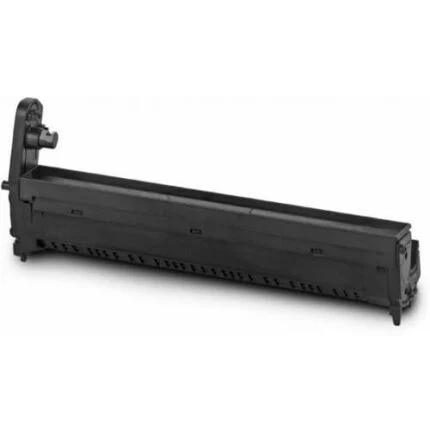
Original HP 828A CF364A yellow imaging drum for compatible HP M855 and flow MFP M880 printers. Approximate 30,000-page average yield.
R8,449.00
In Stock with Supplier 2 — 10 avail
Clear fulfilment, warranty and payment details.
HP 828A · Yellow laser imaging drum
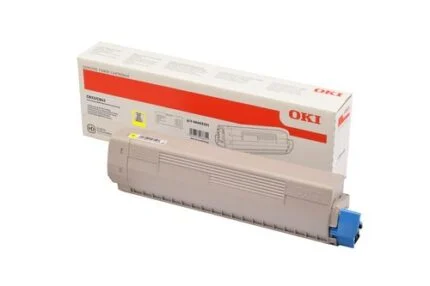
Replace the yellow imaging drum in a supported Color LaserJet Enterprise M855 or flow MFP M880 when the printer indicates it is due. Match CF364A and the yellow marker on the carton to the supply position before opening the pack.
Supply ID
The M855 and flow MFP M880 use a separate imaging drum and toner supply for each colour. Check the printer’s supply status and match the yellow position to the code on the box.
Page yield
HP’s South African technical table gives an approximate composite colour yield of 30,000 pages under ISO/IEC 19798. Printed content and working conditions affect the service life of a drum.
Installation
Follow the installation guide for your printer and keep fingers away from the photosensitive surface. The carton includes one imaging drum and the HP recycling guide.
| Brand | HP |
|---|---|
| Range | 828A |
| Order code | CF364A |
| Colour | Yellow |
| Type | Original LaserJet imaging drum |
| Supported families | HP Color LaserJet Enterprise M855 and HP Color LaserJet Enterprise flow MFP M880 |
| Average colour yield | Approx. 30,000 pages under ISO/IEC 19798 composite colour testing; actual yield varies |
| Contents | One imaging drum and recycling guide |
|---|---|
| UPC | 887111323972 |
| Package dimensions (W × D × H) | 603 × 168 × 327 mm |
| Packed weight | 3.9 kg |
| Net weight | 2.85 kg |
| Operating temperature | 15°C to 27°C |
| Storage temperature | −20°C to 40°C |
| Operating humidity | 10% to 70% RH |
| Storage humidity | 10% to 95% RH |
| Manufacturer cover | HP Premium Protection Warranty under HP terms |
Use official support resources for this product. Each link opens in a new tab.
Use the official model instructions to identify the correct drum position and replace the assembly.
Open official support (opens in a new tab)Help other shoppers by sharing an honest review.
Write a reviewYou are offline. Reconnect to check prices and shop.
Reviews
There are no reviews yet.