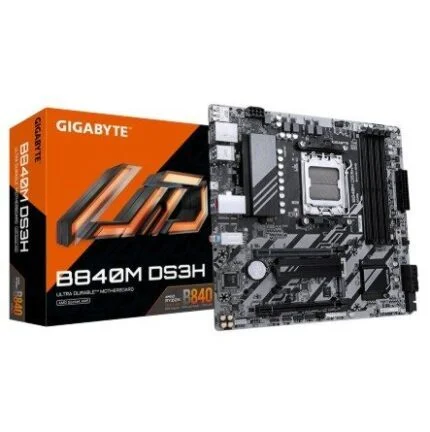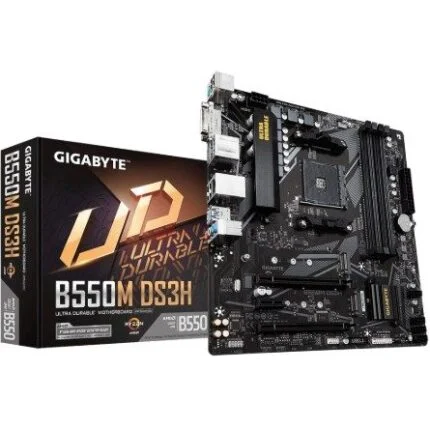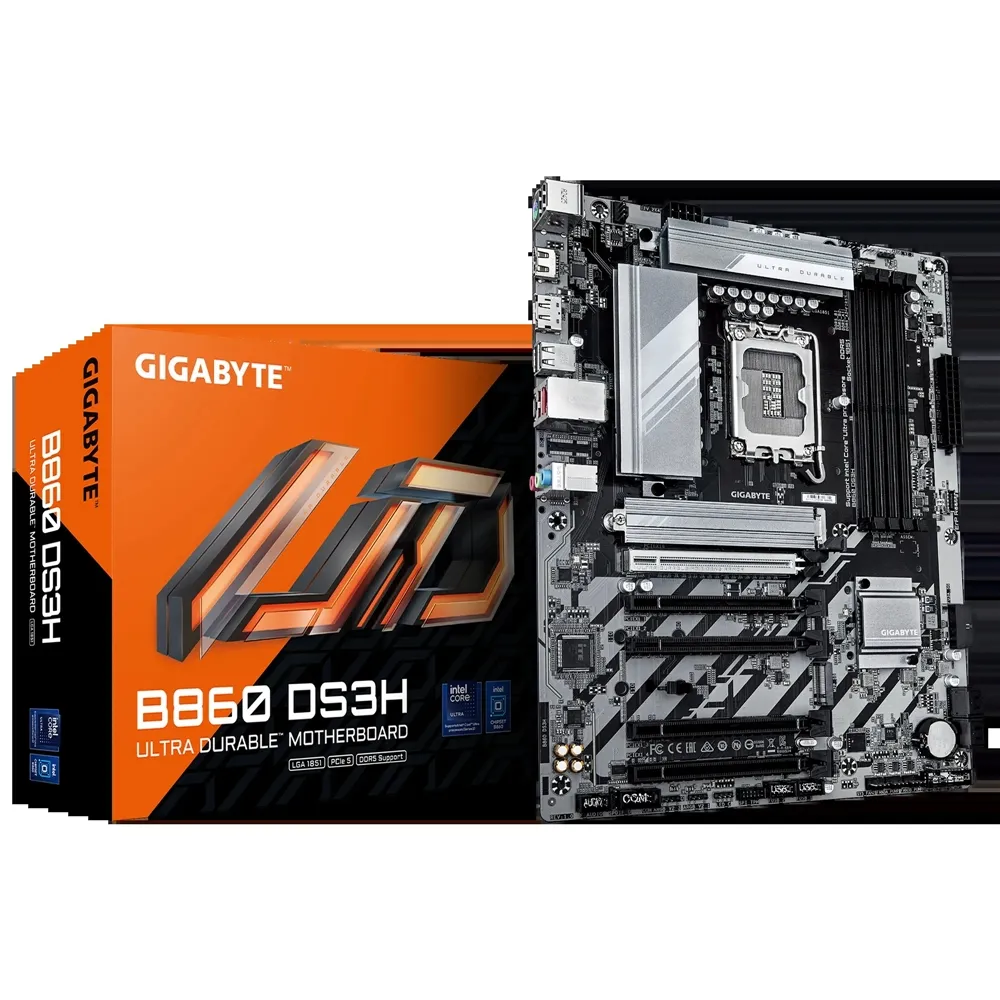
GIGABYTE B860 DS3H · ATX
A clear foundation for your Core Ultra desktop.
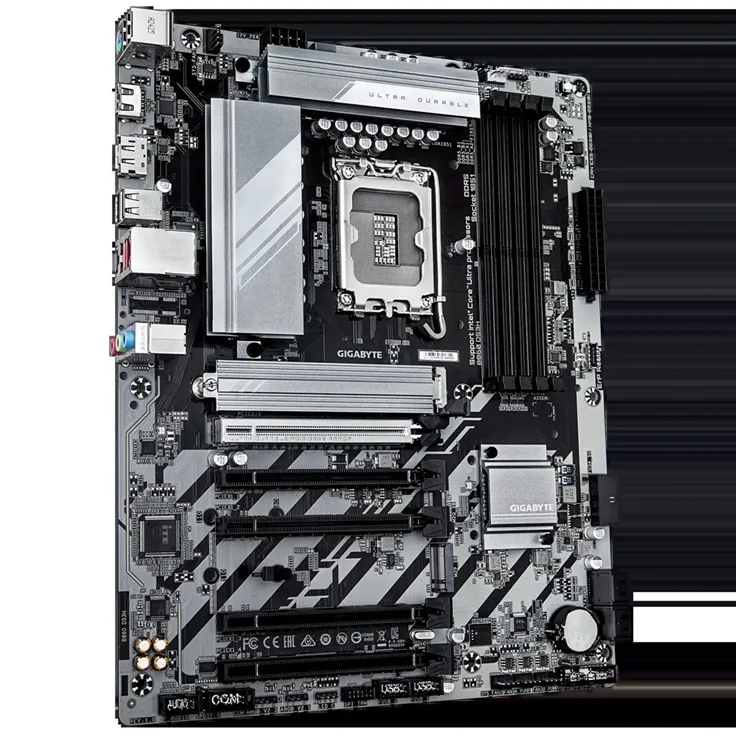
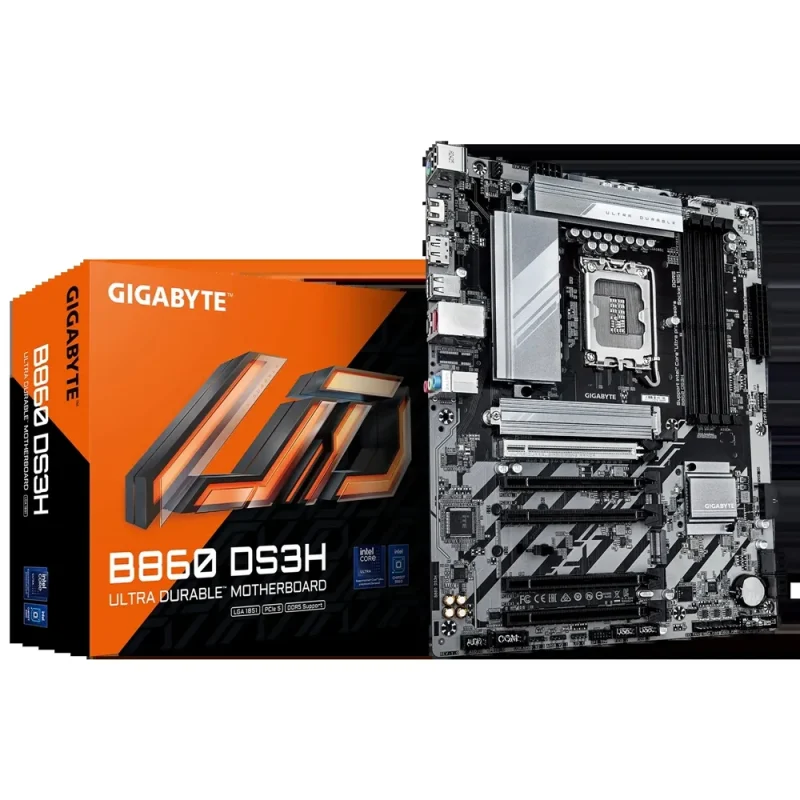
Build around LGA1851, four DDR5 sockets and an ATX layout that makes room for a graphics card, two NVMe drives and everyday peripherals. The B860 DS3H combines a CPU-connected PCIe 5.0 slot with 2.5GbE wired networking. Its expansion options are best chosen as a complete, revision-matched system.

Memory, planned properly
Four slots. A clear upgrade path.
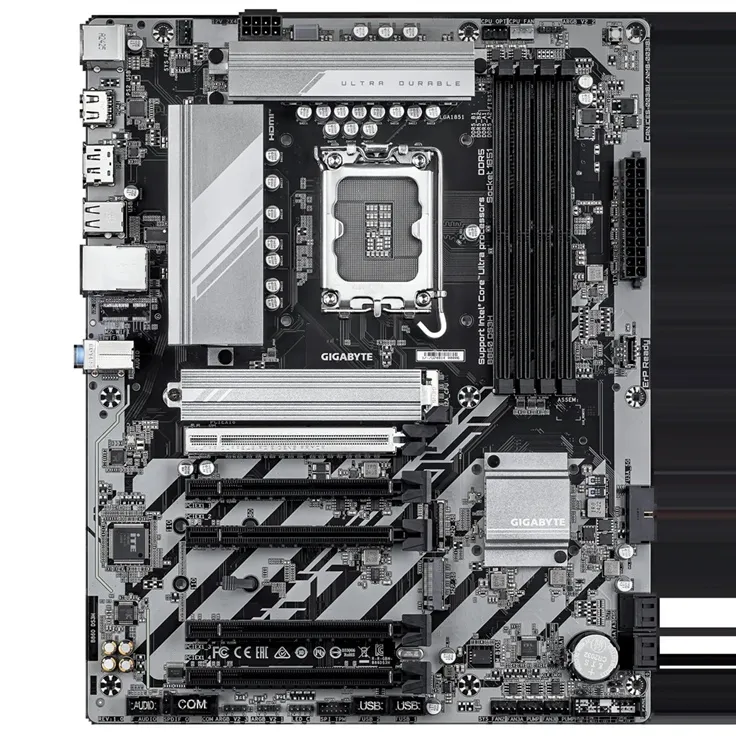
Use A2 and B2 for a matched two-module kit, or populate all four sockets when the validated configuration calls for it. Four 16 GB modules make 64 GB; the published 256 GB ceiling uses four supported 64 GB modules. The highest advertised memory rate is an overclocked reference, not a promise for every four-DIMM build.

Connections that matter
Fast peripherals. A wired foundation.
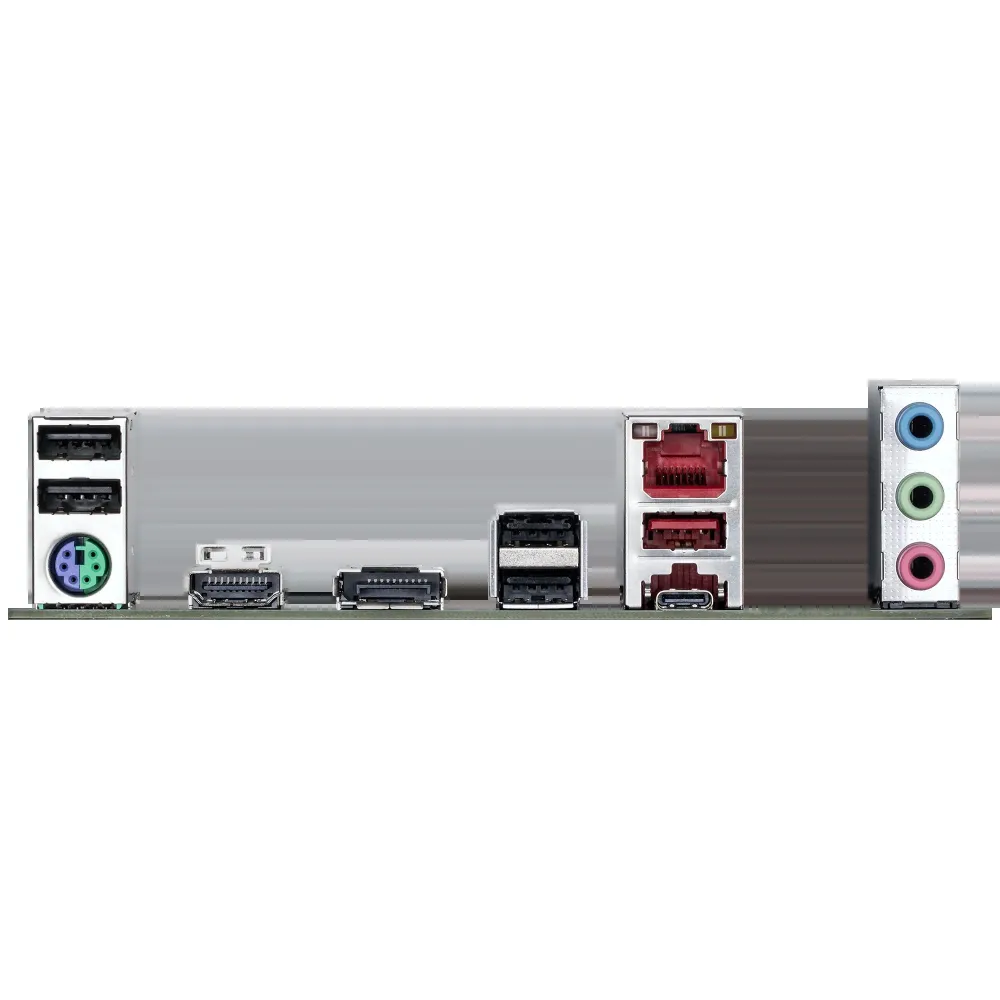
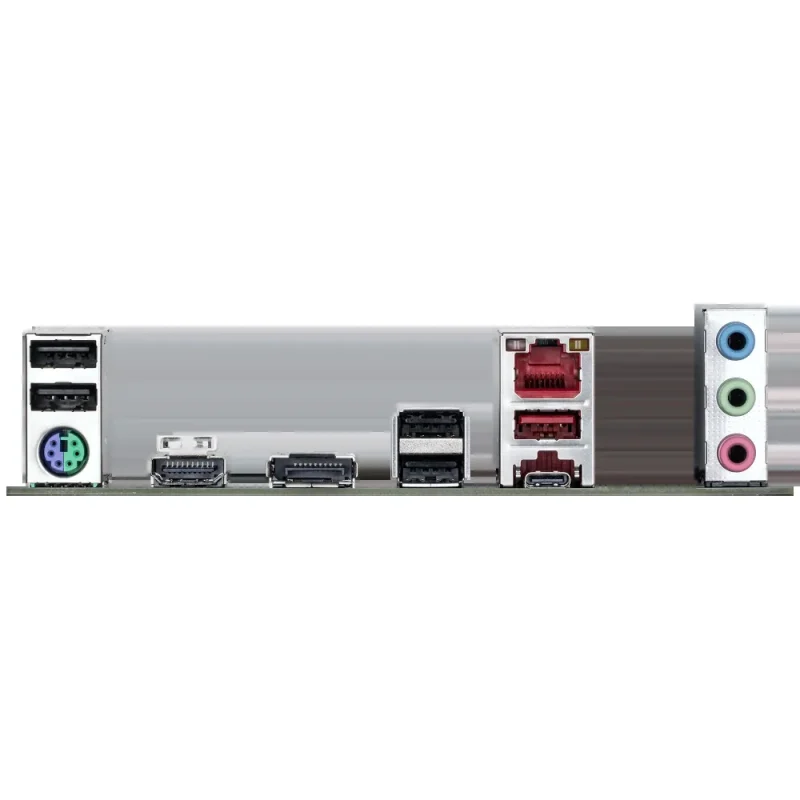
A rear 20 Gb/s USB-C port and 10 Gb/s USB-A port sit alongside HDMI, DisplayPort, four USB 2.0 connections and 2.5GbE networking. A compatible case can expose the internal 5 Gb/s USB-C header. This is the B860 DS3H: Wi-Fi and Bluetooth claims from the separate WIFI6E version do not belong to this listing.

Expansion with context
Give the graphics card its proper lane.
The CPU-connected top slot provides PCIe 5.0 x16 for a graphics card or NVMe SSD. The four other full-length connectors are each wired at PCIe 4.0 x1. Two M-key SSD sockets provide separate CPU Gen5 and chipset Gen4 paths, while four SATA ports support additional drives. Check card thickness, SSD dimensions and the exact revision manual before finalising a build.

Power and cooling
Build the whole system, not just the socket.
Connect both the 24-pin motherboard lead and the 8-pin CPU supply. Six fan or pump headers support the cooling layout, with separate addressable and conventional RGB connections. The manual’s 500 W-or-greater PSU guidance is a starting point for expansion planning; the selected CPU, graphics card and other devices determine the finished system’s requirement.
A considered setup
Match the revision before the first update.
Check the PCB revision, choose the matching CPU and memory support lists, and follow the correct BIOS procedure. Q-Flash and Q-Flash Plus provide documented update routes. Display outputs rely on a suitable processor’s integrated graphics. The Downloads tab keeps revision-specific support pages together so drivers, utilities, manuals and BIOS can be selected for the actual board and operating system.


Reviews
There are no reviews yet.