
Dell KM7120W — Drivers & Downloads
Choose the operating system and inspect applicable Dell peripheral software; no version or latest claim. Some content requires Dell access.
Open official support (opens in a new tab)Checking which support options are available…
Who would you like help from?
Enter your name to begin your live chat with an online consultant.
What can we help you with?
Your details are used only to respond. MatzoBot requests are securely passed to the MatzoTech team.
Your request has been emailed to MatzoTech. A consultant will reply using the email address or mobile number you supplied.

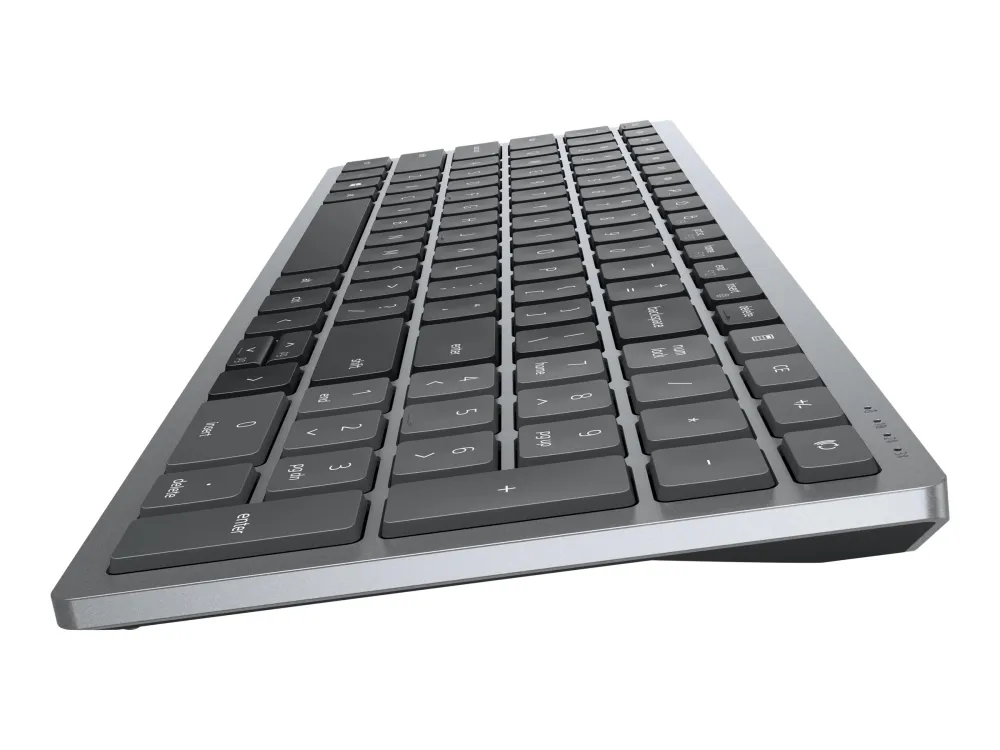
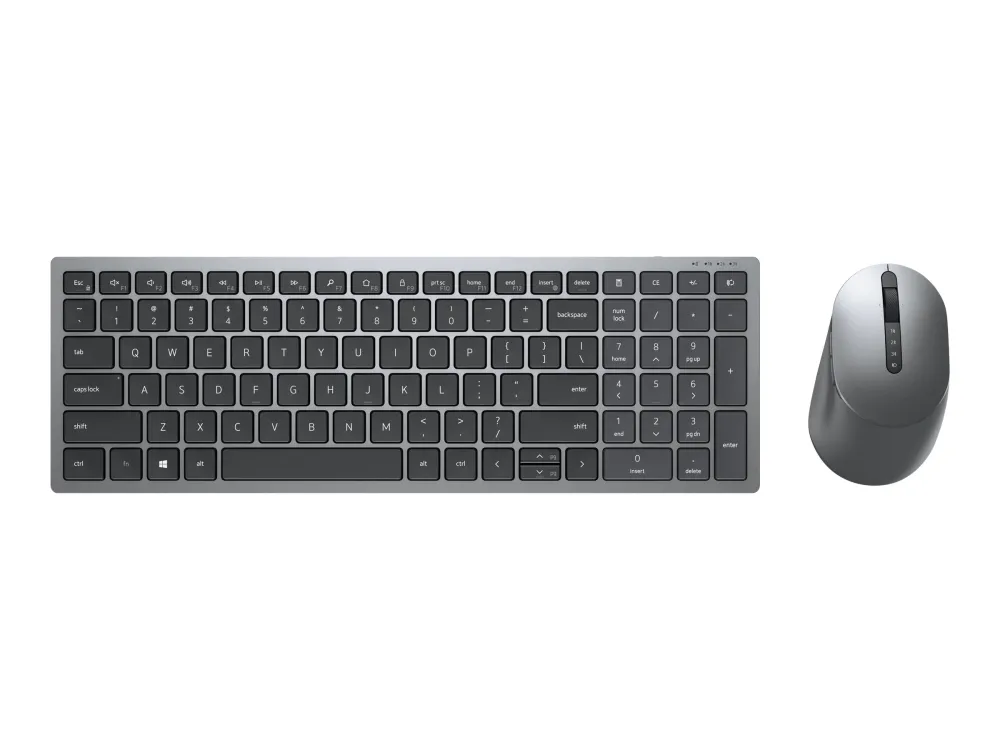
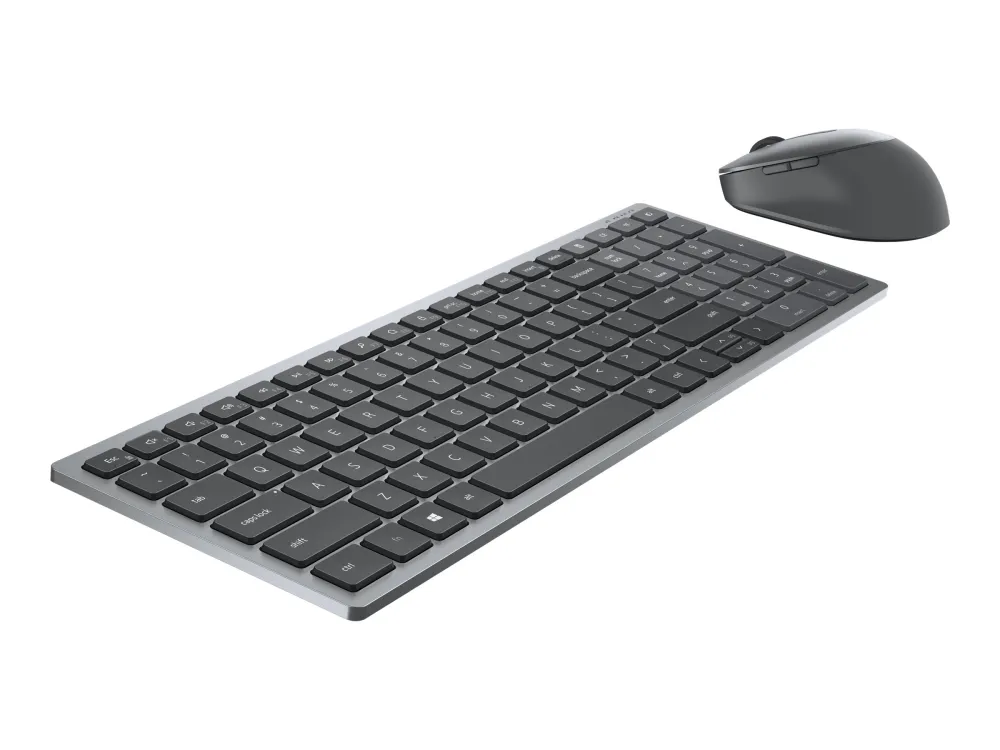
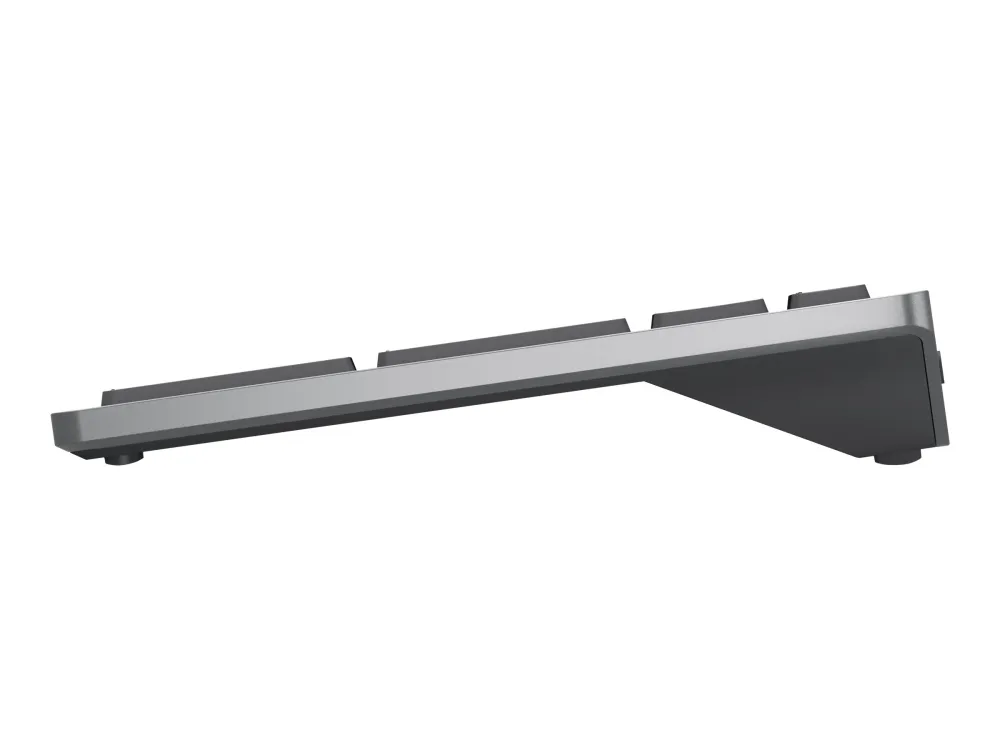
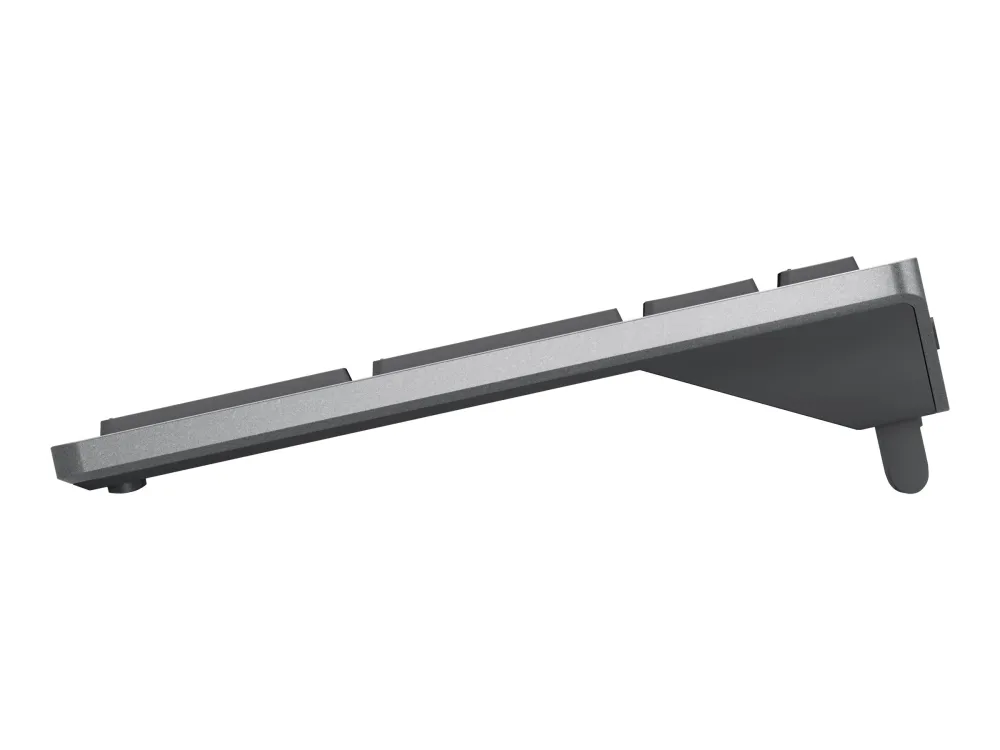
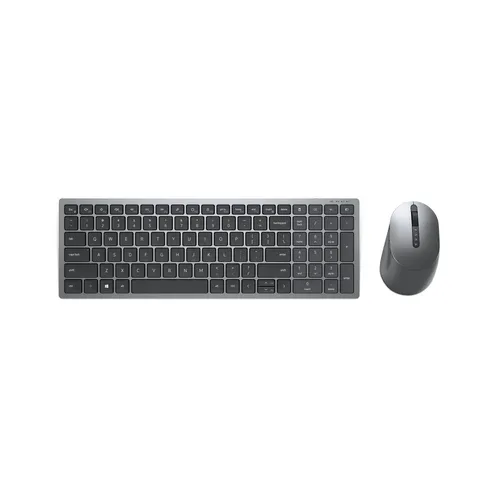
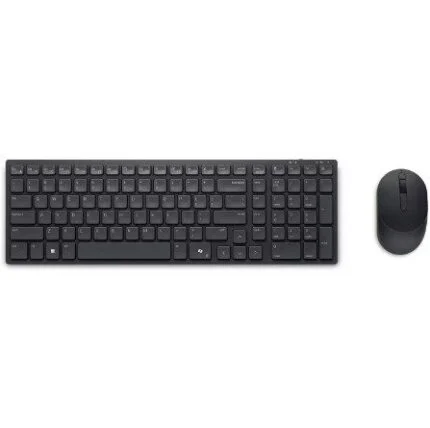
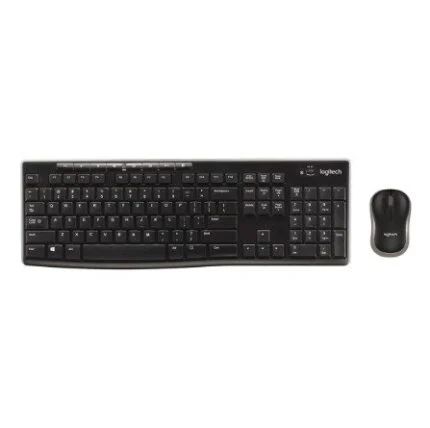
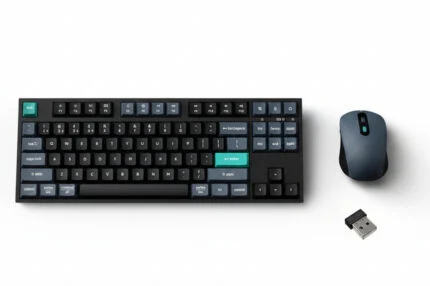
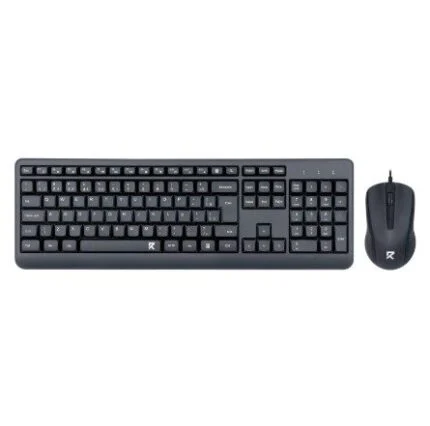
Dell KM7120W 580-AIWM Titan Grey US International wireless keyboard and optical mouse. Numeric keypad, two Bluetooth positions, USB receiver and seven-button tilt-wheel mouse.
R1,199.00
Out of stock
Clear fulfilment, warranty and payment details.
Dell KM7120W • US International
A compact scissor-key keyboard with a numeric keypad, paired with a seven-button optical mouse. The Titan Grey KM7120W combines a USB wireless receiver and two Bluetooth connections, keeping familiar controls close as you move between devices.
Multi-device working
Connect using the included 2.4GHz USB receiver or Bluetooth 5.0. Two Bluetooth pairing positions and the receiver connection accommodate up to three compatible devices. Use the connection controls to select the device you want to work with; this is device switching, not a promise of shared clipboard or file transfer.
Compact typing
The two-section keyboard combines US International QWERTY keys and a numeric keypad in a 363.4mm-wide body. Scissor mechanisms and chiclet keycaps provide a low-profile typing surface. Adjustable tilt supports your preferred angle, while function-row shortcuts put media, search, volume and system controls within reach. Exact printed legends can differ from illustrative photographs.
Mouse control
The optical mouse has seven buttons, five programmable through supported Dell software, and a tilt scroll wheel for horizontal navigation. Its default resolution is 1600dpi; Dell also lists software-selectable 1000, 2400 and 4000dpi settings for this family. Customisation availability depends on the installed utility, operating system and device revision.
Power and compatibility
The keyboard takes two AA batteries and the mouse one AA battery, with three batteries listed in the package. Dell advertises up to 36 months of family battery life; actual life depends on usage and conditions. Bluetooth requires a compatible Bluetooth Low Energy host. Swift Pair requires supported Windows software, while ordinary keyboard and mouse use is distinct from the Dell customisation utility.
Support and setup
Windows, macOS, Linux, ChromeOS and Android appear in Dell’s compatibility information, but not every platform supports every connection or programmable function. Use the exact KM7120W support page to select the operating system and review applicable software and documentation. The stated three-year Advanced Exchange service is subject to diagnosis, return requirements and regional availability; confirm coverage for the supplied unit.
| Manufacturer | Dell |
|---|---|
| Model | KM7120W Multi Device Wireless Keyboard and Mouse |
| Dell part / supplied SKU | 580-AIWM |
| Manufacturer part cross-reference | DV205 in Dell’s 580-AIWM category listing |
| Layout | US International QWERTY, numeric keypad |
| Colour | Titan Grey |
| Condition | New |
| Connections | 2.4GHz RF through USB wireless receiver; Bluetooth 5.0 |
| Device positions | One receiver connection and two Bluetooth positions; up to three devices |
| Bluetooth prerequisite | Compatible Bluetooth Low Energy host |
| Swift Pair | Supported Windows systems; Dell footnote specifies Windows 10 version 1803 onward |
| Mechanism | Scissor keys with chiclet keycaps |
|---|---|
| Design | Compact two-section layout with numeric keypad |
| Tilt | Adjustable |
| Programmable function keys | F1–F12 through applicable Dell software |
| Shortcuts | Search, mute, play/pause, previous/next track, volume, system lock, print screen and home page; functions vary by OS |
| Width × depth × height | 363.4 × 121.8 × 25.3mm, published product specification |
| Weight | 510g, published product specification; excludes batteries |
| Battery | 2 × AA replaceable batteries |
| Sensor | Optical |
|---|---|
| Default resolution | 1600dpi |
| Selectable resolution | 1000 / 1600 / 2400 / 4000dpi through supported Dell software; verify installed utility/revision |
| Buttons | 7 total, 5 programmable through supported software |
| Scroll wheel | Mechanical, with tilt for horizontal scrolling |
| Width × depth × height | 69.7 × 114.5 × 41.6mm |
| Weight | 84g; excludes battery |
| Battery | 1 × AA replaceable battery |
| Battery-life scope | Dell advertises up to 36 months for the family; usage and conditions affect actual life. Separate supplied 12-month mouse claim not independently reconciled |
|---|---|
| OS family compatibility | Windows, macOS, Linux, ChromeOS and Android; version, connection and feature support vary |
| Customisation | Dell Peripheral Manager / supported successor utility; use exact product support page for applicable OS and device revision |
| Software functions | Applicable utility can configure shortcuts, pointer resolution and device status; not guaranteed across all operating systems |
| Package | Keyboard, mouse, USB receiver, 3 AA batteries and documentation as listed by Dell |
| Stated service | 3-year Advanced Exchange; diagnosis, defective-unit return and country availability conditions apply |
| Local service entitlement | Confirm against supplied unit and regional terms; no guaranteed next-day replacement claim |
US International layout is specified by part 580-AIWM; images illustrate the KM7120W family and do not guarantee every printed key legend. Battery life, software features and service availability depend on configuration, use and regional terms.
Use official support resources for this product. Each link opens in a new tab.
Choose the operating system and inspect applicable Dell peripheral software; no version or latest claim. Some content requires Dell access.
Open official support (opens in a new tab)Exact family setup and reference documentation. Check keyboard layout and revision before applying instructions.
Open official support (opens in a new tab)Compare 2–5 products side by side
Help other shoppers by sharing an honest review.
Write a reviewYou are offline. Reconnect to check prices and shop.

Reviews
There are no reviews yet.