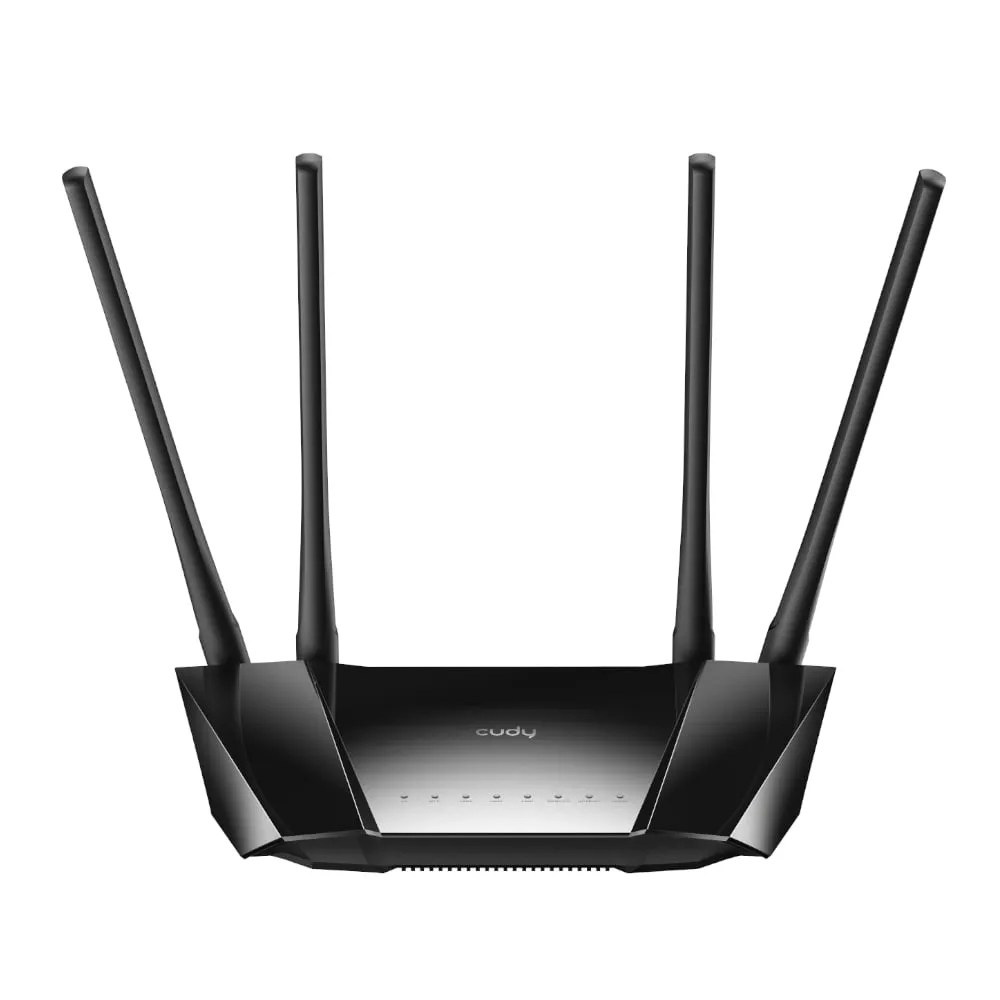
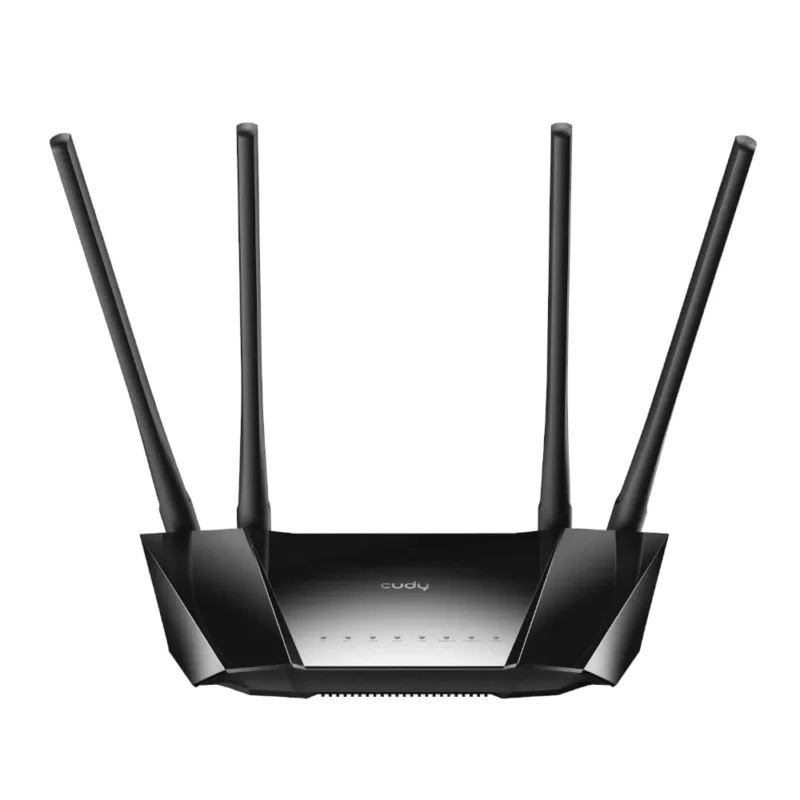
CUDY LT400 · INDOOR 4G LTE ROUTER
Share a 4G connection over Wi-Fi and Ethernet
Insert a compatible nano-SIM to use 4G LTE as your internet connection. The indoor LT400 shares that connection over 2.4 GHz Wi-Fi and has four Fast Ethernet ports for nearby wired equipment.

CELLULAR
Set up a connection with a compatible nano-SIM
Use an activated nano-SIM and check the network’s bands against the region on the router label. Signal, cell load and the data plan affect real-world speed. Manual APN settings are available when the carrier requires them.
WIRED AND WIRELESS
Connect nearby equipment without relying on Wi-Fi
A configurable WAN/LAN port can take an Ethernet internet feed. Use the other ports to wire devices such as a desktop, printer or recorder. Wireless devices join the 2.4 GHz network, whose rated link speed is up to 300 Mbps.
INDOOR INSTALLATION
Place the router where the SIM signal is strongest
Set the LT400 on a shelf or use its indoor wall-mounting option, then power it with the supplied DC adapter. Cudy’s outdoor PoE model is a separate product. Check the status indicators after moving the router.
CONTROL
Choose the support files by hardware revision
Use the local setup page to configure the SIM connection, guest Wi-Fi or wireless schedule. Cudy documents VPN client and server options. Confirm the features in the firmware for the hardware revision printed on the underside.

Reviews
There are no reviews yet.