
NETWORK
Add wired connections where you need them
Each RJ45 port can negotiate 10, 100 or 1,000 Mbps. Connect the router and your other Ethernet devices with suitable cables and check the link and activity LEDs to confirm their connections.
Checking which support options are available…
Who would you like help from?
Enter your name to begin your live chat with an online consultant.
What can we help you with?
Your details are used only to respond. MatzoBot requests are securely passed to the MatzoTech team.
Your request has been emailed to MatzoTech. A consultant will reply using the email address or mobile number you supplied.

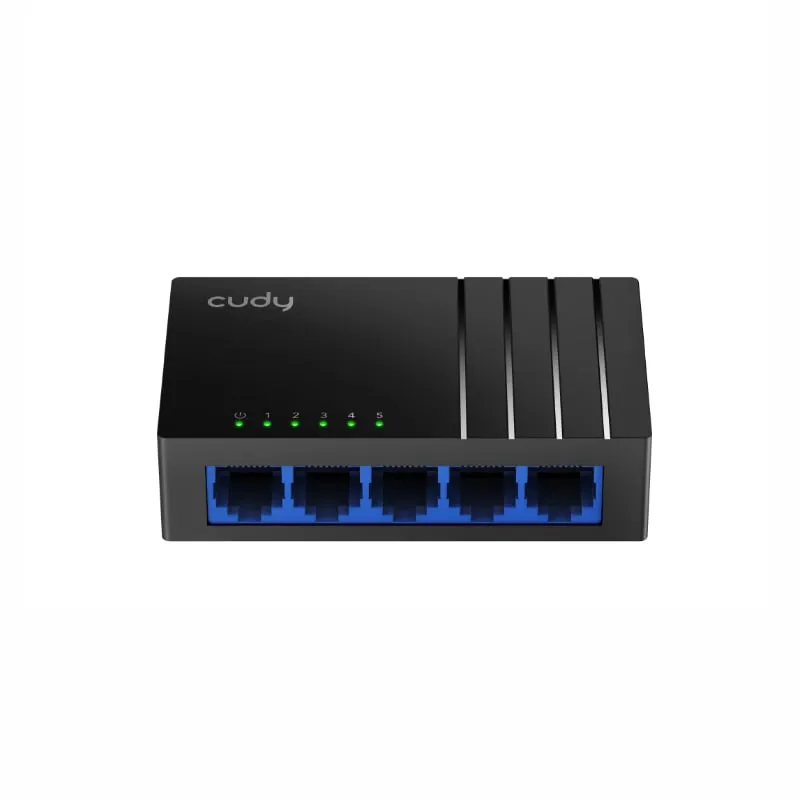
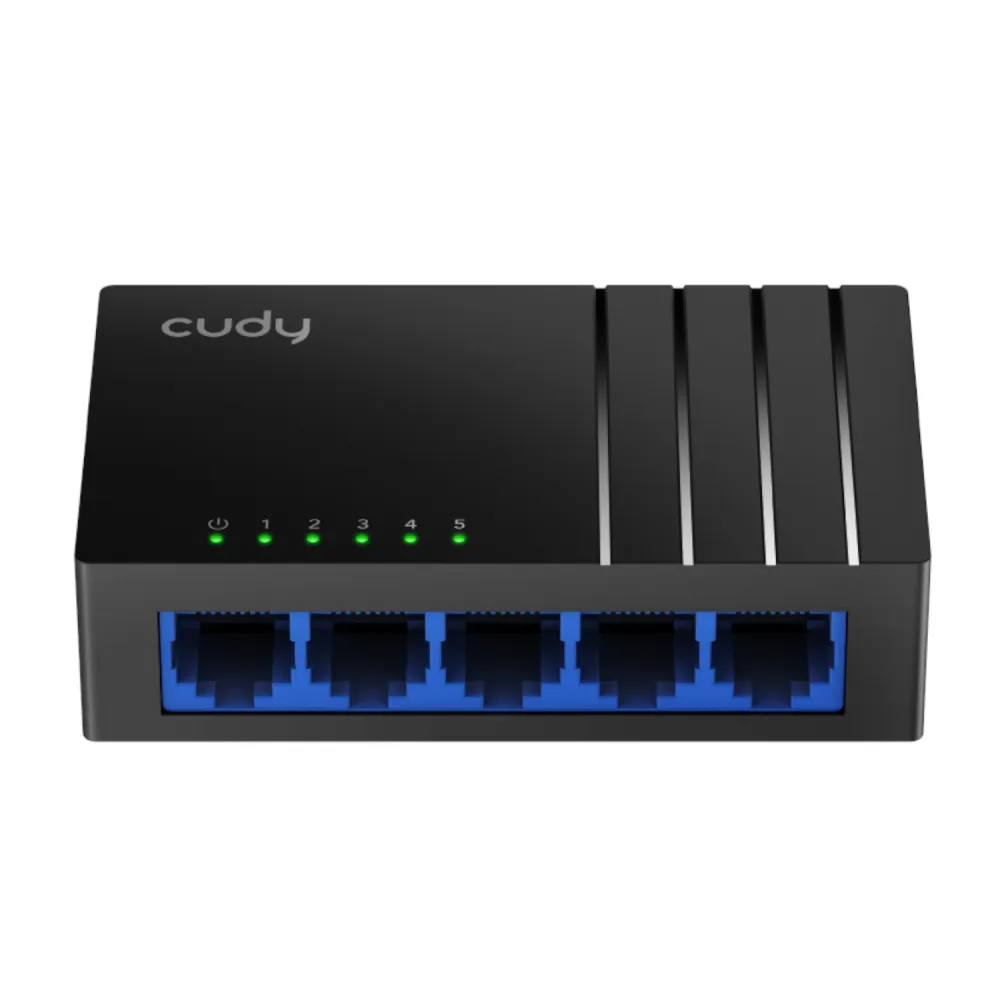
Cudy GS105D five-port Gigabit desktop and wall-mount switch. The black DC-jack configuration shown matches Cudy’s documented 4.0 hardware.
R149.00
Supplier has stock — 10 avail
Clear fulfilment, warranty and payment details.
CUDY · GS105D
Connect a router, computers and other wired devices through five auto-negotiating Ethernet ports. The black GS105D shown here fits on a desk or mounts to a wall using the slots on its underside.
NETWORK
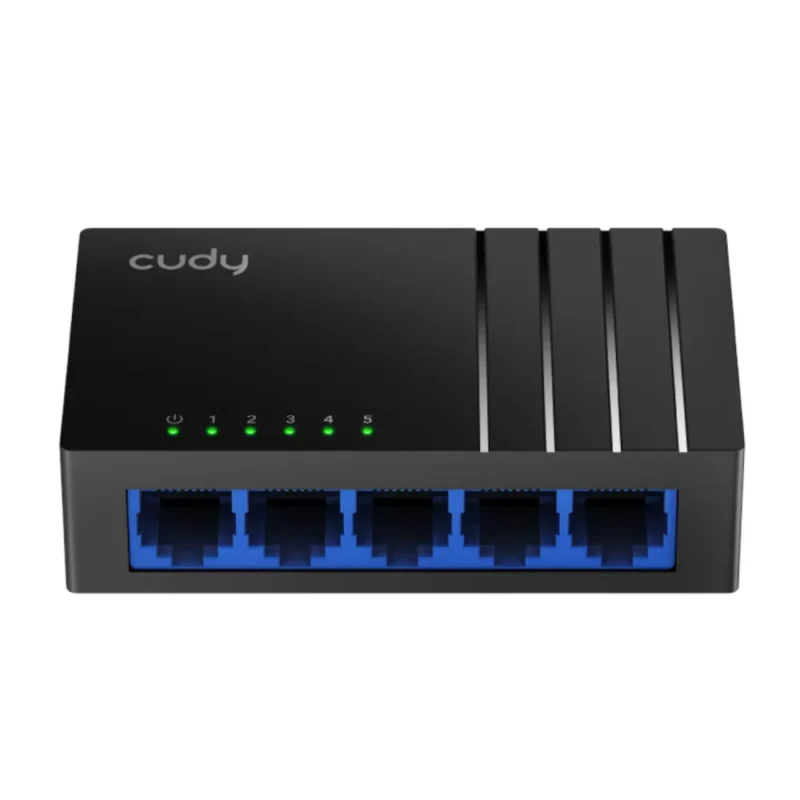
Each RJ45 port can negotiate 10, 100 or 1,000 Mbps. Connect the router and your other Ethernet devices with suitable cables and check the link and activity LEDs to confirm their connections.
CABLING
Cudy rates the documented 4.0 revision for up to 140 m at Gigabit over Cat 5e or better cabling. Confirm the revision on the switch label and check the link at the installed distance.
INSTALLATION
The black case has two underside mounting holes. The documented 4.0 unit uses an external 5 V adapter and lowers power use when ports are idle.
Check the model and hardware revision on the switch label before using the installation guide.
| Model | GS105D |
|---|---|
| Documented configuration | Black DC-jack design matching Cudy 4.0. Confirm the shipped revision on the unit label. |
| Ethernet ports | 5 × RJ45 with 10/100/1000 Mbps auto-negotiation |
| Switching capacity | 10 Gbps |
| Forwarding rate | 7.44 Mpps |
| MAC address table | 2,048 entries |
| Packet buffer | 3 Mbit |
| Jumbo frames | Up to 15 KB |
| Forwarding | Store-and-forward; auto MDI/MDIX |
| Ethernet standards | IEEE 802.3i, 802.3u, 802.3ab and 802.3x |
| Rated reach (4.0) | 10 Mbps: 100 m on Cat 3 or better; 100 Mbps: 100 m on Cat 5 or better; Gigabit: 140 m on Cat 5e or better |
| Indicators | Power and link/activity per Ethernet port |
|---|---|
| Power input | 5 V DC, 0.55 A (4.0) |
| Adapter input | 100–240 V AC, 50/60 Hz (4.0) |
| Power draw | 2 W maximum, 1.4 W idle (4.0) |
| Case dimensions | 88 × 52.5 × 24 mm |
| Installation | Desktop or wall mount |
| Package (4.0) | Switch, power adapter and installation guide |
| Warranty | 12 months as listed for this offer |
| Operating temperature | 0–40 °C |
|---|---|
| Storage temperature | −40 to 70 °C |
| Operating humidity | 10–90%, non-condensing |
| Storage humidity | 5–90%, non-condensing |
| Manufacturer immunity ratings | 2 kV surge; 4 kV contact ESD; 8 kV air ESD (4.0) |
Check the model and hardware revision on the switch label before using the installation guide.
Use official support resources for this product. Each link opens in a new tab.
Select the installation guide or datasheet after checking that the switch label identifies hardware revision 4.0.
Open official support (opens in a new tab)Help other shoppers by sharing an honest review.
Write a reviewYou are offline. Reconnect to check prices and shop.


Reviews
There are no reviews yet.