
CORSAIR • CW-9061021-WW
Cooling, colour and connections, considered together.
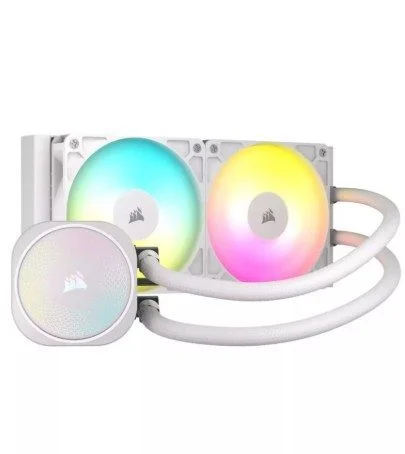
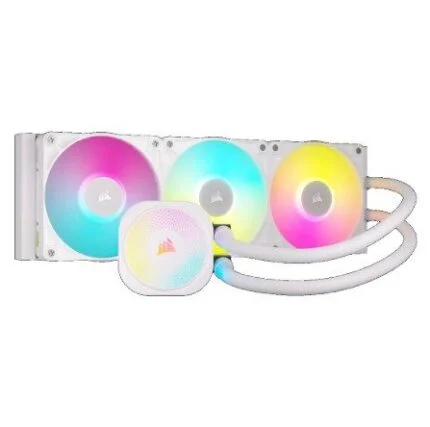
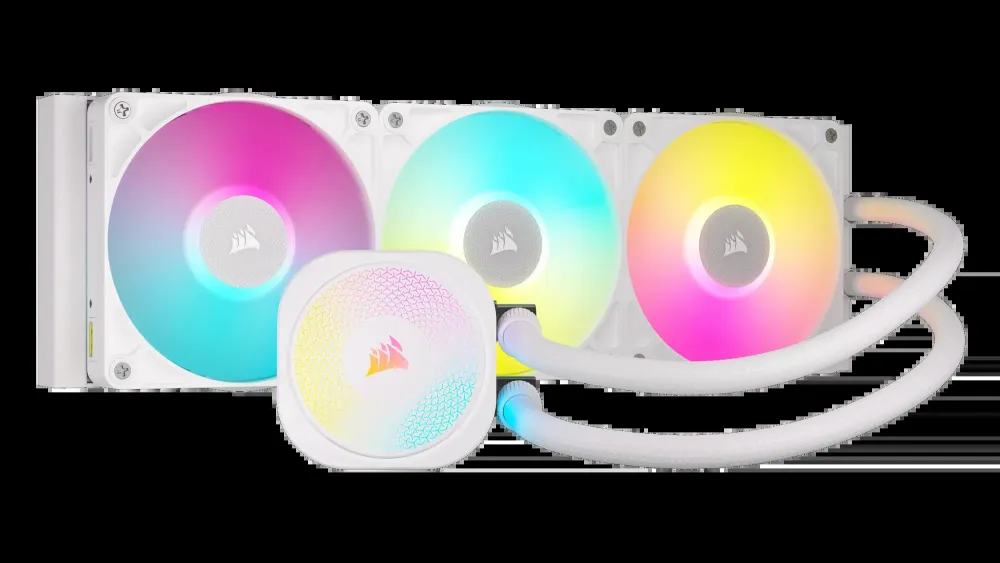
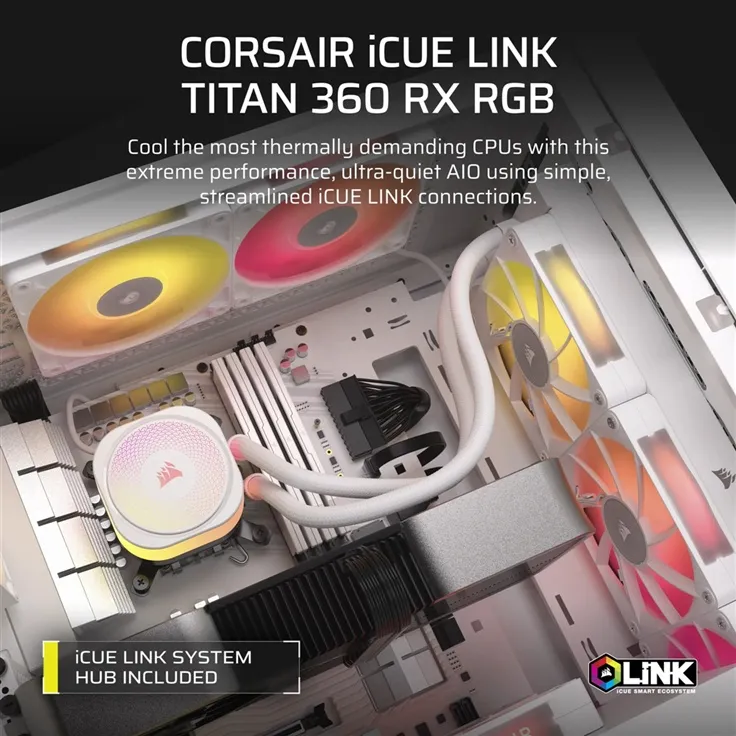
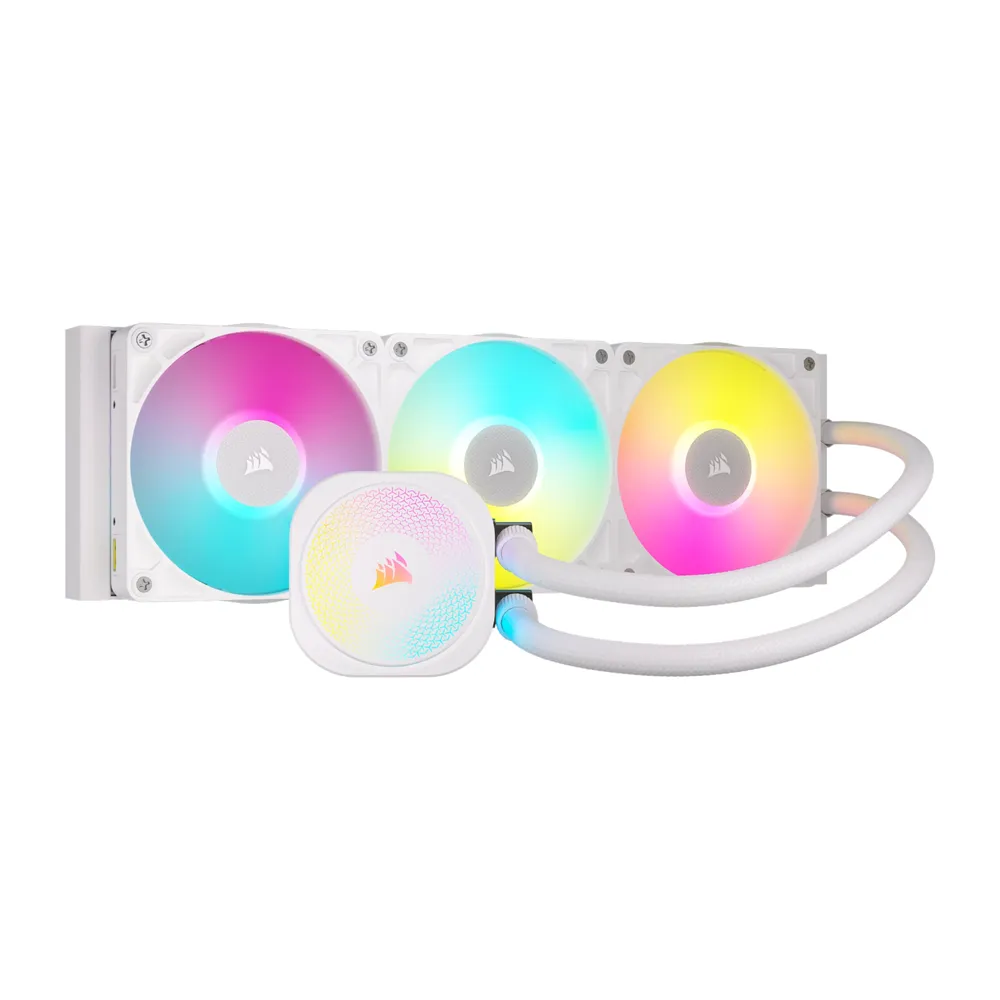
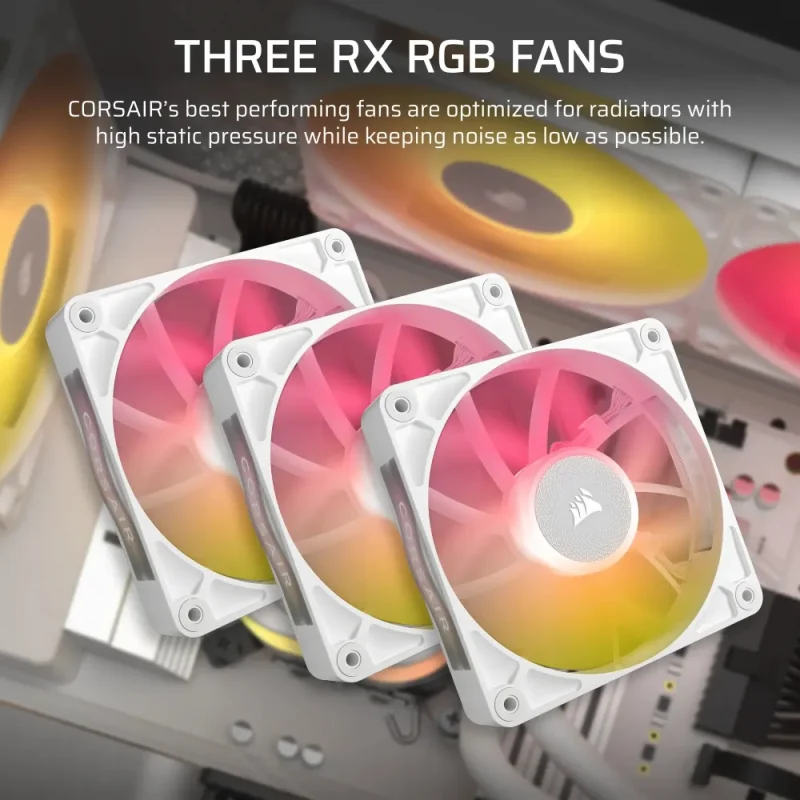
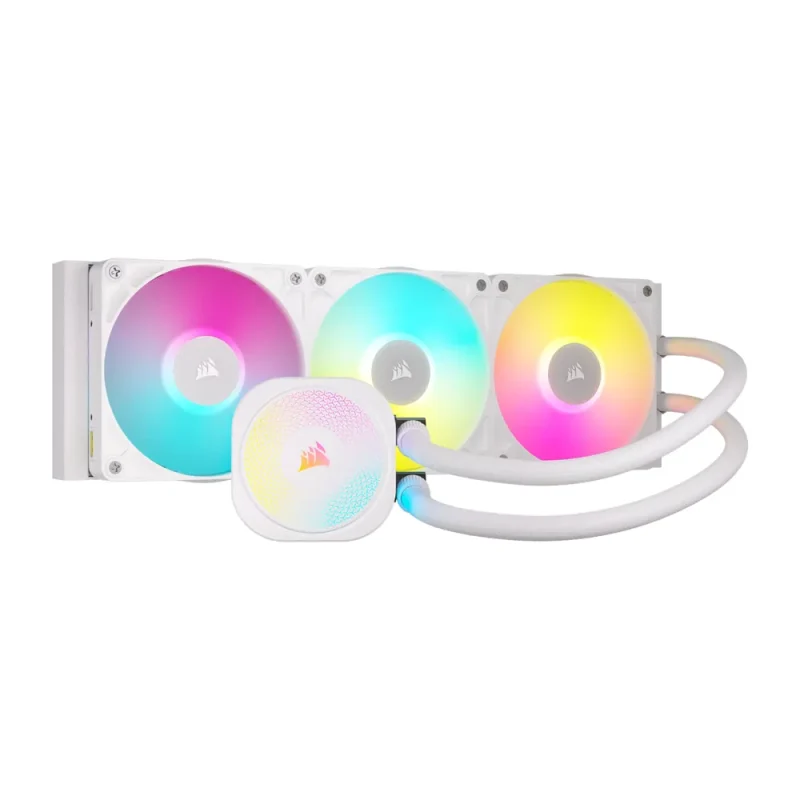
The white iCUE LINK TITAN 360 RX RGB combines a 360mm radiator, three RX120 RGB fans and the FlowDrive pump in a coordinated liquid-cooling assembly. The included iCUE LINK System Hub brings supported lighting and cooling control together, while the standard illuminated pump cap can be changed with a separate CapSwap module.

FlowDrive
A pump designed around the cold plate.
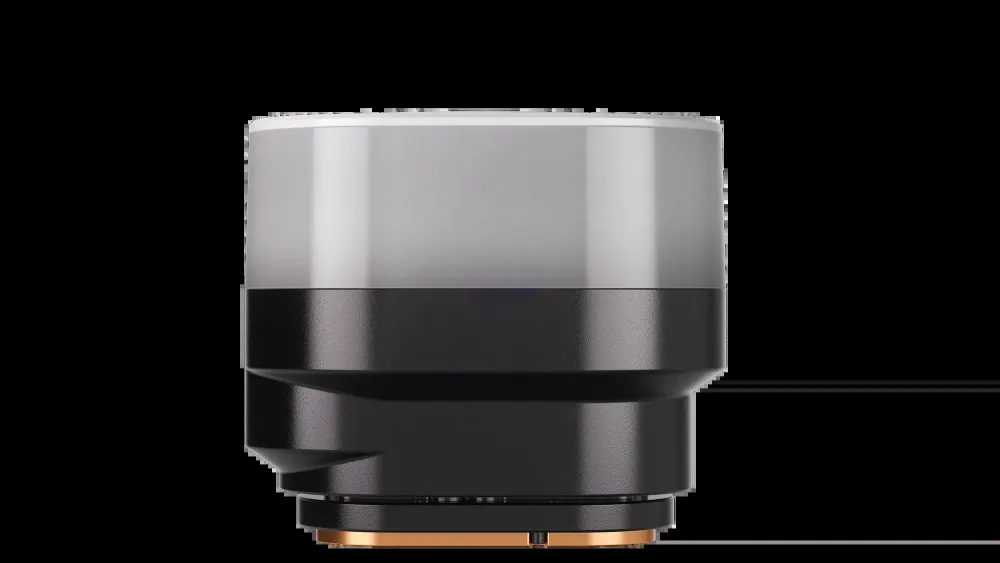
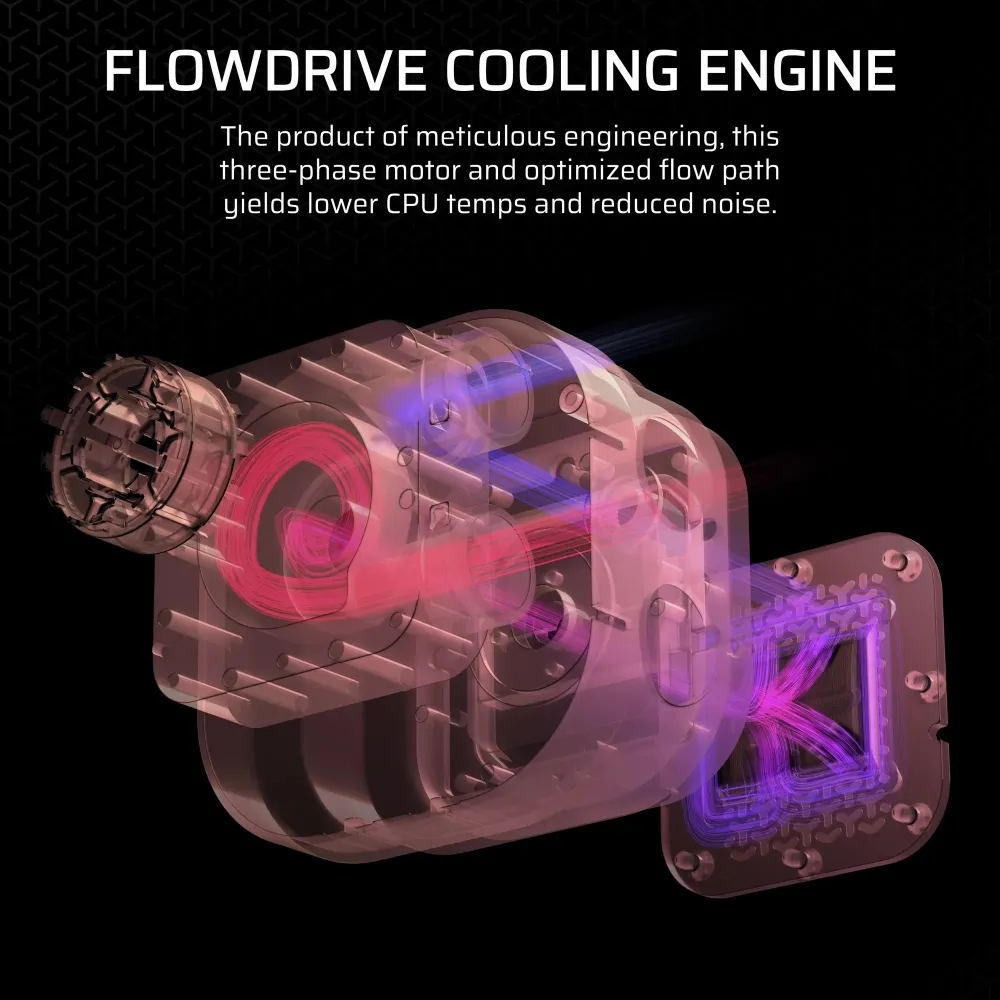
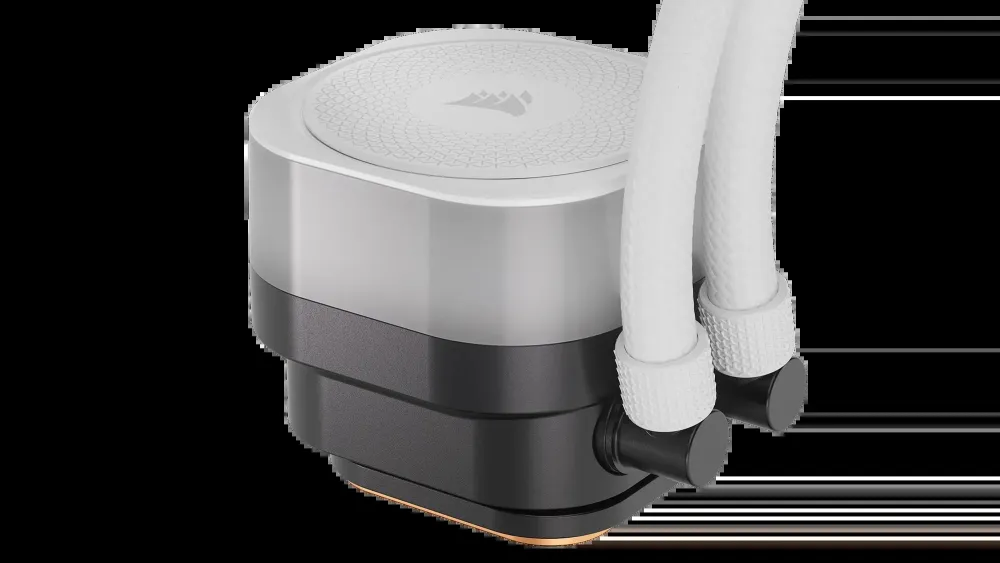
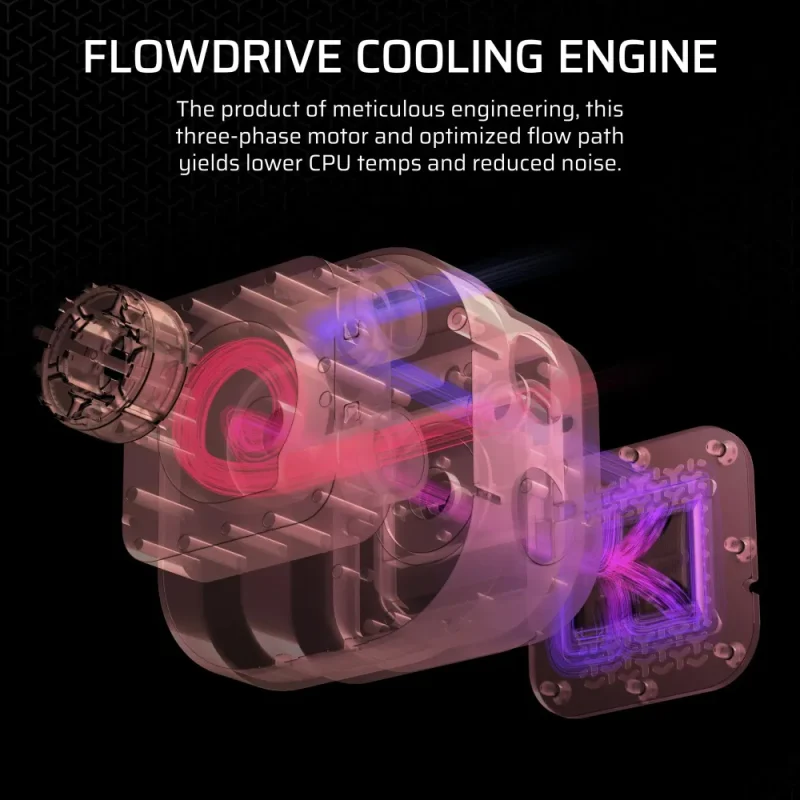
The FlowDrive cooling engine uses a three-phase motor and copper cold plate. Low-permeation sleeved tubing extends 450mm between the radiator and pump assembly. Plan the route so the tubing can sit naturally without tight bends or pressure against nearby components.

The complete kit
Start with the supplied assembly.
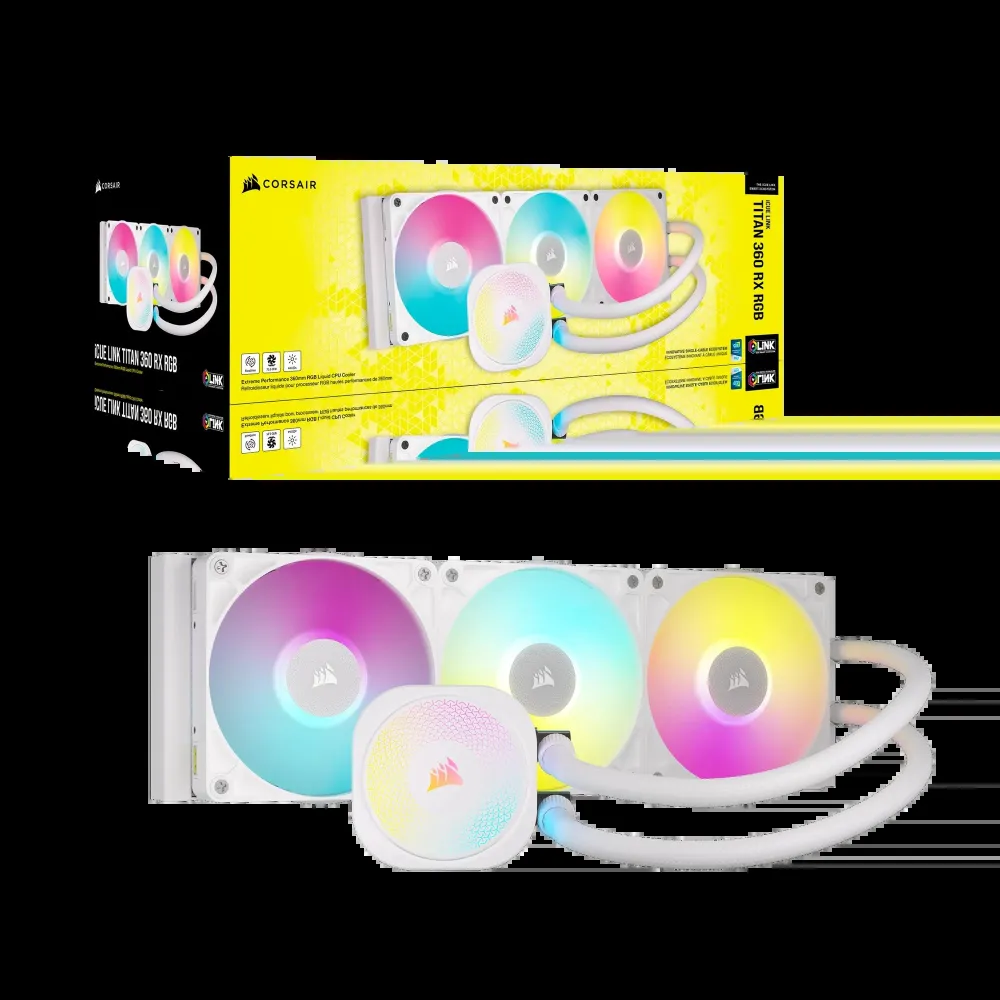
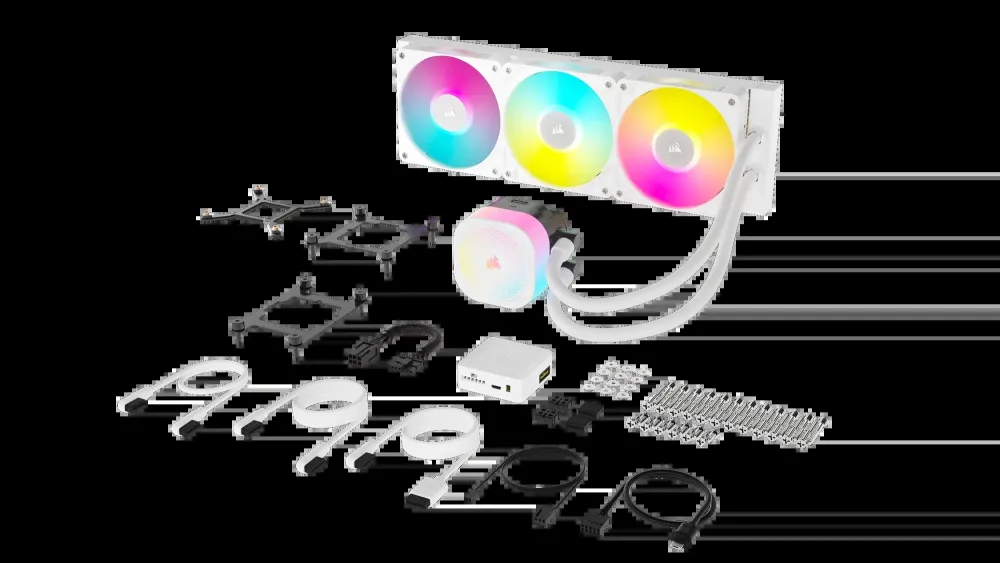
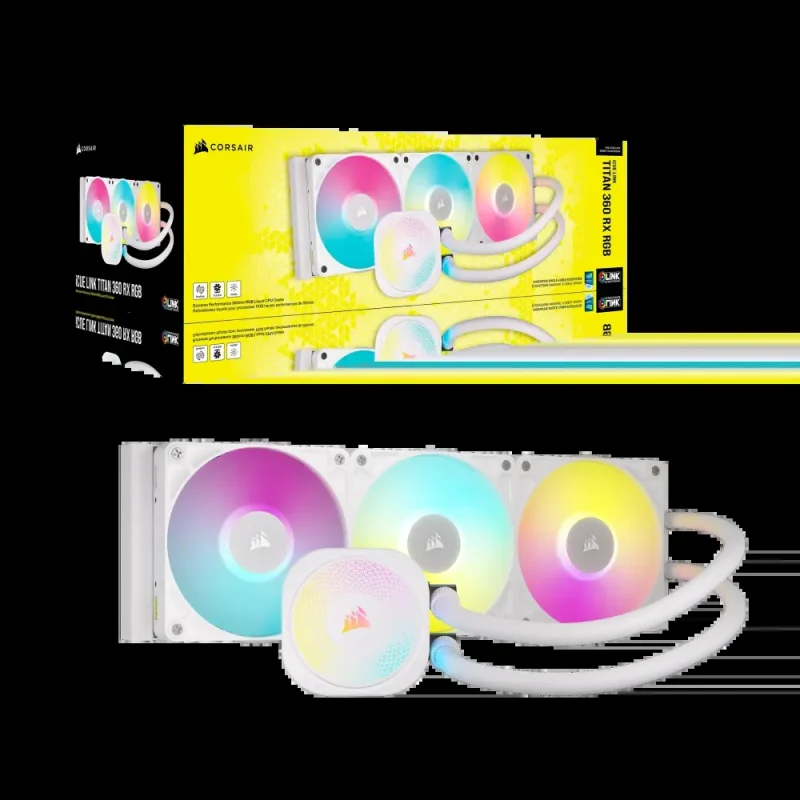
The white TITAN 360 RX RGB package brings together the pump/radiator assembly, three RX120 RGB fans, the iCUE LINK System Hub and the specified mounting and connection hardware. Optional pump-cap modules and additional case fans are separate. The box-and-product view identifies the white 360mm RGB configuration.

The heat path
A closer look at the cooling engine.
The illustrated cutaway shows the pump and cold-plate architecture inside the TITAN RX RGB family. Heat passes from the CPU’s heat spreader through the copper cold plate into the liquid-cooling circuit, with the radiator and fans rejecting it to the surrounding air. Correct contact and case airflow are both part of that path; the diagram does not establish a temperature or wattage guarantee.

Lighting and finish
A white assembly with room to personalise.
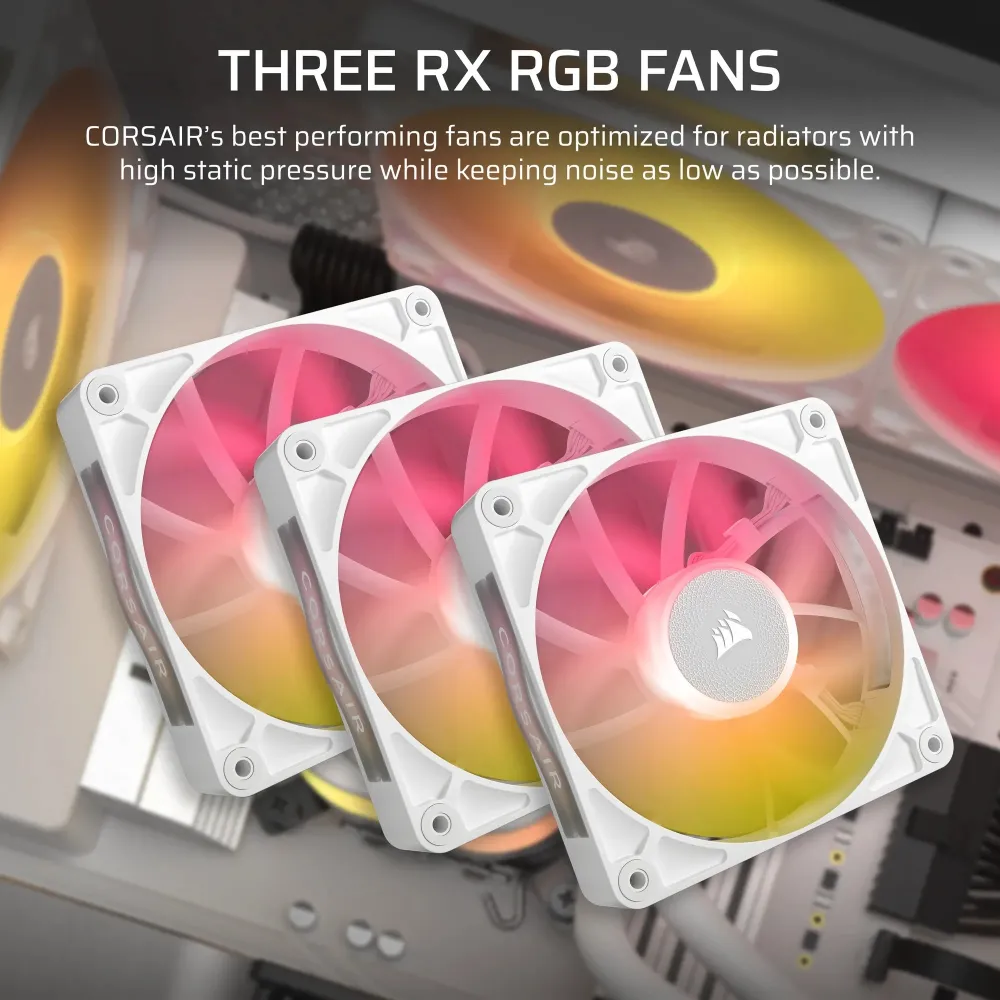
The standard pump cap contains 20 individually addressable LEDs, with eight on each RX RGB fan. Decorative fan side plates provide a choice of appearance. Tool-free CapSwap modules can change the cap’s look or function; optional modules and any LCD upgrade are separate purchases, not included display features.

iCUE LINK
Connect the system before closing the case.
The included System Hub connects supported LINK devices into a controlled chain. Follow the guide for the hub’s PCIe power connection, motherboard USB connection and tach lead; LINK connections are not standard fan or ARGB headers. Use supported iCUE software to configure lighting and cooling, and check the hub’s device limits before adding further components.

Chassis clearance
Plan around the assembled thickness.
The radiator body measures 396 ×120 ×27mm, with 25mm fans adding to its thickness before mounting clearance is considered. Check the case’s top or front mounting position, nearby motherboard components, memory and graphics card space. The 450mm tubing must reach without tight bends; a 360mm case mounting label alone does not guarantee every installation.

Cooling assembly
Three fans. One planned airflow path.
The 396 × 120 × 27mm aluminium radiator uses three 120mm fans, with a listed 300–2,100RPM range. Fan airflow reaches 73.5CFM and static pressure reaches 4.33mm-H₂O under the manufacturer’s conditions. These are component ratings rather than a promised CPU temperature; the processor, mounting, case ventilation and control profile determine the complete result.

Socket hardware
Use the bracket that belongs to the board.
The included socket hardware supports Intel LGA1851/1700 and AMD AM5/AM4. Follow the guide for the selected socket, including the appropriate backplate and bracket arrangement. The mounting-kit illustration shows the supplied hardware family; it does not add support for older 115x/1200 sockets or unrelated mounting standards.

Finish and ownership
Keep the white build coordinated.
White fans, radiator and sleeved tubing give the assembly a consistent appearance, while iCUE controls the supported lighting and cooling profiles. System examples may show separate cases, motherboards, graphics cards and extra fans. CORSAIR lists a six-year cooling warranty, subject to applicable regional terms and proof of purchase; check compatibility and service requirements for the installation.


Reviews
There are no reviews yet.