Official manufacturer overview
ROG Ryuo IV series — ASUS InfoHub control guide
ROG Global · ROG Ryuo IV series ASUS InfoHub software control guide. Demonstrates software workflows across the series; display hardware and layouts can differ by model. It is not an exact SLC hardware introduction.
Play to load this video from YouTube.
ASUS ROG • Ryuo IV SLC 360 ARGB • Black
A curved display. A carefully planned cooling loop.
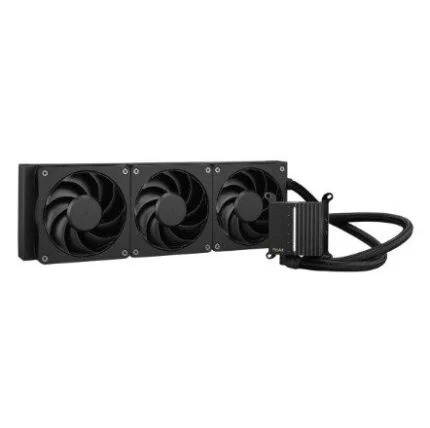
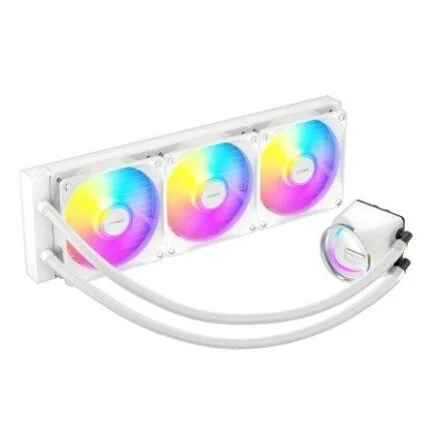
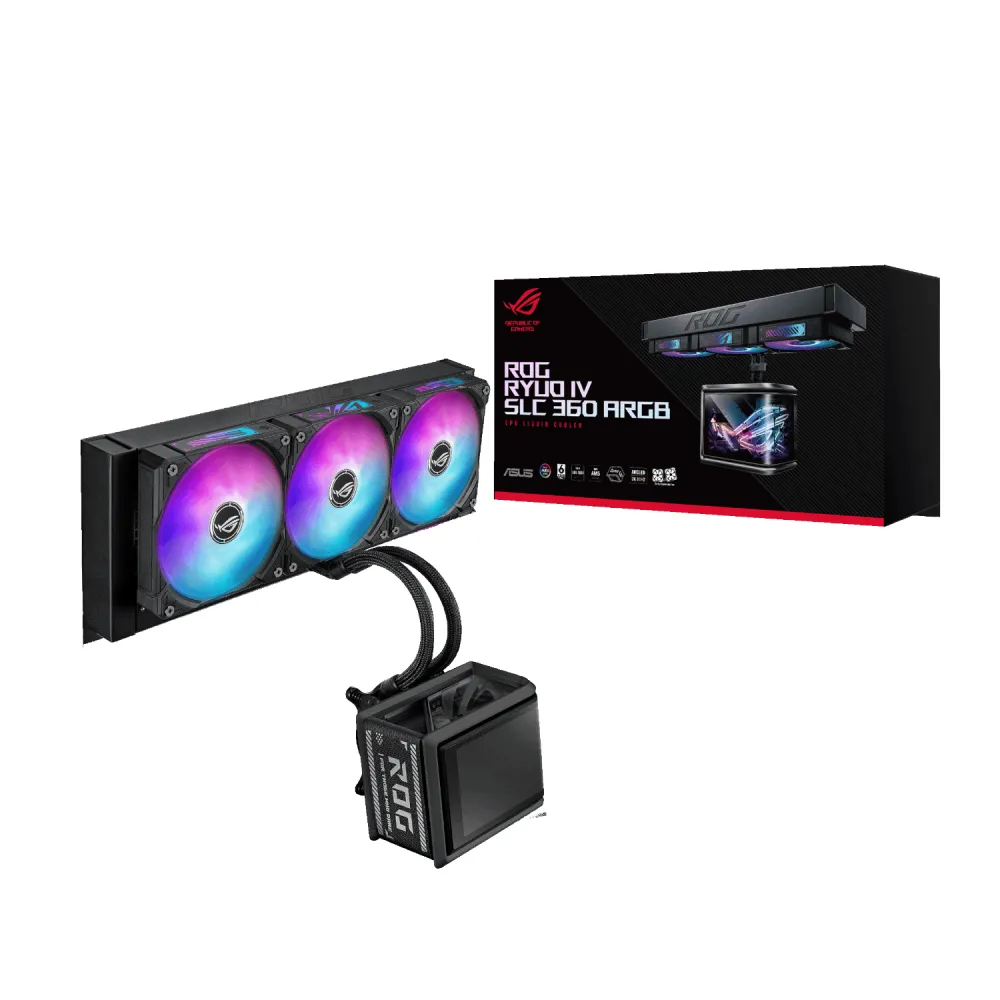
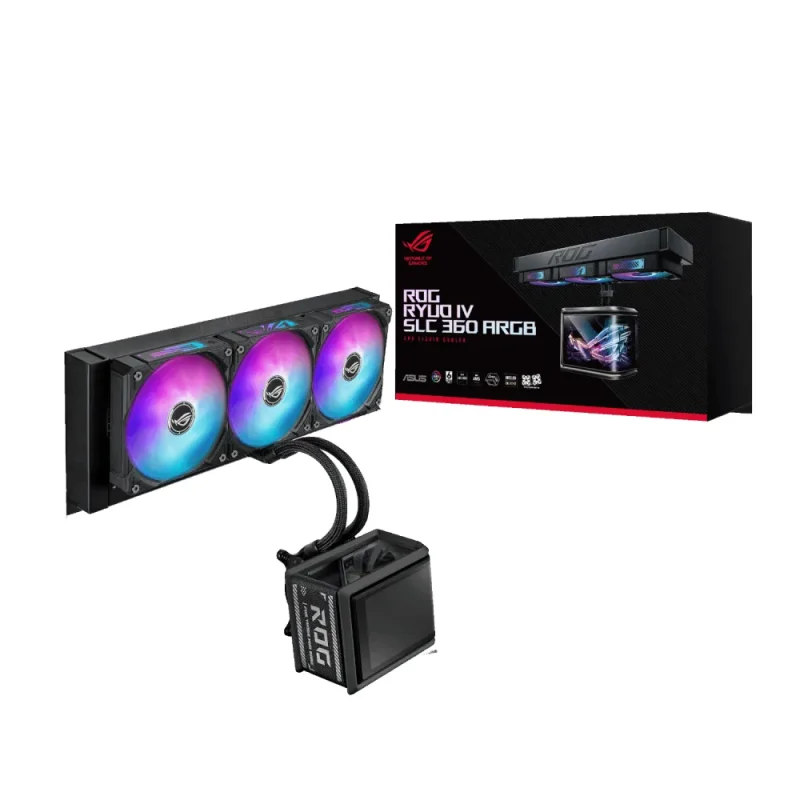
The black ROG Ryuo IV SLC 360 ARGB combines a 360 mm all-in-one radiator, three preinstalled ARGB fans and a 6.67-inch curved AMOLED screen. Its short 200 mm tubes create a distinctive layout, so plan the radiator position and CPU-block clearance together. ASUS specifies 420 mm radiator support for third-party chassis: a standard 360 mm mounting claim alone does not establish fit.

Display
Give your system a visible centrepiece.
The curved 2 K AMOLED panel can show hardware information, images, GIFs and videos through ASUS InfoHub. Split-screen arrangements provide different content areas, while the sliding panel helps accommodate components around the CPU socket. Check the 133 × 105 × 123 mm water-block envelope against nearby memory and motherboard components.
Radiator and pump
Cooling hardware with its own dimensions.
A copper CPU contact plate and pump rated at 1800–3200 RPM ±10% connect to a 394 × 140 × 32 mm aluminium radiator. This is an assembled all-in-one CPU cooler; it is not a component for an open custom loop. The supplied thermal compound is already applied for the initial installation.
Radiator fans
Three fans, connected as a set.
Three ROG RYUO IV MF-12C ARGB fans are preinstalled and daisy-chained. Each 120 × 120 × 25 mm fan is specified at 800–2650 RPM ±10%, with PWM/DC control, 71.44 CFM airflow and 5.45 mm H₂O static pressure. ASUS lists 39.6 dB(A) for the fan specification; actual system noise depends on speed, mounting and the rest of the build.
Short-tube layout
Measure the route before selecting the case.
The 200 mm sleeved FEP tubes and supplied tube fastener suit a deliberately compact route between radiator and CPU block. Check reach, bend clearance, radiator width and the combined radiator-and-fan space. ASUS requires third-party chassis to support a 420 mm radiator, despite this cooler’s 360 mm fan format.
Socket mounting
Match the bracket to the processor platform.
ASUS lists Intel LGA1851 and LGA1700, plus AMD AM5 and AM4. Use the correct supplied mounting hardware and follow the model’s installation instructions. Socket compatibility does not establish clearance around a particular motherboard or guarantee a fit in every compatible-platform case.
Lighting and control
A coordinated display and ARGB presentation.
ASUS Aura Sync supports coordinated lighting, and InfoHub controls the screen content and monitoring presentation. The preconnected fan design combines fan lighting and motor wiring in one cable arrangement. Reserve the motherboard connections required by the exact installation guide; verify the available headers and software operating-system selection before ordering.
In the box and coverage
Keep the cooling and display warranties distinct.
The package includes one CPU liquid-cooling assembly, the three radiator fans, an accessory pack of screws and brackets, pre-applied thermal compound, a tube fastener, ROG sticker, ROG VIP card and quick-start guide. ASUS specifies six years for the AIO module and two years for the display module, subject to applicable regional warranty terms and proof of purchase.

Reviews
There are no reviews yet.