
ASUS NUC 15 Pro Slim drivers and support
Select NUC15CRKC7 and Windows 11 64-bit. Match the model on the unit before choosing BIOS or firmware.
Open official support (opens in a new tab)Checking which support options are available…
Who would you like help from?
Enter your name to begin your live chat with an online consultant.
What can we help you with?
Your details are used only to respond. MatzoBot requests are securely passed to the MatzoTech team.
Your request has been emailed to MatzoTech. A consultant will reply using the email address or mobile number you supplied.

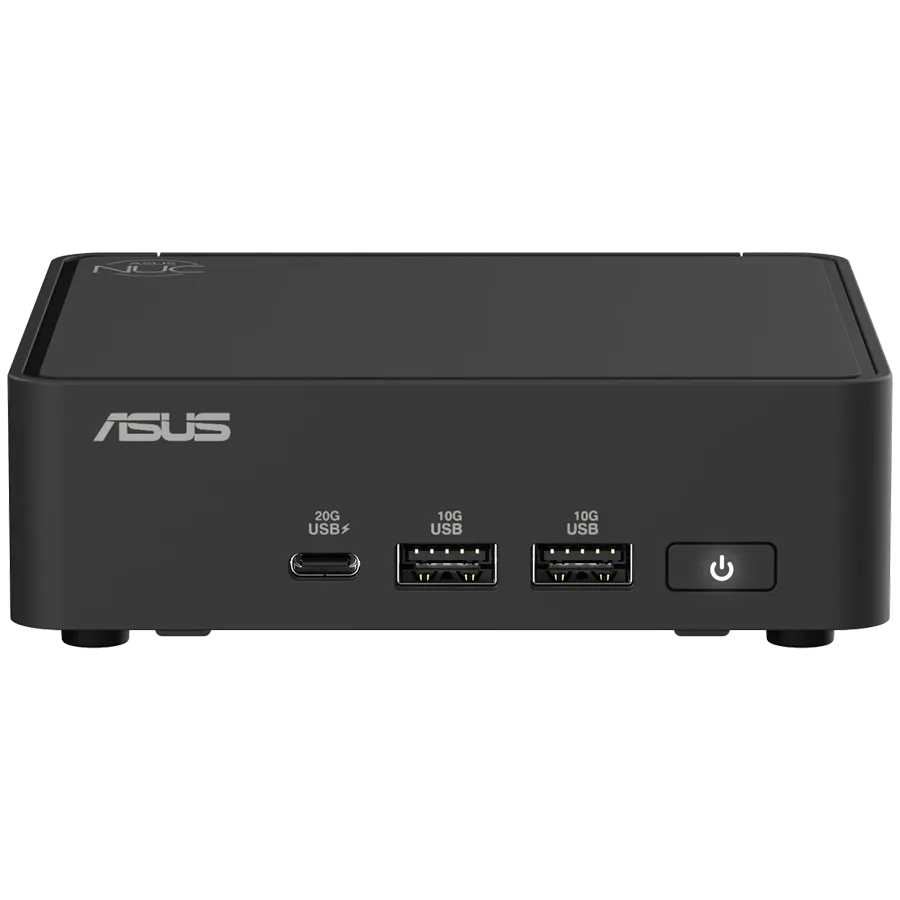
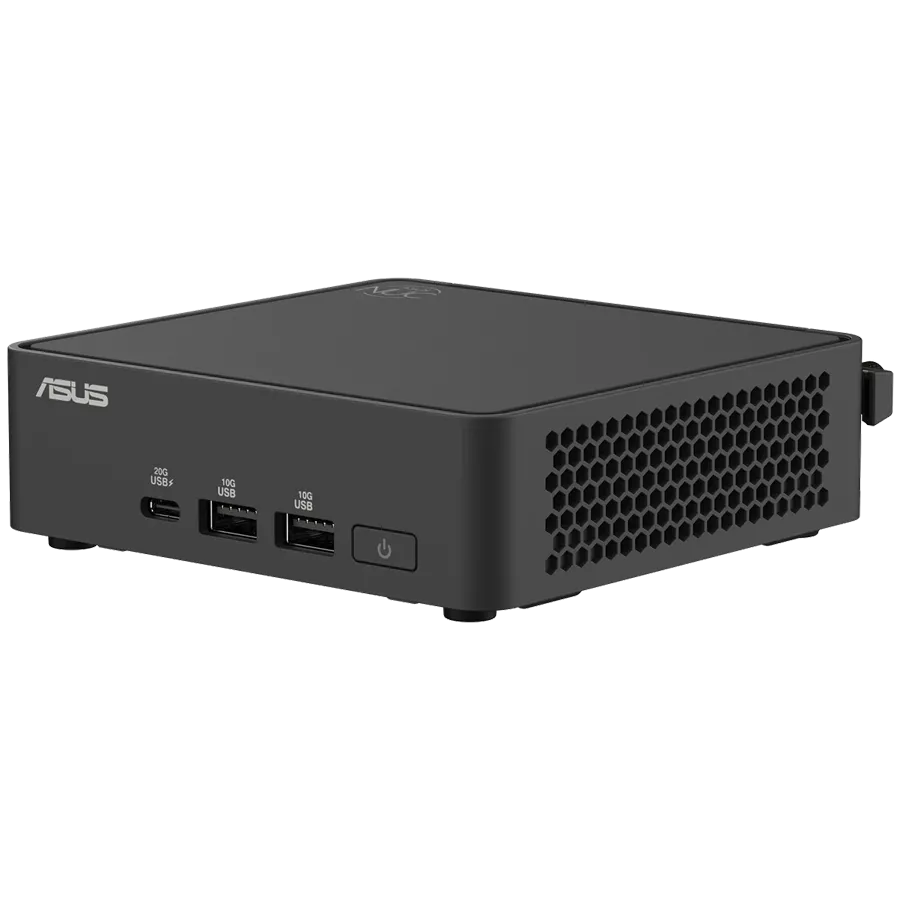
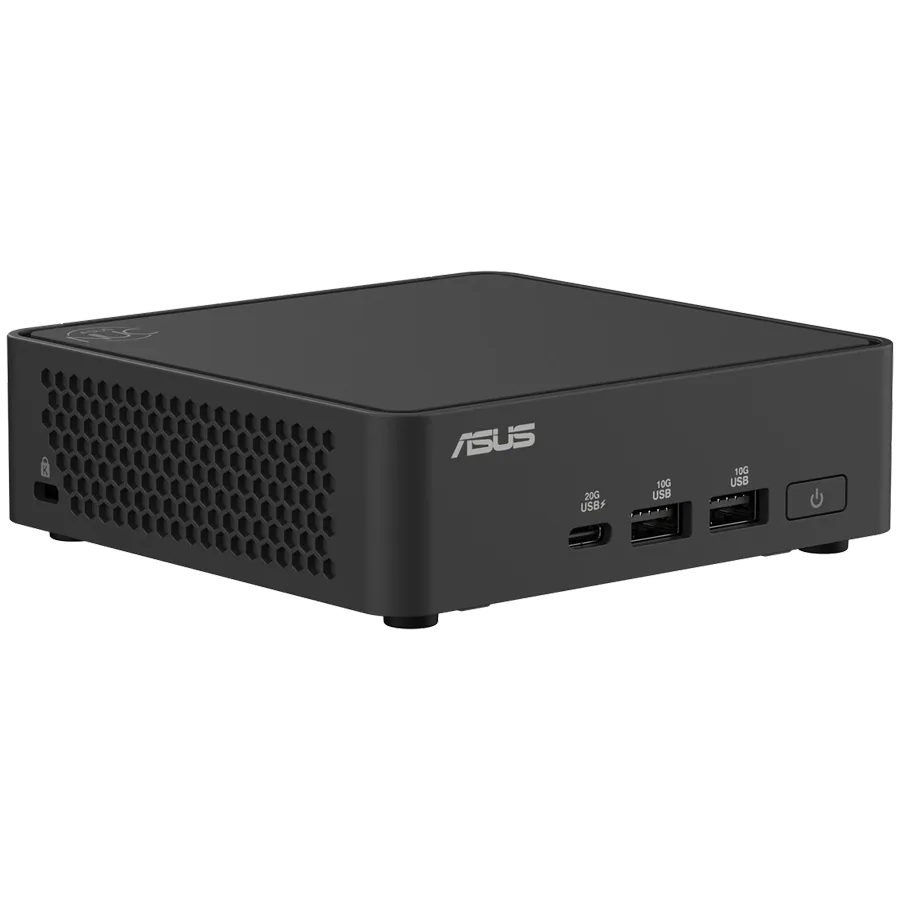
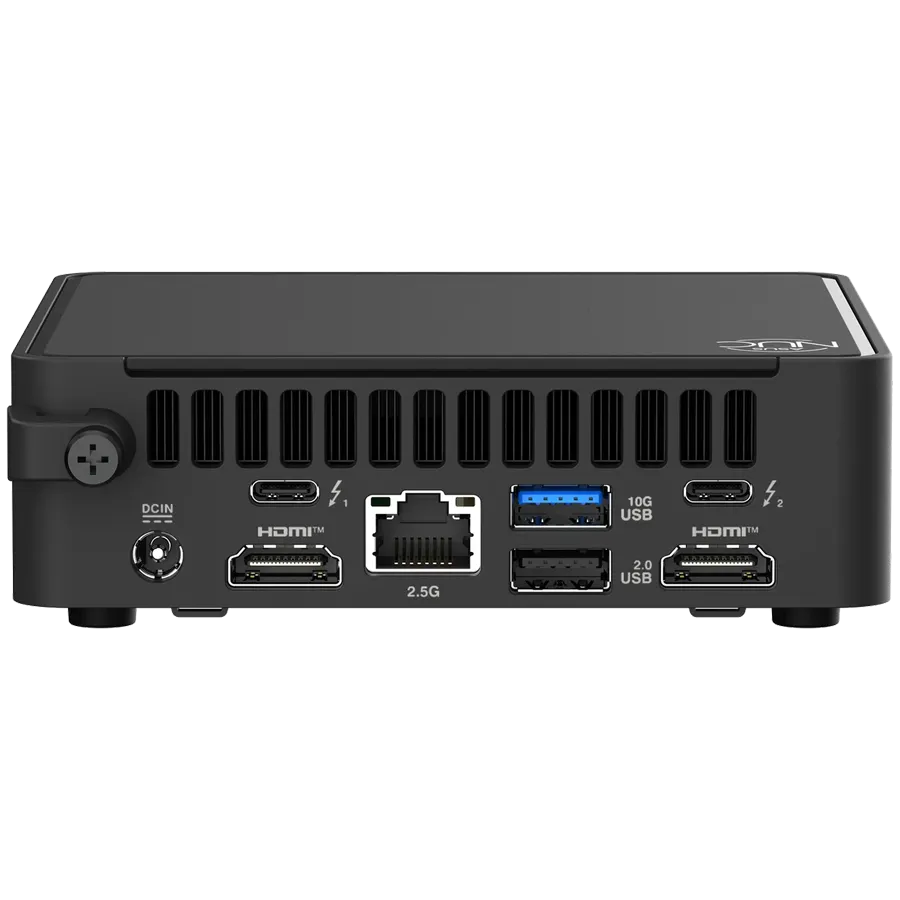
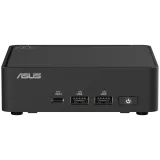
ASUS NUC 15 Pro Slim with Core 7 240H, two DDR5 slots, two NVMe slots, dual Thunderbolt 4 and dual HDMI. Includes a power adapter and EU cord; RAM, storage and OS are separate.
R16,829.00
Supplier has stock — 4 avail
Clear fulfilment, warranty and payment details.
ASUS NUC 15 PRO | CORE 7 SLIM KIT
The ASUS NUC 15 Pro Slim puts an Intel Core 7 240H in a black chassis 37 mm high. Choose the DDR5 memory and NVMe storage your setup needs, then connect the displays and peripherals you already use. The front ports stay within easy reach, while the monitor, network and power connections run from the back.
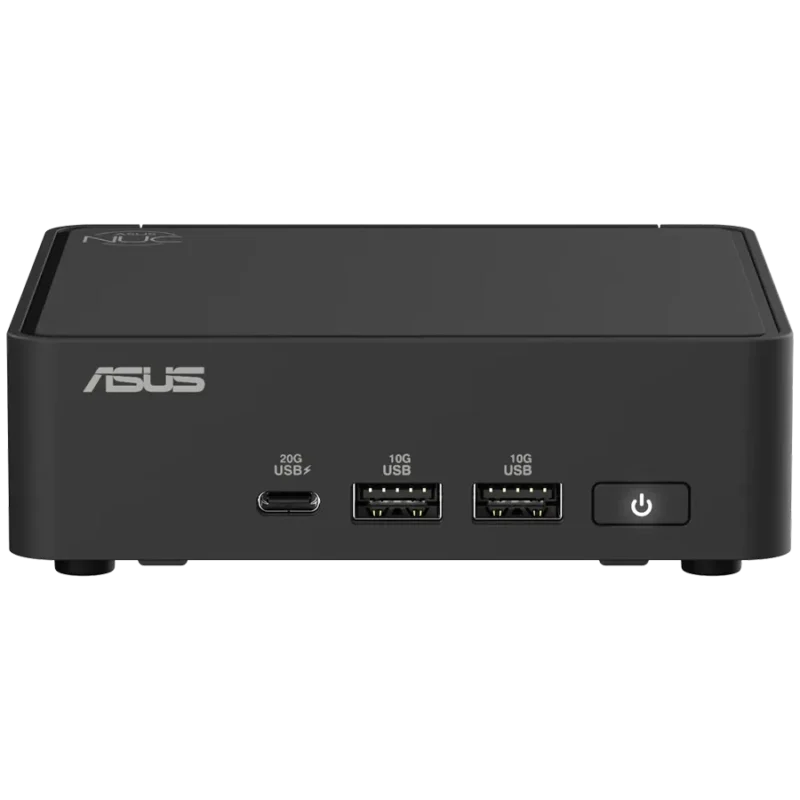
INSIDE THE SLIM CHASSIS
The ten-core Core 7 240H is already fitted. Two SO-DIMM slots take up to 96 GB of compatible DDR5 memory. A 2280 slot and a shorter 2242 slot give you two places for NVMe storage; both run at PCIe 4.0 ×4 on this Core 7 kit. Add your own memory, drive and operating system before first use.
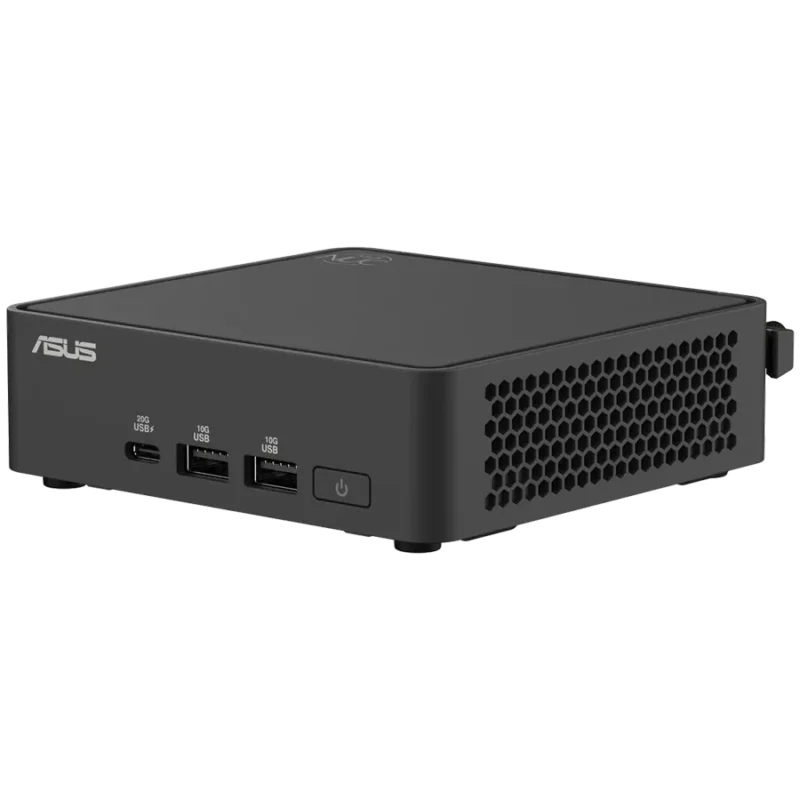
DISPLAYS AND DEVICES
Use the front USB-C and two front USB-A ports for devices you plug in and remove. The rear Thunderbolt 4 and HDMI outputs can drive up to four 4K displays at 60 Hz with a compatible mix of DisplayPort and HDMI connections. There are two more USB-A ports at the back.
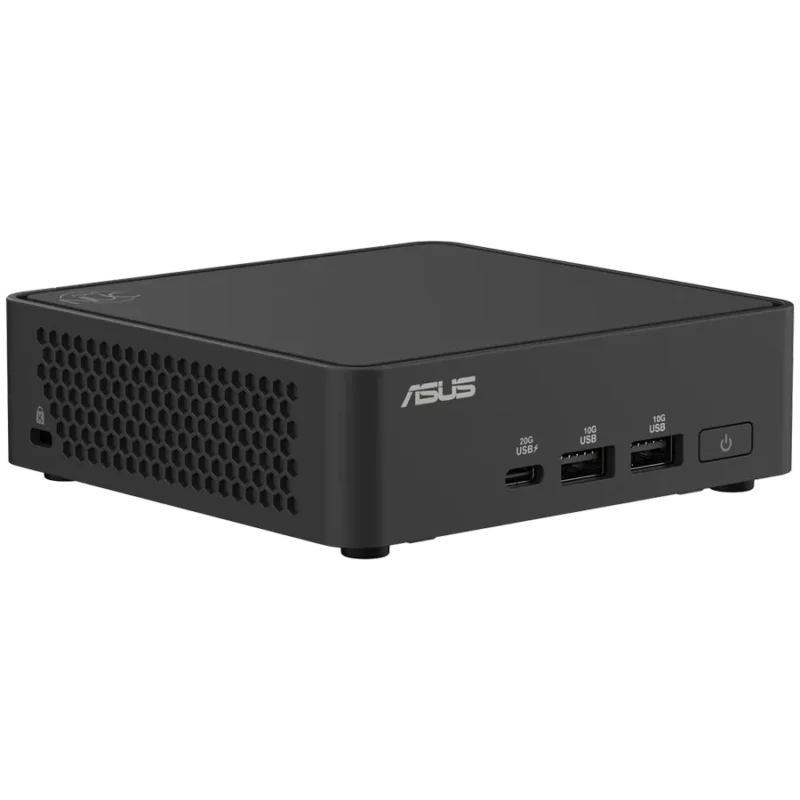
NETWORK AND PLACEMENT
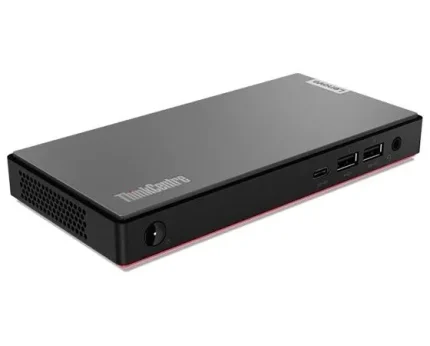
The chassis has a 117 × 112 mm footprint and ASUS documents VESA mounting for the Slim kit. Wired 2.5 Gb Ethernet, Intel Wi-Fi 7 and Bluetooth 5.4 let you choose how to connect the desk. The existing rear view shows the layout before you route cables.
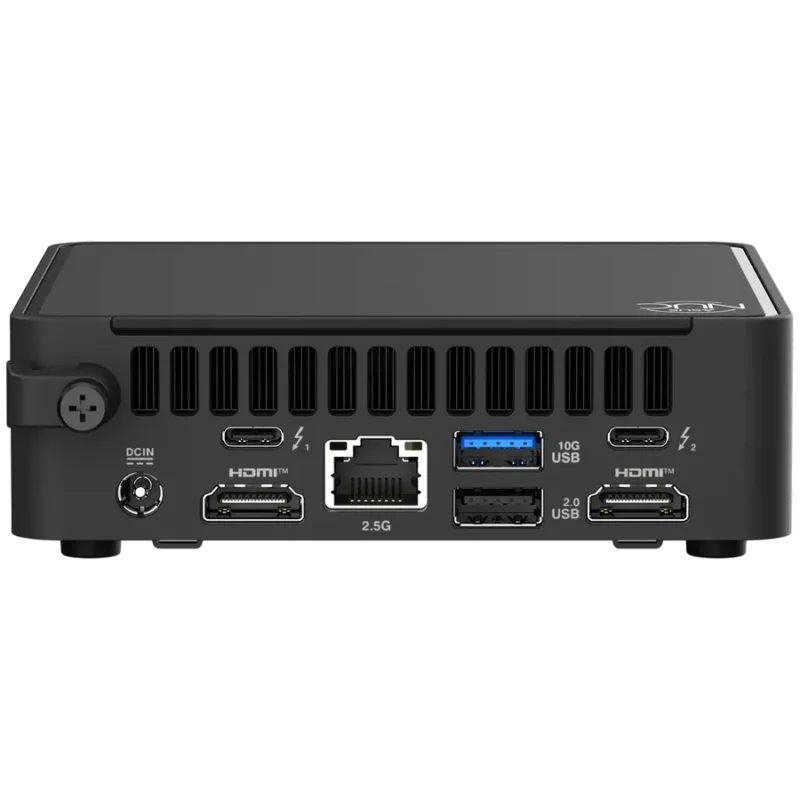
POWER AND FIRST SETUP
This order code is supplied with an external adapter and an EU mains cord. Check that the plug suits your socket before installation. For Windows 11 64-bit support, select NUC15CRKC7 on the ASUS support page and match your kit label before choosing firmware.
| Manufacturer | ASUS |
|---|---|
| Series and chassis | NUC 15 Pro Slim, black |
| Ordering code | 90AR00R2-M00070 |
| Kit model | RNUC15CRKC700002 (NUC15CRKC7) |
| EAN | 4711387949849 |
| Kit contents | Barebone kit, external power adapter, EU mains cord and quick-start guide. RAM, storage and operating system are not installed. |
| CPU | Intel Core 7 240H, soldered |
|---|---|
| Cores and threads | 10 cores (6 performance, 4 efficient), 16 threads |
| Maximum turbo | Up to 5.2 GHz |
| Cache | 24 MB Intel Smart Cache |
| Processor base power | 45 W (Intel processor rating) |
| Graphics | Integrated Intel Graphics, shared system memory |
| Memory slots | 2 × 262-pin DDR5 SO-DIMM (1.1 V JEDEC, non-ECC) |
|---|---|
| Supported memory speed | Up to DDR5-5600 on this Core 7 kit |
| Maximum memory | 96 GB (2 × 48 GB) |
| Primary SSD slot | M.2 2280 NVMe, PCIe 4.0 ×4 on this Core 7 kit |
| Second SSD slot | M.2 2242 NVMe, PCIe 4.0 ×4 |
| Front USB | 1 × USB-C 20 Gb/s and 2 × USB-A 10 Gb/s |
|---|---|
| Rear USB | 2 × Thunderbolt 4 (USB-C with USB4 and DisplayPort), 1 × USB-A 10 Gb/s, 1 × USB-A 2.0 |
| Display outputs | 2 × HDMI 2.1 TMDS (4K at 60 Hz) and DisplayPort over both rear Thunderbolt 4 ports |
| Multi-display setup | Up to four 4K displays at 60 Hz with compatible HDMI and DisplayPort connections |
| Wireless | Intel Wi-Fi 7 BE202 and Bluetooth 5.4 |
| Wired network | 1 × RJ-45, up to 2.5 Gb/s |
| Security | Firmware TPM and Kensington lock slot |
| Mains connection | External power adapter with EU mains cord |
|---|---|
| Dimensions | 117 × 112 × 37 mm (W × D × H), including feet |
| Mounting | Desktop placement or compatible VESA mounting |
| Windows drivers | Windows 11 64-bit, NUC15CRKC7 selection |
| Warranty | Three-year limited warranty for ASUS NUCs bought from authorised distributors, subject to regional terms and serial validation. |
Check the supplied cord against your local socket and use the model printed on the unit to select support. ASUS documents the quad-display combination using both HDMI and both rear DisplayPort connections.
Use official support resources for this product. Each link opens in a new tab.
Select NUC15CRKC7 and Windows 11 64-bit. Match the model on the unit before choosing BIOS or firmware.
Open official support (opens in a new tab)Help other shoppers by sharing an honest review.
Write a reviewYou are offline. Reconnect to check prices and shop.
Reviews
There are no reviews yet.