
Apple Pencil (2nd generation): pairing and charging guide
Official instructions for magnetic pairing and charging. Select instructions for Apple Pencil (2nd generation) and check your iPad model.
Open official support (opens in a new tab)Checking which support options are available…
Who would you like help from?
Enter your name to begin your live chat with an online consultant.
What can we help you with?
Your details are used only to respond. MatzoBot requests are securely passed to the MatzoTech team.
Your request has been emailed to MatzoTech. A consultant will reply using the email address or mobile number you supplied.

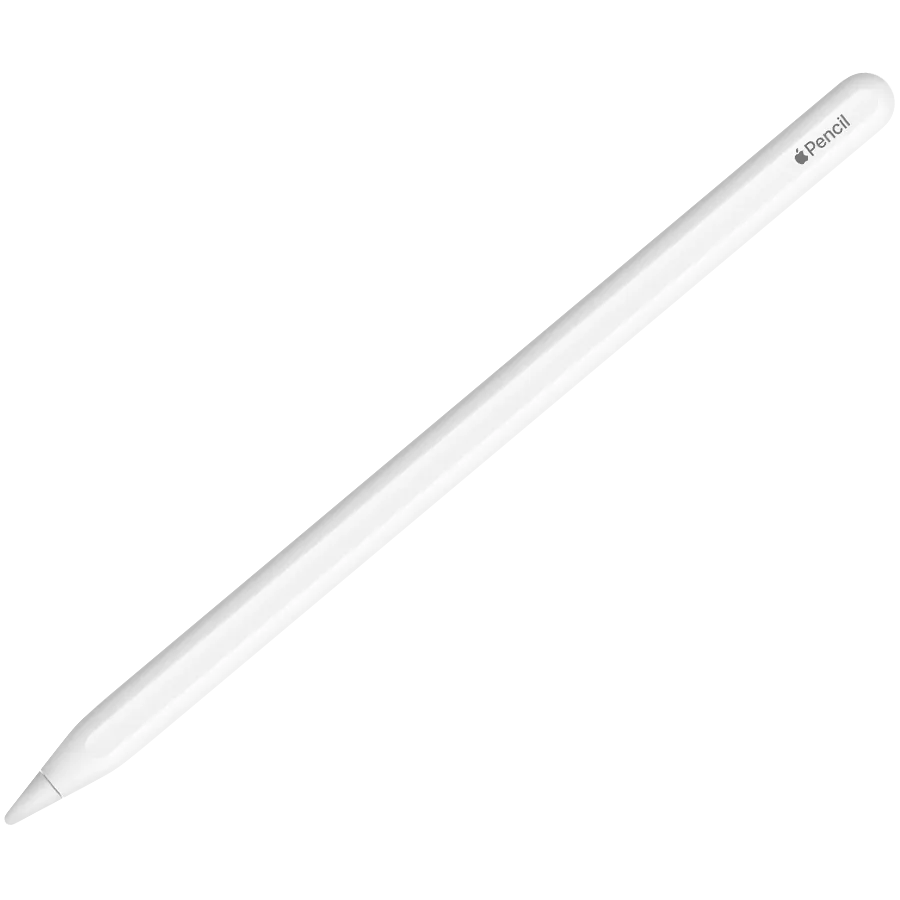
Apple Pencil (2nd generation), model A2051, with pressure and tilt sensitivity, double-tap controls and magnetic pairing and charging for selected iPad Pro, iPad Air and iPad mini models.
R3,219.00
Supplier has stock — 1 avail
Clear fulfilment, warranty and payment details.
Apple • Pencil (2nd generation) • A2051
Sketch, annotate a PDF or capture a handwritten note on a compatible iPad. Apple Pencil (2nd generation) combines pressure and tilt input with a double-tap touch surface, then attaches magnetically to the side of the iPad for pairing, charging and storage.
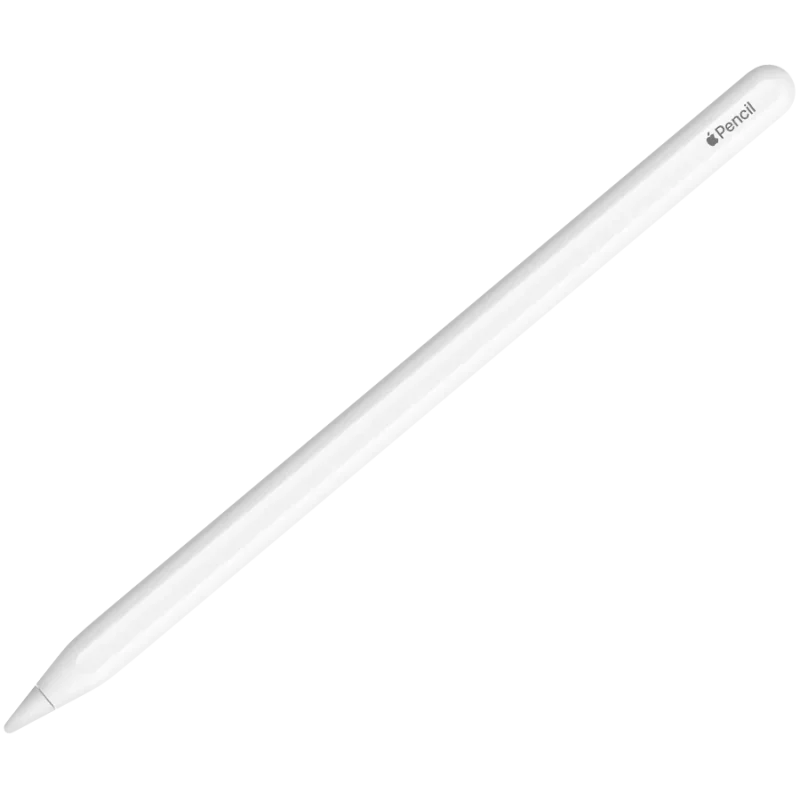
Ideas in motion
Pressure-sensitive input changes the mark as you press, while tilt supports shading and other effects in compatible apps. Use the same pencil for a quick margin note, a handwritten page or a more considered sketch; available tools depend on the app.
Touch controls
The touch surface supports a double-tap gesture, letting supported apps switch tools without putting the pencil down. This is the second-generation Apple Pencil with a flat side and matte finish; check the exact iPad model before choosing an accessory.
Ready beside your iPad
Place the flat side on the magnetic connector of a compatible iPad. The same attachment provides wireless pairing and charging as well as a place to store the pencil. Bluetooth is the connection interface; no separate charging cable is needed for this method.
Model matters
Compatibility covers iPad Pro 12.9-inch generations 3–6, iPad Pro 11-inch generations 1–4, iPad Air generations 4–5 and iPad mini generation 6. Apple Pencil hover is supported with this pencil on iPad Pro 12.9-inch (6th generation) and iPad Pro 11-inch (4th generation). Other iPad models are not included in this compatibility list.
| Product | Apple Pencil (2nd generation) |
|---|---|
| Model / listing part number | A2051 / MXN43ZM/A |
| EAN | 195949690457 |
| Colour / finish | White; matte finish with flat side |
| Input features | Pressure and tilt sensitivity; app support required |
| Gesture | Double tap to change tools in supported apps |
| Connection | Bluetooth |
| Pairing / charging / storage | Magnetic attachment to a compatible iPad; wireless pairing and charging |
| iPad Pro 12.9-inch | 3rd, 4th, 5th and 6th generations |
|---|---|
| iPad Pro 11-inch | 1st, 2nd, 3rd and 4th generations |
| iPad Air | 4th and 5th generations |
| iPad mini | 6th generation |
| Hover with this pencil | iPad Pro 12.9-inch (6th generation) and iPad Pro 11-inch (4th generation) |
| Length | 166mm |
|---|---|
| Diameter | 8.9mm |
| Pencil weight | 18.2g |
| In the box | 1 × Apple Pencil (2nd generation); iPad sold separately |
| Manufacturer warranty | Apple one-year limited accessory warranty from original retail purchase, subject to terms; consumer-law rights additional |
Check the iPad generation before ordering. Features depend on compatible hardware and apps. The stated warranty is the manufacturer policy for new accessories, not a serial-specific entitlement check.
Use official support resources for this product. Each link opens in a new tab.
Official instructions for magnetic pairing and charging. Select instructions for Apple Pencil (2nd generation) and check your iPad model.
Open official support (opens in a new tab)Compare 2–5 products side by side
Help other shoppers by sharing an honest review.
Write a reviewYou are offline. Reconnect to check prices and shop.

Reviews
There are no reviews yet.