

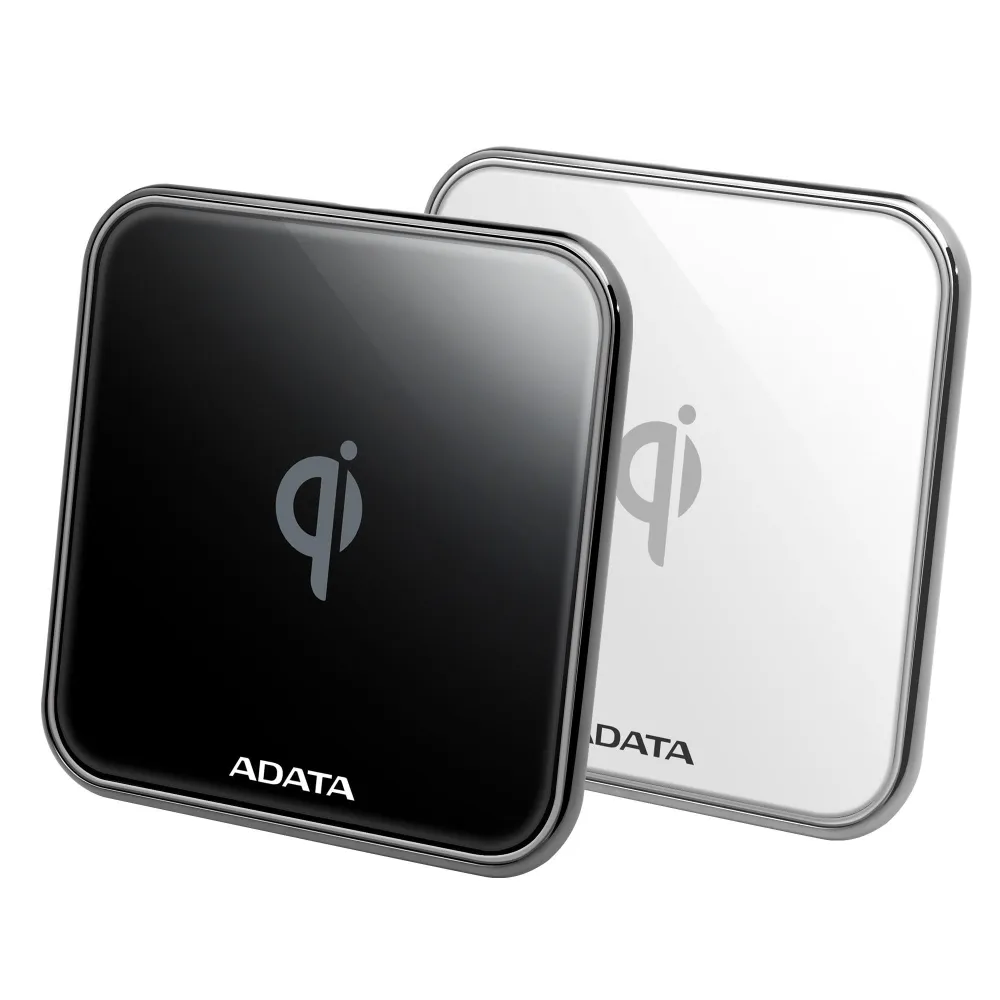
Adata Wireless Charger CW0100 Black
Black ADATA CW0100 Qi charging pad, up to 10 W with compatible equipment. 7.5 mm thin with micro-USB power and a status LED.
R529.00
In Stock with Supplier 2 — 3 avail
Key product details
Full specifications below- Mpn: CW0100-1C-5VCBK
- Brand: Adata
Delivery & support
Clear fulfilment, warranty and payment details.
- Availability In Stock with Supplier 2 — 3 avail In Stock with Supplier 2 — 3 avail
- Delivery Nationwide courier delivery or collection from Strand, Cape Town. Courier nationwide or Strand collection
- Dispatch Backorder — usually dispatched in 2–3 working days after payment verification, subject to supplier confirmation. Backorder — usually dispatched in 2–3 working days after payment verification, subject to supplier confirmation.
- Warranty Manufacturer warranty applies where stated on the product page. As stated on this page
- Returns See our Returns Policy for eligible change-of-mind and faulty goods procedures. See Returns Policy
- Secure payment PayFast checkout with card and Instant EFT, or pay by EFT. PayFast · card · EFT
Official manufacturer overview
ADATA CW0100 overview
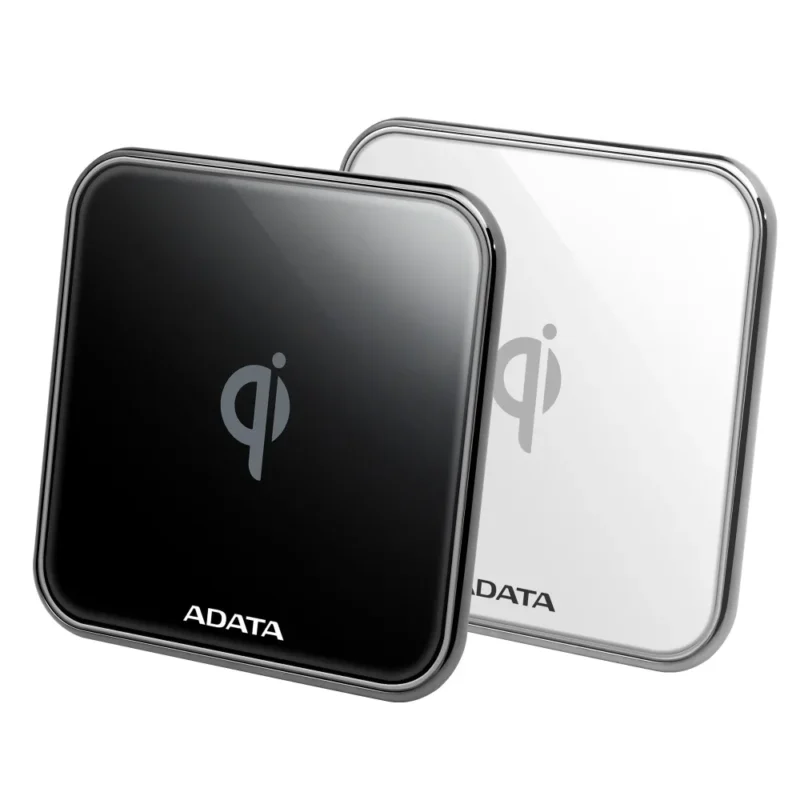
ADATA · This ADATA CW0100 family overview may show other finishes. This listing is for the black charging pad.
Play to load this video from YouTube.
ADATA CW0100
Set your phone down to charge
The black CW0100 sits 7.5 mm high, with a status light you can check at a glance. Power the pad over micro-USB and centre a compatible Qi device to start charging.
PLACEMENT
Keep the daily charging spot simple
Connect the pad with the supplied 1 m micro-USB cable. Place a compatible Qi phone in the centre and check the status light. Remove metal cases or objects before charging.
POWER
Use a suitable power source
ADATA specifies a compatible 15 W or higher QC 2.0 or QC 3.0 equivalent supply for fast charging. The device and its charging conditions determine the actual rate.
DESIGN
A low-profile pad with a status light
A zinc-alloy base supports the charging surface. Foreign-object detection can stop charging if the pad detects nearby metal.
Specifications
Charging
| Manufacturer part number | ACW0100-1C-5V-CBK |
|---|---|
| Manufacturer EAN | 4713218468369 |
| Wireless standard | Qi, manufacturer-rated certified |
| Maximum output | 10 W with compatible supply and device |
| Power input | 5 V / 2 A or 9 V / 1.67 A over micro-USB |
| Fast charging supply | Compatible 15 W or higher QC 2.0 or QC 3.0 equivalent |
Physical
| Colour supplied | Black |
|---|---|
| Image note | Manufacturer family image shows black and white finishes |
| Dimensions | 100 × 100 × 7.5 mm |
| Weight | 148 g |
| Base | Zinc alloy |
| Indicator | Status LED |
| Cable included | 1 m micro-USB charging cable |
| Protection features | Foreign-object detection, over-current, over-voltage, over-temperature, short circuit and dynamic power control |
Please confirm stock availability before placing your order.
Reviews
There are no reviews yet.