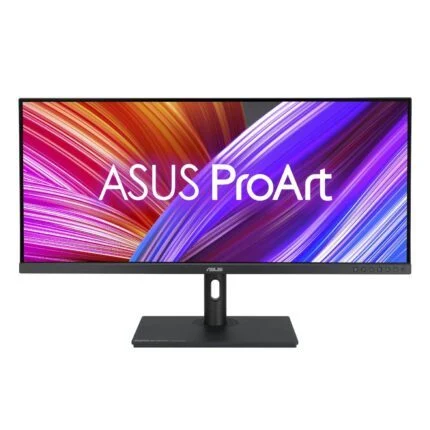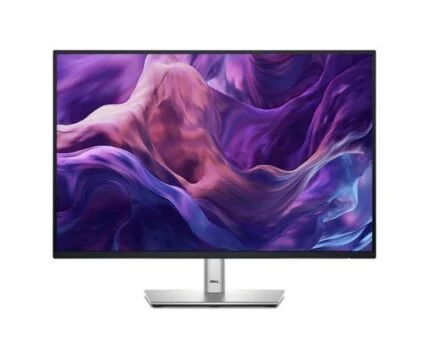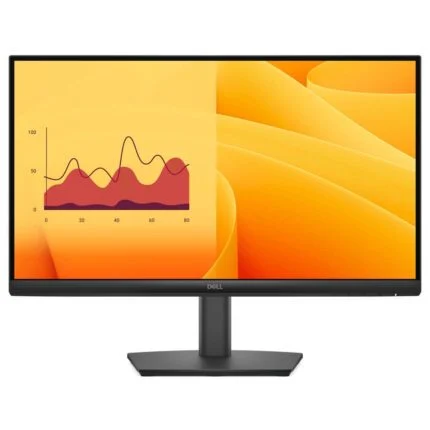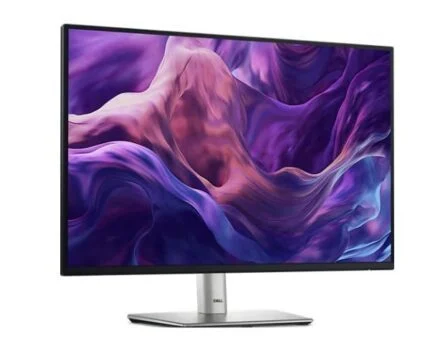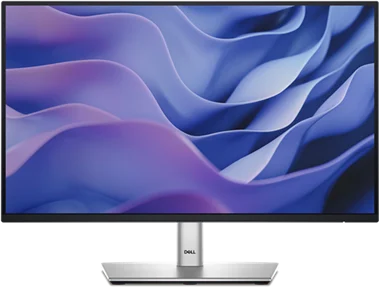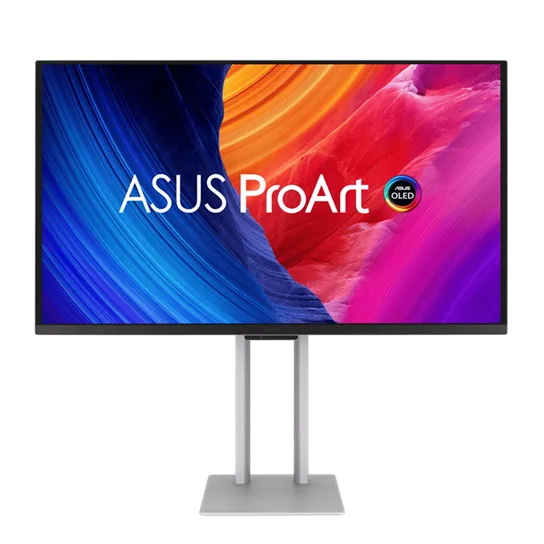
ASUS ProArt · PA27UCDMR · 4K QD-OLED
Every detail. Every shade. Every frame.
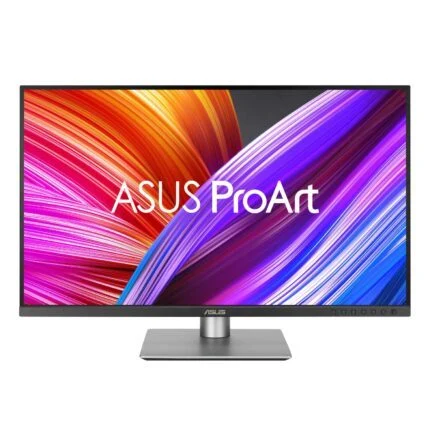
Give colour-critical work a precise, fluid canvas. The ProArt PA27UCDMR combines a 26.5-inch 4K QD-OLED panel with factory colour calibration, up to 240Hz refresh and a Thunderbolt 4 connection that can carry your picture, peripherals and laptop power.

The creative canvas
Fine detail meets deep contrast.
A 3840 × 2160 image across the 26.5-inch viewable panel gives photographs, timelines and detailed artwork room to breathe. Quantum-dot OLED colour and individual emissive pixels bring dark tones into focus. The anti-reflection surface, 10-bit colour depth and specified 99% DCI-P3 and 100% sRGB coverage support a considered colour workflow.
Colour management
A calibrated starting point. A repeatable workflow.
Each display arrives factory calibrated, with its own pre-calibration report. ProArt Hardware Calibration can write colour parameters into the monitor rather than keeping them only on one computer. ProArt Calibration supports Windows and macOS; use a supported external colourimeter and the appropriate software. A built-in measuring sensor or bundled colourimeter is not implied.
HDR with context
Brilliant highlights. Honest brightness figures.
ASUS rates peak HDR brightness at 1000 nits for a 3% area; typical brightness is 250 nits. These describe different conditions, not sustained full-screen 1000-nit output. HDR10, HLG and adjustable PQ curves provide useful viewing choices. Dolby Vision is listed with a firmware-update condition, so confirm the supplied firmware and current release notes before relying on it.
Motion and detail
Review the frame. Follow the movement.
The panel supports up to 240Hz and a manufacturer-rated 0.1ms grey-to-grey response. Adaptive-Sync can help match refresh to a compatible source. HDMI 2.1 FRL and DisplayPort 1.4 with DSC give workstation connection options; the actual 4K refresh, colour depth and HDR combination still depends on the graphics output, cable and selected mode.
A simpler desk
One connection can do more.
Dual Thunderbolt 4 ports support a host connection and display daisy chain. The laptop port supplies up to 96W; the downstream port is identified as 15W in ASUS setup guidance. The USB hub adds one Type-A and one Type-C port. A laptop needing more power may still need its own charger, and HDMI video needs a separate USB upstream connection for the hub.
OLED care
Make protection part of the routine.
Panel and image protection, pixel shifting, a screen saver and proximity sensing reduce the risk associated with static imagery. Uniform Brightness can keep changing window sizes more consistent, up to 250 nits. Protection is not a burn-in immunity guarantee; follow the screen-care and sensing-cycle guidance rather than disabling maintenance for uninterrupted static work.
Designed around your workspace
Adjust the view. Plan the fit.
Raise the screen through 130mm, tilt it or pivot into portrait orientation. The silver chassis includes a quick-release stand, joystick control, ambient-light sensor and two 3W speakers. VESA 100 × 100mm mounting offers another installation route. Measure the complete monitor and mounting load; the slender panel edge is not the depth of the entire enclosure.
Reviews
There are no reviews yet.