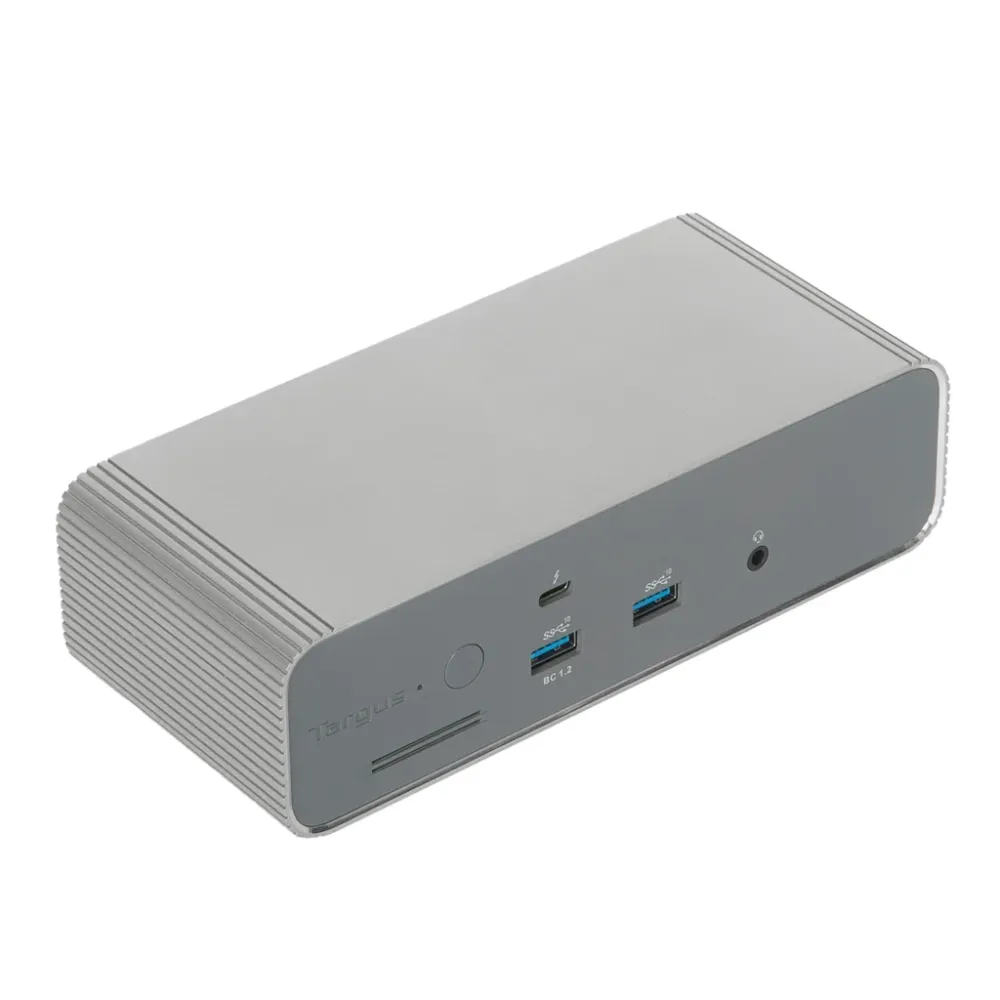
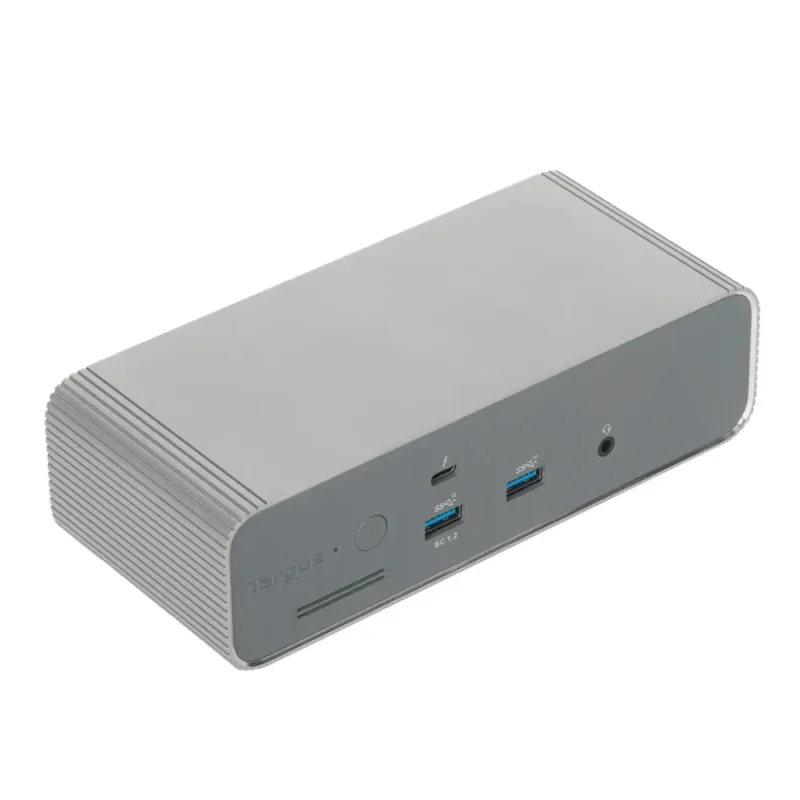
Silver Targus DOCK230EUZ Thunderbolt 5 dock with three downstream Thunderbolt ports, four 10 Gbps USB-A ports, 2.5 GbE and up to 140 W EPR charging on compatible hosts. Display support depends on the laptop.
Bring displays, storage, wired networking and laptop charging together through one Thunderbolt connection. The silver DOCK230EUZ combines a Thunderbolt 5 host link with three downstream Thunderbolt ports, four USB-A connections and 2.5 Gigabit Ethernet. Its capabilities scale with the laptop you connect, so choosing the right host matters as much as choosing the dock.
Thunderbolt 5Up to 80 Gbps data
Up to 140 WCompatible PD 3.1 EPR host
3 display pathsHost-dependent configuration
2.5 GbEWired network connection
WORKSPACE
A single connection, with room to expand
Connect the supplied detachable Thunderbolt cable to a compatible laptop, then leave your desktop peripherals attached to the dock. Three downstream Thunderbolt 5 ports carry compatible data and display connections; four USB 3.2 Gen 2 Type-A ports handle existing accessories. The 80 Gbps data rate is a link capability, shared across connected work rather than an individual-drive speed guarantee.
DISPLAY PLANNING
Choose the screens around your host
The exact European model is specified for single or dual 8K displays, or up to three 4K displays. Triple video requires a Thunderbolt 5 host that supports the required display streams. The GPU, operating system, monitor and cable also determine the available modes. A Thunderbolt or USB-C connector alone does not establish three extended displays on every Windows laptop or Mac.
POWER DELIVERY
Charge the laptop, not another collection of adapters
A compatible PD 3.1 Extended Power Range laptop can negotiate up to 140 W from the dock. Compatible PD 3.0 hosts receive up to 100 W; a second host used for Thunderbolt Share receives 15 W. These are charging ceilings, not measured energy consumption. A high-load laptop may still need its original power adapter if its demand exceeds the negotiated supply.
PERIPHERALS
Keep the familiar connections close
Attach wired networking through the 2.5 Gigabit Ethernet port and connect headphones, speakers or a microphone headset through the 3.5 mm combination audio socket. Four 10 Gbps USB-A ports include one fast-charging connection. Network equipment, storage devices and the host link determine real transfer rates; the port labels do not promise internet speed.
TWO-PC WORK
Share a workspace with supported PCs
The included Thunderbolt Share licence enables supported PCs to share files, screens and peripherals through the required software. Install the application on both supported computers and follow the manufacturer setup instructions. This software-based workflow has its own host and operating-system requirements; do not assume Mac support from a planned release date or treat it as an unconditional hardware KVM.
THE DESKTOP DETAILS
A silver enclosure with flexible placement
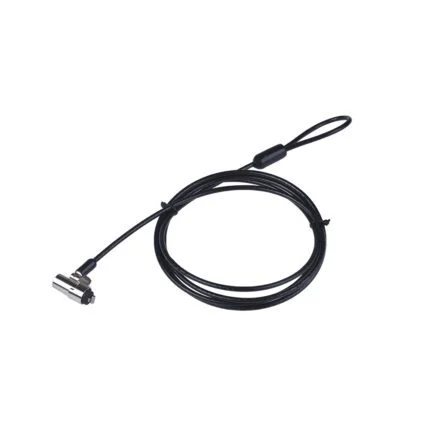
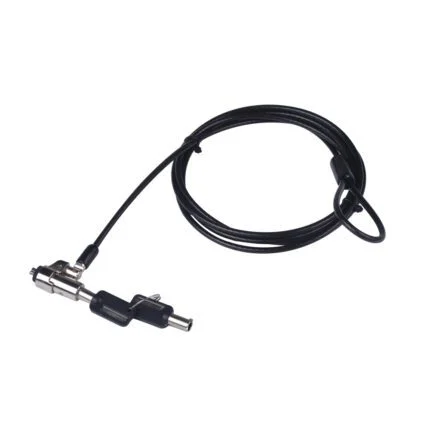
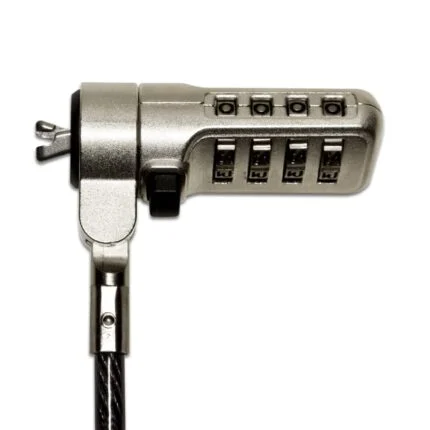
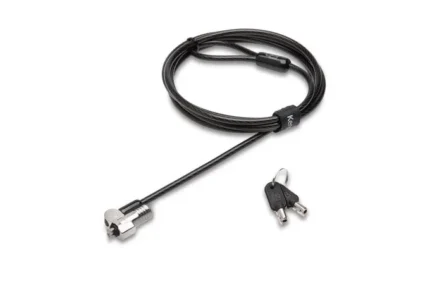
The 17.8 × 7.8 × 5 cm dock can sit beside the laptop or use a compatible VESA mount, available separately. Standard and Nano security lock slots provide mounting options for separately purchased locks. The EcoSmart enclosure uses recycled aluminium and plastic; the manufacturer describes the recycled proportion as up to 75%.
GET STARTED
The cable path is part of the setup
The listed package includes the dock, quick-start guide, 180 W desktop power adapter, 1 m detachable passive Thunderbolt 5 cable and two 2 m USB-C-to-HDMI video cables. Use the regional supplied mains lead confirmed with your order. For a third HDMI display or another connector type, plan a suitable additional cable or adapter and verify the full resolution and refresh combination before buying.
Specifications
Identity and enclosure
Manufacturer
Targus
Model
DOCK230EUZ
Range
EcoSmart
Product type
Externally powered Thunderbolt 5 desktop docking station
Colour
Silver
Dimensions
17.8 × 7.8 × 5 cm (manufacturer order)
EAN
5063194002675
Enclosure materials
Recycled aluminium and plastic; manufacturer states up to 75% recycled content
Security slots
Standard and Nano; locks sold separately
Mounting
Compatible VESA mount sold separately
Host and data connections
Host connection
1 × Thunderbolt 5 upstream USB-C
Downstream Thunderbolt
3 × Thunderbolt 5 USB-C
Data link rating
Up to 80 Gbps; shared link capability, not per-device measured throughput
Display bandwidth rating
Up to 120 Gbps in supported bandwidth-boost configurations; not 120 Gbps USB storage throughput
USB-A
4 × USB 3.2 Gen 2 Type-A, up to 10 Gbps
USB-A charging
One fast-charging port; exact aggregate/per-port output not established in reviewed EU specifications
1 × 3.5 mm combination input/output for microphone, speakers or headset
Backward connection compatibility
Manufacturer lists Thunderbolt 4 and USB4 compatibility; features may be reduced
Host prerequisite
Verify host Thunderbolt/USB4 capability, supported display streams and power negotiation; ordinary USB-C shape is insufficient
Display planning
European model advertised modes
Single or dual 8K, or triple 4K, through Thunderbolt display connections
Triple-display requirement
Compatible Thunderbolt 5 host with required display support
Refresh rates
Exact mode-by-mode refresh/colour-depth/DSC matrix not established in reviewed EU product page; verify the intended combination
Mac display limits
Depend on exact Mac model/chip and OS; no universal triple extended-display guarantee
Windows display limits
Depend on host GPU, Thunderbolt capability and OS; verify exact configuration
Older host behaviour
Do not apply full Thunderbolt 5 display counts or bandwidth to Thunderbolt 4/USB4 hosts
HDMI connection
Two supplied USB-C-to-HDMI cables; additional connection hardware may be needed for other monitor arrangements
Power and charging
Power source
External desktop AC/DC adapter
Adapter listed output
20 V DC, 9 A; 180 W rated output
Maximum primary-host charging
Up to 140 W with compatible USB PD 3.1 EPR host
PD 3.0 host charging
Up to 100 W on compatible hosts
Second-host charging
15 W when connected for supported Thunderbolt Share use
Power context
Adapter capacity is not dock operating consumption or a promise all ports provide maximum outputs simultaneously
Aggregate peripheral power
Full simultaneous USB/Thunderbolt peripheral power budget not established in reviewed EU page
Laptop limitation
Negotiated charge rate and laptop demand determine whether original charger remains necessary
Software and setup
Operating-system families
Windows and macOS, subject to host/feature support
Thunderbolt Share
Licence included; supported computers and application installation required
Share setup
Install supported Thunderbolt Share software on both PCs and follow current manufacturer requirements
Mac Share status
Manufacturer EU text references planned Mac support in 2026; actual current compatibility not independently established
Firmware and drivers
Use exact DOCK230 model support record and applicable OS instructions; no specific current version claimed
Maintenance
Official support selector avoids pinned binary versions; verify compatibility and instructions before updates
Network driver packages
Official DOCK230 Europe-region support offers Realtek network drivers for Windows/macOS/Linux/UEFI, a DOCK230 user guide and manuals; select only the applicable package
Listed package
Dock
DOCK230EUZ
Power adapter
180 W desktop adapter
Host cable
1 × 1 m passive detachable Thunderbolt 5 USB-C cable
Display cables
2 × 2 m USB-C-to-HDMI video cables
Documentation
Quick-start guide
Regional mains lead
Confirm the actual regional plug and lead supplied with your order.
Separate accessories
Monitors, laptops, additional display adapters, VESA mount and security locks not included
Display count, resolution, refresh rate and charging depend on the exact laptop, operating system, cables and monitors. Thunderbolt 4 and USB4 compatibility does not provide all Thunderbolt 5 capabilities. Use the official DOCK230 support page to select applicable guides, drivers or updates; no particular firmware release or universal Mac triple-display operation is promised.
Driver & Software Downloads
Use official support resources for this product. Each link opens in a new tab.
DOCK230 official model support — select applicable guides, drivers and software
Targus-hosted support portal, Europe region, exact DOCK230 family record. Review the offered operating-system requirements, licence and update instructions before downloading; do not assume every listed package applies to your host.
Thunderbolt Share software and setup — check supported PCs
Official Targus setup and software entry point linked to DOCK230; use current compatibility requirements on both computers. Planned Mac support is not treated as confirmed.
Necessary cookies keep the site, cart, checkout, account, and security features working. With your permission, we also use optional analytics and advertising cookies to measure and improve our service. “Accept optional cookies” consents only to that optional processing; use of the site remains separately governed by our Terms. You can choose Necessary only and change your choice at any time.



Reviews
There are no reviews yet.