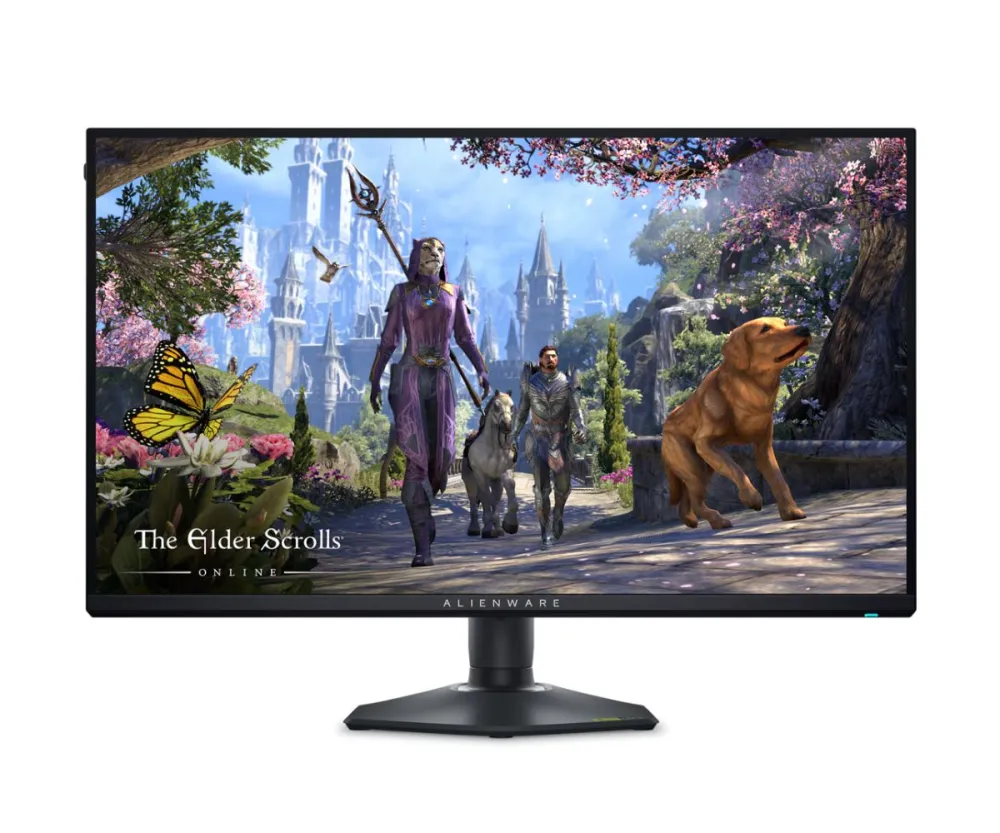
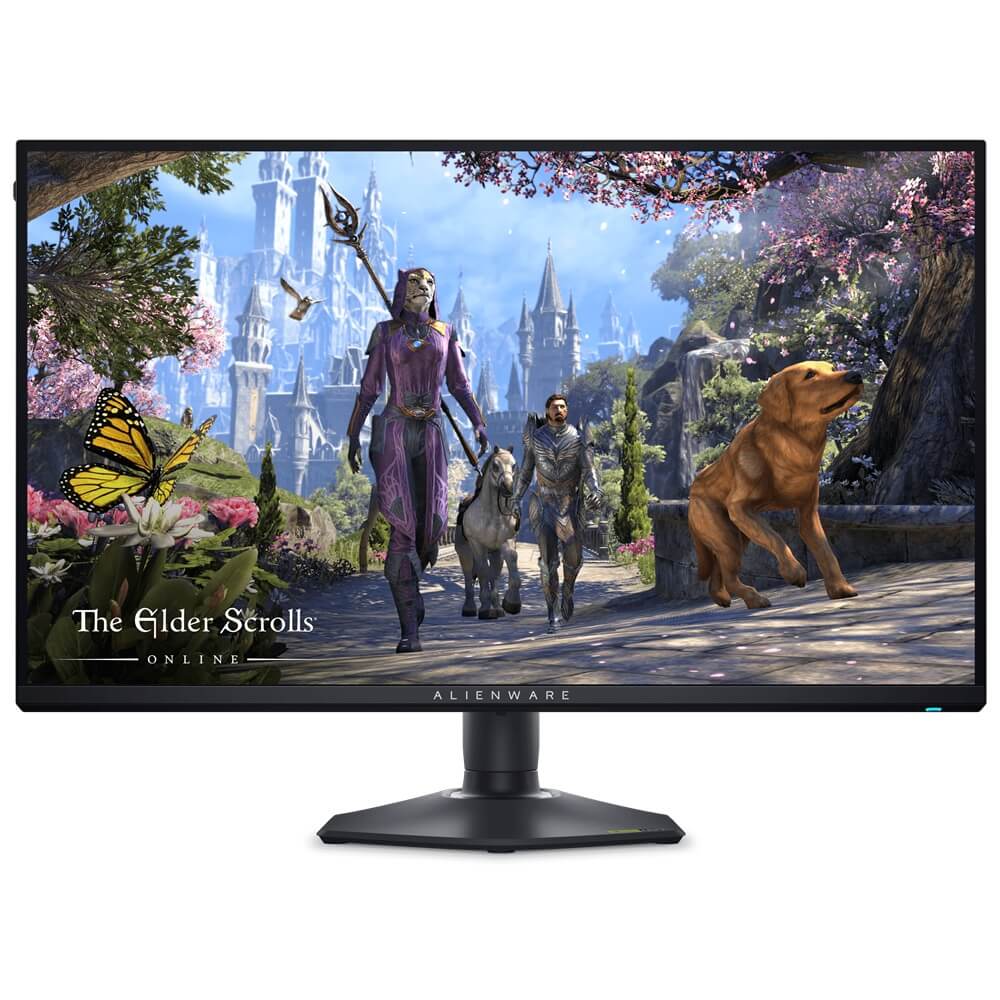
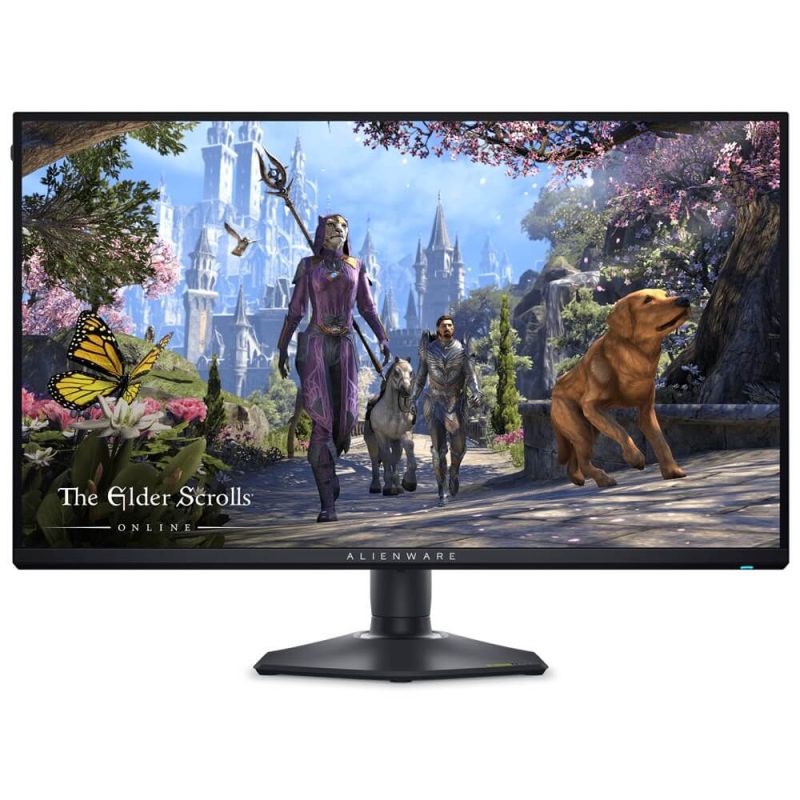
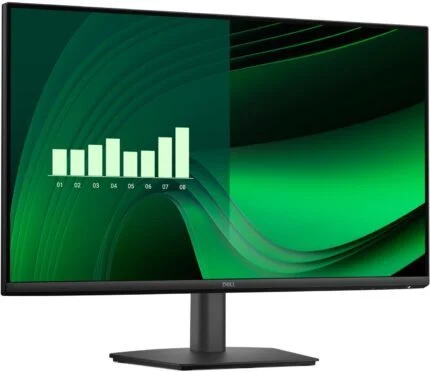
Alienware AW2725QF 27-inch IPS gaming monitor with 4K up to 180Hz / FHD up to 360Hz overclock modes, 95% DCI-P3, HDR600, Dolby Vision, HDMI 2.1, DP 1.4 and adjustable stand.
Move from richly detailed 4K scenes to high-refresh Full HD competition on the Alienware AW2725QF. Its 27-inch IPS display switches between two resolution modes, pairing up to 180Hz at 3840 × 2160 with up to 360Hz at 1920 × 1080 when overclock is enabled. Wide colour coverage, HDR support and a fully adjustable stand round out a screen designed for different kinds of play.
27-inch IPSFlat 16:9 display
4K up to 180HzOverclock enabled
Full HD up to 360HzOverclock enabled
95% DCI-P3Typical colour coverage
Choose the scene
Detail for the world. Refresh for the match.
Use 4K mode for fine environmental detail, then switch to Full HD when you want the higher refresh ceiling. Standard modes reach 165Hz in 4K and 330Hz in Full HD; the on-screen overclock options extend these to 180Hz and 360Hz. Change resolution mode before launching a game and select the required refresh rate on the connected system. Actual frame rates depend on your graphics hardware, connection, game and settings.
Colour and light
A broad palette, with the right HDR source.
The IPS panel combines typical 95% DCI-P3 and 100% sRGB coverage with a 400-nit typical brightness rating. Dolby Vision and VESA DisplayHDR 600 support add an HDR viewing path, with up to 600 nits rated HDR peak. These are different operating conditions, rather than a promise of constant full-screen peak brightness; compatible content, source hardware and HDR settings are required.
Motion controls
Tune response to the game in front of you.
NVIDIA G-SYNC Compatible and VESA AdaptiveSync support help coordinate the screen with a compatible source. Response presets offer a choice of behaviour: Dell rates Extreme mode at a minimum 0.5ms grey-to-grey, with 1ms most observed, while Super Fast is 2ms and Fast is 3ms. Response-time figures describe pixel transitions, not total system input lag or a guarantee for every transition.
A connected setup
Keep the display inputs distinct from the USB hub.
Two HDMI 2.1 inputs and one DisplayPort 1.4 input give you separate video connections. HDMI supports FRL and VRR; DisplayPort supports Display Stream Compression for the documented high-resolution modes. HDMI 2 also supports eARC/ARC for compatible external audio, including Dolby Atmos pass-through. The monitor has no built-in speakers or analogue audio output. Its USB-C connection is a downstream data and charging port, rather than a USB-C video input or laptop docking connection.
Position and space
Set the screen where the session needs it.
Adjust height through 110mm, tilt from −5° to +21°, swivel 20° each way or rotate the panel 90° in either direction. The removable stand and 100 × 100mm VESA mount pattern let you plan an alternative arm or wall mount with the correct load capacity. Cable routing and the retractable headset hanger help organise the desk; Dell limits the hanger load to below 400g.
Beyond a single window
Make room for the rest of the day.
Picture-in-Picture and Picture-by-Picture bring supported input arrangements onto the same screen. Three USB-A downstream ports and one USB-C downstream port share the 5Gbps hub connection; connect the USB-B upstream cable to enable the hub. ComfortView Plus low-blue-light hardware, an anti-glare coating and flicker-free operation complement the practical controls. Optional Dell software depends on its supported operating system and release.
Support and setup
Check the model, then build the connection.
This offer lists three-year Advanced Exchange service, subject to regional entitlement, remote diagnosis and service terms. Use the exact AW2725QF support destinations in Downloads for the user guide and applicable monitor software or firmware. The model guide lists Windows 10 and later, plus macOS 12 and 13, with compatibility depending on software and firmware releases; that does not mean every Dell utility supports every listed operating system.
26.1W per EU 2019/2021 and 2019/2013 test definition
Other power states
0.3W off; 0.5W standby; 140W maximum at maximum brightness / contrast and full USB load
Operating environment
0–40°C; 10–80% relative humidity, non-condensing
Operating systems in model guide
Windows 10 and later; macOS 12 / 13; release, driver and firmware conditions apply
Listed service
3-year Advanced Exchange; confirm regional entitlement and terms
Model package reference
Monitor, stand, power cable, 1.8m DP 1.4 cable, 1.8m HDMI 2.1 FRL cable, 1.8m USB-A to B cable and documents; confirm regional package
Support approach
Use the exact AW2725QF support page; select OS and read applicability; no latest-version claim
Maximum refresh rates require overclock and a compatible signal path. HDR, adaptive sync and software features depend on source hardware, content and settings. Confirm the supplied regional package and service entitlement; screen imagery illustrates the display and does not include games or accessories.
Driver & Software Downloads
Use official support resources for this product. Each link opens in a new tab.
Alienware AW2725QF — official manuals and setup
Exact AW2725QF user guide, setup and physical dimensions. Check the model and language before downloading; technical manual is distinct from any optional software.
Alienware AW2725QF — official drivers and firmware support
Select the supported operating system and read applicability and installation instructions for the supplied monitor. Monitor software and firmware support vary by operating system and product revision.
Necessary cookies keep the site, cart, checkout, account, and security features working. With your permission, we also use optional analytics and advertising cookies to measure and improve our service. “Accept optional cookies” consents only to that optional processing; use of the site remains separately governed by our Terms. You can choose Necessary only and change your choice at any time.



Reviews
There are no reviews yet.