Dell Pro • KM5221W
A cleaner desk. Familiar control.
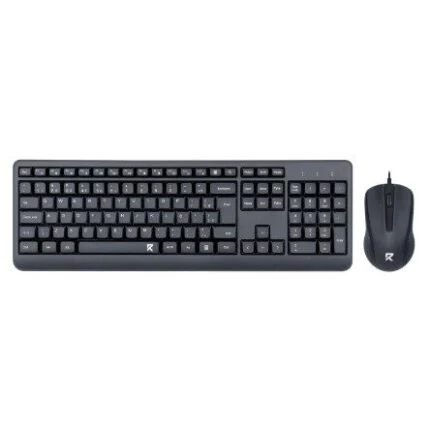
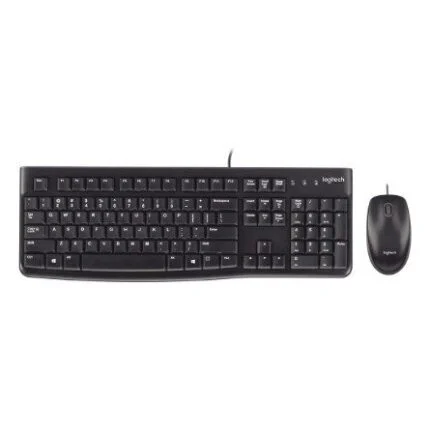
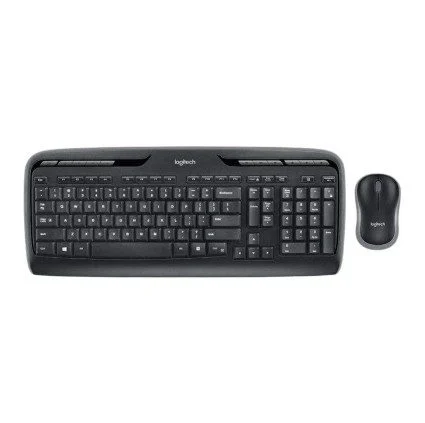
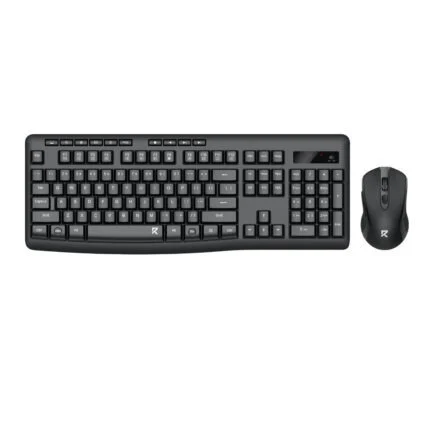
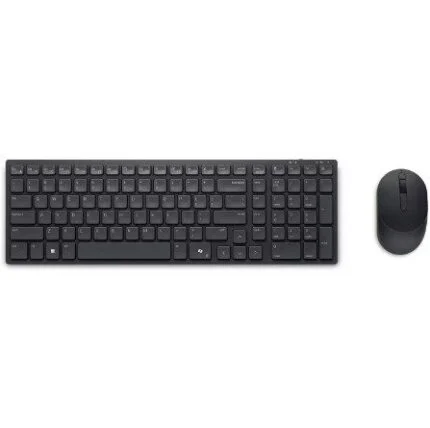
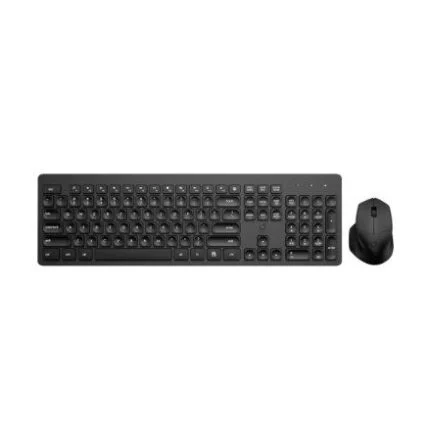
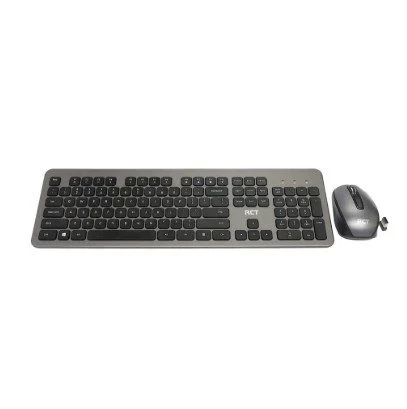
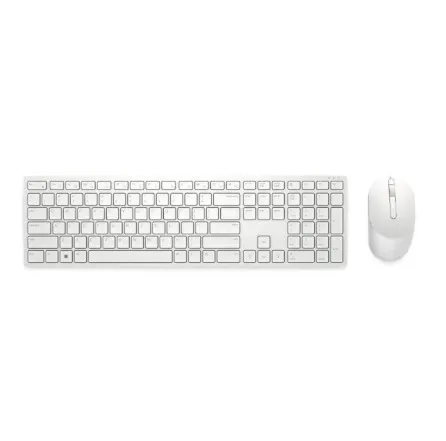
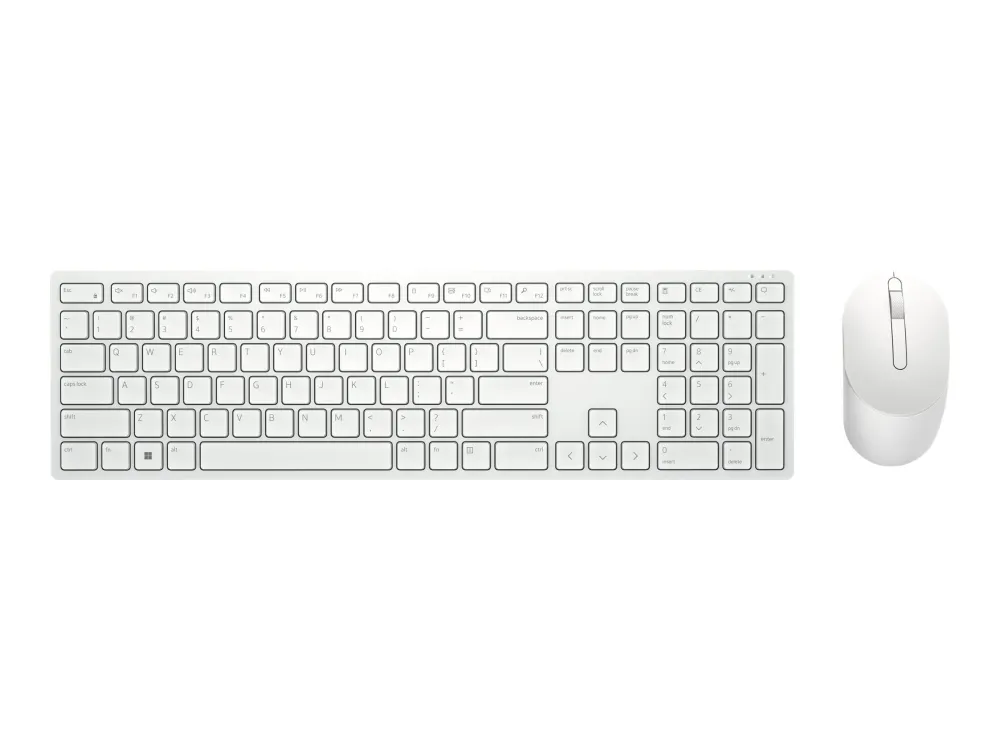
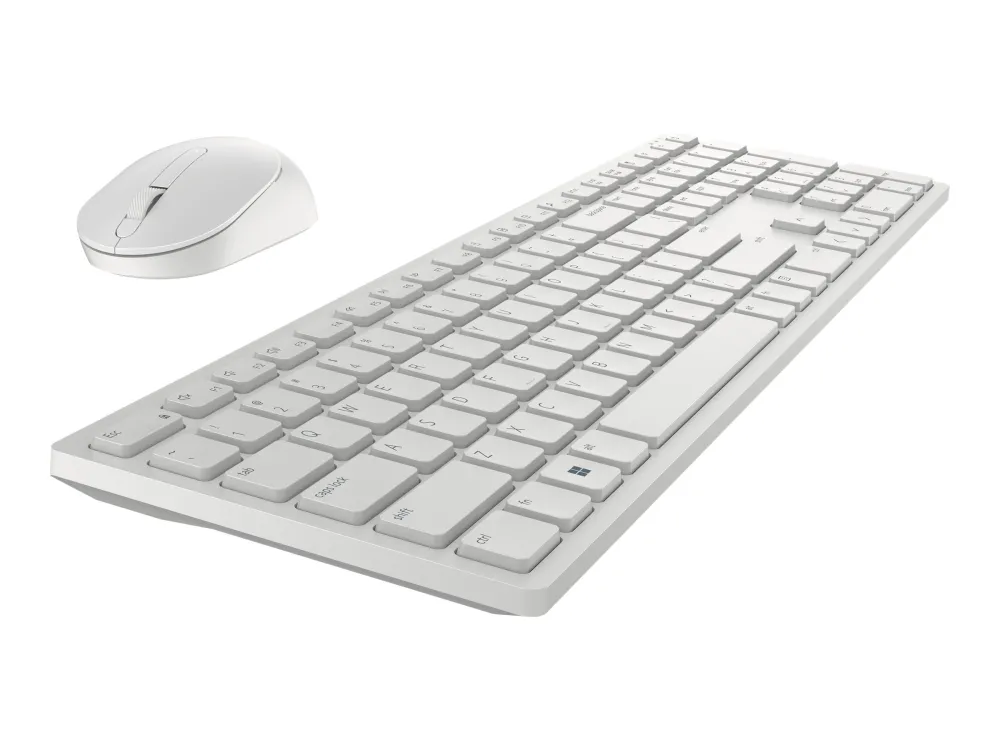
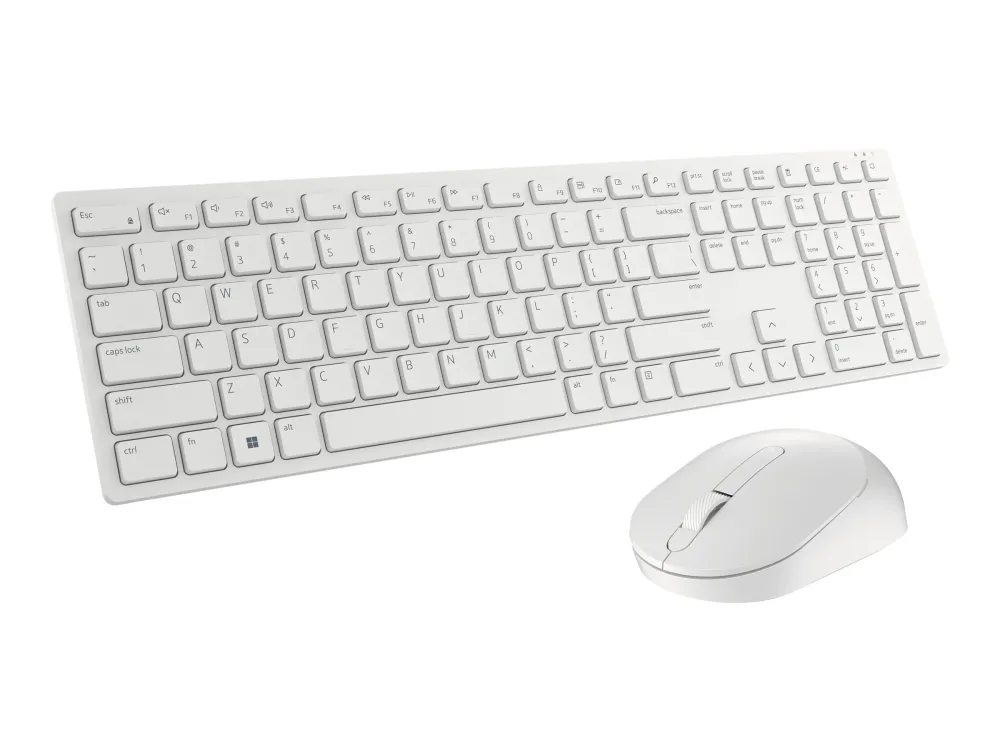
A white full-size keyboard and optical mouse, connected through one 2.4GHz USB receiver. The KM5221W combines a US International QWERTY layout, separate number pad and adjustable mouse sensitivity for everyday desk work.

A complete white desk set
Full-size keys. A familiar layout.
The white KM5221W pairs a full-size plunger-key keyboard with an optical mouse. This catalogue option is US International QWERTY, with a separate numeric keypad and dedicated volume-up, volume-down and mute controls. Check the required keyboard language when ordering: KM5221W is also sold in other regional layouts.

One receiver
Connect both devices through USB.
The supplied USB receiver carries the 2.4GHz wireless connection for the keyboard and mouse. Fit two AAA batteries to the keyboard and one AA battery to the mouse, connect the receiver to the computer and switch the devices on. Keep a suitable USB port available; no Bluetooth or rechargeable-battery function is specified for this set.

Pointer control
Four sensitivity presets.
The optical mouse has three buttons, including a programmable middle click in its scroll wheel. Its default sensitivity is 1600 DPI; Dell Peripheral Manager provides 1000, 1600, 2400 and 4000 DPI presets. This is software-based adjustment, so do not assume that every operating system exposes the same custom controls.

Make shortcuts your own
Separate everyday input from customisation.
Dell lists Windows, macOS, Linux, Chrome OS and Android for receiver-based input. Dell Peripheral Manager is Windows software: the reviewed model datasheet specifies Windows 10 and Windows 11 for programming F1–F12 and the mouse middle click, changing sensitivity and checking device status. Confirm the exact operating system and available model downloads before relying on these options.
Practical details
Set the angle. Watch the battery.
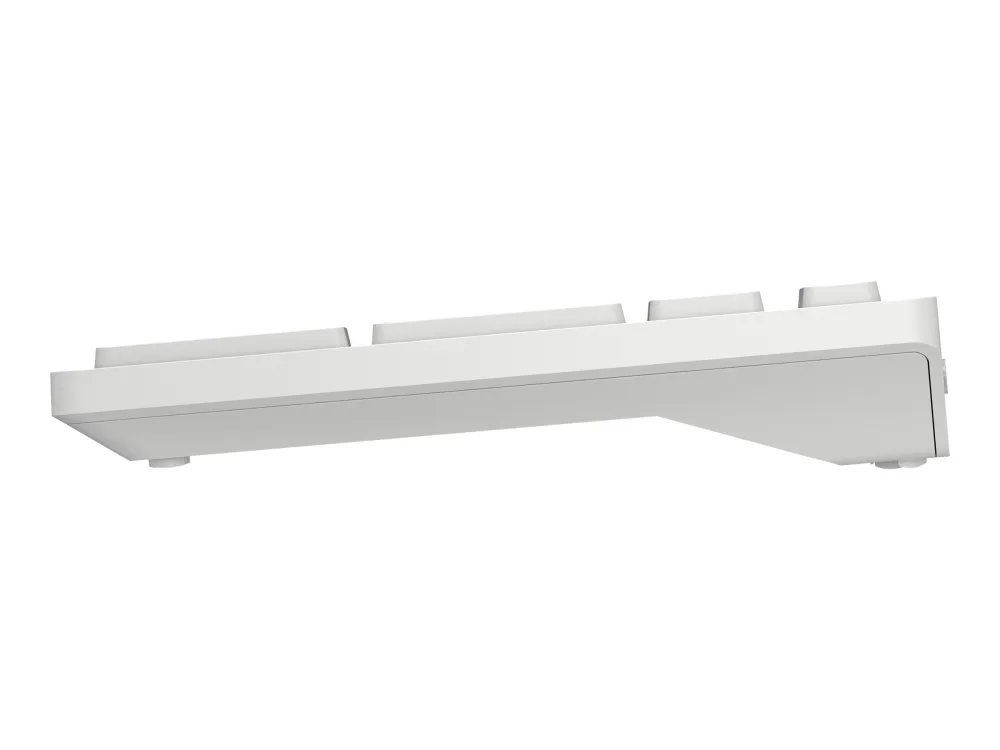
Dell’s model datasheet lists 5° and 9° keyboard tilt positions, a keyboard power switch and battery indicators. Its up-to-36-month battery figure comes from Dell’s November 2020 usage-model calculations; actual life varies with use, operating conditions and other factors. The keyboard’s 128-bit AES feature protects its wireless typing transmission; it is not a claim of complete-device or network security.


Reviews
There are no reviews yet.