
Dell SE2426HG drivers and software
Select the actual operating system and check each package against SE2426HG. No latest-version claim; do not use HGS or 27-inch documents as the exact model.
Open official support (opens in a new tab)Checking which support options are available…
Who would you like help from?
Enter your name to begin your live chat with an online consultant.
What can we help you with?
Your details are used only to respond. MatzoBot requests are securely passed to the MatzoTech team.
Your request has been emailed to MatzoTech. A consultant will reply using the email address or mobile number you supplied.

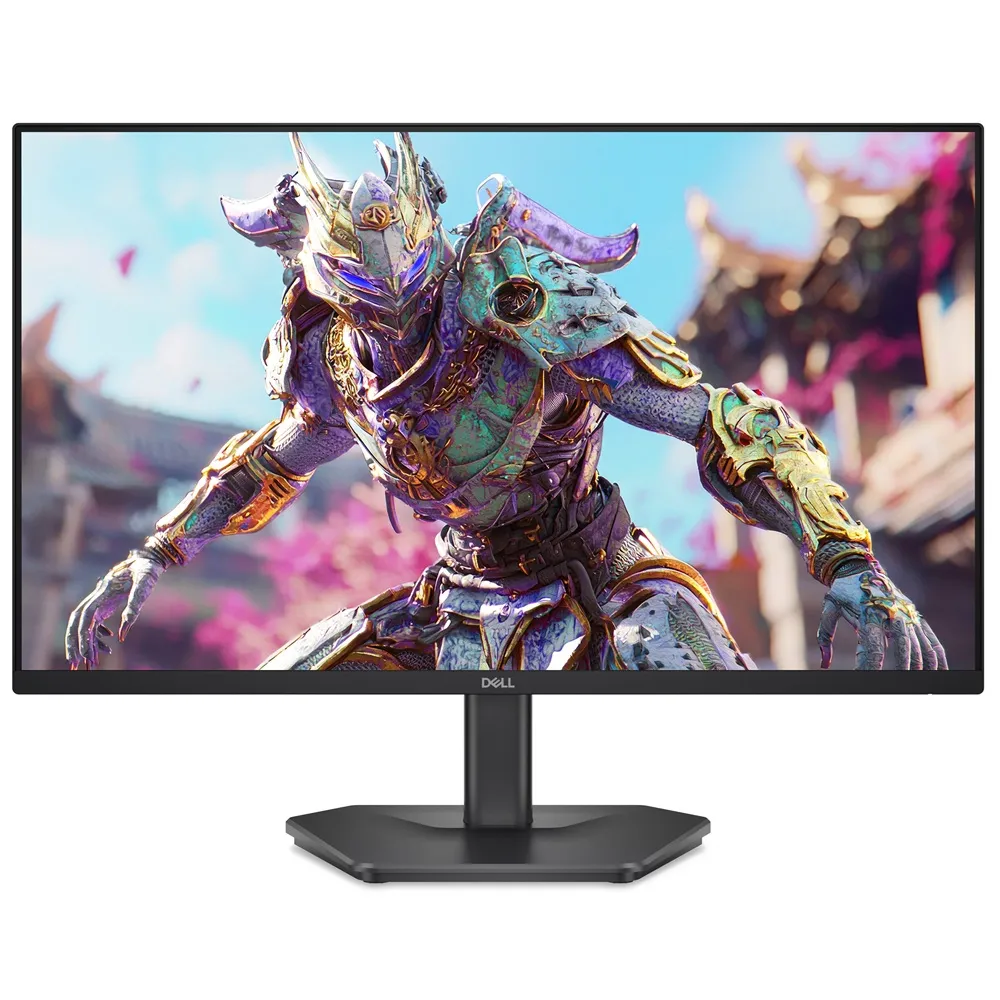
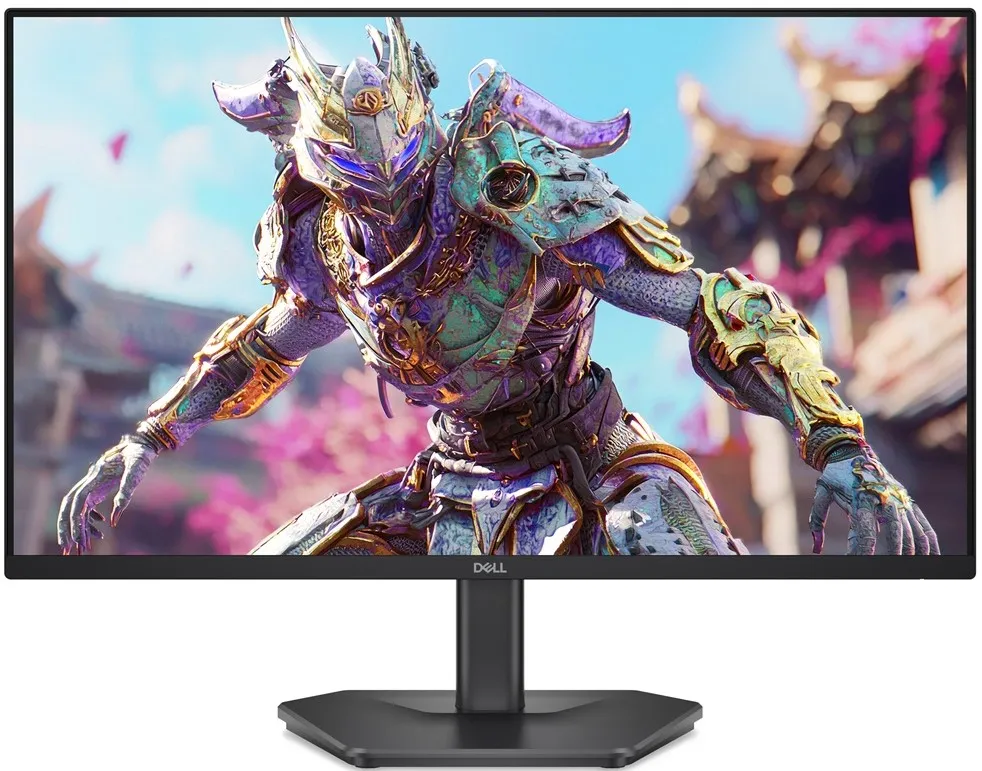
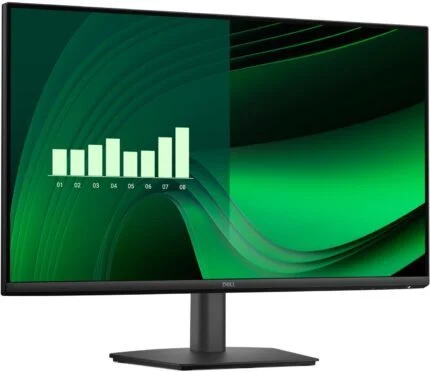
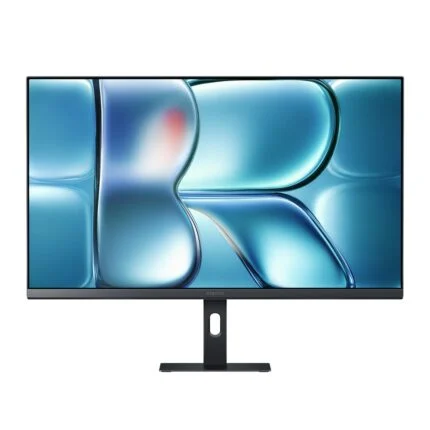
Dell SE2426HG 23.8-inch Full HD IPS monitor with up to 240Hz refresh, 99%sRGB, AMD FreeSync Premium, two HDMI inputs, DisplayPort 1.4 and headphone output. Tilt stand and 100 × 100mm VESA.
R2,899.00
Supplier has stock — 10 avail
Clear fulfilment, warranty and payment details.
Dell 24 240Hz Monitor - SE2426HG
The Dell SE2426HG combines a 23.8-inch Full HD IPS panel with a refresh rate up to 240Hz. Two HDMI inputs, DisplayPort 1.4 and a headphone output give a focused gaming setup clear connection choices, while the tilt stand and 100 × 100mm VESA pattern help it fit the desk.
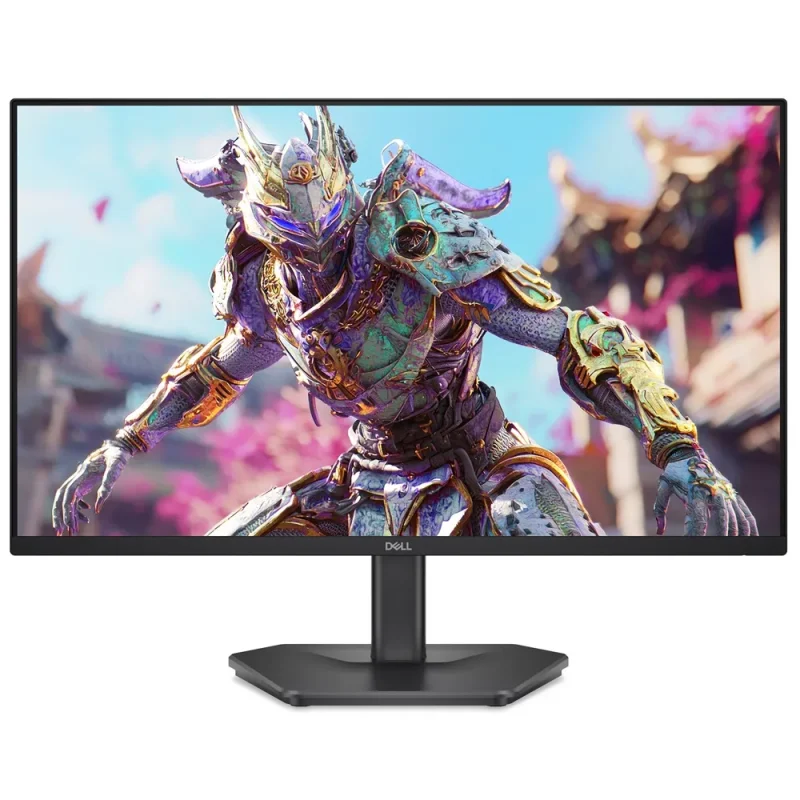
Motion
The panel supports 1920 × 1080 at up to 240Hz. A compatible graphics output, cable, selected refresh setting and suitable application are required; a 240Hz screen does not make a game run at 240 frames per second. Dell lists response modes of 5ms Fast, 3ms Super Fast and 1ms or 0.5ms Extreme grey-to-grey. Extreme response settings can introduce visual artefacts, so choose the mode that suits the image rather than treating the minimum figure as input latency.
Colour and viewing
The 16:9 IPS panel provides 178-degree horizontal and vertical viewing angles, 99% sRGB coverage and 16.7 million colours at 8-bit. Typical brightness is 300cd/m² and contrast is 1000:1. HDR10 signal support is included; these brightness and contrast figures do not establish premium HDR performance or a DisplayHDR certification. An anti-glare finish reduces distracting reflections.
Adaptive refresh
AMD FreeSync Premium and HDMI Variable Refresh Rate are supported with compatible hardware and settings. Their purpose is to coordinate display refresh with the source, with results depending on the game and system. Compatibility should be checked for the actual PC or console; no NVIDIA G-SYNC certification or universal console 240Hz support is claimed.
Connections and sound
Two HDMI inputs support Full HD up to 240Hz, VRR and HDR using the TMDS capabilities Dell identifies under HDMI 2.1. DisplayPort 1.4 is also provided, alongside a 3.5mm headphone output. Both video interfaces support HDCP 2.3. This is not a USB-C dock: there are no USB ports, Ethernet, webcam, microphone or built-in speakers. Connect headphones or separate audio equipment when sound is needed.
Desk fit
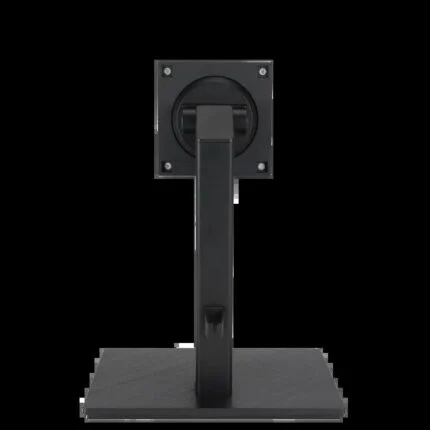
The supplied fixed-height stand tilts from −5° to +21°. It does not offer height adjustment, swivel or pivot. For a different position, the monitor supports a compatible 100 × 100mm VESA mount purchased separately. With stand, the reference dimensions are 538.84mm wide, 412.30mm high and 188mm deep. Weight is approximately 3.36kg with stand and cables; the bare display is 2.72kg for mounting considerations.
Comfort and control
Dell identifies TÜV Rheinland 3-star eye comfort, a hardware low-blue-light approach and flicker-free operation for this model. The rear joystick gives access to picture settings. Brightness, viewing distance and regular breaks remain personal setup choices; certification is not a promise that every viewer will be comfortable with every setting.
Power and package
Dell lists 14W on-mode consumption, 40W maximum and 0.3W in standby or off mode, using 100–240V AC at 50/60Hz. Its standard package lists a stand, power cable and 1.8m HDMI cable; confirm the delivered regional package. The native listing and Dell model page specify three-year limited hardware coverage with Advanced Exchange, subject to the actual local entitlement and service conditions.
| Manufacturer / model | Dell SE2426HG |
|---|---|
| Supplied order code | 210-BTTF |
| Screen class / viewable | 24-inch class; 23.8-inch / 60.5cm viewable |
| Panel | Flat IPS LCD |
| Native resolution | 1920 × 1080 Full HD |
| Aspect ratio | 16:9 |
| Maximum refresh | 240Hz; compatible source/cable/settings required |
| Response modes | 5ms Fast; 3ms Super Fast; 1ms / 0.5ms Extreme GTG; mode-dependent, not input latency |
| Viewing angles H / V | 178° / 178° |
| Pixel pitch | 0.2745 × 0.2745mm |
| Pixel density | 93ppi |
| Brightness | 300cd/m² typical |
|---|---|
| Native contrast | 1000:1 |
| Colour depth | 8-bit; 16.7 million colours |
| Gamut | 99% sRGB (CIE1931) |
| HDR | HDR10 input support; no premium HDR certification claimed |
| Surface | Anti-glare; 3H hardness |
| Adaptive sync | AMD FreeSync Premium; compatible source and settings required |
| HDMI VRR | Supported with compatible source |
| Eye comfort | TÜV Rheinland 3-star; hardware low-blue-light; flicker-free |
| HDMI | 2 inputs; HDCP2.3; Full HD up to240Hz, VRR/HDR under HDMI2.1 TMDS capability |
|---|---|
| DisplayPort | 1 × DisplayPort1.4 input; HDCP2.3 |
| Audio output | 3.5mm headphone output |
| Speakers | None |
| USB / USB-C / Ethernet | None |
| Webcam / microphone | None |
| Controls | Rear joystick |
| Security | Kensington-type security lock slot; lock separate |
| Adjustment | Tilt −5° to +21° |
|---|---|
| Height adjustment / swivel / pivot | Not provided on supplied stand |
| VESA mounting | 100 × 100mm; compatible mount separate |
| With stand W × H × D | 538.84 × 412.30 × 188mm |
| Without stand W × H × D | 538.84 × 317.05 × 47.20mm |
| Weight with stand and cables | Approximately3.36kg |
| Weight without stand and cables | Approximately2.72kg |
| Colour | Black |
| AC input | 100–240V AC,50/60Hz |
|---|---|
| On-mode consumption | 14W reference; varies by settings/content |
| Maximum consumption | 40W |
| Standby / off | 0.3W /0.3W |
| Operating temperature | 0–40°C |
| Operating humidity | 10–80% non-condensing |
| Listed cable package | Power cable;1.8mHDMI cable; regional package confirmation applies |
| Service listing | 3-year limited hardware with Advanced Exchange; delivered local entitlement/terms apply |
SE2426HG is the fixed-height tilt-stand model. Response time is GTG in a selected overdrive mode, not total input latency. 240Hz and VRR require compatible output, cable and settings. Regional package and service entitlement require confirmation.
Use official support resources for this product. Each link opens in a new tab.
Select the actual operating system and check each package against SE2426HG. No latest-version claim; do not use HGS or 27-inch documents as the exact model.
Open official support (opens in a new tab)Check the exact SE2426HG model and document revision for refresh settings, response modes, stand removal and VESA mounting.
Open official support (opens in a new tab)Compare 2–5 products side by side
Help other shoppers by sharing an honest review.
Write a reviewYou are offline. Reconnect to check prices and shop.
Reviews
There are no reviews yet.