
airCube ISP installation guide
Exact ACB-ISP manufacturer installation resource. Follow LAN 1 power input and WAN passthrough instructions for the selected supply.
Open official support (opens in a new tab)Checking which support options are available…
Who would you like help from?
Enter your name to begin your live chat with an online consultant.
What can we help you with?
Your details are used only to respond. MatzoBot requests are securely passed to the MatzoTech team.
Your request has been emailed to MatzoTech. A consultant will reply using the email address or mobile number you supplied.

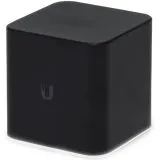
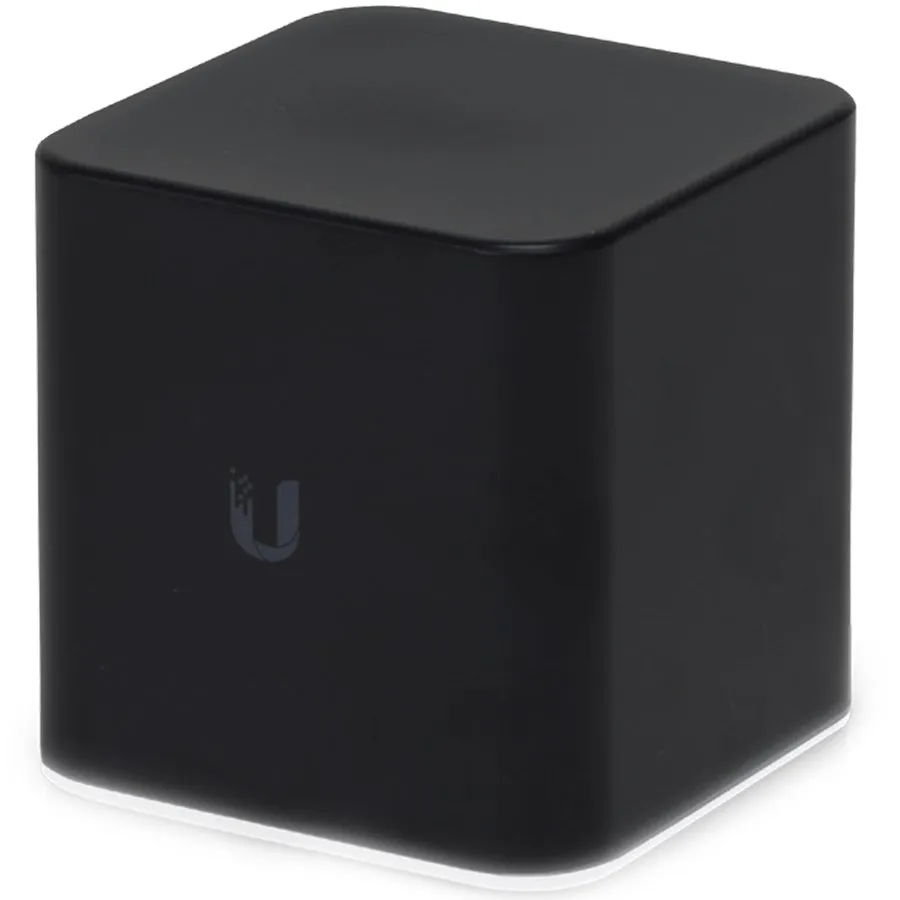
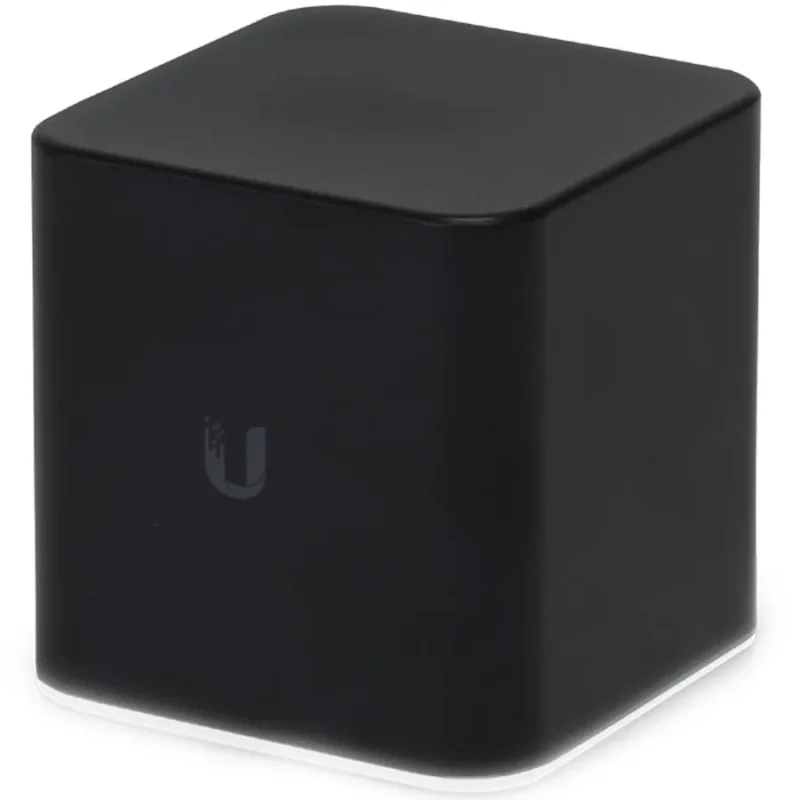
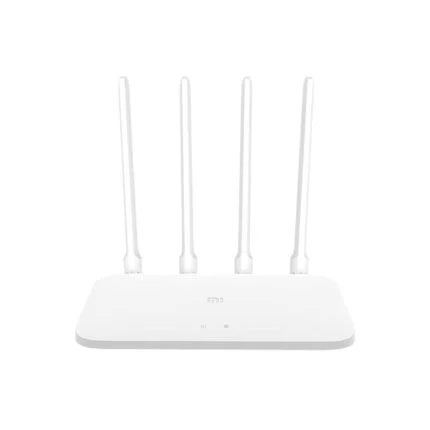
Ubiquiti ACB-ISP airCube ISP desktop WiFi 4 access point/router with 2.4GHz 2×2 radio, four 10/100 Ethernet ports and controllable 24V PoE passthrough. Power adapter selected separately.
R669.00
Supplier has stock — 10 avail
Clear fulfilment, warranty and payment details.
Ubiquiti UISP • ACB-ISP
airCube ISP brings 2.4GHz WiFi and wired connections to a small desktop enclosure. Its four Fast Ethernet ports and controllable 24V PoE passthrough suit a compatible airMAX CPE installation, with power equipment selected separately for the deployment.
The local WiFi connection
The 802.11n radio uses 2×2 MIMO in the 2.4GHz band, with a maximum 300Mbps physical link rate and a 4dBi antenna. Real application speed depends on clients, interference, airtime and the wired link. This is the single-band airCube ISP; the separate airCube AC has different radios and Ethernet hardware.
Four physical connections
Three LAN sockets connect local Ethernet equipment, while the WAN socket connects the upstream network or compatible CPE. All four are 10/100 Fast Ethernet ports. A 300Mbps WiFi association therefore does not turn the WAN into a Gigabit connection or promise 300Mbps internet transfers.
Input power
Power the unit through LAN port 1 using compatible 24V passive PoE, or through the Micro-USB connector using a suitable 5V supply. The Micro-USB adapter is not included. The manufacturer specifies a 2A Micro-USB adapter in the datasheet and a 4.95–5.05V input range; never connect 24V directly to the USB power socket.
Power to a compatible CPE
The WAN port can provide controllable 24V passive PoE to a compatible airMAX CPE. For this passthrough arrangement, the manufacturer specifies 24V/1A PoE input on LAN port 1. Confirm the radio’s voltage, polarity and power requirements before enabling output. Passive 24V power is not interchangeable with an arbitrary IEEE 802.3af/at endpoint, and USB power alone is not a promise of CPE power.
Configuration and care
Manage the airCube through Ethernet or WiFi. Ubiquiti provides a web interface for basic configuration and documents UNMS mobile setup in its guide; the product belongs to the UISP family. Select airCube-specific software and follow the manufacturer’s upgrade path. The status light at the base shows when the unit is powered.
Desktop placement
The black enclosure measures 87.8 × 89.5 × 89.25mm. Allow space behind it for four Ethernet leads and the selected power connection. The operating range is −10–50°C with 5–95% noncondensing humidity. Place it where moisture and cable strain will not compromise the installation, and select the permitted country radio settings.
| Manufacturer / model | Ubiquiti / airCube ISP (ACB-ISP) |
|---|---|
| EAN | 817882020350 |
| Radio | 2.4GHz, 802.11n, 2×2 MIMO |
| Maximum PHY rate | 300Mbps; shared radio link rate, not guaranteed internet throughput |
| Antenna gain | 4dBi |
| Maximum TX power | 20dBm in current manufacturer specifications; subject to country limits |
| Ports | Four 10/100 Fast Ethernet RJ45: three LAN and one WAN |
|---|---|
| Management interfaces | Ethernet and WiFi |
| Management options | Web interface; UISP ecosystem; legacy guide describes UNMS mobile setup |
| Indicator | Status LED at base |
| Power inputs | 24V passive PoE on LAN 1, or 5V Micro-USB |
|---|---|
| Micro-USB supply | 2A adapter per manufacturer datasheet; not included |
| USB supported voltage | 4.95–5.05V |
| Maximum device consumption | 5W; downstream CPE power additional |
| PoE output | Controllable 24V passive PoE on WAN; pins 4/5 positive, 7/8 negative |
| Passthrough supply condition | 24V/1A PoE input required by manufacturer datasheet; match endpoint requirements |
| Power standard qualification | 24V passive PoE; do not assume 802.3af/at negotiation or universal endpoint compatibility |
| Dimensions (W × D × H) | 87.8 × 89.5 × 89.25mm |
|---|---|
| Manufacturer-listed weight | 280g in current technical specifications; confirm supplied revision if weight is critical |
| Enclosure | Black plastic desktop enclosure |
| Operating temperature | −10–50°C |
| Operating humidity | 5–95%, noncondensing |
| ESD/EMP protection | ±24kV at RJ45 interface |
| Certifications | CE, FCC, IC |
| Confirmed package contents | airCube ISP and documentation; Micro-USB power adapter not included |
|---|---|
| Supplier package dimensions | 103 × 103 × 100mm |
| Supplier gross package weight | 0.35kg |
| Supplied warranty | 12 months, subject to applicable supply terms; serial and purchase evidence required |
| Regional qualification | Permitted radio channels and power depend on country; an EU warranty note does not establish a blanket two-year South African entitlement |
Select compatible power equipment separately. The WAN and LAN ports are Fast Ethernet. Enable passive PoE output only for a correctly matched 24V endpoint.
Use official support resources for this product. Each link opens in a new tab.
Exact ACB-ISP manufacturer installation resource. Follow LAN 1 power input and WAN passthrough instructions for the selected supply.
Open official support (opens in a new tab)Exact-model radio, Fast Ethernet, power and environment details. Select ACB-ISP rather than ACB-AC for hardware-specific support.
Open official support (opens in a new tab)Manufacturer PDF covering both models. Use the airCube-ISP column and its 24V/1A PoE passthrough supply condition.
Open official support (opens in a new tab)Compare 2–5 products side by side
Help other shoppers by sharing an honest review.
Write a reviewYou are offline. Reconnect to check prices and shop.
Reviews
There are no reviews yet.