
PA32QCV user guide — English
Official exact model guide covering ports, USB/KVM setup, display modes, mounting and OSD restrictions.
Open official support (opens in a new tab)Checking which support options are available…
Who would you like help from?
Enter your name to begin your live chat with an online consultant.
What can we help you with?
Your details are used only to respond. MatzoBot requests are securely passed to the MatzoTech team.
Your request has been emailed to MatzoTech. A consultant will reply using the email address or mobile number you supplied.

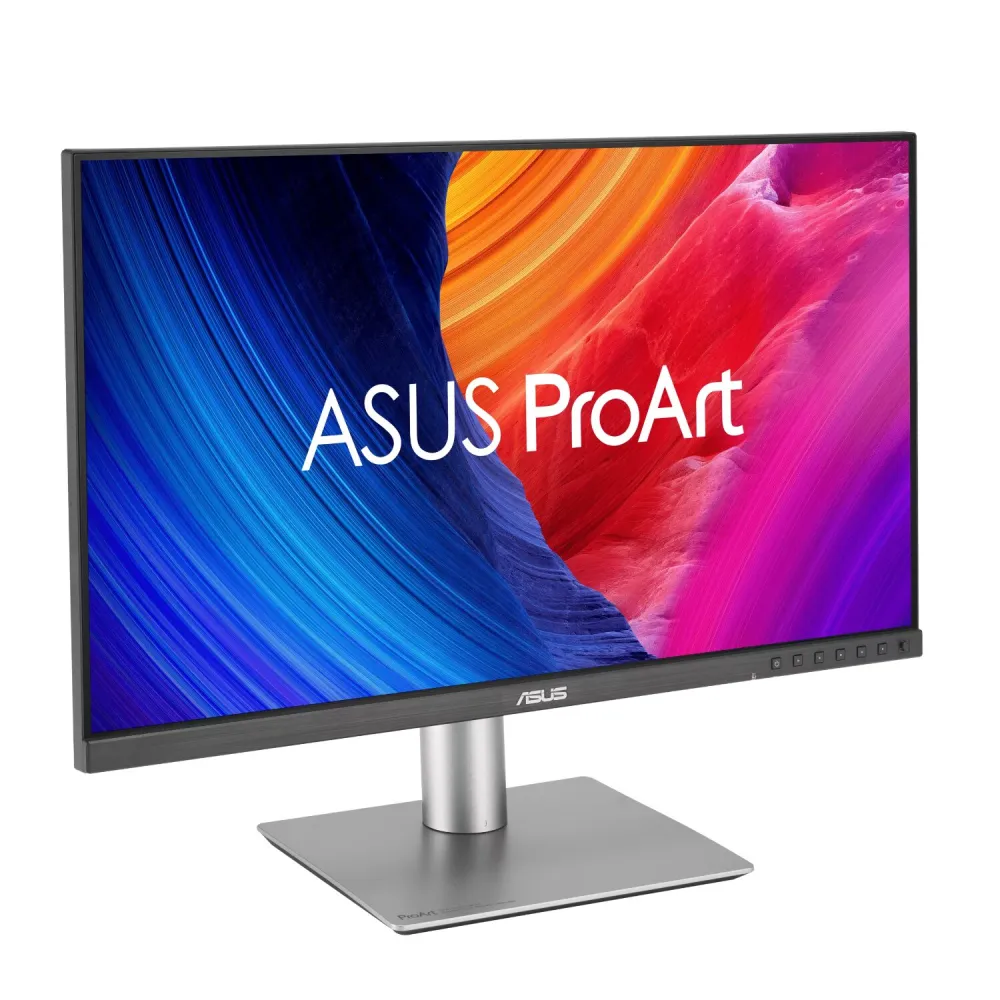
31.5-inch 6K IPS monitor with factory calibration, 98% DCI-P3 coverage, host-port 96 W Thunderbolt 4 charging, Auto KVM and an ergonomic stand.
R37,299.00
Supplier has stock — 10 avail
Clear fulfilment, warranty and payment details.
Official manufacturer overview
ASUS · ASUS ProArt 5K and 6K monitor family presentation, including PA32QCV. Film also shows other models; resolution, port power, colour gamut and other specifications vary. Refer to this PA32QCV listing for exact specifications.
Play to load this video from YouTube.
ASUS ProArt • PA32QCV • 31.5-inch 6K
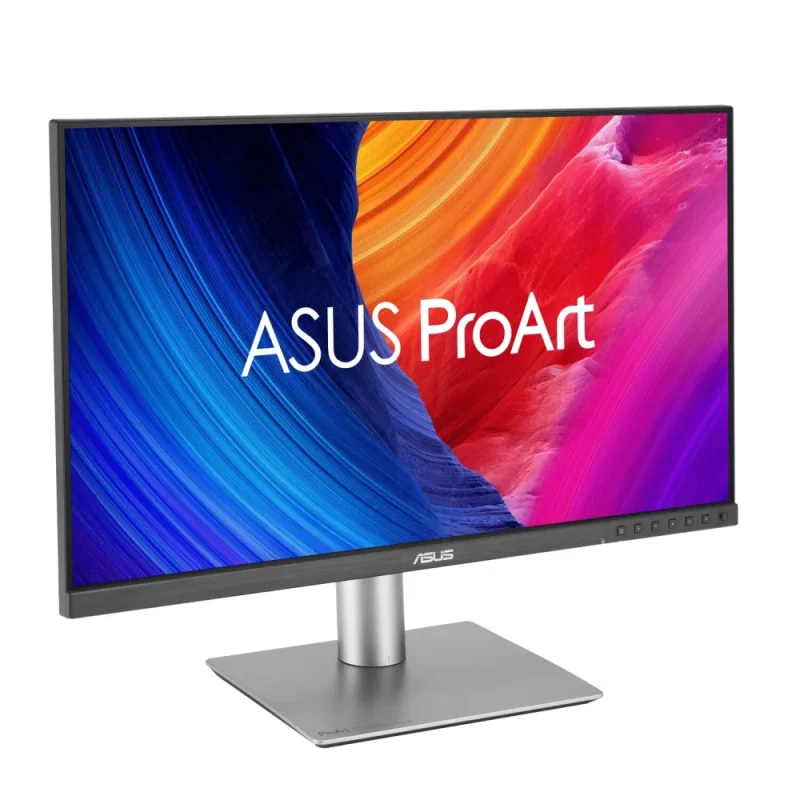
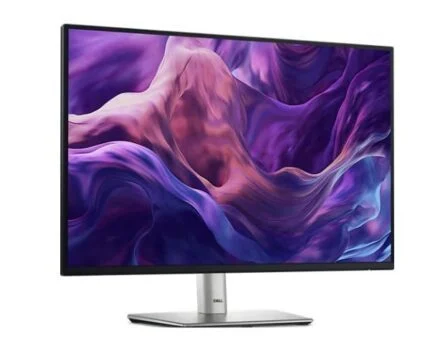
The ProArt Display PA32QCV brings a 6016 × 3384 IPS workspace to a 31.5-inch panel, with 218 pixels per inch and a maximum 60 Hz refresh rate. Factory calibration, a low-reflection surface and an adjustable stand support detailed creative work, while Thunderbolt 4, Auto KVM and a USB hub help connect the computers and peripherals around it.
Detail and workspace
The 31.5-inch 16:9 IPS panel has 6016 × 3384 pixels at 218 PPI. That density supports fine text and image inspection, while operating-system scaling determines how much content fits at a comfortable reading size. ASUS specifies a 5 ms grey-to-grey response time and a maximum 60 Hz refresh rate. Confirm that the source computer, cable and selected connection support the desired 6K output.
Colour and HDR
ASUS lists 98% DCI-P3 and 100% sRGB gamut coverage, 10-bit colour support and factory calibration to Delta E below 2, with Calman verification. ProArt Preset includes sRGB, Rec.709 and P3 modes; the M Model-P3 option is designed to align with macOS devices. HDR10 and VESA DisplayHDR 600 support accompany 400 cd/m² typical brightness and 600 cd/m² HDR peak brightness. These ratings do not guarantee identical appearance in every mode or room.
LuxPixel and Light Sync
The LuxPixel anti-glare, low-reflection surface reduces distracting reflections. Light Sync combines an ambient-light sensor with a backlight sensor that compensates for brightness deviations at startup. The panel also carries TÜV Flicker-free and Low Blue Light certifications. Set brightness and colour settings for the actual working environment rather than relying on a fixed appearance in every condition.
Thunderbolt and charging
The host-facing Thunderbolt 4 port is labelled for up to 96 W USB-C Power Delivery and can carry video, data and laptop power through a suitable cable. The second Thunderbolt port is the daisy-chain output and provides up to 15 W, not another 96 W laptop supply. Host capability, cable, attached displays and operating system determine the available display chain; ASUS specifically notes that MacBook daisy-chaining varies by model.
Inputs, USB and Auto KVM
DisplayPort 1.4 with DSC and HDMI 2.1 FRL provide additional video inputs. The monitor’s USB hub has two USB 3.2 Gen 1 Type-A ports and one downstream Type-C port, plus a Type-C upstream connection for KVM use. Auto KVM switches a keyboard and mouse between connected computers when the required upstream links are present. HDMI or DisplayPort video alone does not carry the USB connection; connect the separate upstream cable as directed.
Creative controls
ProArt Palette, QuickFit Plus and picture-in-picture/picture-by-picture provide colour and layout controls. Some functions require HDR, MediaSync or other modes to be disabled, as detailed in the manual. ASUS lists DisplayWidget Center, including macOS controls on the product page, and ProArt Chroma Tune; check the exact support page for available software, OS versions and requirements. Built-in 2 W stereo speakers and an earphone jack handle basic monitoring audio.
Ergonomics and physical fit
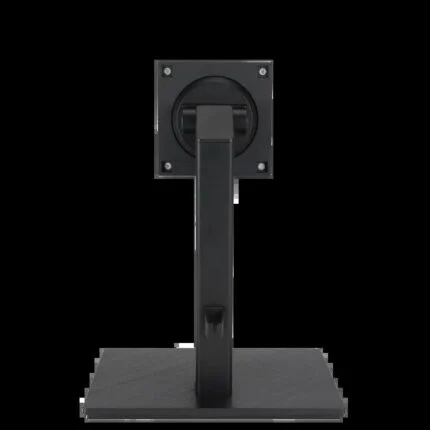
The stand adjusts through 130 mm of height, tilts from −5° to +23°, swivels ±30° and pivots ±90°. A 100 × 100 mm VESA mount supports a suitable third-party arm. ASUS lists 9.3 kg with the stand and 6.3 kg without it; choose a mount rated for the screen’s weight and dimensions. The fitted stand occupies a desk depth of about 24 cm.
Package and support
The listed package includes the display, Thunderbolt 4 cable, HDMI Ultra High Speed cable, power cord, microfiber cloth, colour pre-calibration report, certificate, quick-start guide, warranty card and welcome card; accessories vary by region. Warranty is listed as 36 months for this product, and ASUS separately lists three-year LCD Zero Bright Dot coverage. Confirm the applicable local coverage and conditions with the warranty card. No additional subscription or calibration instrument is included by implication.
| Model | ProArt Display 6K PA32QCV |
|---|---|
| Supplier SKU | PA32QCV |
| GTIN | 4711387860076 |
| Finish | Black / silver |
| Viewable diagonal | 31.5 inches; marketed 32-inch class |
| Panel / backlight | IPS / LED |
| Aspect ratio | 16:9 |
| Resolution | 6016 × 3384 |
| Pixel density | 218 PPI |
| Pixel pitch | 0.116 mm |
| Viewing area | 697.19 × 392.17 mm |
| Viewing angle | 178° horizontal / 178° vertical, CR ≥10 |
| Surface | LuxPixel AGLR anti-glare / low-reflection |
| Refresh rate | Up to 60 Hz |
|---|---|
| Response time | 5 ms GTG |
| sRGB coverage | 100%, manufacturer specification |
| DCI-P3 coverage | 98%, manufacturer specification |
| Display colours | 1073.7 million; 10-bit support |
| Factory accuracy | Delta E < 2; Calman Verified; mode/setup conditions apply |
| Brightness | 400 cd/m² typical; 600 cd/m² HDR peak |
| Contrast | 1500:1 typical; 3000:1 maximum manufacturer rating |
| HDR | HDR10; VESA DisplayHDR 600 |
| VRR | Adaptive-Sync; source/settings dependent |
| Gamma options | 1.8 / 2.0 / 2.2 / 2.4 / 2.6 |
| P3 modes | DCI-P3, Display-P3, M Model-P3 |
| Thunderbolt | 2 × Thunderbolt 4; host input plus daisy-chain output |
|---|---|
| Host-port power delivery | Up to 96 W; suitable host/cable required |
| Downstream Thunderbolt power | Up to 15 W |
| DisplayPort | 1 × DisplayPort 1.4 DSC |
| HDMI | 1 × HDMI 2.1 FRL |
| USB downstream | 2 × USB 3.2 Gen 1 Type-A; 1 × USB 3.2 Gen 1 Type-C |
| USB upstream | 1 × Type-C for KVM / USB signal |
| KVM | Auto KVM; two-host USB upstream setup required |
| Audio | 2 × 2 W speakers; earphone jack |
| Copy protection | HDCP 2.2 |
| Tools | ProArt Palette, ProArt Preset, QuickFit Plus, PIP/PBP |
|---|---|
| Software | DisplayWidget Center; ProArt Chroma Tune; check current OS/package availability |
| Light Sync | Ambient-light and backlight sensors |
| Certifications | Calman Verified; VESA DisplayHDR 600; VESA MediaSync; TÜV Low Blue Light/Flicker-free |
| Mode interactions | Consult manual for PIP/PBP, HDR, MediaSync and dynamic dimming restrictions |
| Software OS selector | Exact model support page lists Windows 11 64-bit, Windows 10 32/64-bit and MAC OS selectors; individual package/version requirements differ. |
| Tilt | −5° to +23° |
|---|---|
| Swivel | ±30° |
| Pivot | ±90° |
| Height adjustment | 0–130 mm |
| VESA mount | 100 × 100 mm |
| Dimensions with stand W×H×D | 714.2 × 617.9 × 240.1 mm |
| Dimensions without stand W×H×D | 714.2 × 419.7 × 46.9 mm |
| Weight | 9.3 kg with stand ; 6.3 kg without stand |
| Gross weight | 13.4 kg, regional estimate |
| Security | Kensington lock provision |
| Input supply | 100–240 V AC, 50/60 Hz |
|---|---|
| Power consumption | <49.49 W, manufacturer test figure |
| Power saving | <0.5 W |
| Hard-switch off | 0 W, manufacturer specification |
| Listed accessories | Thunderbolt 4 cable, HDMI Ultra High Speed cable, power cord, microfiber cloth, pre-calibration report, certificate, quick-start guide, warranty card, welcome card; regional variation |
| Warranty qualification | Listed product warranty: 36 months; ASUS LCD Zero Bright Dot: 3 years; confirm applicable regional coverage and conditions. |
Check the computer’s 6K output, cable, display-chain capability and charging needs before ordering.
Use official support resources for this product. Each link opens in a new tab.
Official exact model guide covering ports, USB/KVM setup, display modes, mounting and OSD restrictions.
Open official support (opens in a new tab)Official exact model selector. Check operating-system version and requirements for DisplayWidget Center, Chroma Tune and available packages.
Open official support (opens in a new tab)Compare 2–5 products side by side
Help other shoppers by sharing an honest review.
Write a reviewYou are offline. Reconnect to check prices and shop.
Reviews
There are no reviews yet.