

Corsair iCUE LINK 5000T LX RGB Mid-Tower PC Case; White
White Corsair 5000T LX RGB ATX mid-tower with three LX120 RGB fans, iCUE LINK hub, glass and 360 mm radiator options.
R6,809.00
Out of stock
Key product details
Full specifications below- Mpn: CC-9011299-WW
Delivery & support
Clear fulfilment, warranty and payment details.
- Availability Out of stock Out of stock
- Delivery Nationwide courier delivery or collection from Strand, Cape Town. Courier nationwide or Strand collection
- Dispatch Dispatch is unavailable while this product is out of stock. Unavailable while out of stock
- Warranty Manufacturer warranty applies where stated on the product page. As stated on this page
- Returns See our Returns Policy for eligible change-of-mind and faulty goods procedures. See Returns Policy
- Secure payment PayFast checkout with card and Instant EFT, or pay by EFT. PayFast · card · EFT
Official manufacturer overview
Corsair 5000T LX RGB case overview
CORSAIR · This official Corsair film covers the 5000T LX RGB case family. This listing is the white CC-9011299-WW chassis. PC components shown for illustration are separate.
Play to load this video from YouTube.
CORSAIR 5000T LX RGB · WHITE
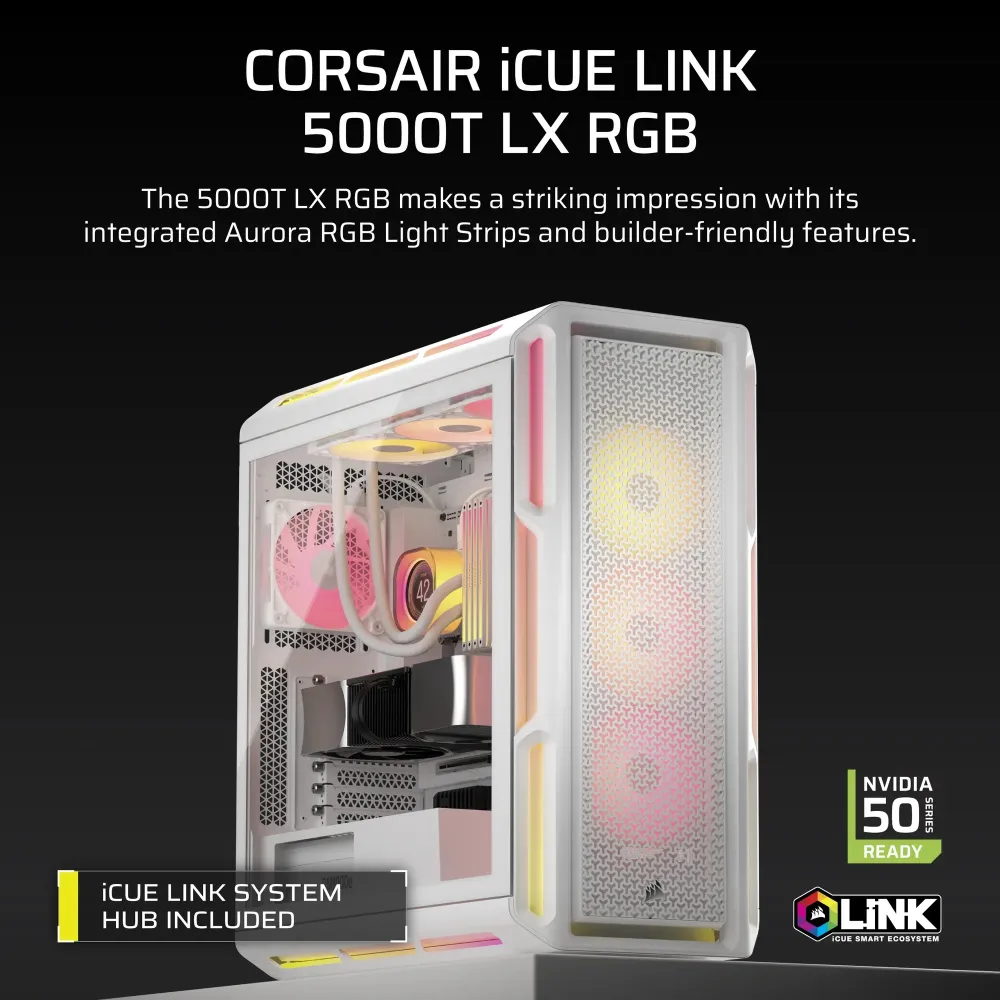
A white case with a clear view of the build
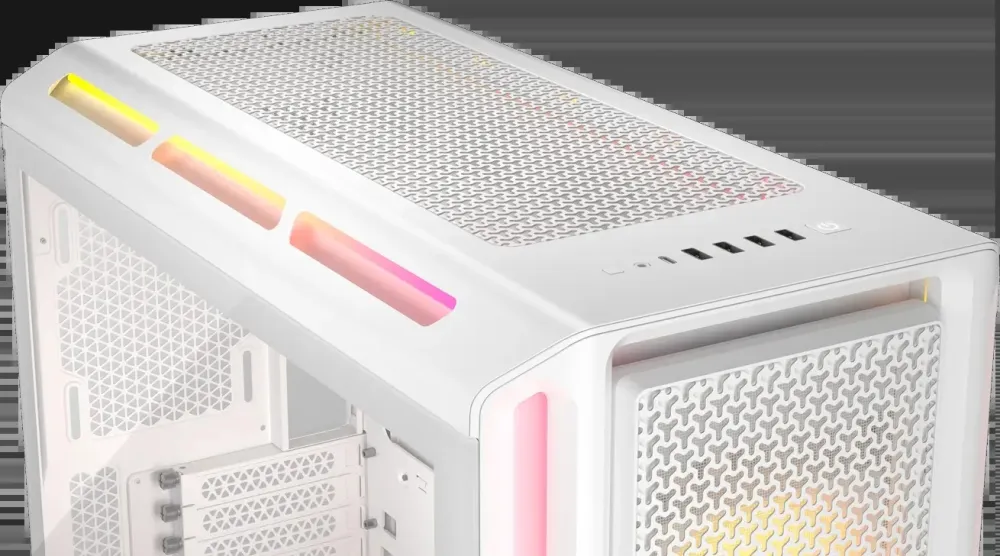
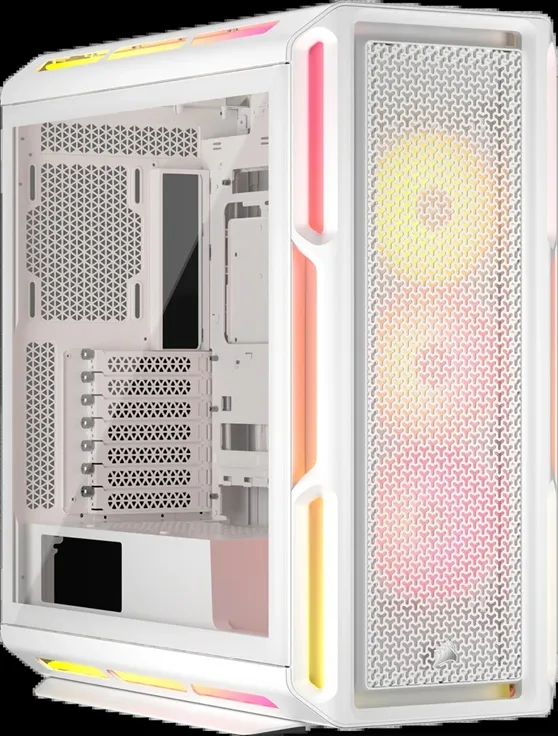
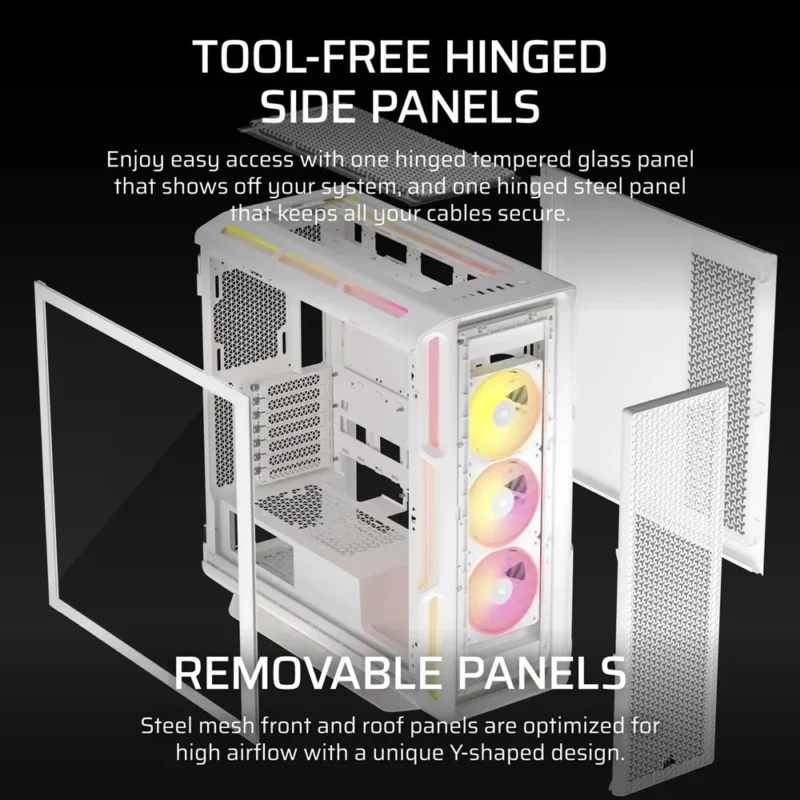
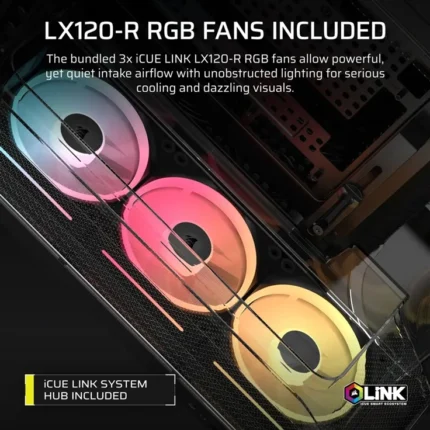
The White 5000T LX RGB puts a tempered-glass side beside a removable mesh front. Three installed LX120 RGB fans, built-in lighting and the LINK controller give you a starting layout while leaving room for a larger cooling setup.
AIRFLOW
Lay out the cooling before you build
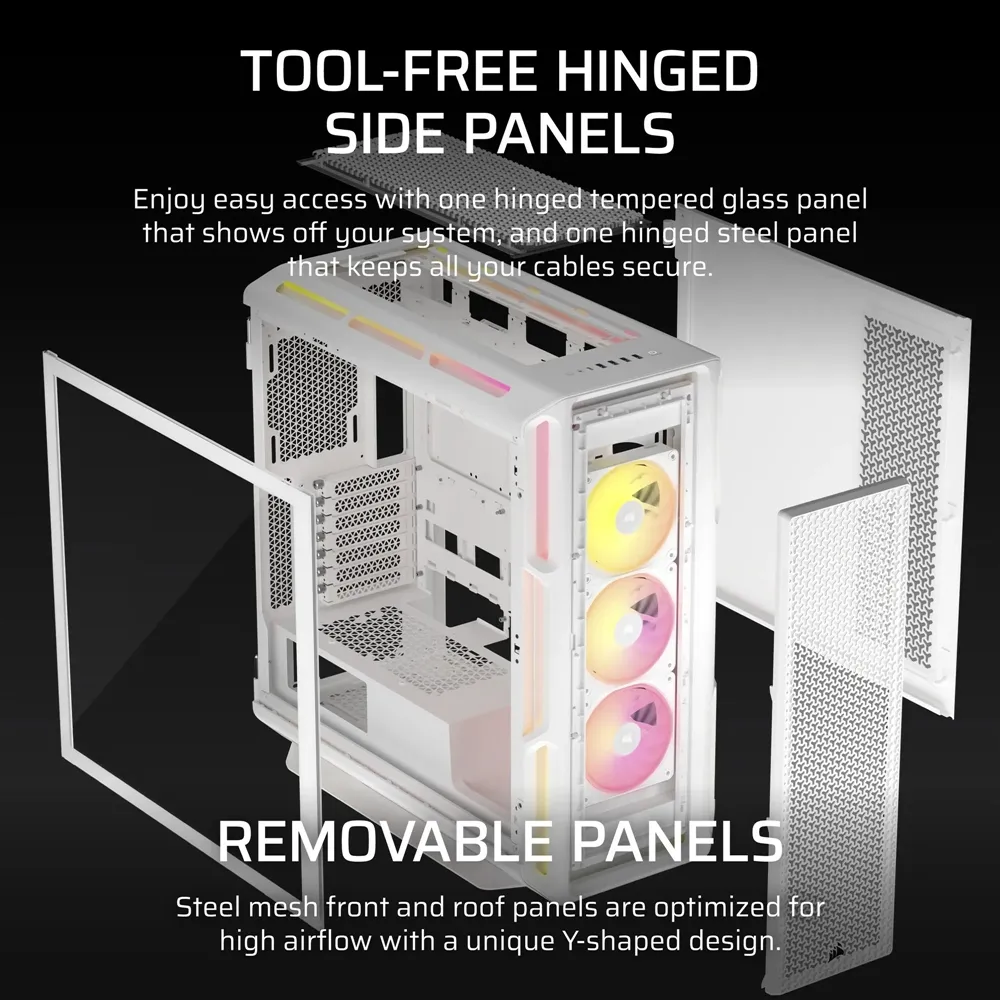
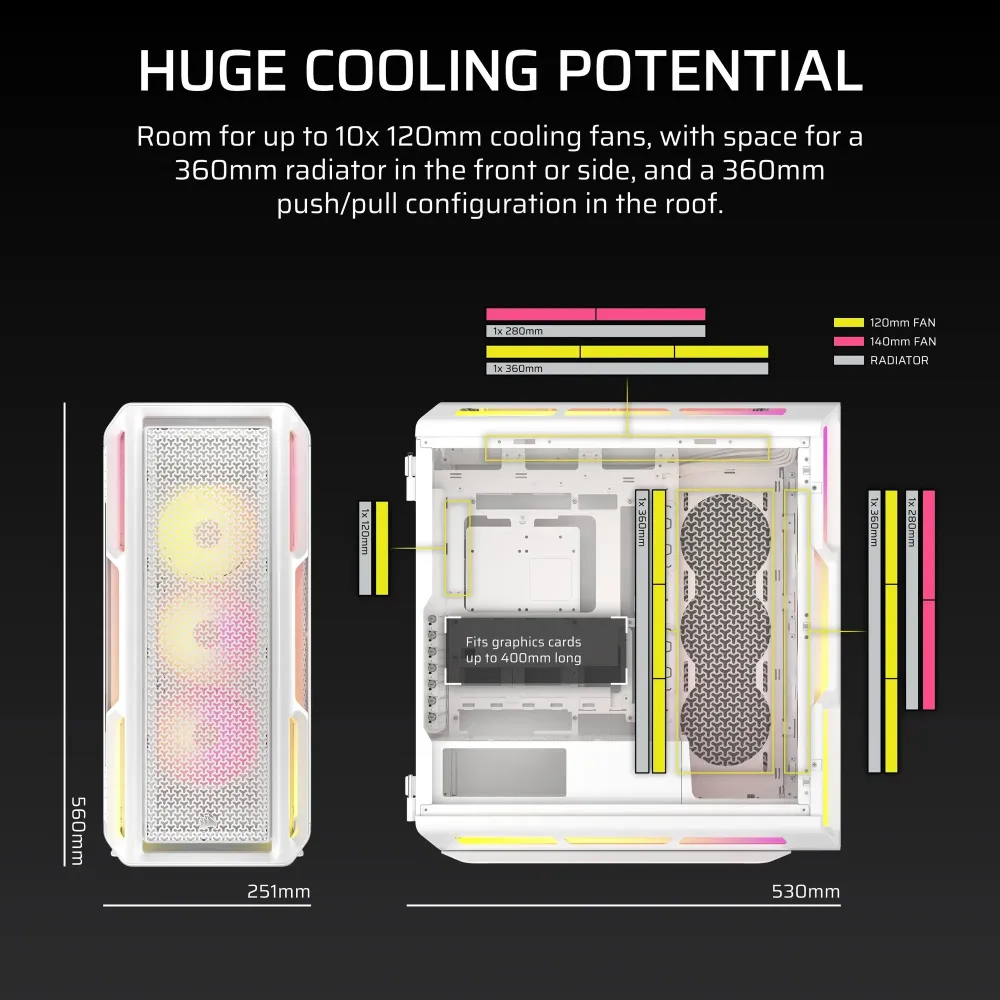
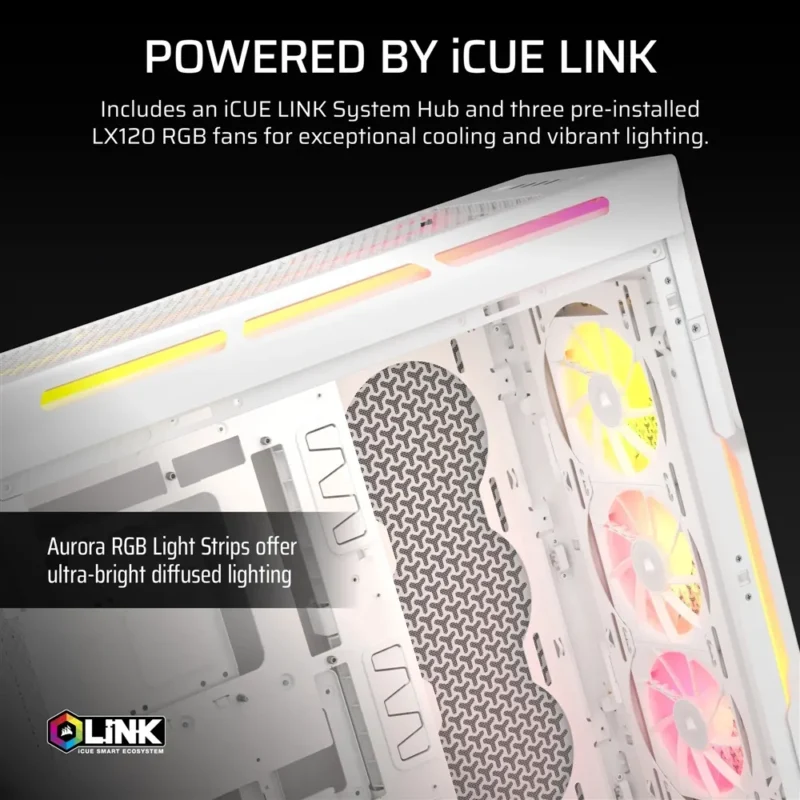
Remove the front and roof mesh to access the cooling mounts. The front and roof can each take three 120 mm or two 140 mm fans; the side takes three 120 mm fans and the rear one. Check radiator, fan and component clearance together.
LIGHTING AND WIRING
Bring the fans and light strips into one control system
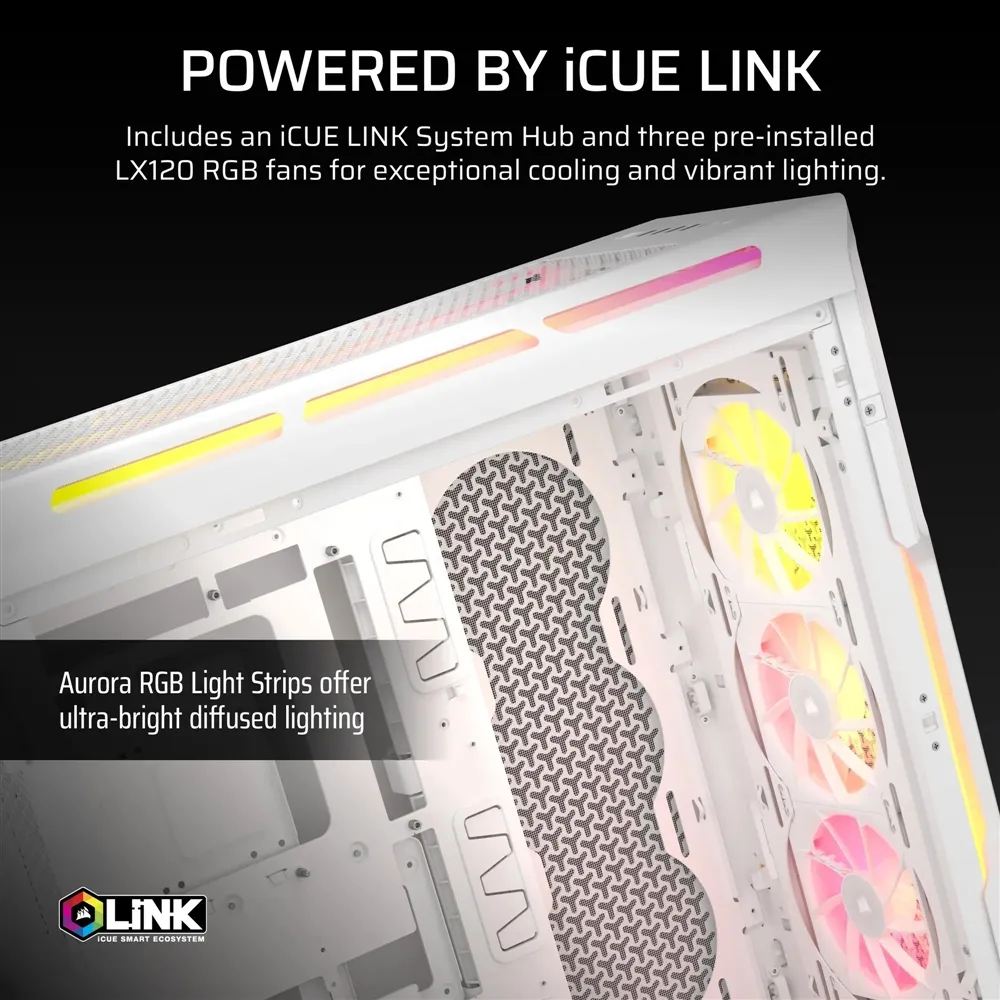
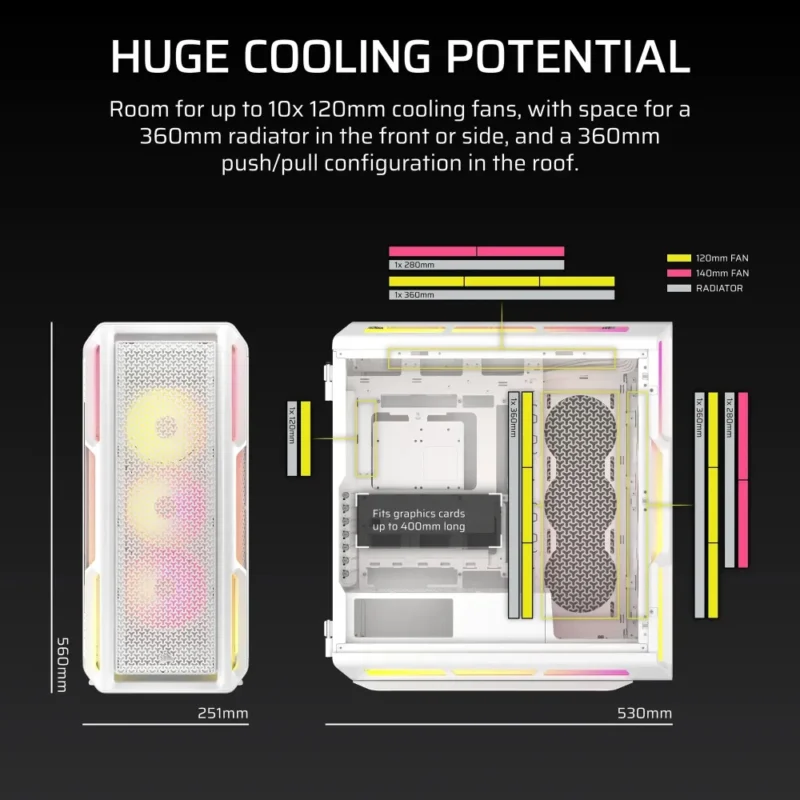
Three front LX120 RGB fans, integrated Aurora light strips, an iCUE LINK System Hub and RGB adapter are supplied in this LX RGB edition. The hub requires a dedicated PSU PCIe power lead and an internal USB 2.0 header.
BUILD ACCESS
Open both sides and route cables behind the tray
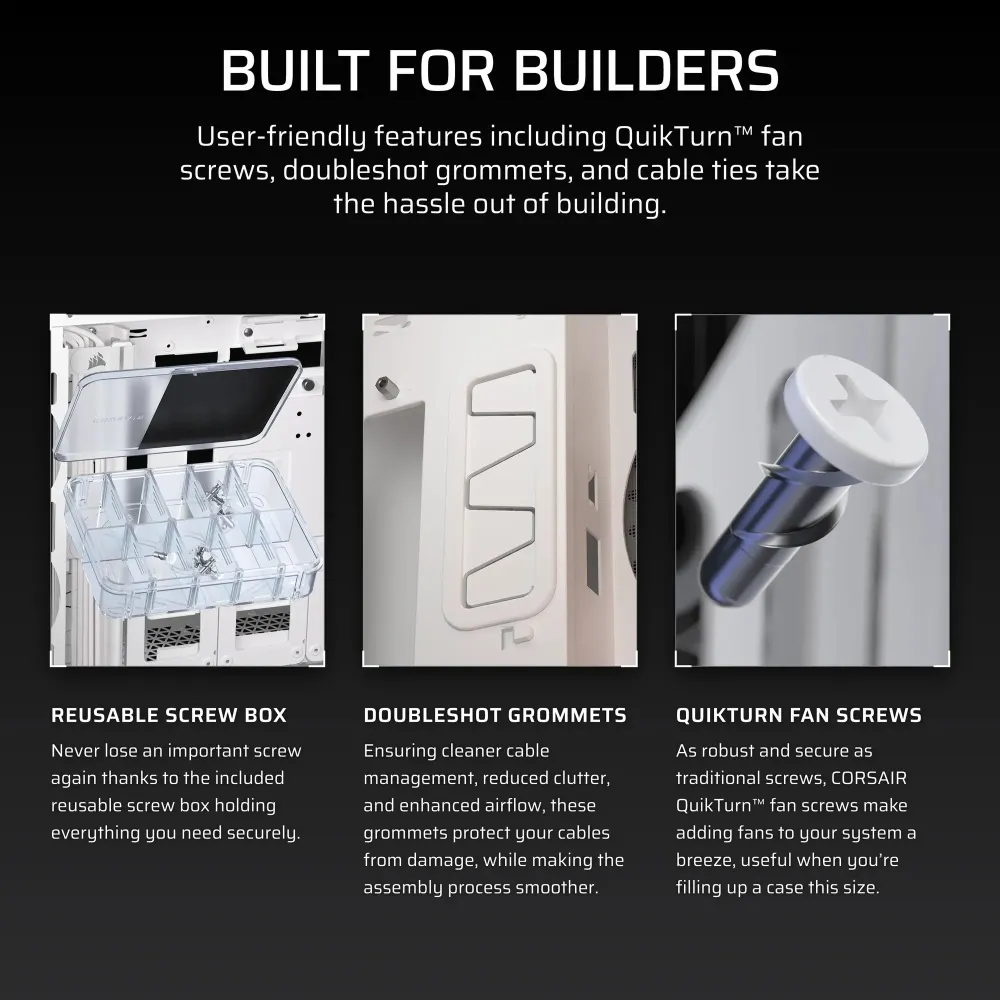
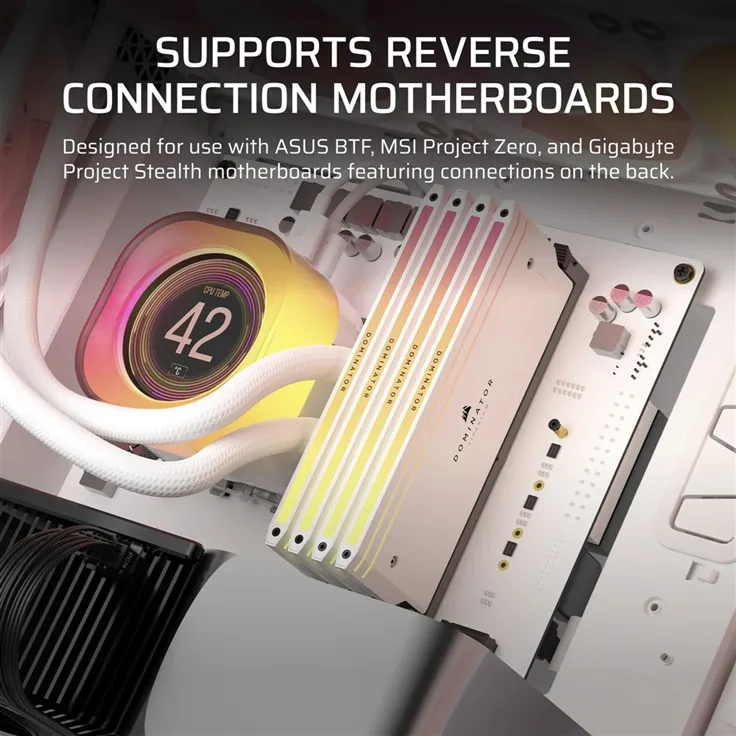
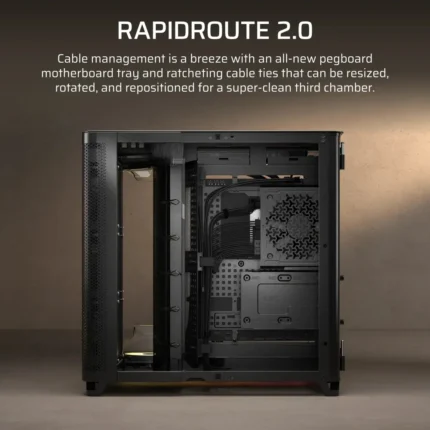
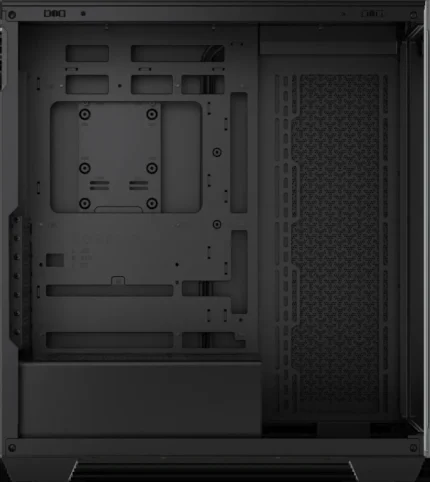
The hinged glass and steel panels open without tools. RapidRoute gives 46 mm behind the tray, and the case supports compatible reverse-connector layouts. The GPU mount can rotate for vertical installation with a separately purchased PCIe riser.
CONNECTIONS
Keep common peripherals within reach
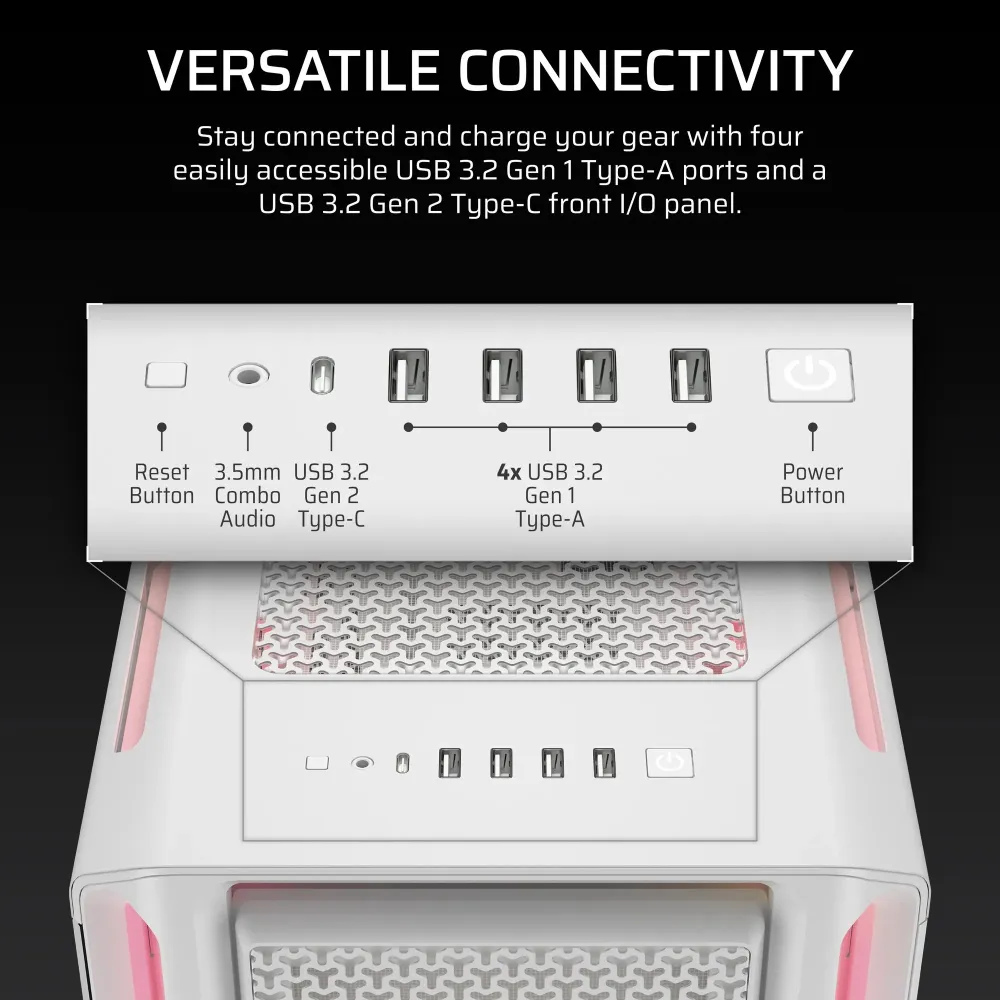
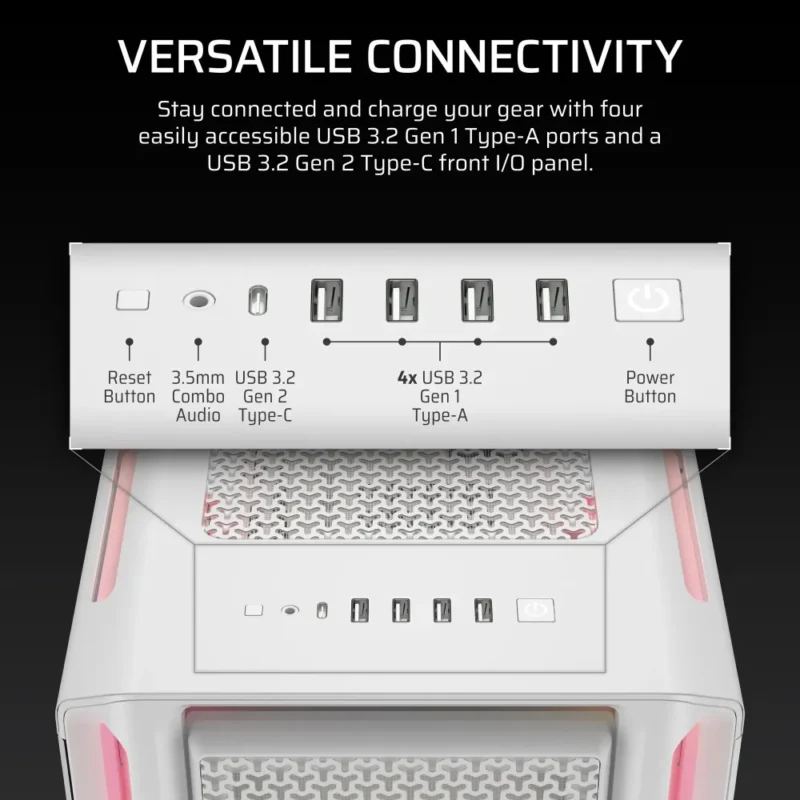
The upper I/O panel provides one 10Gbps USB-C port, four 5Gbps USB-A ports, a combined headset jack and power and reset controls. Check for the matching internal headers on your motherboard.
DRIVE FIT
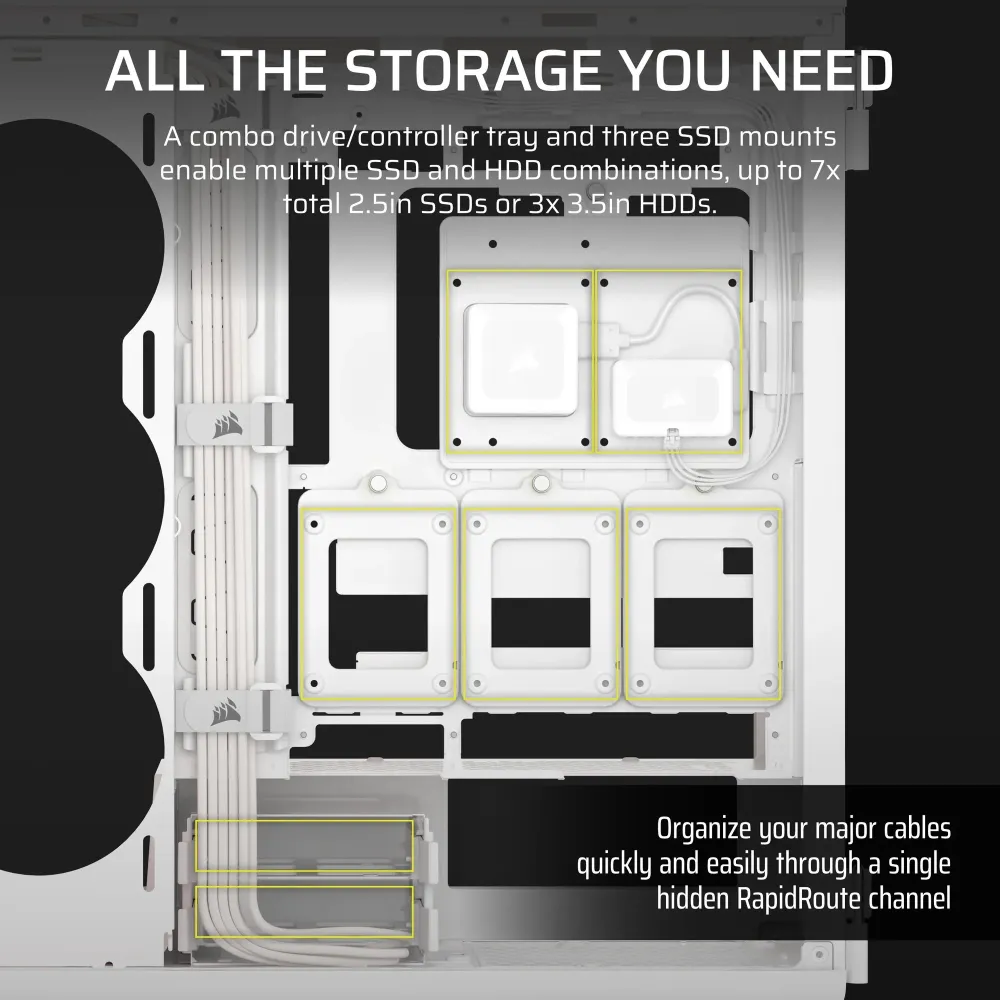
Use the cages, trays and combination plate as needed
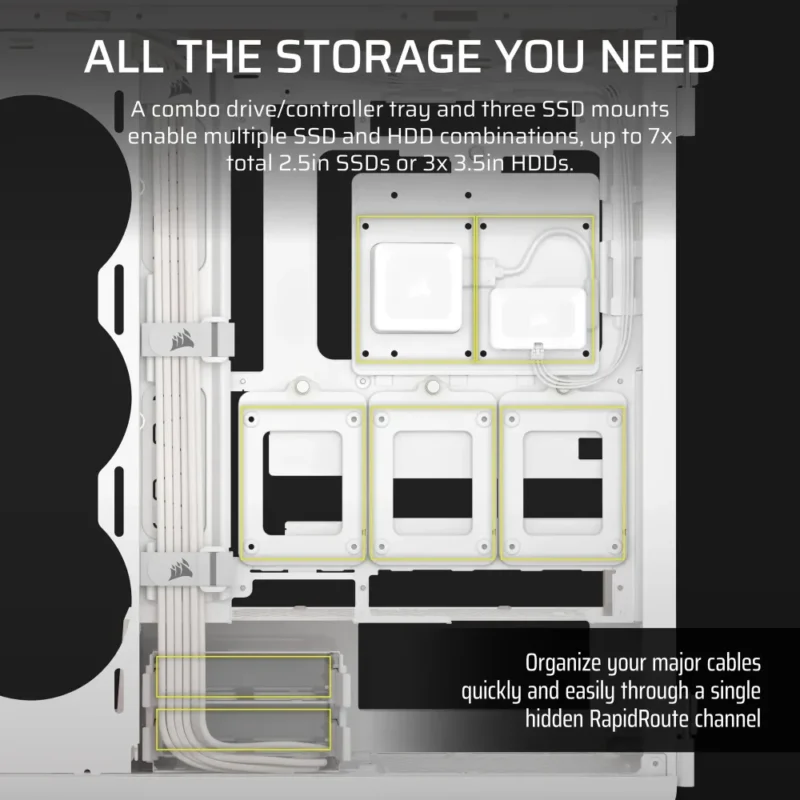
The two cage trays can hold hard drives or compatible SSDs. Three dedicated SSD positions sit behind the board, and the combination plate takes one HDD, two SSDs or a controller. Plan available mounts around how the hub is installed.
Specifications
Chassis
| Exact SKU | CC-9011299-WW |
|---|---|
| Colour | White |
| Size | ATX mid-tower, 530 × 251 × 560 mm (L × W × H) |
| Materials | Steel, tempered glass and plastic |
| Board fit | Mini-ITX, Micro-ATX, ATX and E-ATX up to 305 × 277 mm; compatible reverse-connector boards |
Component clearance
| GPU | Up to 450 mm |
|---|---|
| CPU air cooler | Up to 170 mm |
| ATX PSU | Up to 250 mm |
| Expansion slots | 7 horizontal or 3 vertical; vertical PCIe riser sold separately |
| Cable space | 46 mm behind motherboard |
Cooling and lighting
| Installed fans | 3 × iCUE LINK LX120 RGB, front |
|---|---|
| Included control | iCUE LINK System Hub, RGB adapter and integrated Aurora light strips |
| Fan positions | Front/top each 3 × 120 mm or 2 × 140 mm; side 3 × 120 mm; rear 1 × 120 mm |
| Radiator positions | Front/top 240, 280 or 360 mm; side 240 or 360 mm; rear 120 mm |
| Filters | Front, top, side and PSU |
Storage and controls
| Drive mounts | 2 cage trays, 3 dedicated SSD mounts and 1 combination drive/controller plate |
|---|---|
| Front I/O | USB-C 10Gbps, 4 × USB-A 5Gbps, combo audio, power and reset |
| Manufacturer case warranty | 2 years, subject to Corsair terms |
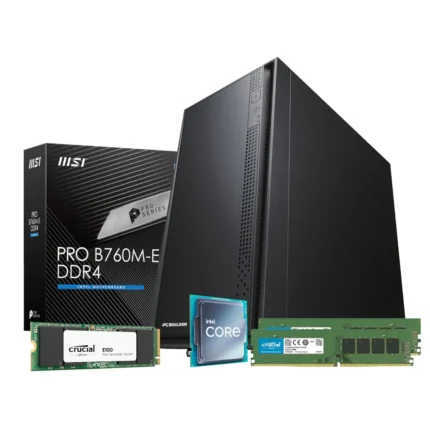
This is the case with the listed LX RGB hardware. Build components shown for illustration are separate. Check combined GPU, radiator and fan clearances.
Reviews
There are no reviews yet.