
Keychron V1 Max official user guide and Launcher instructions
Use the V1 Max ANSI knob instructions for the manual, Keychron Launcher and applicable firmware guidance.
Open official support (opens in a new tab)Checking which support options are available…
Who would you like help from?
Enter your name to begin your live chat with an online consultant.
What can we help you with?
Your details are used only to respond. MatzoBot requests are securely passed to the MatzoTech team.
Your request has been emailed to MatzoTech. A consultant will reply using the email address or mobile number you supplied.

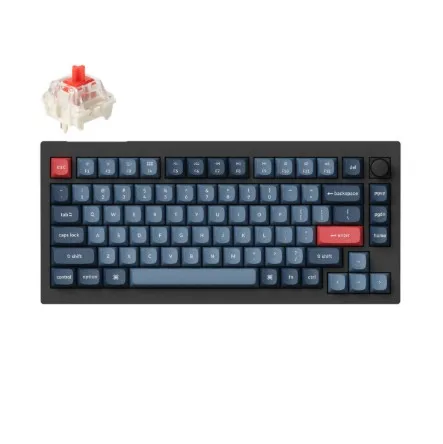
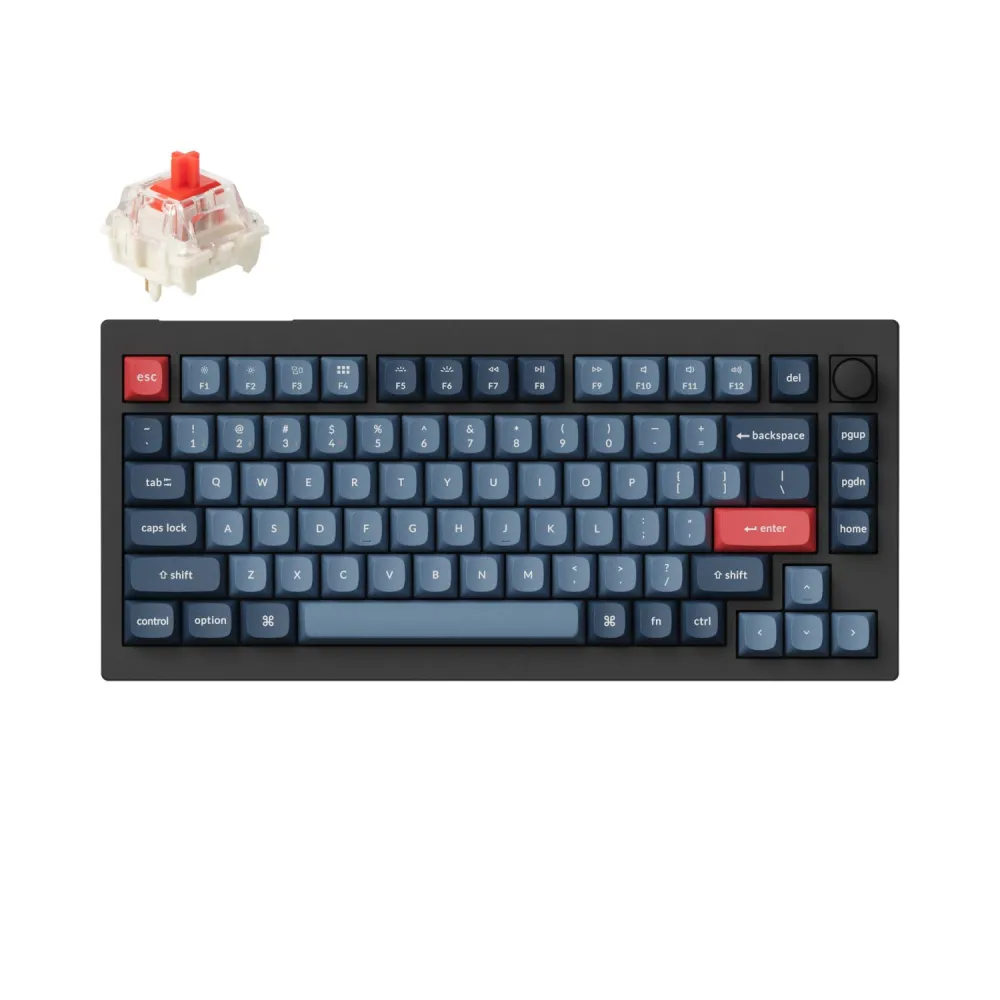
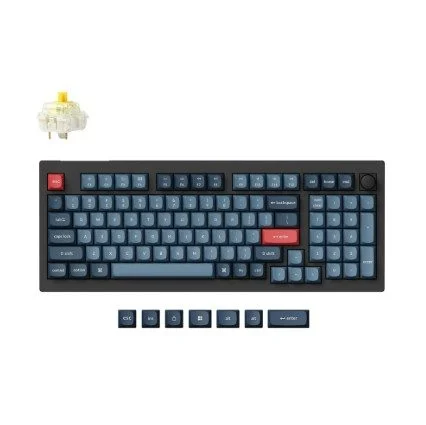
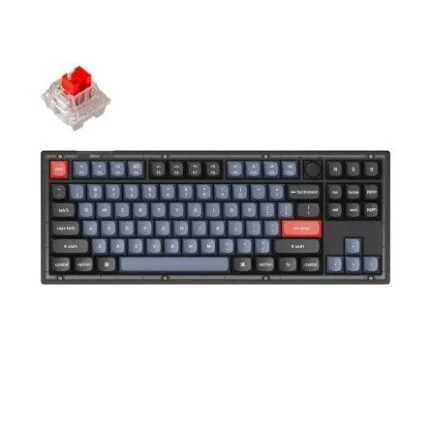
Black Keychron V1 Max 75% ANSI knob keyboard with linear Gateron Jupiter Red switches, QMK remapping and three connection modes.
R2,579.00
Supplier has stock — 1 avail
Clear fulfilment, warranty and payment details.
Official manufacturer overview
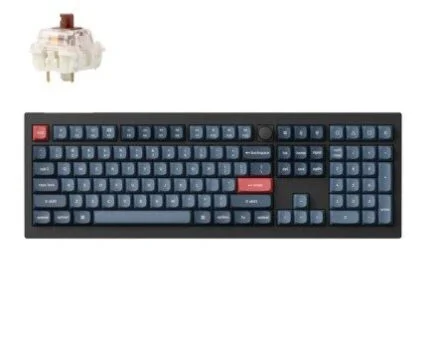
Keychron · Hear the Gateron Jupiter Red switches from 0:10. This Keychron V1 Max test also demonstrates the separately available Brown and Banana switches.
Play to load this video from YouTube.
KEYCHRON V1 MAX · GATERON JUPITER RED
Make more room for your mouse while keeping dedicated arrows and function keys. This black Keychron V1 Max comes fully assembled with linear Gateron Jupiter Red switches, and works over 2.4 GHz, Bluetooth or wired USB-C.
LAYOUT
A compact 75% ANSI layout keeps the function row and arrow keys and leaves room beside the keyboard. The top-right rotary knob adds another programmable control.
SWITCHES
The pre-lubed Red switches have 45 ± 15 gf operating force. The gasket mount and polycarbonate plate form the typing assembly. If you change switches, the PCB sockets accept compatible 3-pin or 5-pin MX-style mechanical switches without soldering.
CONNECTION
Pair up to three Bluetooth hosts for switching, use a supplied 2.4 GHz receiver or plug in a USB-C cable. Keychron specifies 1,000 Hz polling in wired and 2.4 GHz modes and 90 Hz over Bluetooth.
CUSTOMISATION
Connect by cable and use the model guide to reach Keychron Launcher in a compatible Chromium browser. The guide also covers receiver pairing, backlighting and the separate firmware instructions for the ANSI knob version.
| Model | V1 Max |
|---|---|
| Order code | V1M-D1 |
| Configuration | 75% ANSI/US knob, fully assembled, Carbon Black |
| Switch | Gateron Jupiter Red, linear, pre-lubed |
| Switch force and travel | 45 ± 15 gf, 2 ± 0.6 mm pre-travel, 4 mm maximum total travel |
| Case and plate | ABS case, polycarbonate plate, gasket mounting |
|---|---|
| Keycaps | OSA-profile double-shot PBT, non-shine-through |
| Socket compatibility | 3-pin or 5-pin MX-style mechanical switches |
| Stabilisers | PCB-mounted screw-in stabilisers |
| Lighting | South-facing RGB |
| Controller | 32-bit STM32F402, 256 KB flash |
| Footprint and height | 328.5 × 148.7 mm; 21.5 mm front and 29.4 mm rear without keycaps |
| Typing angles and weight | 3.5°, 7.1° and 9.5°; 770 ± 10 g assembled |
| Platform controls | Mac/Windows system toggle and alternate operating-system keycaps per Keychron |
| Operating environment | −10 to 50 °C |
| Connection | 2.4 GHz receiver, Bluetooth 5.1, wired USB-C |
|---|---|
| Polling | 1,000 Hz over 2.4 GHz or wired; 90 Hz over Bluetooth |
| Rollover | N-key rollover in wired and wireless modes |
| Host platforms | Windows, macOS and Linux per Keychron |
| Battery | 4,000 mAh rechargeable lithium polymer, around 5 h charge time |
| Published battery estimates | Up to 190 h with lighting off or 100 h at the lowest RGB setting under Keychron test conditions |
| Included | Assembled keyboard, USB-C to USB-C and USB-A to USB-C cables, receiver extension adapter, USB-A and USB-C 2.4 GHz receivers, keycap/switch puller, screwdriver and hex key |
|---|---|
| Local offer warranty | 12 months |
This listing is the Red-switch ANSI knob edition. For layout-specific settings or firmware, use the V1 Max guide and confirm the ANSI/US knob layout on the device first.
Use official support resources for this product. Each link opens in a new tab.
Use the V1 Max ANSI knob instructions for the manual, Keychron Launcher and applicable firmware guidance.
Open official support (opens in a new tab)Help other shoppers by sharing an honest review.
Write a reviewYou are offline. Reconnect to check prices and shop.

Reviews
There are no reviews yet.