


TP-Link Archer TX20UH AX1800 High Gain Wireless USB Adapter
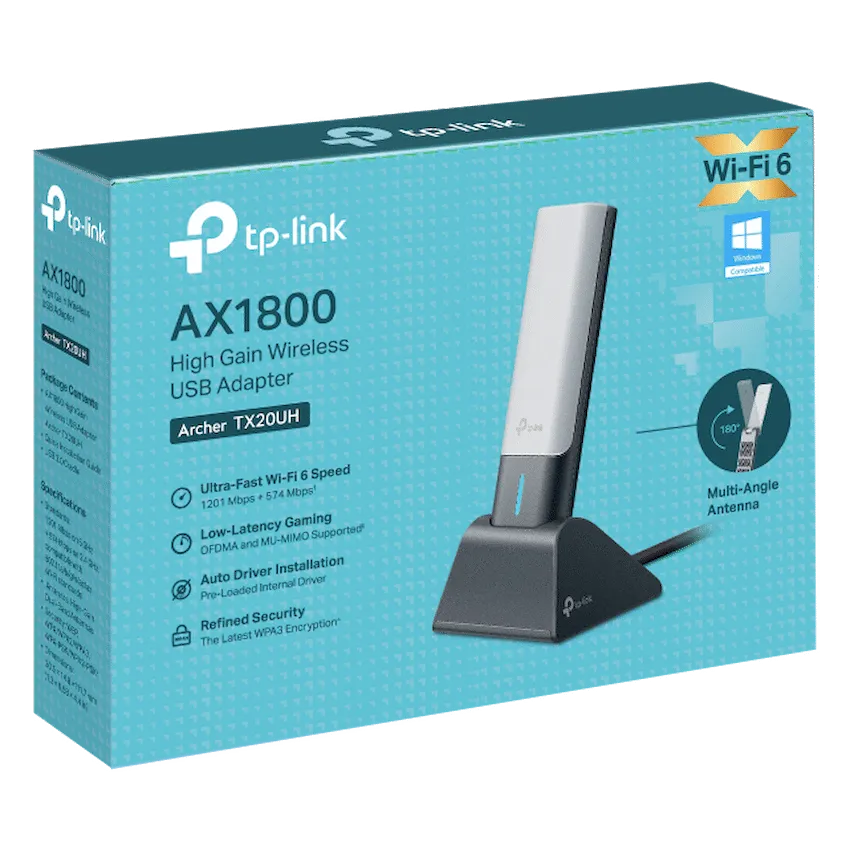
TP-Link Archer TX20UH dual-band Wi-Fi 6 adapter for Windows 10 and 11, with adjustable antennas and a USB 3.0 extension cradle.
R909.00
Supplier has stock — 1 avail
Key product details
Full specifications below- Mpn: ARCHER-TX20UH
- Brand: TP-Link
Delivery & support
Clear fulfilment, warranty and payment details.
- Availability Supplier has stock — 1 avail Supplier has stock — 1 avail
- Delivery Nationwide courier delivery or collection from Strand, Cape Town. Courier nationwide or Strand collection
- Dispatch Backorder — usually dispatched in 2–3 working days after payment verification, subject to supplier confirmation. Backorder — usually dispatched in 2–3 working days after payment verification, subject to supplier confirmation.
- Warranty Manufacturer warranty applies where stated on the product page. As stated on this page
- Returns See our Returns Policy for eligible change-of-mind and faulty goods procedures. See Returns Policy
- Secure payment PayFast checkout with card, Instant EFT, and Mobicred. PayFast · card · EFT · Mobicred
TP-LINK · ARCHER TX20UH
Put your desktop Wi-Fi where it can reach
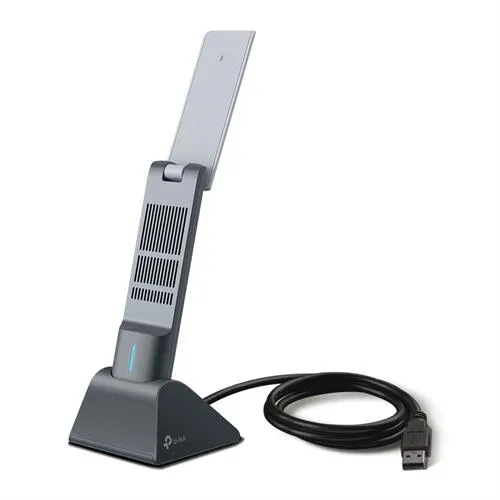
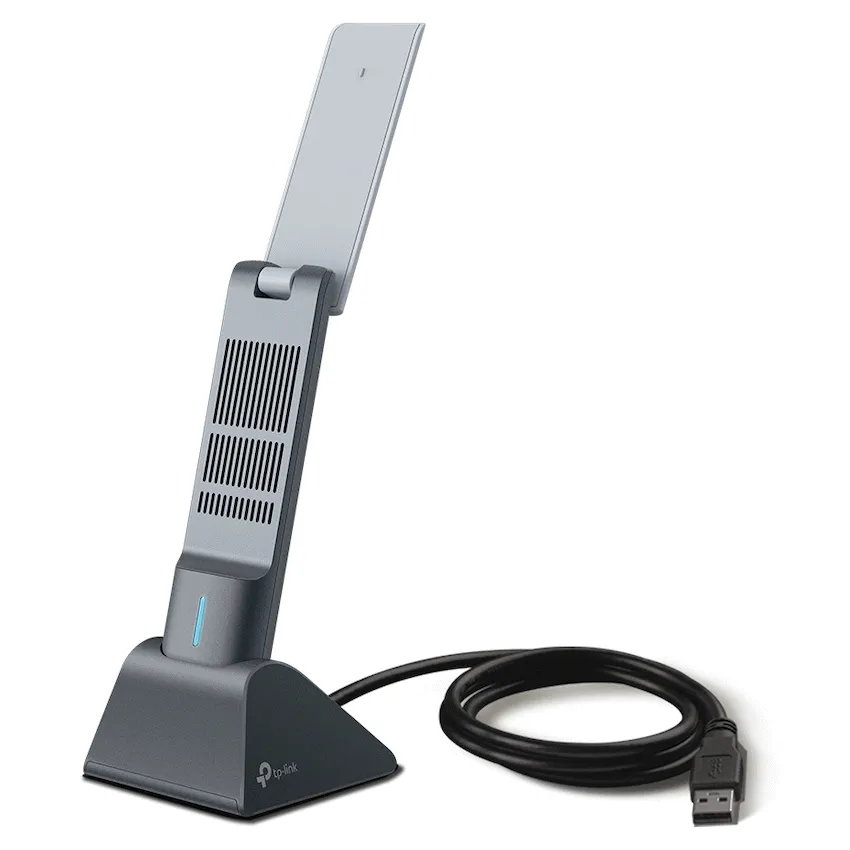
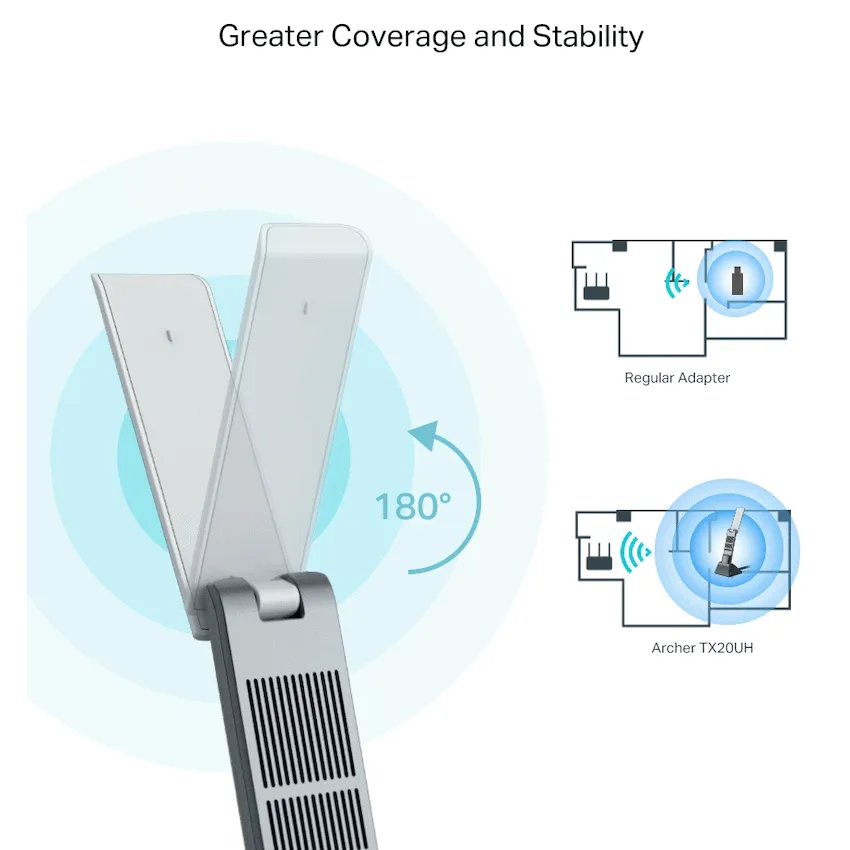
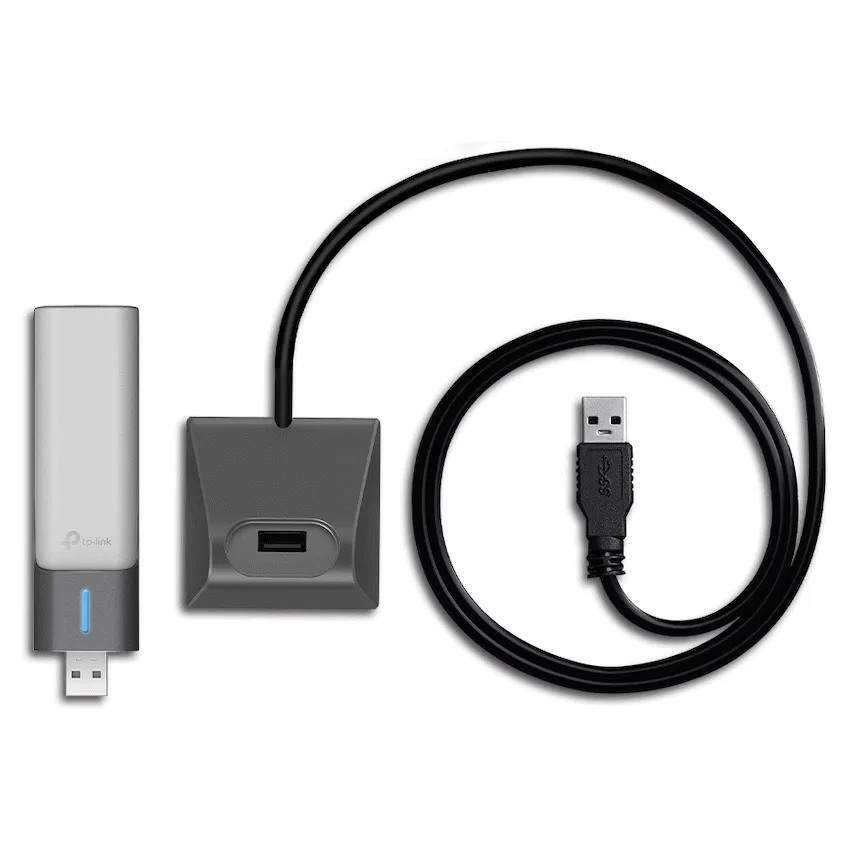
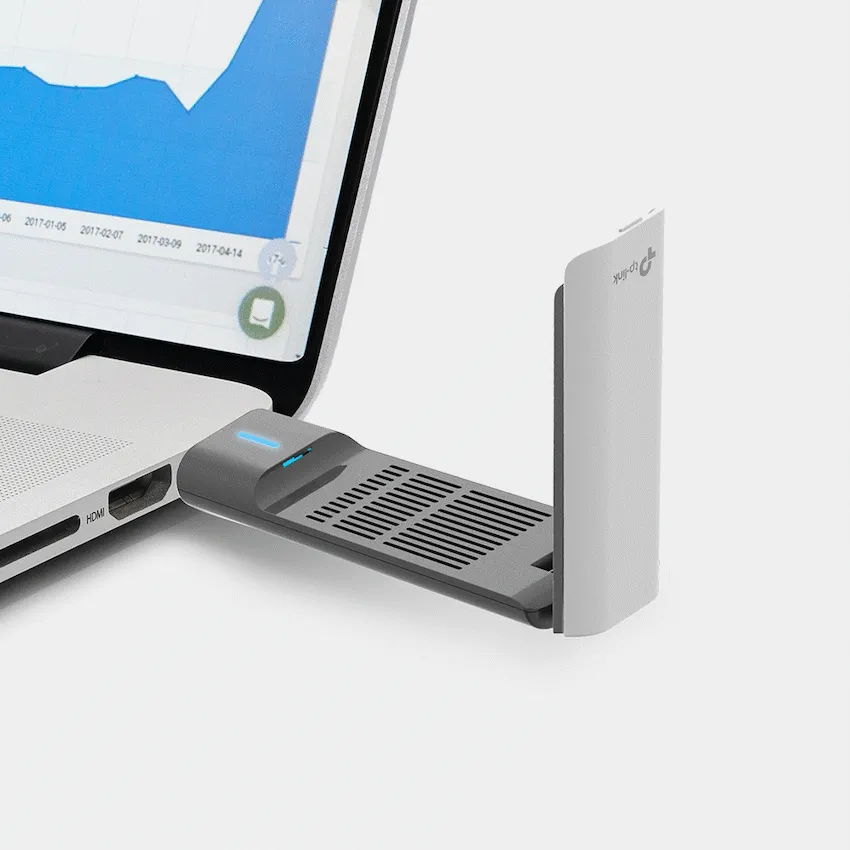
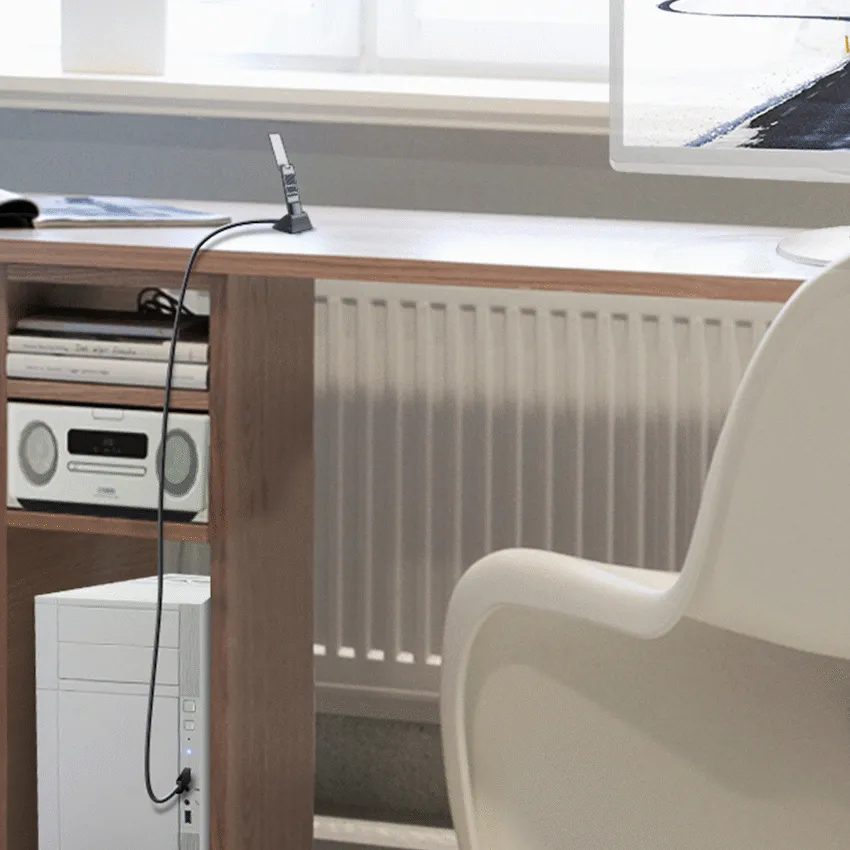
Connect a Windows PC to a dual-band Wi-Fi network through USB. The Archer TX20UH includes an extension cradle so you can reposition its adjustable antennas without reaching behind your computer.
PLACEMENT
Set the adapter above the desk
Use the supplied USB 3.0 extension cradle to try a different location, then adjust the antenna angle. Local layout, obstacles and your router affect reception.
WIRELESS
Choose the band that suits your setup
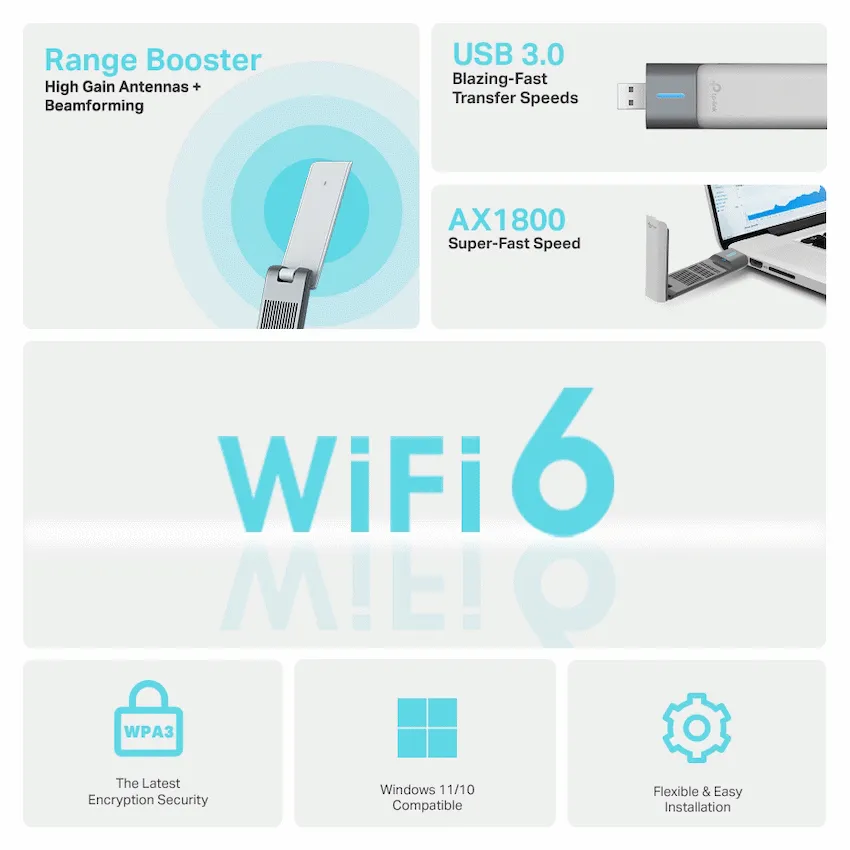
Connect to 2.4 GHz or 5 GHz. Wi-Fi 6 functions such as OFDMA and MU-MIMO depend on support from the network equipment. The published signal rates are link rates and actual throughput varies.
SETUP
Check Windows and the hardware label
TP-Link lists Windows 10 and Windows 11. Check the hardware version and region printed on the adapter before selecting any support resources.
Specifications
Identity
| Brand | TP-Link |
|---|---|
| Model | Archer TX20UH |
| SKU | ARCHER-TX20UH |
| Wireless class | AX1800 |
Wireless
| Bands | 2.4 GHz and 5 GHz |
|---|---|
| Standards | IEEE 802.11a/b/g/n/ac/ax |
| Maximum 5 GHz Wi-Fi 6 signal rate | 1,201 Mbps |
| Maximum 2.4 GHz Wi-Fi 6 signal rate | 574 Mbps |
| Antennas | Two adjustable dual-band high-gain antennas |
| Mode | Infrastructure |
| Security | WPA2 and WPA3 supported |
Connection and fit
| Host interface | USB 3.0 |
|---|---|
| Operating systems listed by TP-Link | Windows 10 and Windows 11 |
| Dimensions (W × D × H) | 30.5 × 14.8 × 111.7 mm |
| Operating temperature | 0–40 °C |
| In the box | Archer TX20UH, USB 3.0 extension cradle and quick installation guide |
Local offer
| Packaging | Retail box |
|---|---|
| Warranty | 1 year limited |
Reviews
There are no reviews yet.