

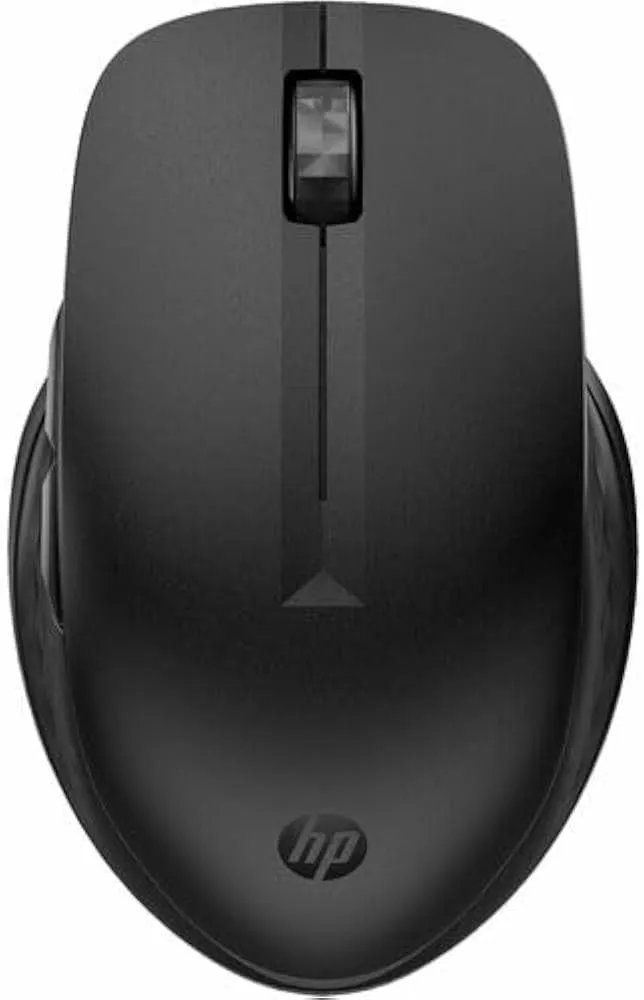
HP 435 Multi-Device Wireless Mouse
HP 435 wireless mouse with pairing for up to two devices, Bluetooth or USB-A receiver, 4,000 dpi tracking and one included AA battery.
R599.00
Supplier has stock — 10 avail
Key product details
Full specifications below- Upc: 198122959051
- Gtin: 198122959051
- Brand: Hp
Delivery & support
Clear fulfilment, warranty and payment details.
- Availability Supplier has stock — 10 avail Supplier has stock — 10 avail
- Delivery Nationwide courier delivery or collection from Strand, Cape Town. Courier nationwide or Strand collection
- Dispatch Backorder — usually dispatched in 2–3 working days after payment verification, subject to supplier confirmation. Backorder — usually dispatched in 2–3 working days after payment verification, subject to supplier confirmation.
- Warranty Manufacturer warranty applies where stated on the product page. As stated on this page
- Returns See our Returns Policy for eligible change-of-mind and faulty goods procedures. See Returns Policy
- Secure payment PayFast checkout with card, Instant EFT, and Mobicred. PayFast · card · EFT · Mobicred
Official manufacturer overview
Set up the HP 430 and 435 in HP Accessory Center
HP Support · HP 430 and 435 family setup. The film shows shared controls. Use Specifications for this HP 435 variant and check your operating system before installing HP Accessory Center.
Play to load this video from YouTube.
HP 435 WIRELESS MOUSE
One mouse for two connected devices
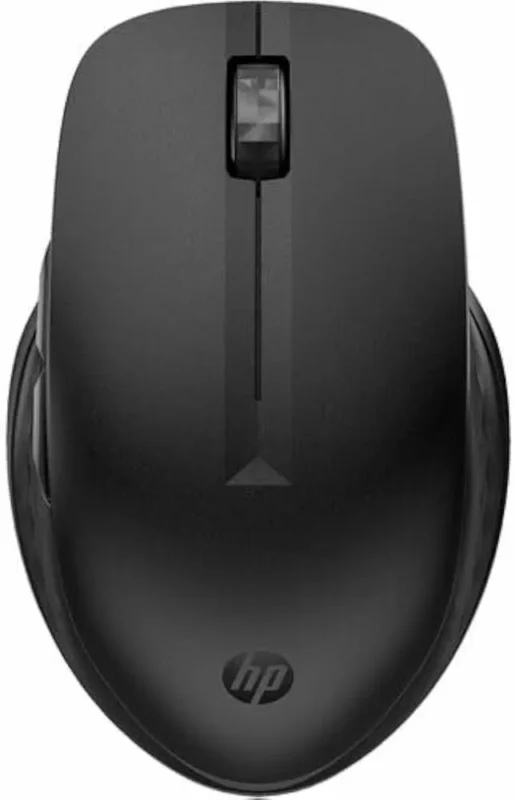
The HP 435 pairs with up to two devices using Bluetooth or its included USB-A receiver. Set the pointer speed for your desk, assign frequently used controls in HP Accessory Center and switch devices when your work moves to another screen.
Connection
Keep a second device paired
Pair the mouse over Bluetooth or use the 2.4 GHz USB-A receiver. HP rates wireless range at up to 10 m in an open area. Walls, interference and the connected device can affect range.
Controls
Put common actions under your thumb
The 435 has five buttons. HP Accessory Center lets you customise supported controls and adjust the pointer and scroll settings on supported operating systems. HP documents limitations for Bluetooth side-button volume and brightness controls.
Power
Work from a replaceable AA battery
One AA battery is included. HP quotes up to 24 months of battery life. Actual life depends on use and operating conditions.
Specifications
Identity and wireless
| Product | HP 435 Multi-Device Wireless Mouse |
|---|---|
| HP part number | 3B4Q5UT |
| Connection | Bluetooth or 2.4 GHz USB-A nano receiver |
| Device pairing | Up to two devices |
| Wireless range | Up to 10 m in an open area |
Controls and software
| Tracking | Multi-surface sensor, up to 4,000 dpi |
|---|---|
| Buttons | Five physical buttons; supported controls can be customised through HP Accessory Center. |
| Host operating systems | HP lists Windows 7, 8, 10 and 11, macOS and ChromeOS. Feature availability varies. |
| Customisation app | HP Accessory Center on Windows 10, Windows 11 or macOS 10.13 or later. Find HP Accessory Center in the Microsoft Store or Mac App Store. |
Size and power
| Dimensions | 115.41 × 74.16 × 40.29 mm |
|---|---|
| Mouse weight | 78.2 g |
| Battery | One AA. HP rates up to 24 months, depending on use. |
| Manufacturer pack contents | Mouse, USB-A receiver, AA battery, quick-start guide, warranty card and R.E.D. RTF card |
| Manufacturer warranty | HP standard one-year limited warranty |
Reviews
There are no reviews yet.