Official manufacturer overview
Dell Pro 14 Plus 200V fan service guide
Dell Support · Dell’s fan service procedure for the PB14250 Intel Core Ultra 200V platform. Follow Dell’s hardware safety steps and support guidance before opening the laptop.
Play to load this video from YouTube.
Dell Pro 14 Plus · PB14250
More room for the work in front of you
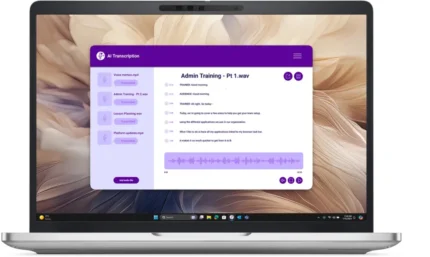
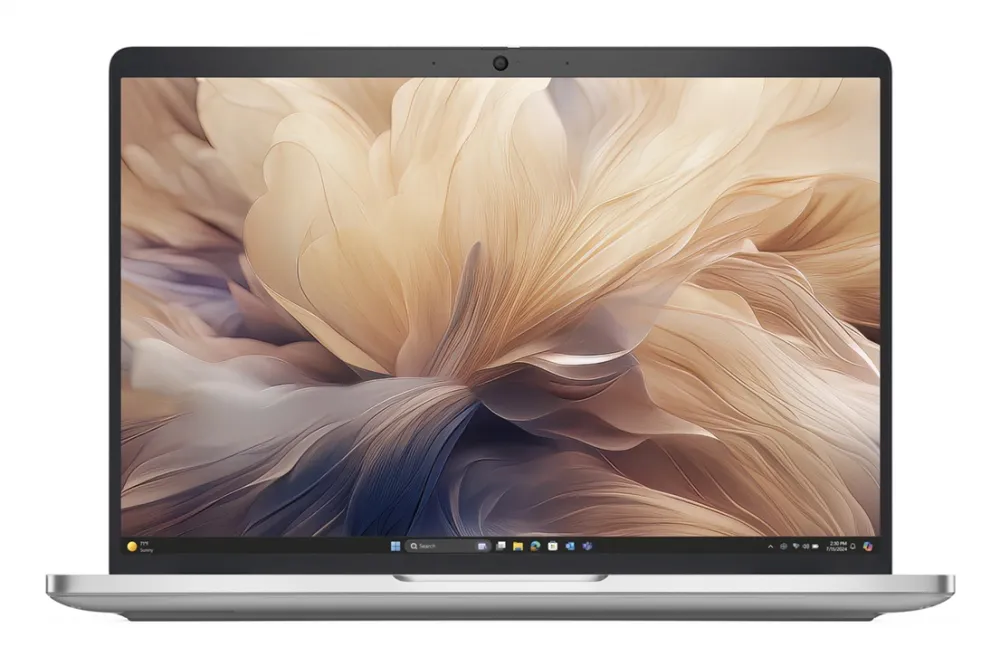
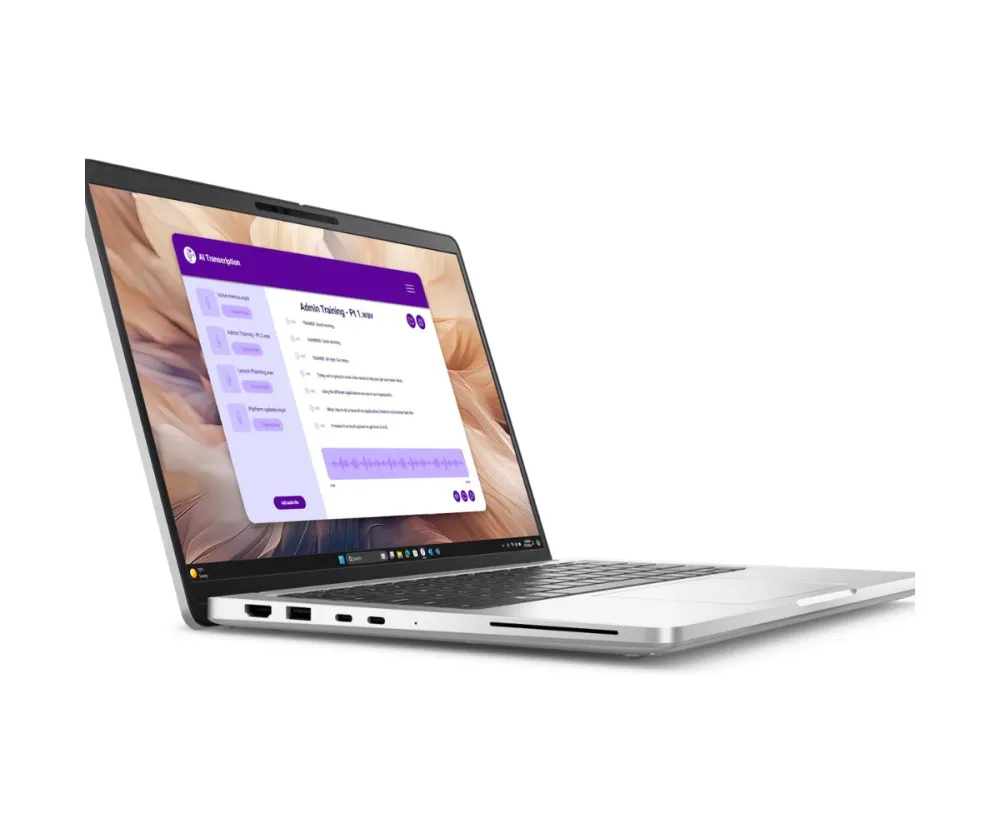
The Dell Pro 14 Plus puts a 14-inch FHD+ screen, Intel Core Ultra 7 266V and a 512 GB SSD in a clamshell laptop. The taller 16:10 display gives you extra vertical room for documents, spreadsheets and browser tabs.

Display and controls
Read and work on a taller screen
The 14-inch 1920 × 1200 display uses a 16:10 aspect ratio. The backlit keyboard helps keep the keys legible in a dim room, and the infrared camera and microphone serve video calls and supported sign-in. A fingerprint reader gives you another sign-in option.
Processor and memory
Know the configuration before you buy
This build uses the eight-core Intel Core Ultra 7 266V with integrated Intel Arc graphics. The 16 GB of LPDDR5x memory sits on the processor package, so select the capacity you need at purchase. The accessible M.2 storage bay holds one drive.
Connections
Connect to the desk in one move
Use either Thunderbolt 4 port with a compatible USB-C dock for a display, power and peripherals. HDMI gives you a direct display connection, and two USB-A ports keep wired accessories usable. The listed configuration includes WLAN and Bluetooth.
Service
Check coverage with the Service Tag
This offer lists 36 months of Dell ProSupport with next-business-day onsite service after remote diagnosis. Dell’s local coverage terms and the unit’s Service Tag determine eligibility.

Reviews
There are no reviews yet.