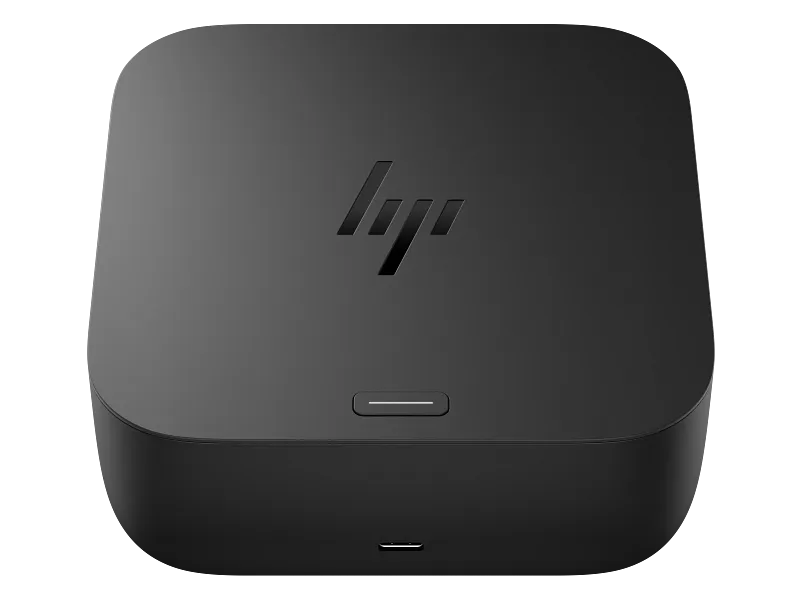
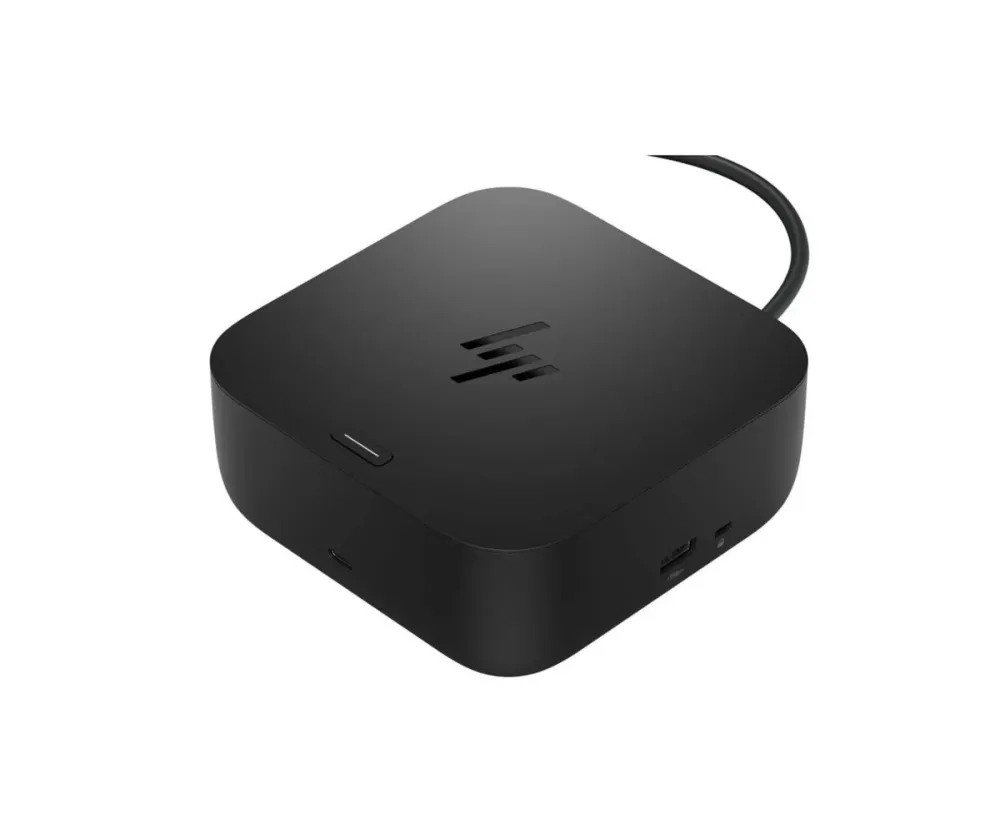
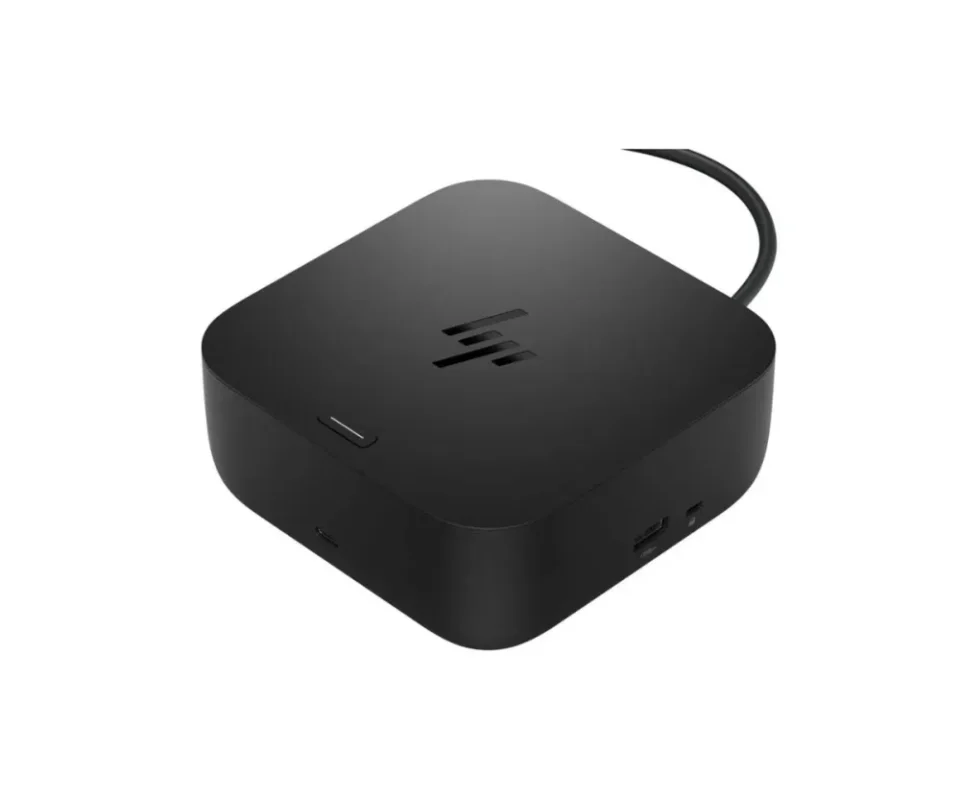
HP USB-C 100W G6 Dock
Power your laptop and connect the desk with one cable
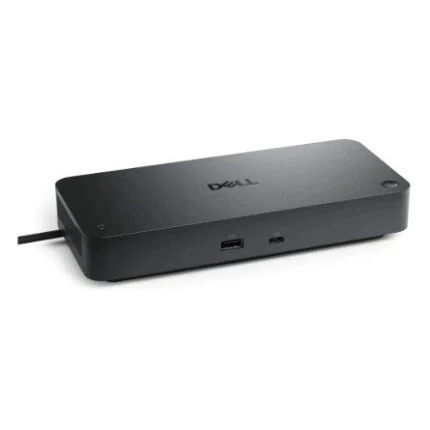
Connect a compatible notebook by USB-C to bring charging, external displays, wired networking and USB accessories together. The HP USB-C 100W G6 Dock can supply up to 100 W to a supported host while leaving the other ports available for your desk setup.

Charging
Keep the host and accessory power ratings separate
HP rates the host connection for up to 100 W. The 10 Gbps USB-C accessory ports can supply up to 15 W each as specified by HP. The dock uses an external 120 W adapter. The laptop and its USB-C port determine how much host power is accepted.
Video and network
Plan the display layout around the laptop
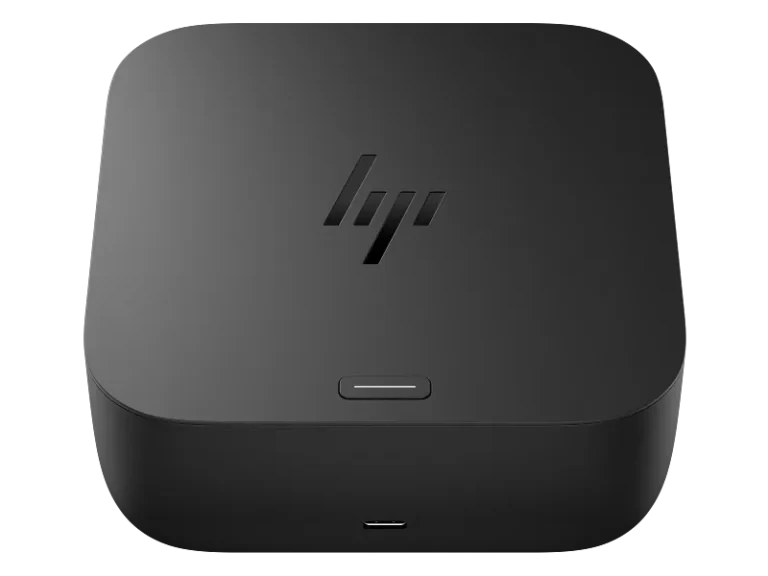
Use HDMI or DisplayPort for your screens and RJ45 for a wired network. A supported host with the required DisplayPort signalling can drive up to three external displays. Resolution and refresh depend on the host’s video mode, the number of screens and the connected equipment.
Compatibility
Check which features work with your system
The cable must connect to a USB-C port that carries data and video for full dock functions. Network wake, MAC address pass-through and HP Quick Connect depend on the computer and its configuration, even where the basic ports work.
Check the laptop’s USB-C, video and Power Delivery support. HP documents dock firmware updates for Windows hosts.


Reviews
There are no reviews yet.