

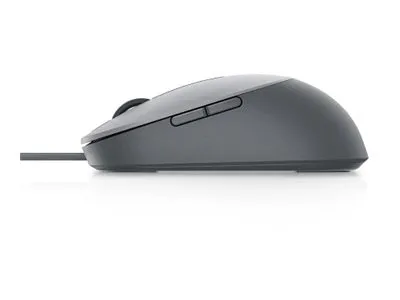
Dell Laser Wired Mouse – MS3220 – Titan Gray
Dell MS3220 Titan Gray wired USB-A laser mouse with five buttons, a scroll wheel and four DPI levels from 400 to 3,200.
R489.00
Supplier has stock — 10 avail
Key product details
Full specifications below- Mpn: 570-ABHM
- Brand: Dell
Delivery & support
Clear fulfilment, warranty and payment details.
- Availability Supplier has stock — 10 avail Supplier has stock — 10 avail
- Delivery Nationwide courier delivery or collection from Strand, Cape Town. Courier nationwide or Strand collection
- Dispatch Backorder — usually dispatched in 2–3 working days after payment verification, subject to supplier confirmation. Backorder — usually dispatched in 2–3 working days after payment verification, subject to supplier confirmation.
- Warranty Manufacturer warranty applies where stated on the product page. As stated on this page
- Returns See our Returns Policy for eligible change-of-mind and faulty goods procedures. See Returns Policy
- Secure payment PayFast checkout with card, Instant EFT, and Mobicred. PayFast · card · EFT · Mobicred
Dell MS3220 | Titan Gray wired laser mouse
Change pointer speed without leaving your work
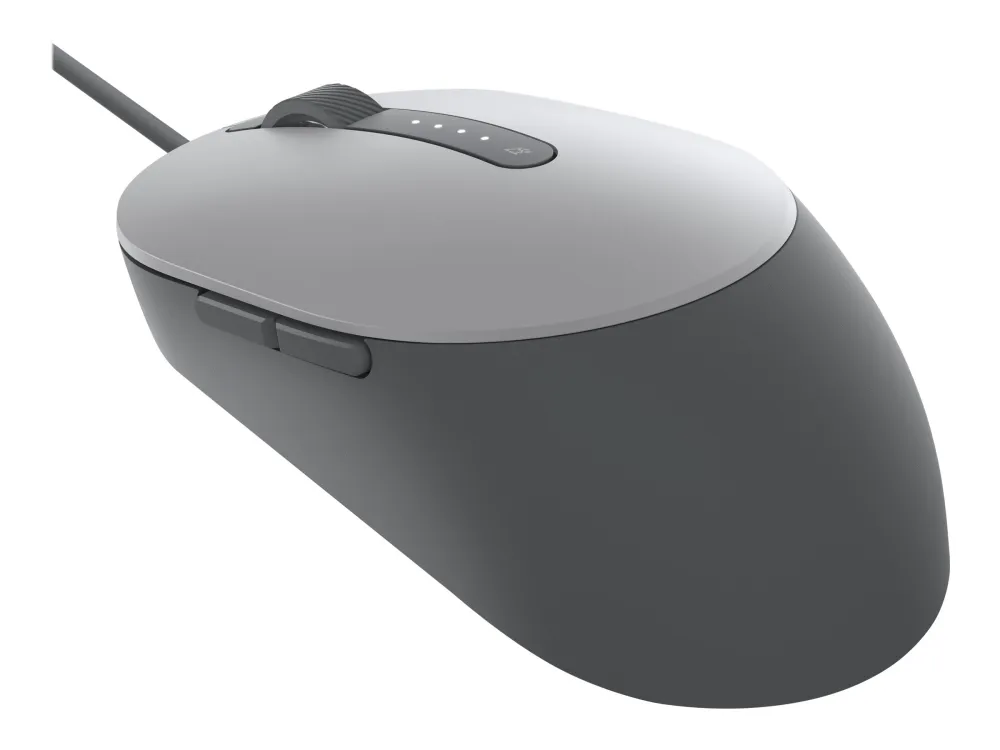
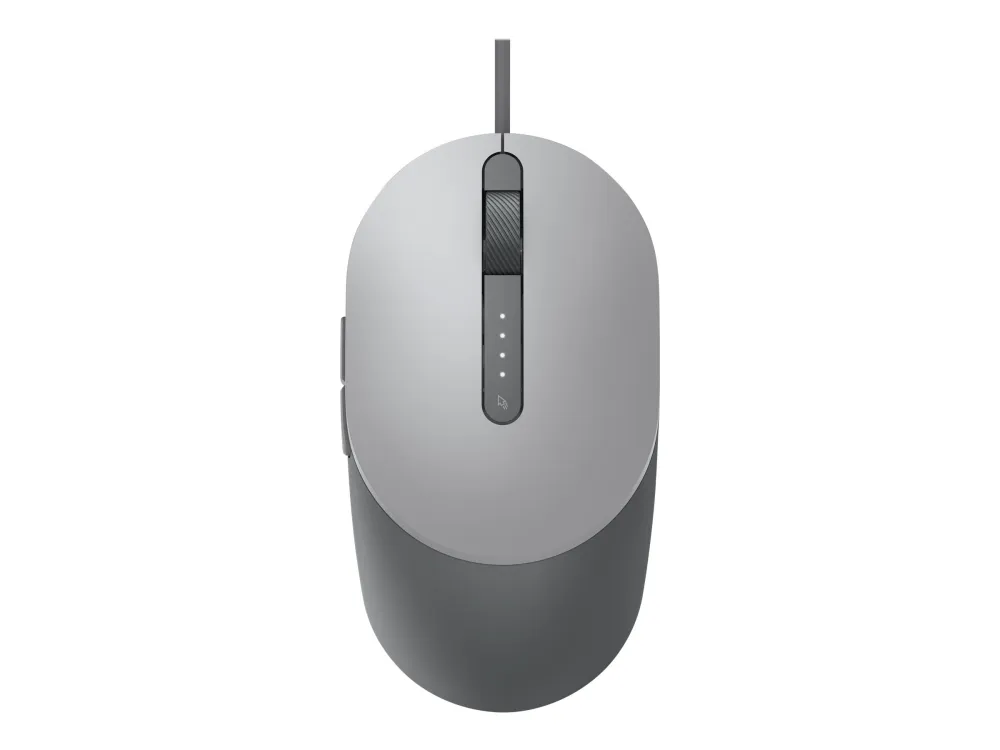
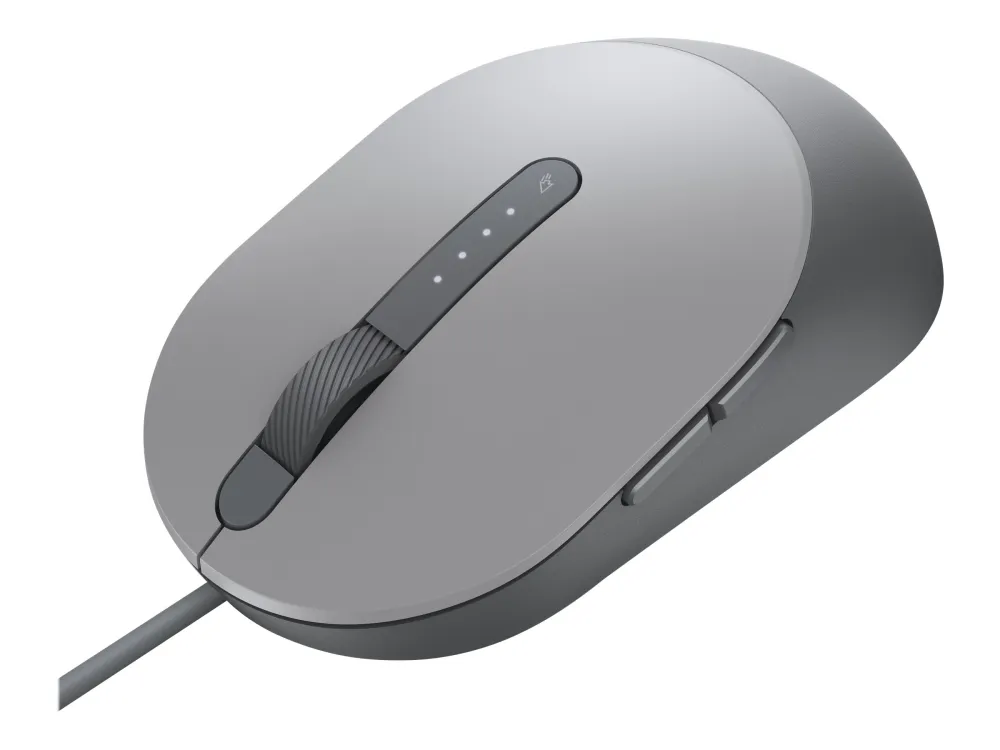
Use the Dell MS3220 when you want a wired mouse with a dedicated sensitivity button. Choose one of four DPI levels for shorter or longer pointer movements, and read the lights on the top of the mouse to see which level you selected. Plug it into a USB-A port to start.
Pointer control
Find the sensitivity that suits the task
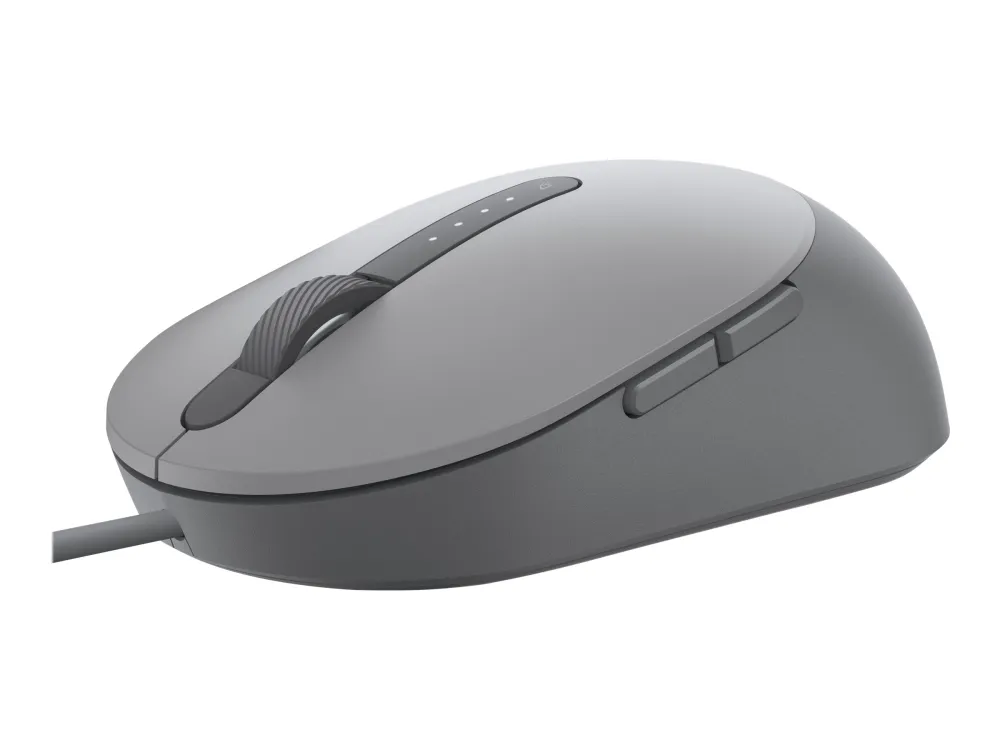
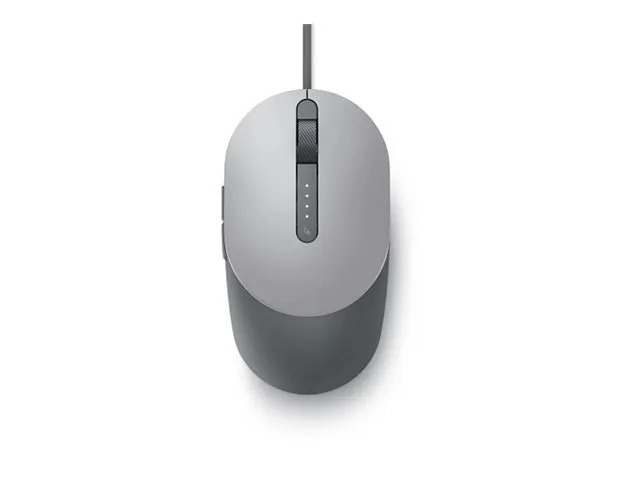
Use a lower DPI setting when small hand movements need a slower pointer, then step it up when moving across a larger desktop. The four lights show the active level, with one light at 400 DPI and all four at 3,200 DPI.
Controls
Put two frequently used actions on the side
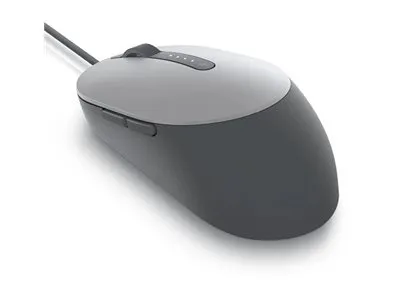
Keep the scroll wheel and the two side buttons within reach. With compatible Windows software from Dell, assign a shortcut or another supported action to a programmable button.
Connection
Plug straight into a USB-A port
The attached cable carries power and input over USB. For dependable tracking, use a non-glossy surface or a mouse mat, particularly if your desk is glass.
Specifications
Model and tracking
| Model | Dell MS3220 |
|---|---|
| Dell order part | 570-ABHM |
| Dell manufacturer part | HDK35 |
| Colour | Titan Gray |
| Sensor | Laser |
| Selectable sensitivity | 400, 800, 1,600 or 3,200 DPI |
| DPI indicator | Four top-panel lights |
Controls and connection
| Buttons | 5 |
|---|---|
| Side controls | 2 programmable buttons |
| Wheel | Scroll wheel |
| Host connection | Attached USB-A cable, wired USB 2.0 |
| Power | USB, 5 V DC at 0.1 A |
| Button customisation | Optional Dell utility on compatible Windows systems |
| Basic input compatibility | Dell lists Windows 7, 8, 8.1 and 10, Linux, Android and ChromeOS. Basic input and optional Dell software have separate requirements. |
Dimensions
| Listed body size (W × D × H) | 62.9 × 115.3 × 38.9 mm |
|---|---|
| Dell listed weight | 98 g |
Reviews
There are no reviews yet.