

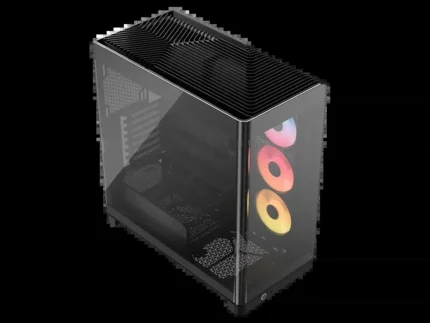
FRAME 4000D RS ARGB Mid-Tower PC Case; 3x RS ARGB PWM Fans; White.
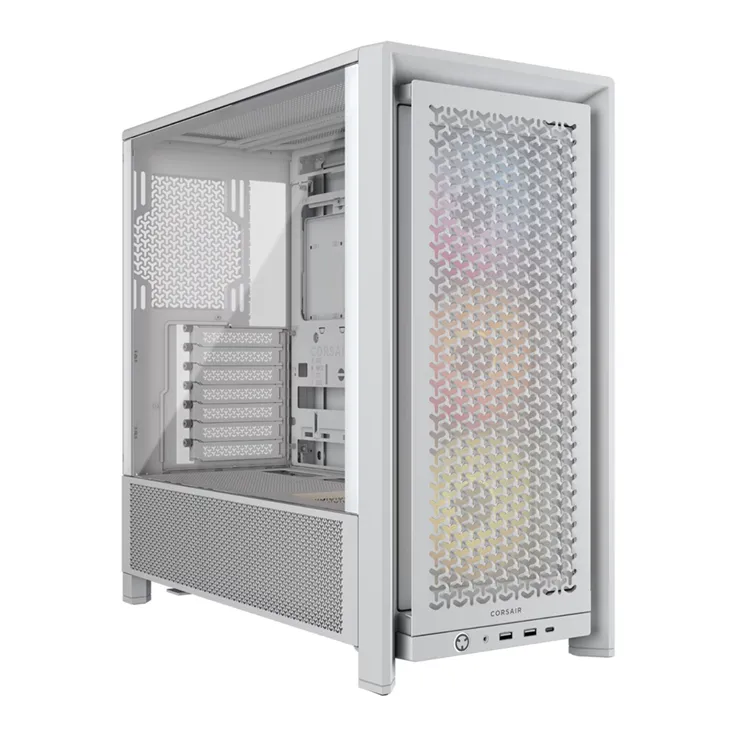
White Corsair FRAME 4000D RS ARGB mid-tower with three RS120 ARGB PWM fans, adjustable InfiniRail mounts, E-ATX support and tempered glass.
R2,399.00
Supplier has stock — 1 avail
Key product details
Full specifications below- Upc: 840440487722
- Gtin: 840440487722
- Brand: Corsair
Delivery & support
Clear fulfilment, warranty and payment details.
- Availability Supplier has stock — 1 avail Supplier has stock — 1 avail
- Delivery Nationwide courier delivery or collection from Strand, Cape Town. Courier nationwide or Strand collection
- Dispatch Backorder — usually dispatched in 2–3 working days after payment verification, subject to supplier confirmation. Backorder — usually dispatched in 2–3 working days after payment verification, subject to supplier confirmation.
- Warranty Manufacturer warranty applies where stated on the product page. As stated on this page
- Returns See our Returns Policy for eligible change-of-mind and faulty goods procedures. See Returns Policy
- Secure payment PayFast checkout with card, Instant EFT, and Mobicred. PayFast · card · EFT · Mobicred
Corsair · FRAME 4000D RS ARGB · White
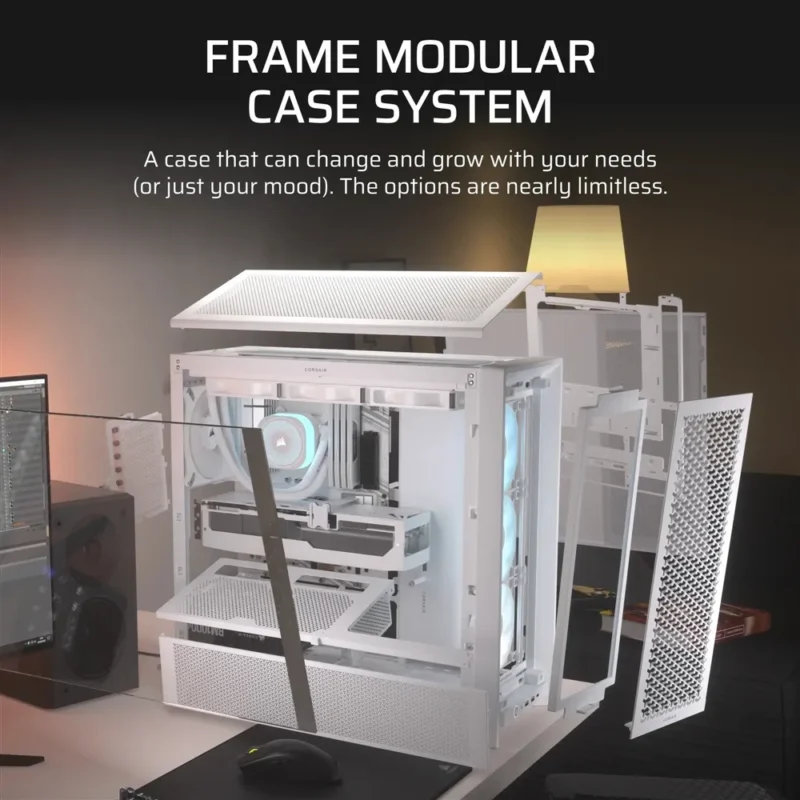
Lay out the build around the parts you want
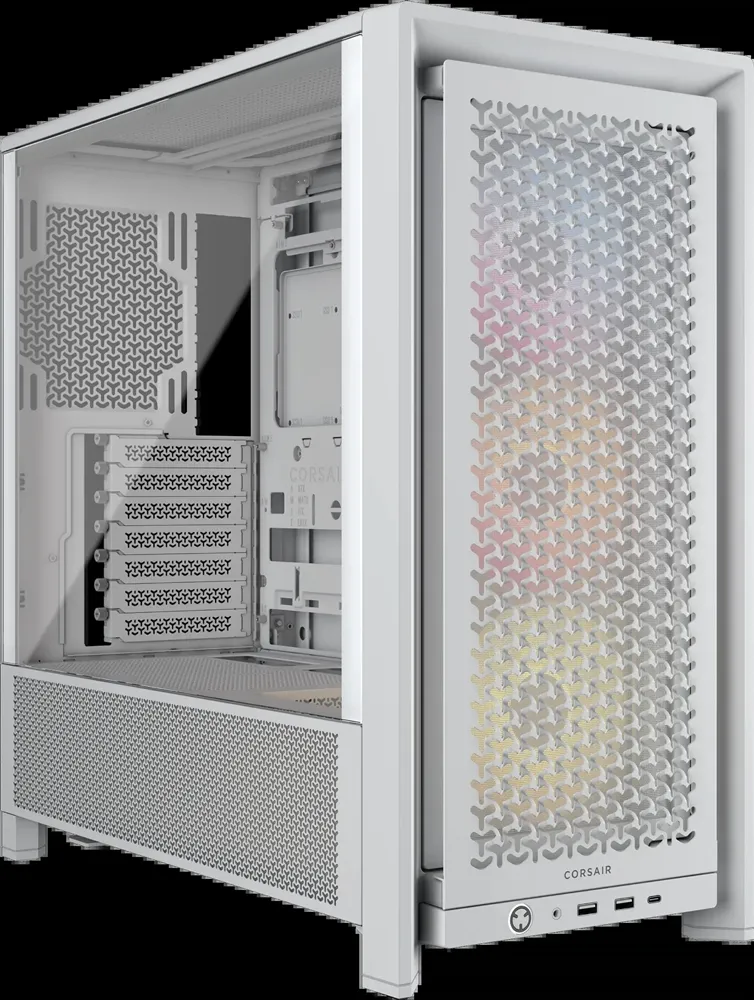
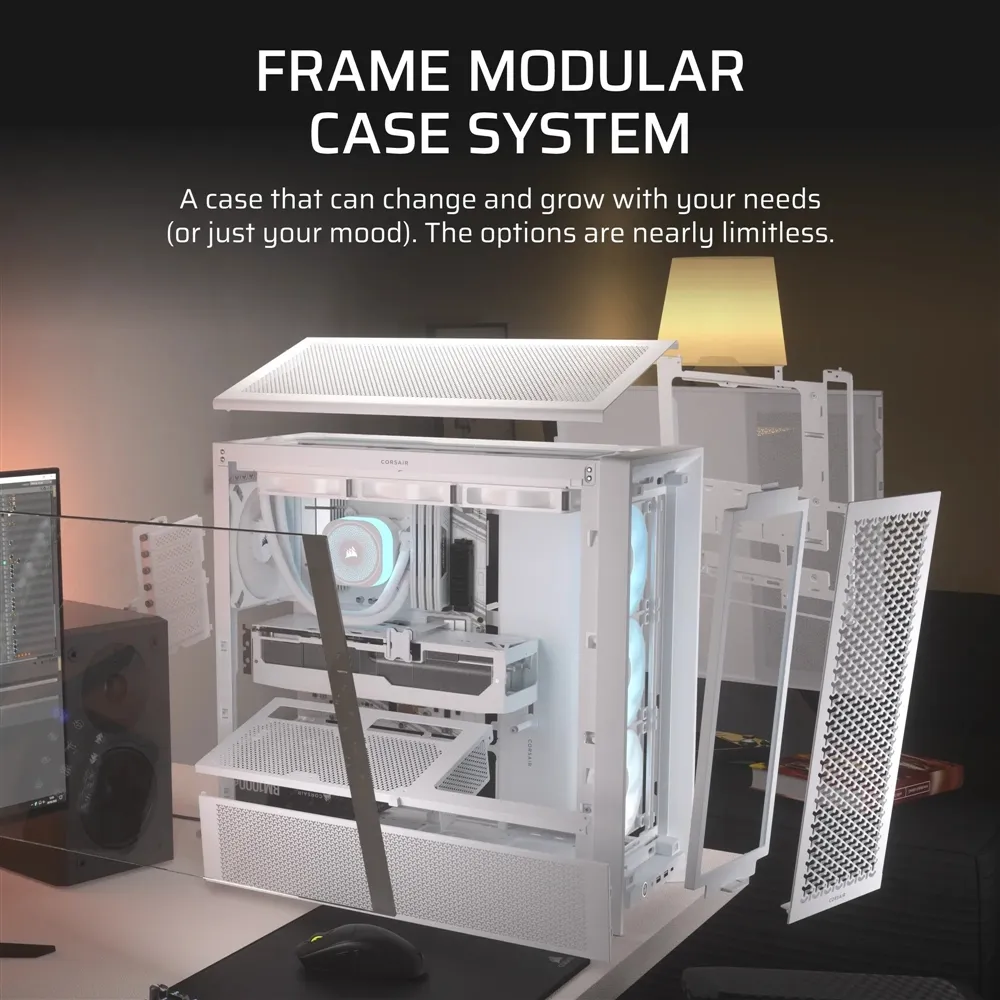
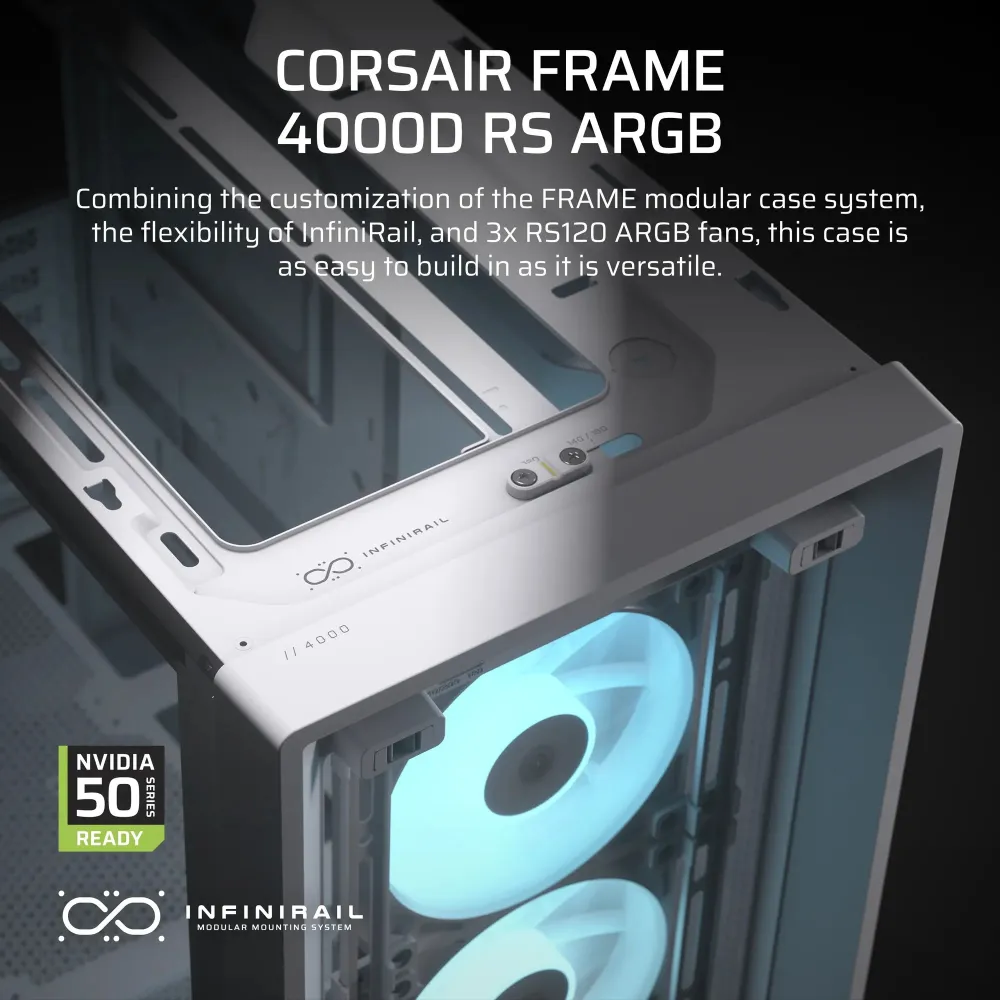
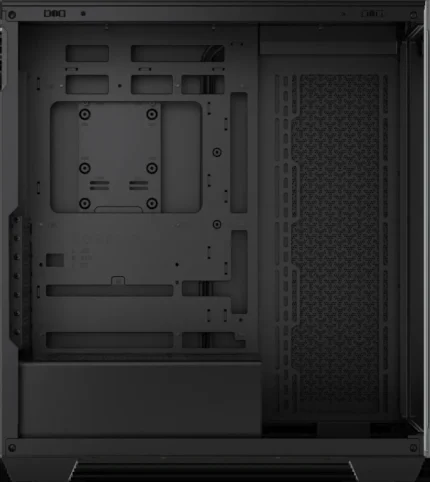
Y-pattern steel mesh and a tempered-glass side panel frame this white Corsair mid-tower. The three front RS120 ARGB fans give you an intake and addressable lighting from the start. Adjustable mounting rails and a choice of horizontal or vertical GPU mounting leave room to change the build later.
Airflow
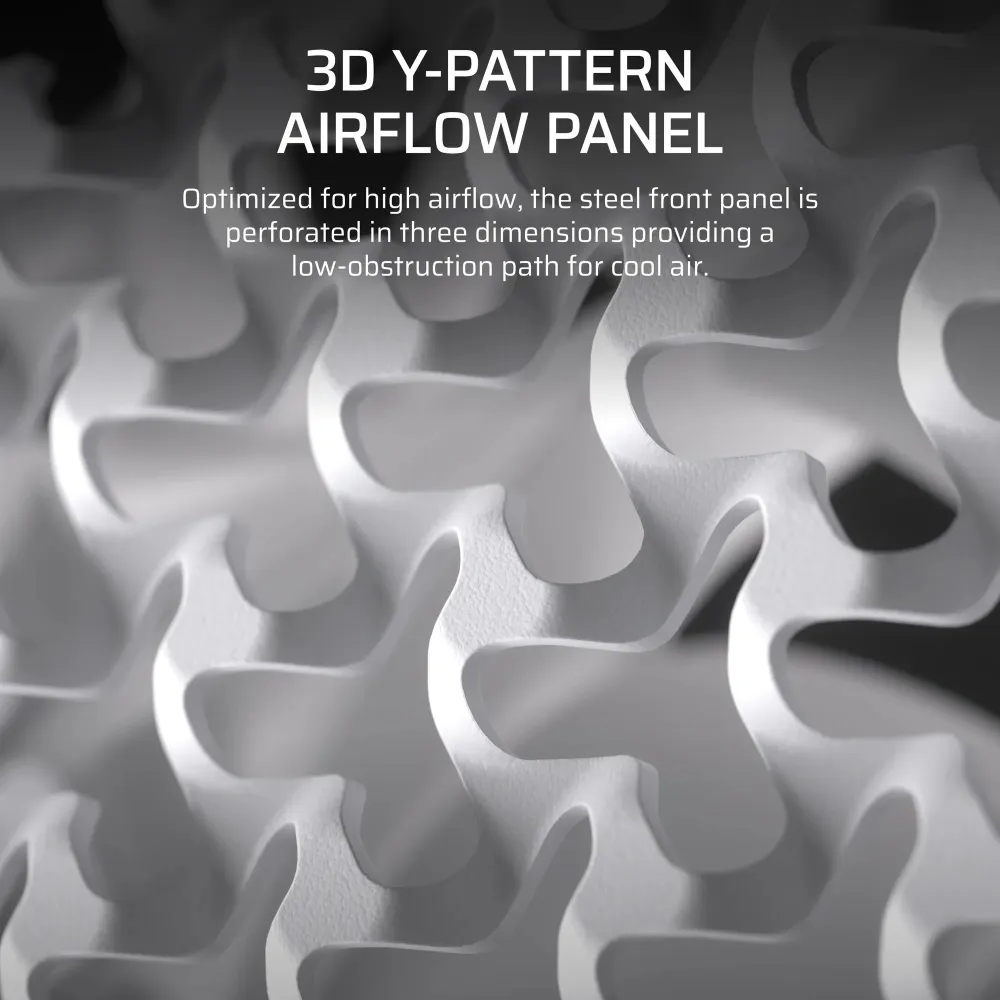
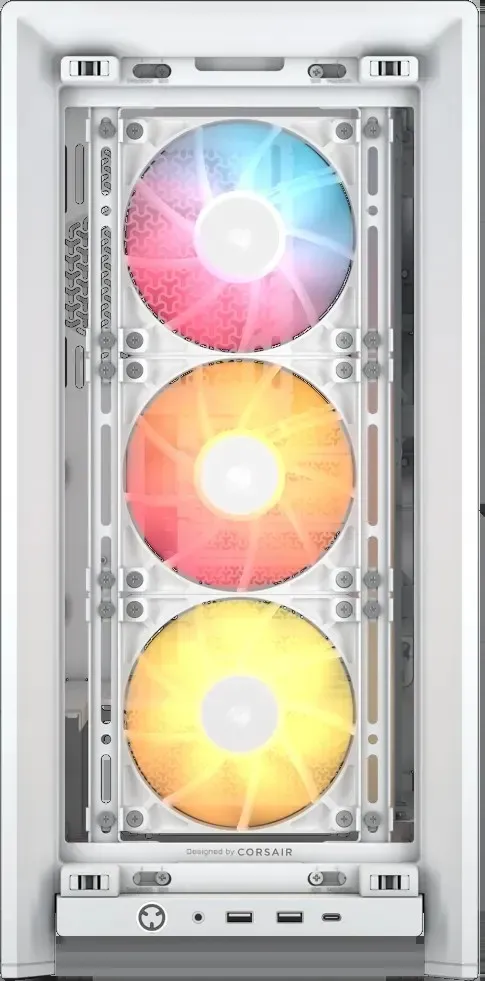
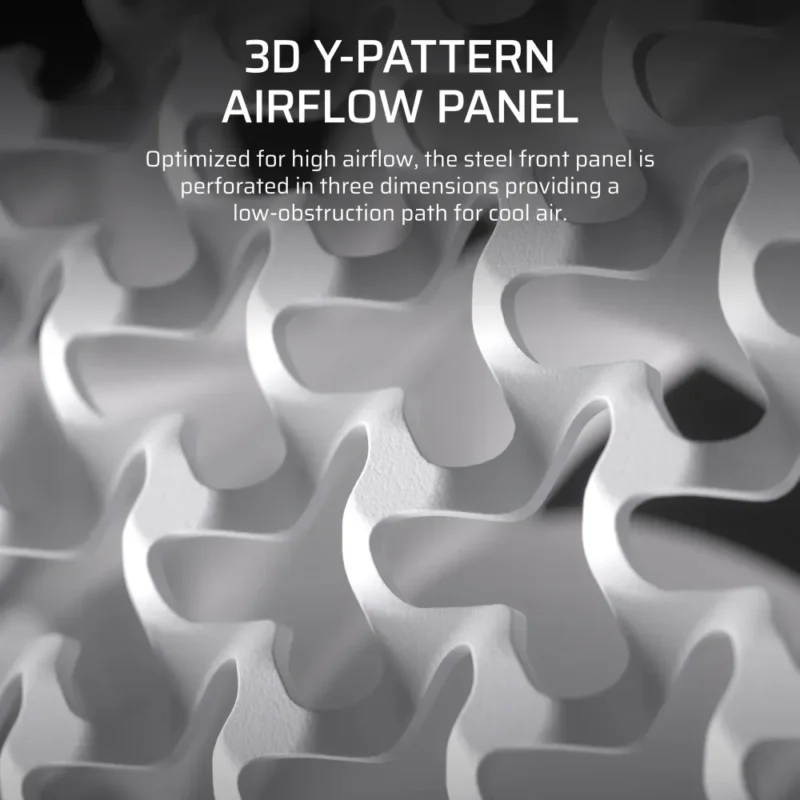
Open mesh across the front
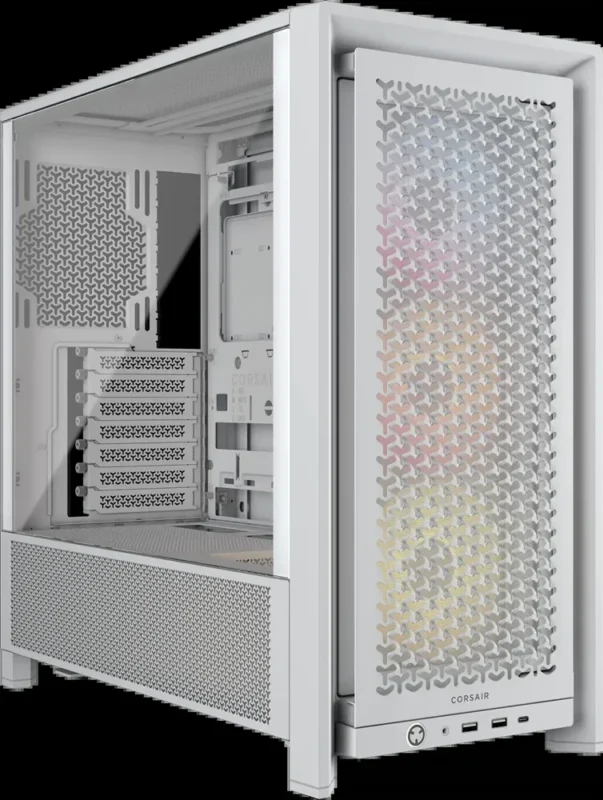
The repeating Y pattern leaves an open intake surface in front of the installed fans. Separate filters at the front, side and PSU intake catch dust where air enters the case.
Fan positions
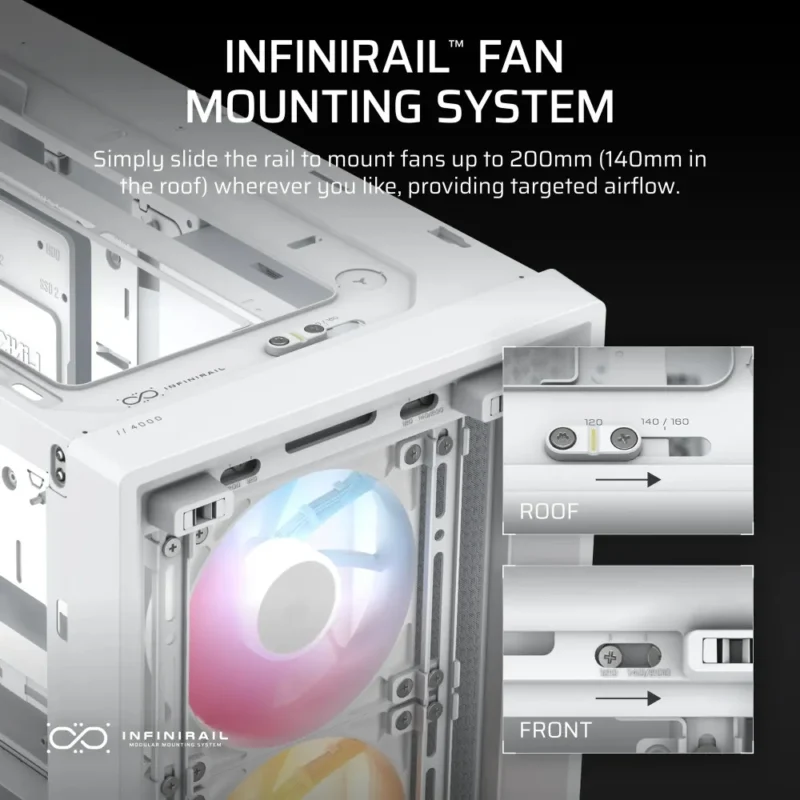
Slide the rails into place
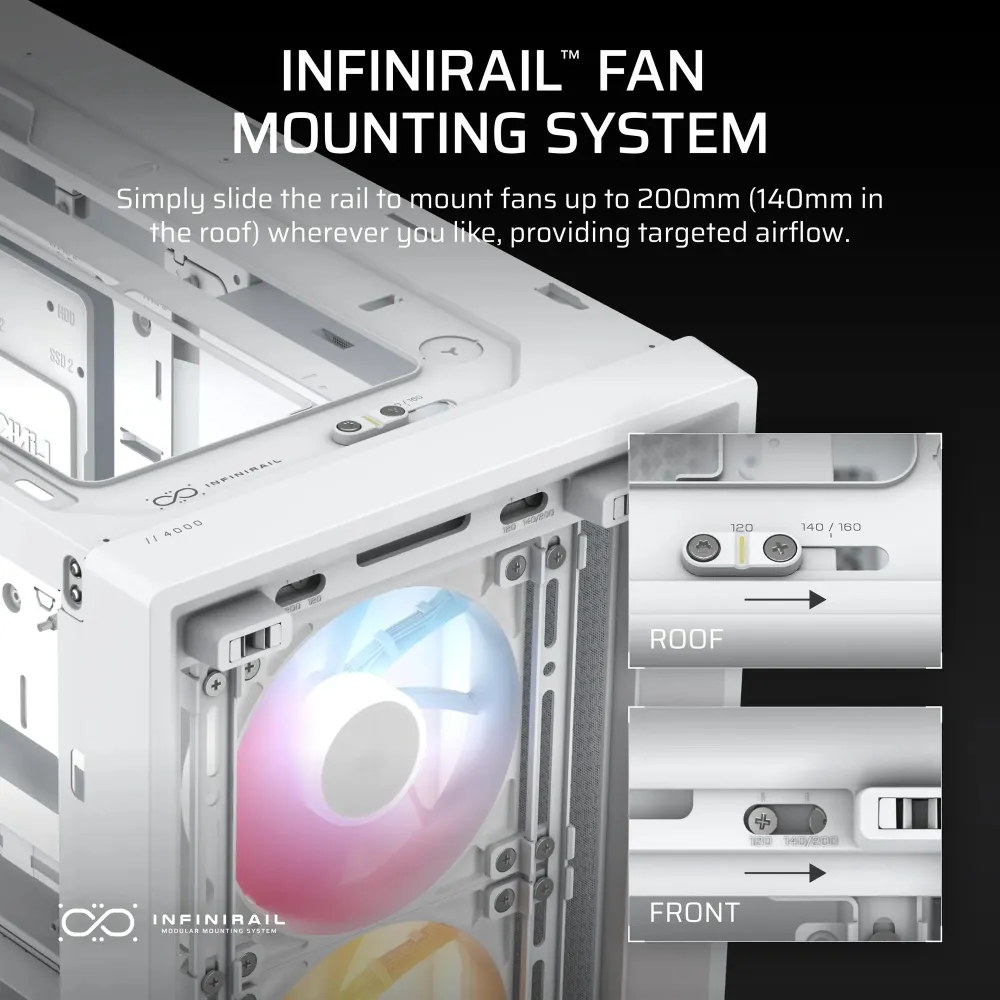
InfiniRail lets you line up 120 or 140 mm fans at the front and roof. The front also accepts 200 mm fans. Check the side bracket position and PSU shroud clearance before choosing that larger size.
Supplied cooling
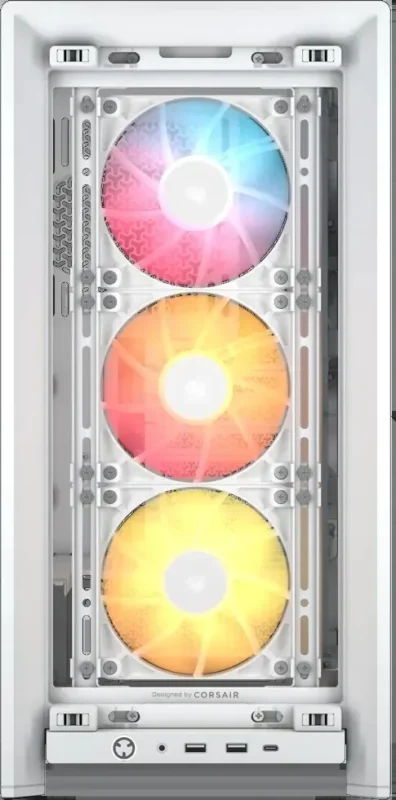
Connect three fans to the motherboard
Three 120 mm RS120 ARGB fans are already mounted at the front. Daisy-chain the four-pin PWM leads for speed control and connect the lighting to a compatible 5 V addressable RGB header. A lighting controller is sold separately.
Liquid cooling
Plan the radiator pair before assembly
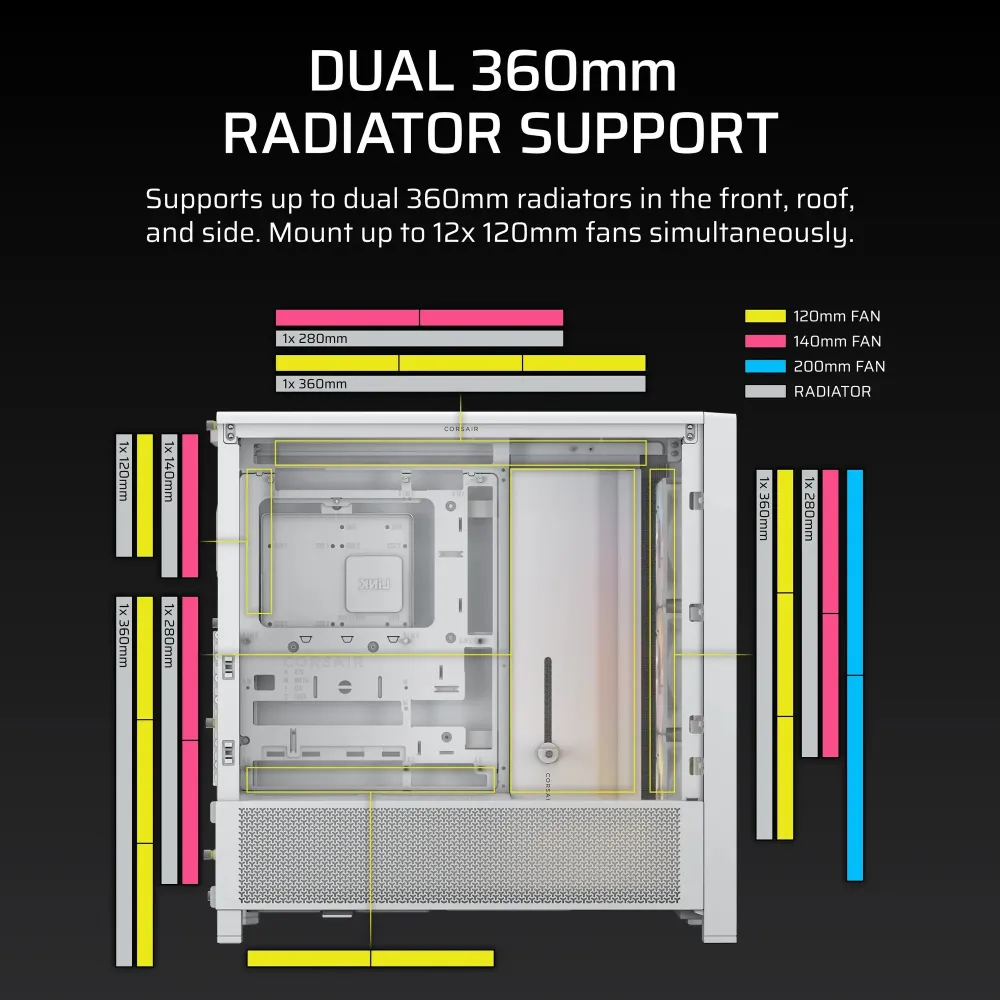
The front, roof and side each have a 360 mm mounting option. Some layouts can fit two 360 mm radiators together. Check radiator and fan thickness, tubing paths and graphics card clearance as a complete layout.
Motherboard and cables
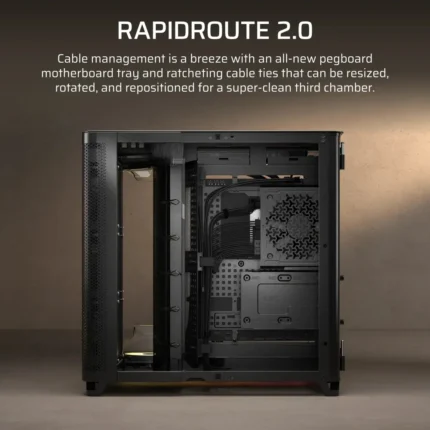
Hide cables on the back of the tray
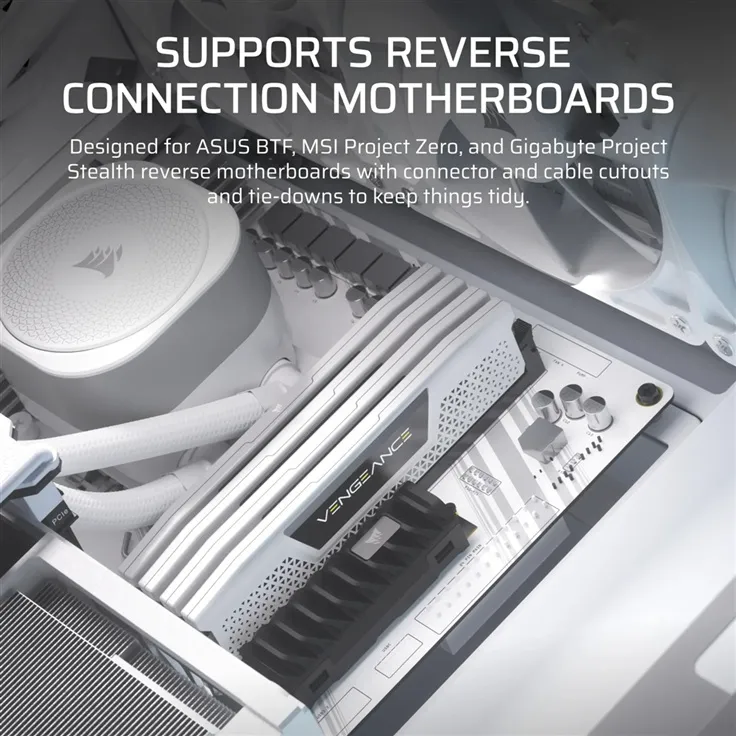
The white frame accepts conventional boards and compatible designs that put connectors on the back. Use the openings around the tray, the cable shroud and 37 mm of routing space to keep cables clear of the glass side.
Graphics and fit
Choose how to present the graphics card
Mount a graphics card horizontally or use the vertical slots with a separately sold PCIe riser. The supplied support arm can help brace a long card. Measure the build with the fans and radiator in place before relying on the maximum component lengths.
Front connections
Reach everyday ports at the case edge
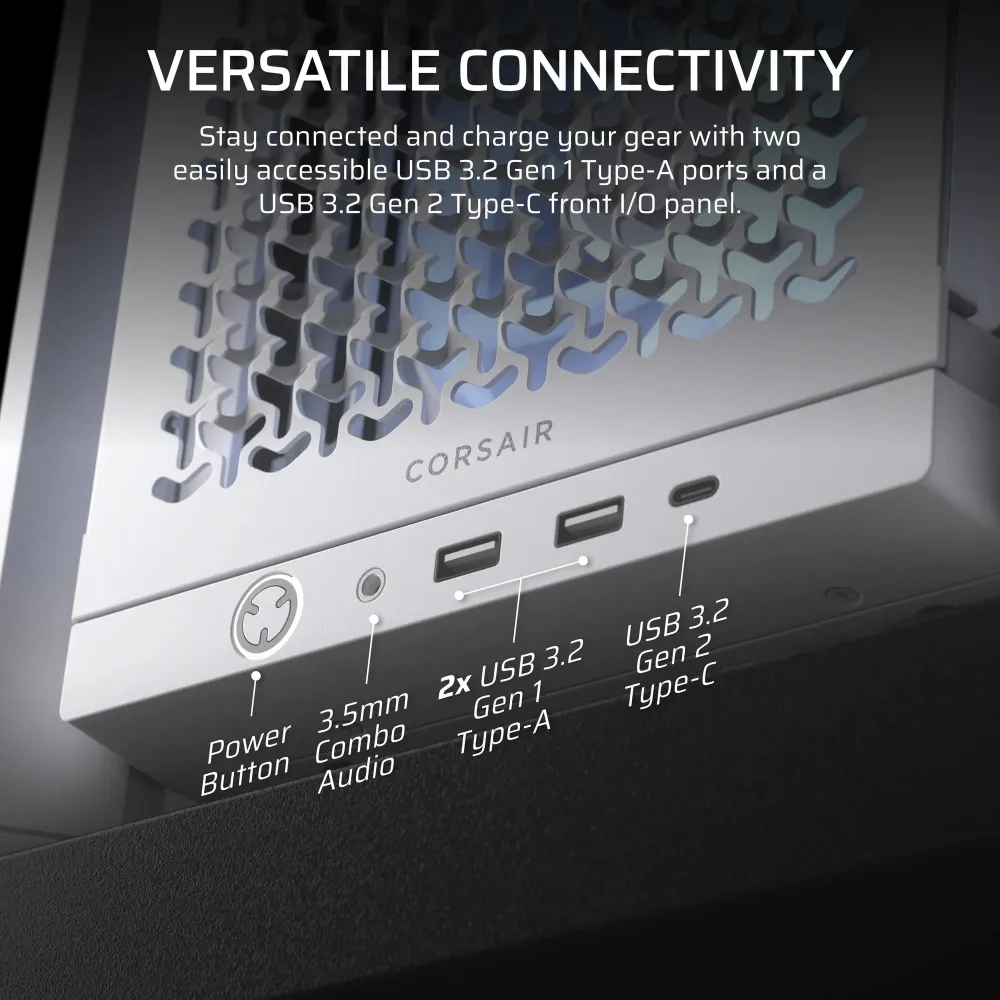
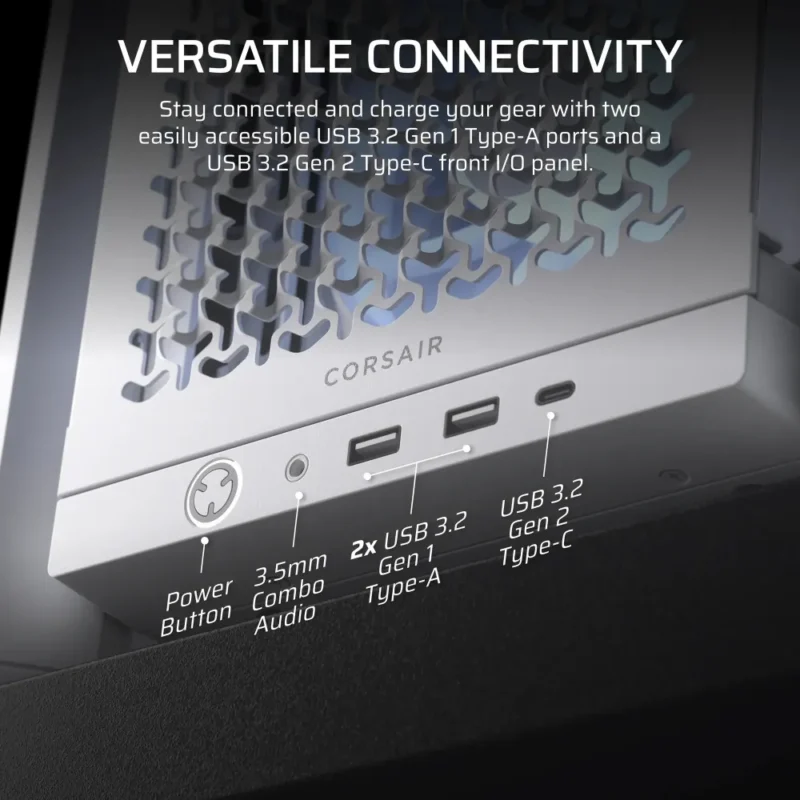
Plug a headset into the combined audio port or use the two USB-A ports for desktop peripherals. The USB-C port connects through the motherboard’s internal Type-E header.
Specifications
Chassis and component fit
| Model | CC-9011297-WW |
|---|---|
| Finish | White |
| Format | Modular mid-tower |
| Materials | Steel, Y-pattern airflow steel, tempered glass and plastic |
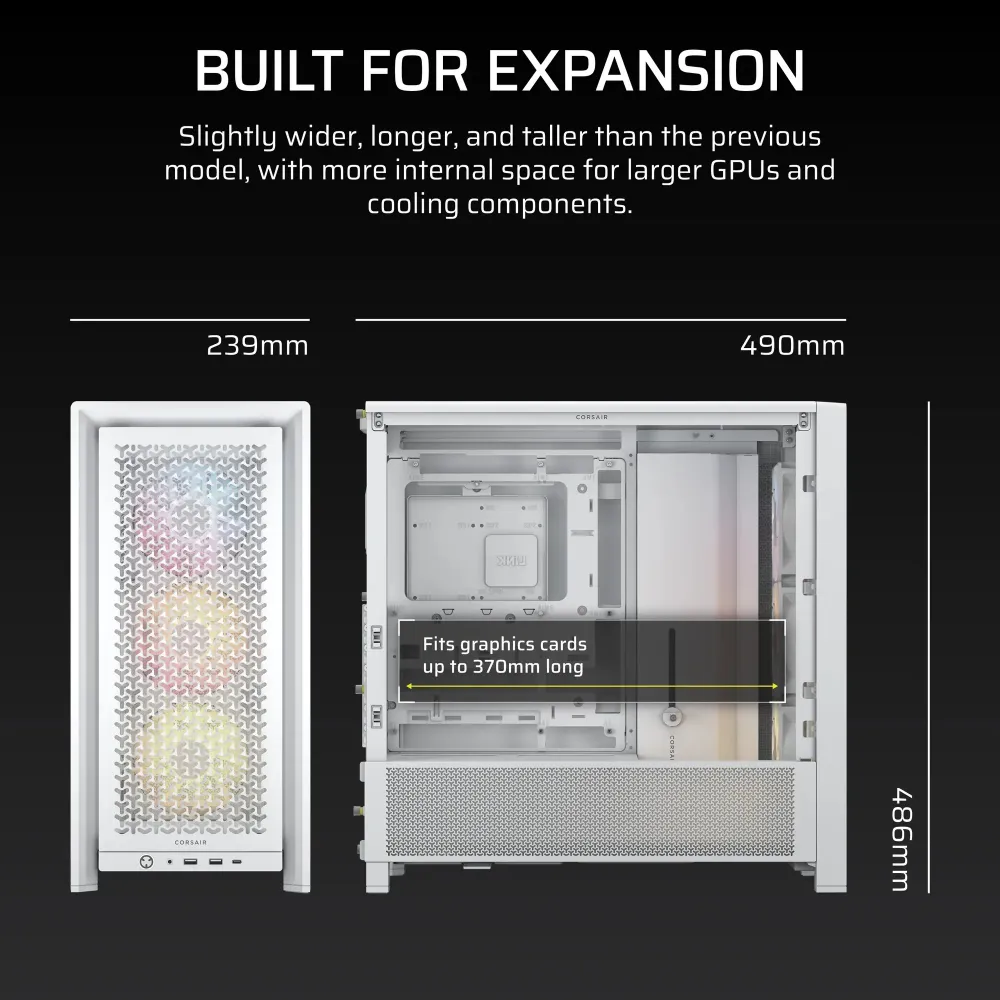
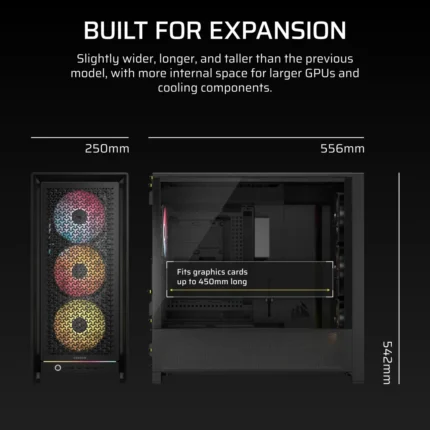
| Case exterior, depth × width × height | 490 × 239 × 486 mm, as listed for CC-9011297-WW |
| Motherboards | Mini-ITX, MicroATX, ATX and E-ATX up to 305 × 277 mm; supports compatible rear-connector motherboards |
| Graphics card limit | The manufacturer’s specification lists up to 430 mm. The product gallery shows 370 mm in the illustrated layout. Measure with your planned front fans or radiator fitted. |
| CPU air cooler limit | 170 mm |
| Power supply | ATX, up to 220 mm |
| Expansion slots | 7 horizontal or 3 vertical; PCIe riser sold separately |
| Cable routing space | 37 mm |
| Side panels | Tempered glass on the display side, steel behind the motherboard |
| Drive mounting | Combination plates support up to 2 × 3.5-inch HDDs or 4 × 2.5-inch SSDs, with mixed capacity depending on positions used |
Fans and radiator mounting
| Included fans | 3 × Corsair RS120 ARGB PWM, front mounted |
|---|---|
| Fan power and lighting | 4-pin PWM; separate 5 V ARGB connection; compatible motherboard headers required for both controls |
| Front fans | 3 × 120 mm, 2 × 140 mm or 2 × 200 mm |
| Top fans | 3 × 120 mm or 2 × 140 mm |
| Side fans | 3 × 120 mm or 2 × 140 mm with side bracket |
| Rear fan | 1 × 120 mm or 1 × 140 mm |
| PSU shroud fans | 2 × 120 mm |
| Front, roof and side radiators | 240, 280 or 360 mm per position; up to two 360 mm radiators with suitable clearances |
| Rear radiator | 120 or 140 mm |
| Dust filtration | Front, side intake and PSU intake |
Connections and coverage
| USB-C | 1 × USB 3.2 Gen 2 Type-C (10 Gb/s on a compatible motherboard header) |
|---|---|
| USB-A | 2 × USB 3.2 Gen 1 Type-A (5 Gb/s) |
| Audio | Combined microphone and headphone jack |
| Internal I/O connections | Type-E USB-C, USB 3.2 Gen 1, HD Audio and front-panel power/LED connector |
| Manufacturer case warranty | Two years, subject to Corsair terms |
Installed parts in the build images illustrate possible layouts. The case includes three front fans; graphics and liquid-cooling hardware are sold separately.
Reviews
There are no reviews yet.