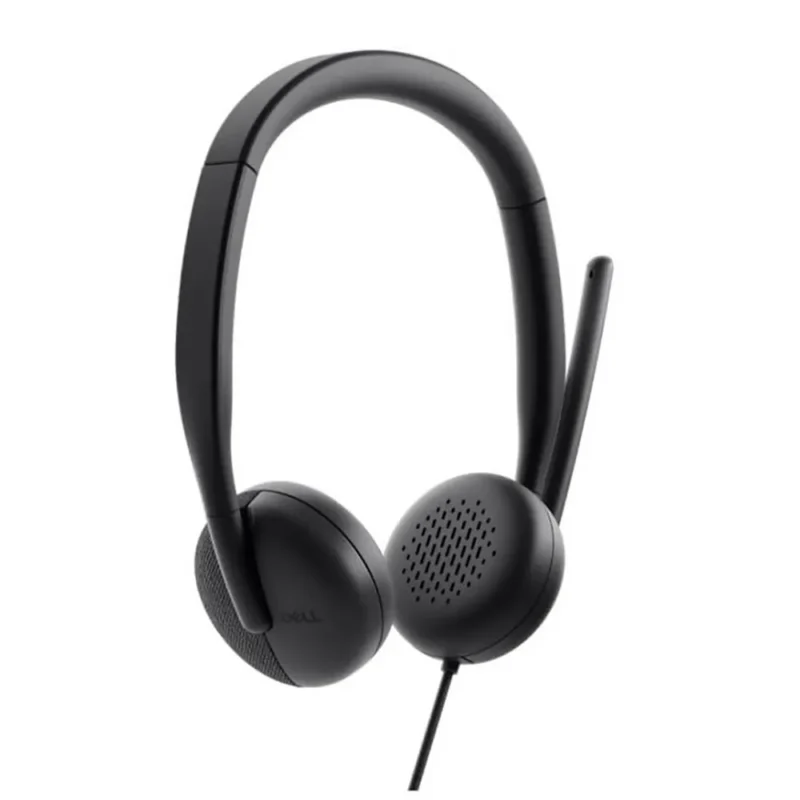
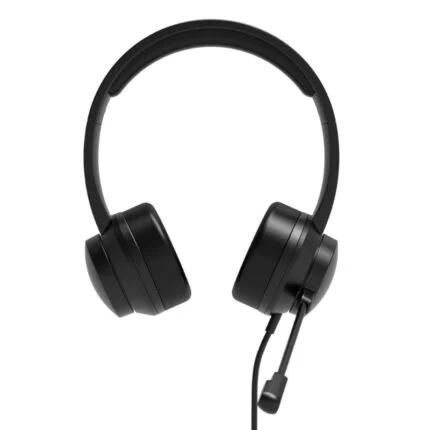
Dell WH3024 wired stereo headset: USB-C with USB-A adapter, AI uplink microphone noise cancellation, 110 g on-ear fit, and Microsoft Teams/Open Office and Zoom certification.
AvailabilitySupplier has stock — 10 availSupplier has stock — 10 avail
DeliveryNationwide courier delivery or collection from Strand, Cape Town.Courier nationwide or Strand collection
DispatchBackorder — usually dispatched in 2–3 working days after payment verification, subject to supplier confirmation.Backorder — usually dispatched in 2–3 working days after payment verification, subject to supplier confirmation.
WarrantyManufacturer warranty applies where stated on the product page.As stated on this page
ReturnsSee our Returns Policy for eligible change-of-mind and faulty goods procedures.See Returns Policy
Secure paymentPayFast checkout with card, Instant EFT, and Mobicred.PayFast · card · EFT · Mobicred
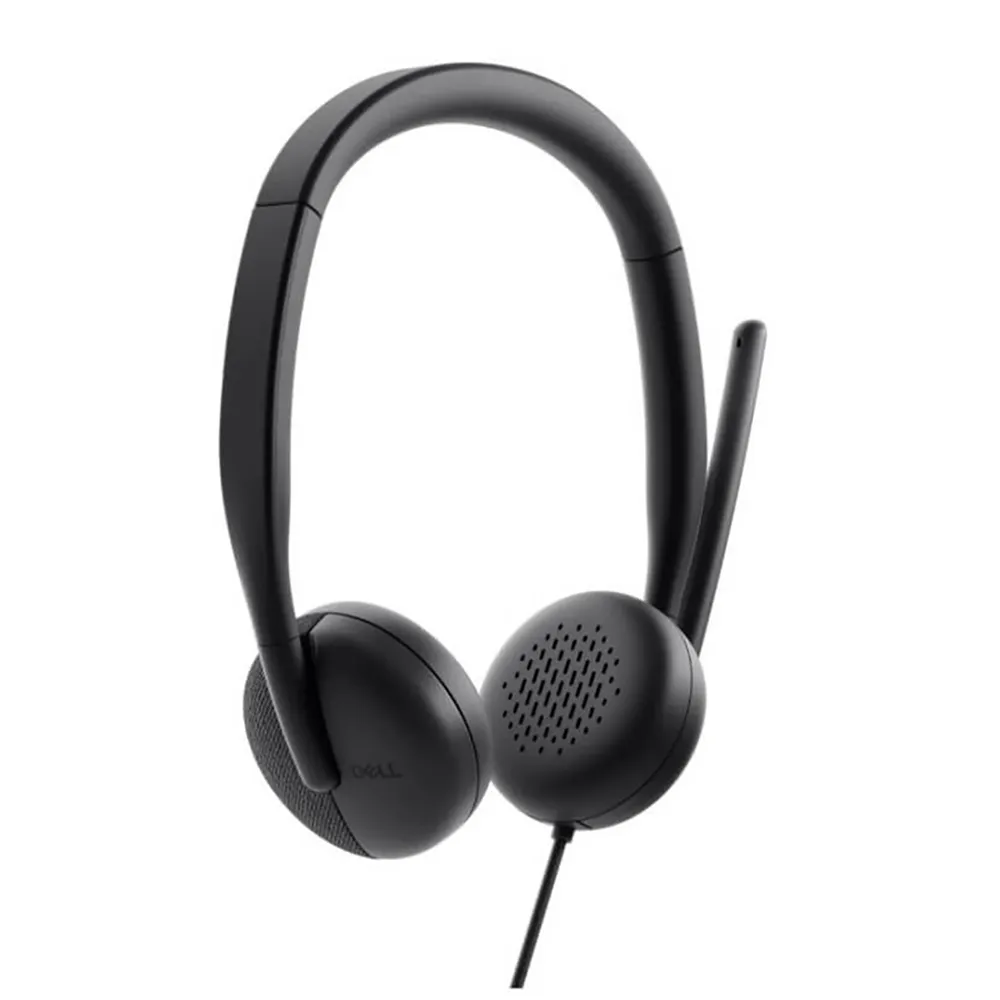
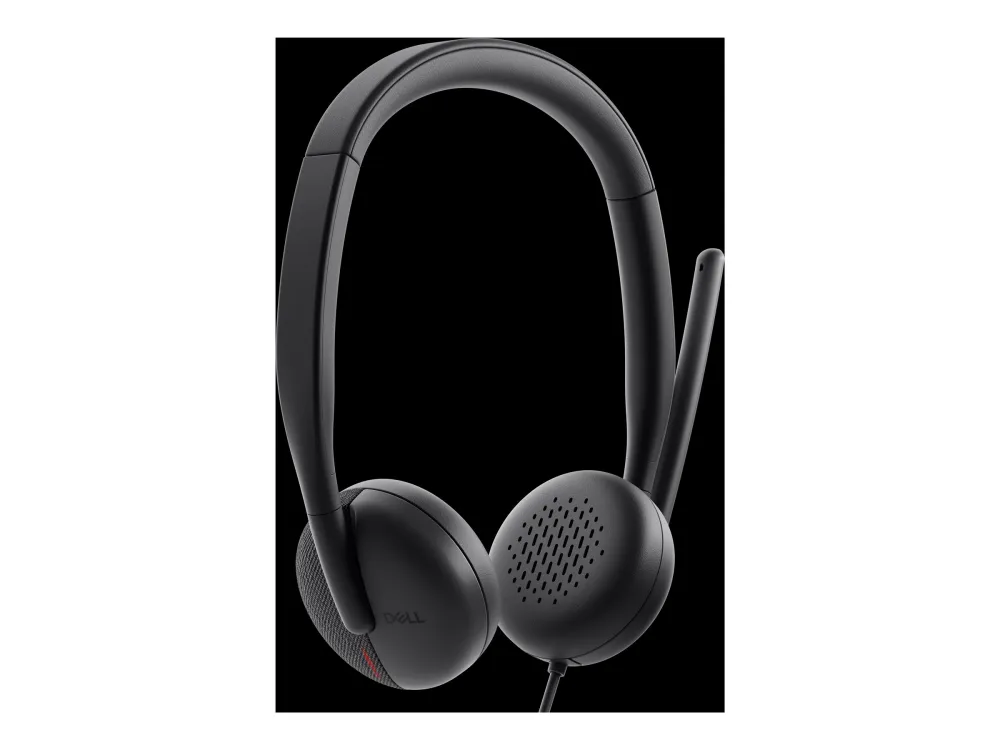
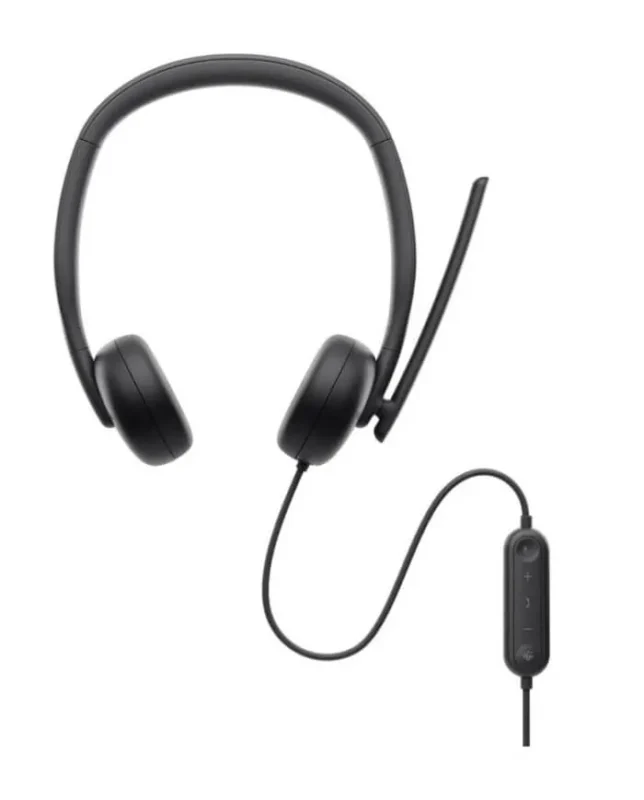
The Dell WH3024 combines a lightweight on-ear fit with a wired USB-C connection and an AI-based noise-cancelling microphone. An included USB-A adapter gives you another connection option, while the in-line controller keeps everyday call controls within reach.
USB-CUSB-A adapter included
110 gLightweight on-ear fit
AI micVoice noise reduction
In-line controlsCalls, volume and mute
Your voice
Microphones that focus on the conversation
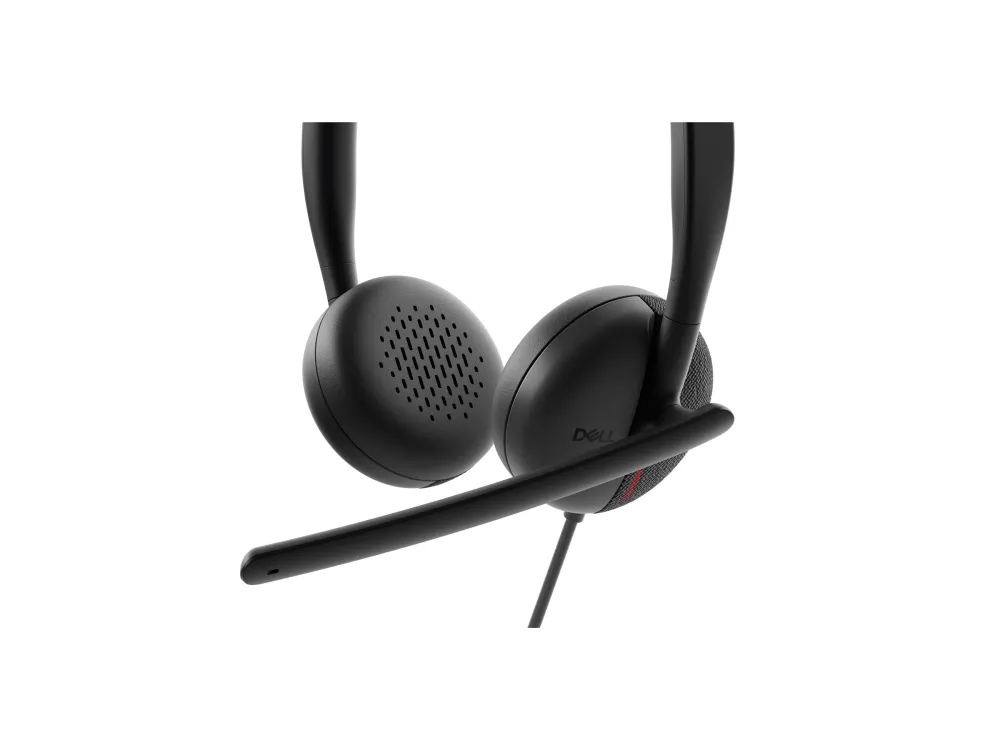
Two analog microphones use directional AI beam forming and uplink noise cancellation to help separate your voice from surrounding noise. This processing works on the sound sent to the other end of the call. The ear cushions provide passive isolation; this model does not add active noise cancellation for what you hear.
Desk connection
One cable, two USB options
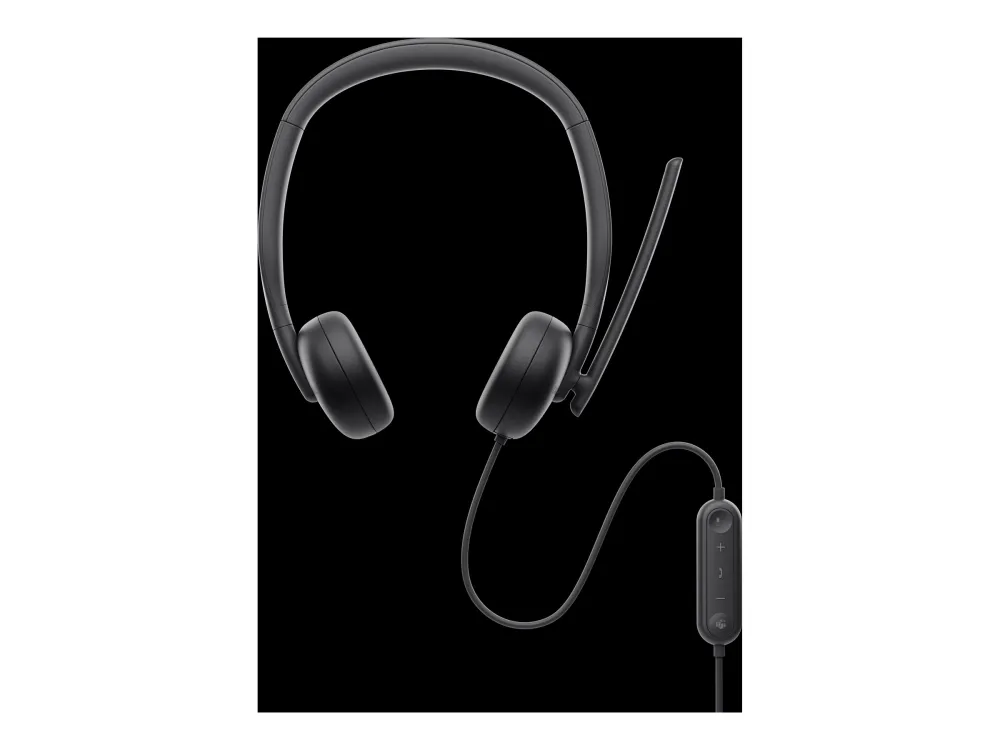
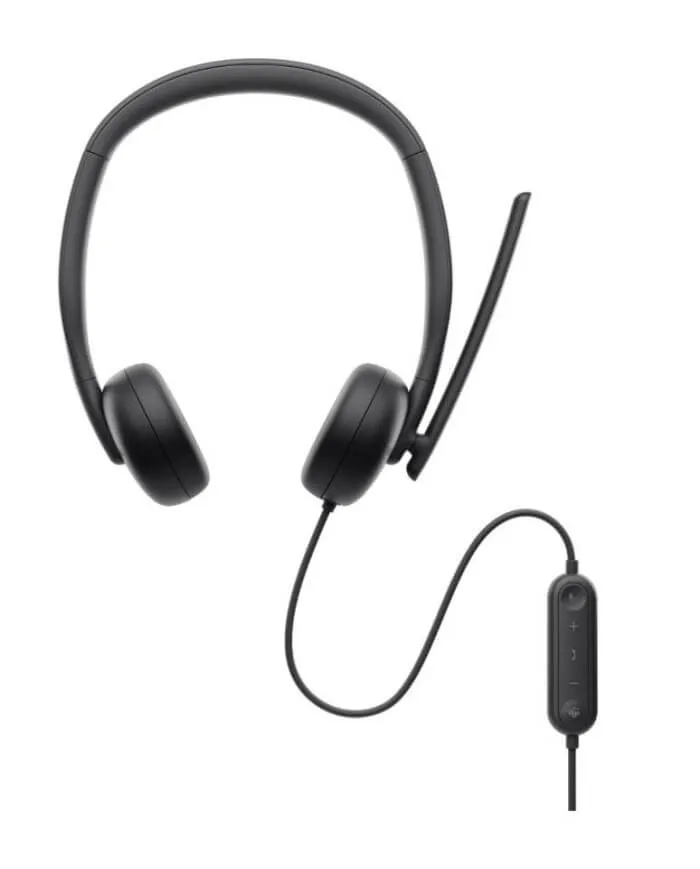
Connect through USB-C, or use the included USB-A adapter for a suitable USB-A port. The 2 m cable includes the in-line controller, so volume, microphone mute and supported call controls stay close at hand. There is no battery to charge or wireless pairing step.
Call controls
Keep the small actions close
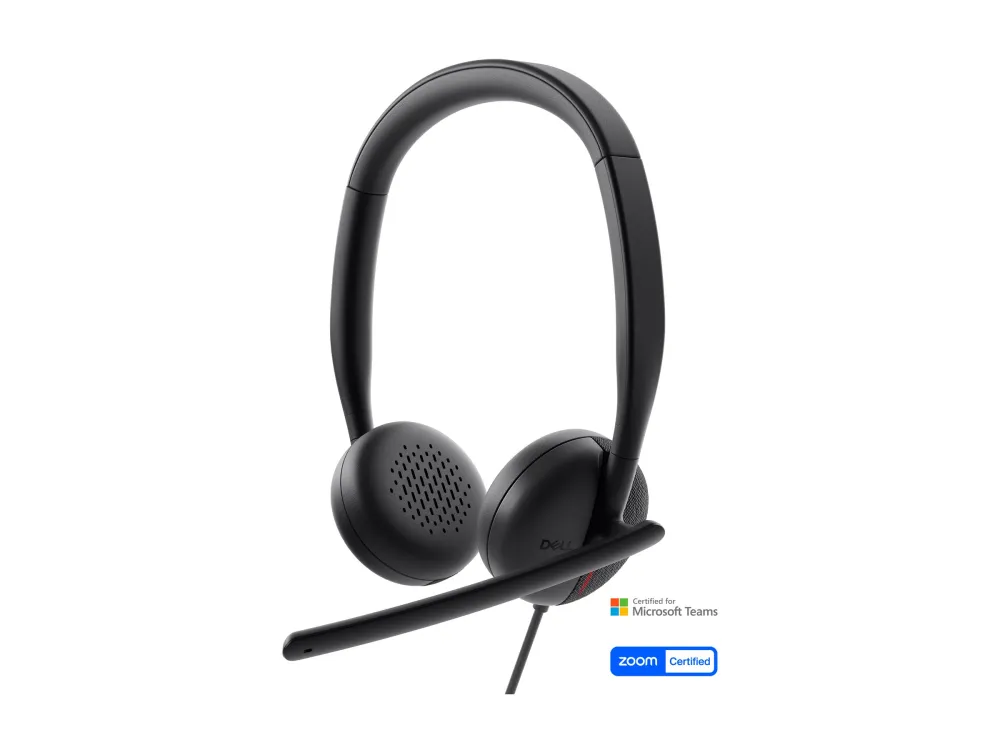
Raise the boom to mute the microphone and lower it to unmute. The controller includes volume, answer/end and Microsoft Teams buttons, with a single-sided usage/call indicator on the left. Button behaviour depends on the calling application: some platforms require answering and ending calls in their software, and mute indicators may not stay synchronised.
Fit and stowing
Set the boom on the side you prefer
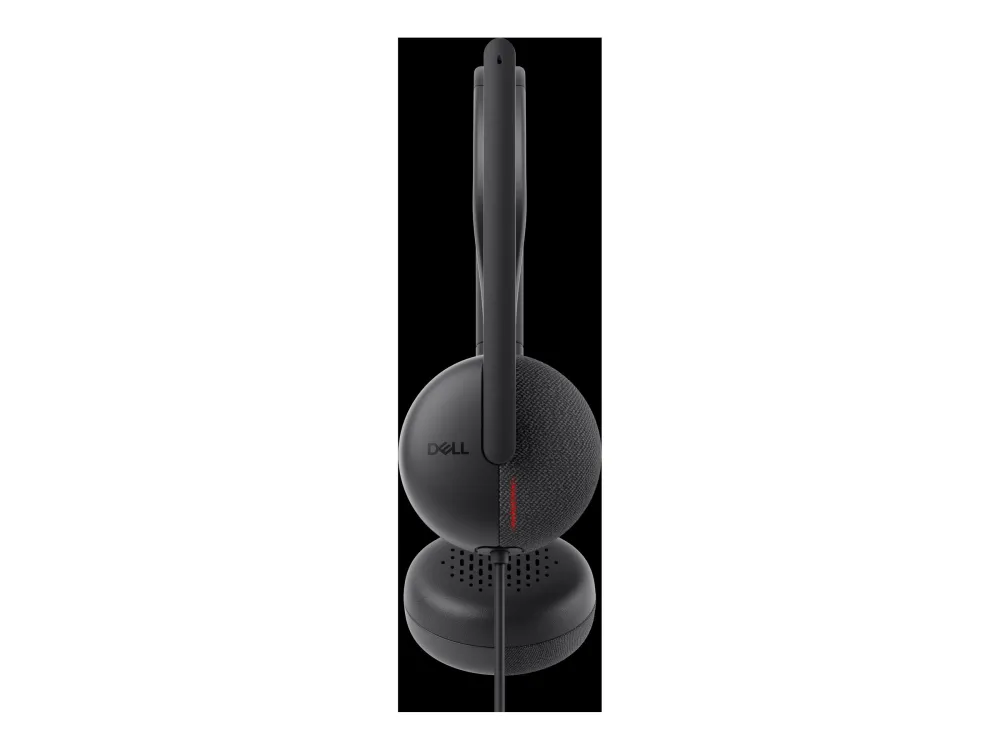
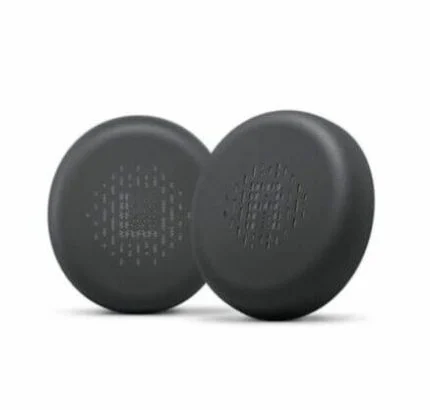
The boom rotates through 260° to suit left- or right-side use. An adjustable leatherette headband and leatherette memory-foam cushions support the 110 g on-ear design. The earcups pivot 90° for stowing, and replacement HE324 cushions are available separately.
Conferencing
Built around familiar meeting platforms
WH3024 is certified for Microsoft Teams (Open Office) and Zoom. Hardware support includes Windows 10/11 64-bit and macOS. Certification and basic audio compatibility do not mean every headset button has the same behaviour in every communication application; check the platform controls for your workflow.
Personal settings
Adjust the headset for your workspace
Dell Display and Peripheral Manager provides supported Windows systems with settings for audio mode, microphone noise cancellation, sidetone, audio presets and the busy light. The model datasheet lists Windows 10 build 17763 or later (x64), Windows 11 (x64) and Windows 11 on ARM. Hardware audio support on macOS is separate from this Windows software feature set.
Specifications
Identity and connection
Manufacturer
Dell
Model
WH3024
Offer part number
520-BBDH
Type
Wired stereo on-ear headset
Colour
Black
Host connection
USB-C, wired
Included adapter
USB-A plug to USB-C receptacle
Cable length
2.0 m including controller
Box contents
Dell WH3024 headset, USB-A adapter and user documentation
Headphone audio
Speaker size
28 mm
Music frequency response
20 Hz–20 kHz
Talk frequency response
100 Hz–8 kHz
Speaker sensitivity
119 dB at 1 mW/1 kHz
Earpiece noise isolation
Passive; no active noise cancellation
User hearing protection
Yes, manufacturer specification
Microphone
Microphones
2 analog
Direction
Uni-directional, AI beam forming
Noise reduction
AI up-link noise cancellation
Frequency range
100 Hz–14 kHz
Microphone sensitivity
−45 dBV/Pa
Signal-to-noise ratio
53 dB
Boom rotation
260° (±130°), left/right use
Controls and platform support
Controller
In-line
Buttons
Microphone mute/unmute, volume+/−, answer/end call, Microsoft Teams
Boom mute
Lift to mute; lower to unmute
Usage/call indicator
Single-sided, left
Certifications
Microsoft Teams (Open Office), Zoom
Hardware operating systems
Windows 10/11 64-bit; macOS
Customisation software
Dell Display and Peripheral Manager
Software operating systems
Windows 10 build 17763+ (x64); Windows 11 (x64); Windows 11 on ARM(arm64)
Call controls and mute-state synchronisation vary by UC platform; some use application UI for answer/end/reject
Fit and care
Form factor
On-ear
Weight
110 g
Ear-cup diameter
5.8 cm
Headband
Leatherette and memory foam; adjustable
Ear cushions
Leatherette, memory foam; replaceable
Stowing
Earcups pivot 90°
Replacement cushion reference
Dell HE324, sold separately
Driver & Software Downloads
Use official support resources for this product. Each link opens in a new tab.
WH3024 manufacturer datasheet
Dell’s WH3024 model datasheet covers audio specifications, USB-C and included USB-A adapter, controls, platform limits and Windows customisation software. Software downloads must be selected separately for the exact supported operating system.
Necessary cookies keep the site, cart, checkout, account, and security features working. With your permission, we also use optional analytics and advertising cookies to measure and improve our service. “Accept optional cookies” consents only to that optional processing; use of the site remains separately governed by our Terms. You can choose Necessary only and change your choice at any time.



Reviews
There are no reviews yet.