WINX DO Business · Wired keyboard and mouse
A clearer view of the work in front of you.
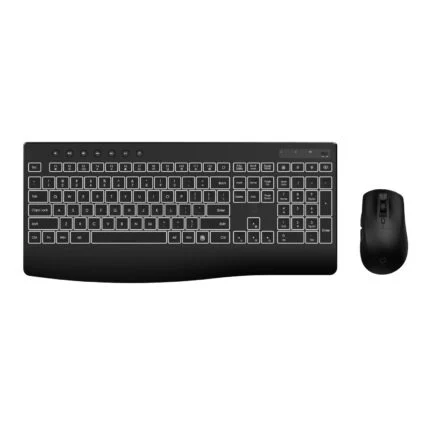
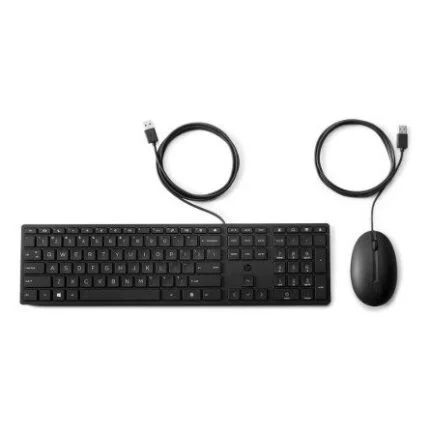
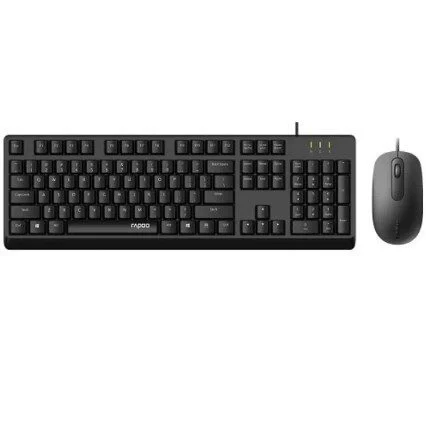
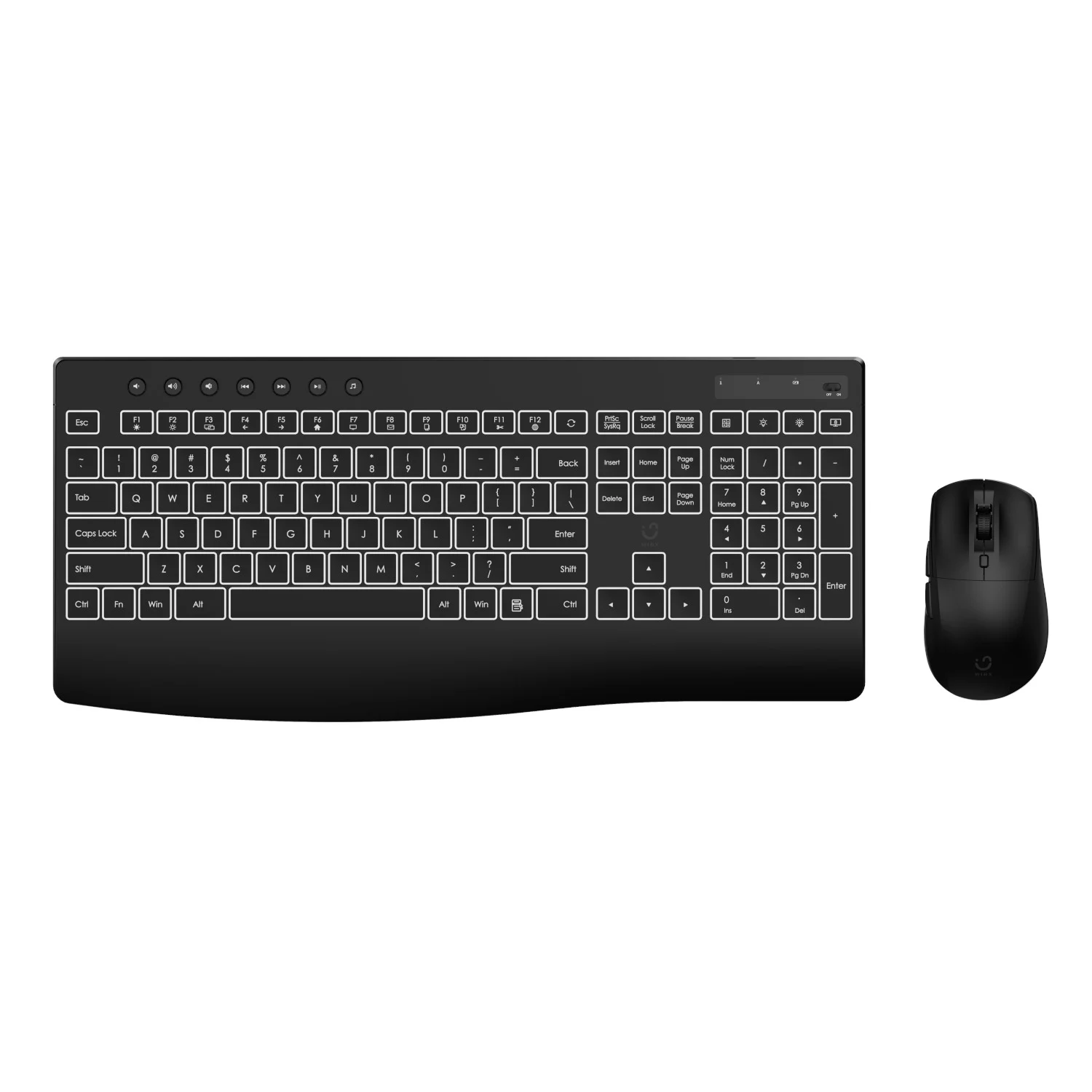
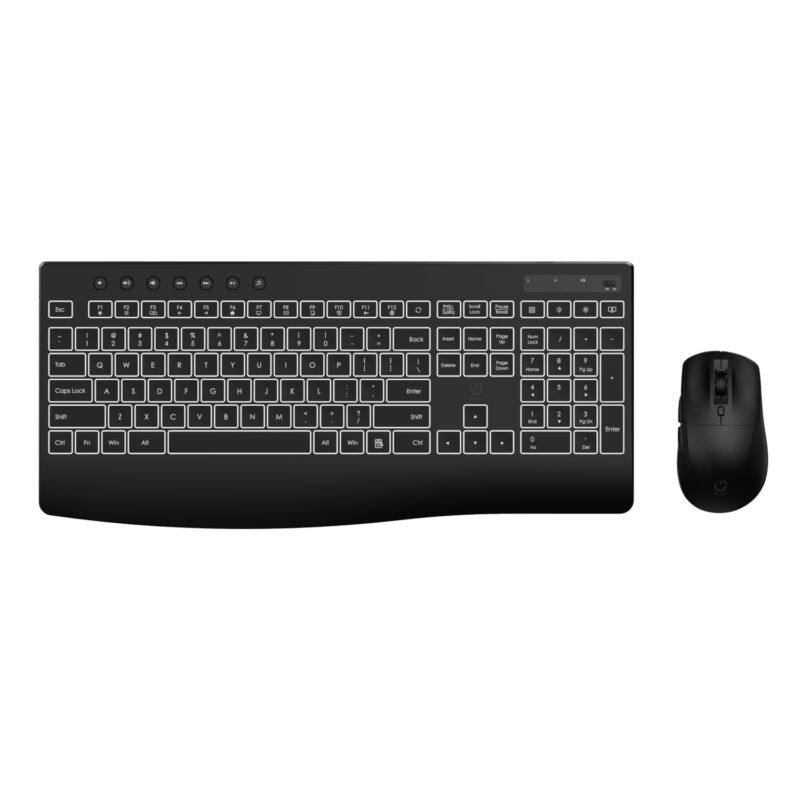
Bring a full-size keyboard and adjustable-sensitivity mouse to your desk with the WINX DO Business WX-CO105. The manufacturer specifies white keyboard backlighting, multimedia shortcuts and wired USB connections, with six mouse sensitivity settings from 1,000 to 7,200 DPI. Supplied keyboard layout and imagery still need confirmation against this model’s published references.

Space for everyday work
Keep numbers and shortcuts close.
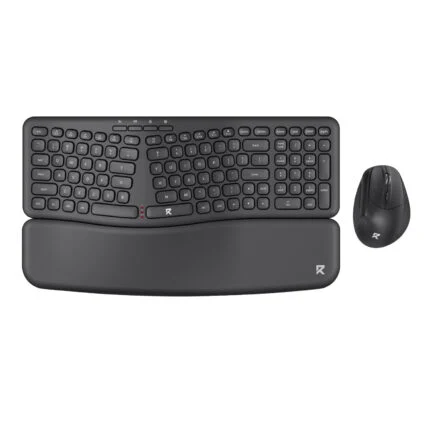
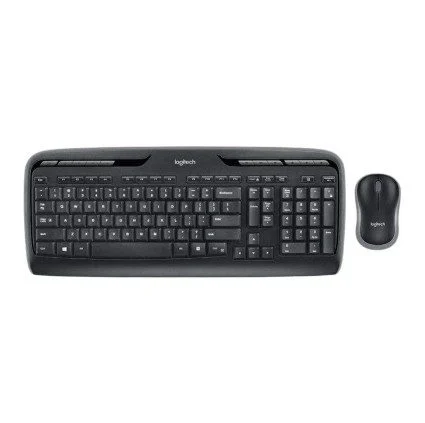
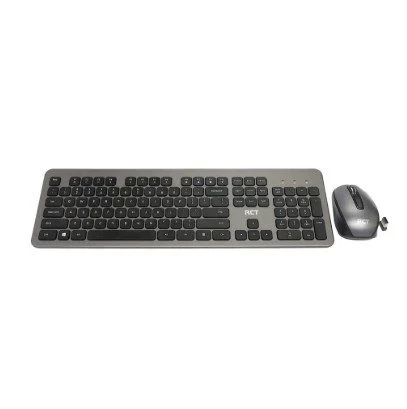
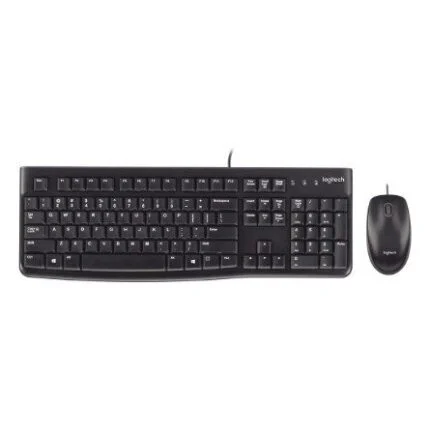
The published US QWERTY layout includes a number pad and 12 multimedia shortcuts. A built-in palm rest and adjustable rear tilt are listed for positioning the keyboard. Its technical table states 105 keys, while the manufacturer’s narrative says 104; confirm the exact supplied layout if key placement is important.
A defined mouse setup
Choose a sensitivity that suits the task.
The published mouse settings are 1,000, 1,600, 2,400, 3,200, 4,800 and 7,200 DPI. The manufacturer lists seven buttons including the scroll wheel. Keyboard and mouse cables are specified at 1.6 m and 1.8 m respectively. Button reassignment software and exact programmable functions have not been verified.
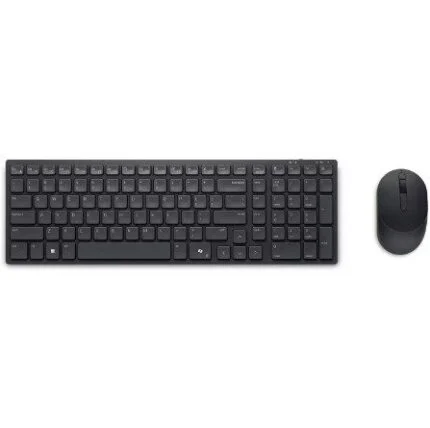
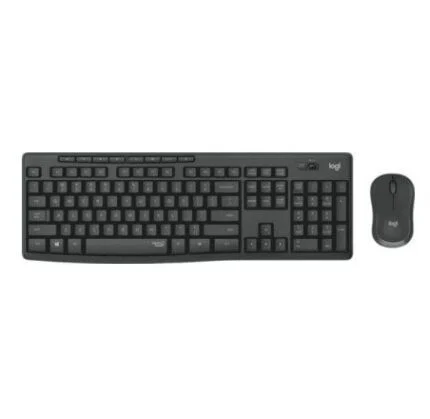
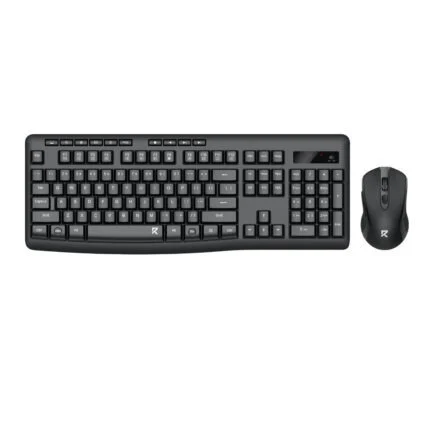
This listing is for the wired WX-CO105. The supplied catalogue image shows an OFF/ON switch and no visible cables, and the manufacturer copy conflicts on 104 versus 105 keys. Confirm the actual supplied model, layout and connections before ordering. Technical values below are manufacturer references pending that reconciliation.

Reviews
There are no reviews yet.