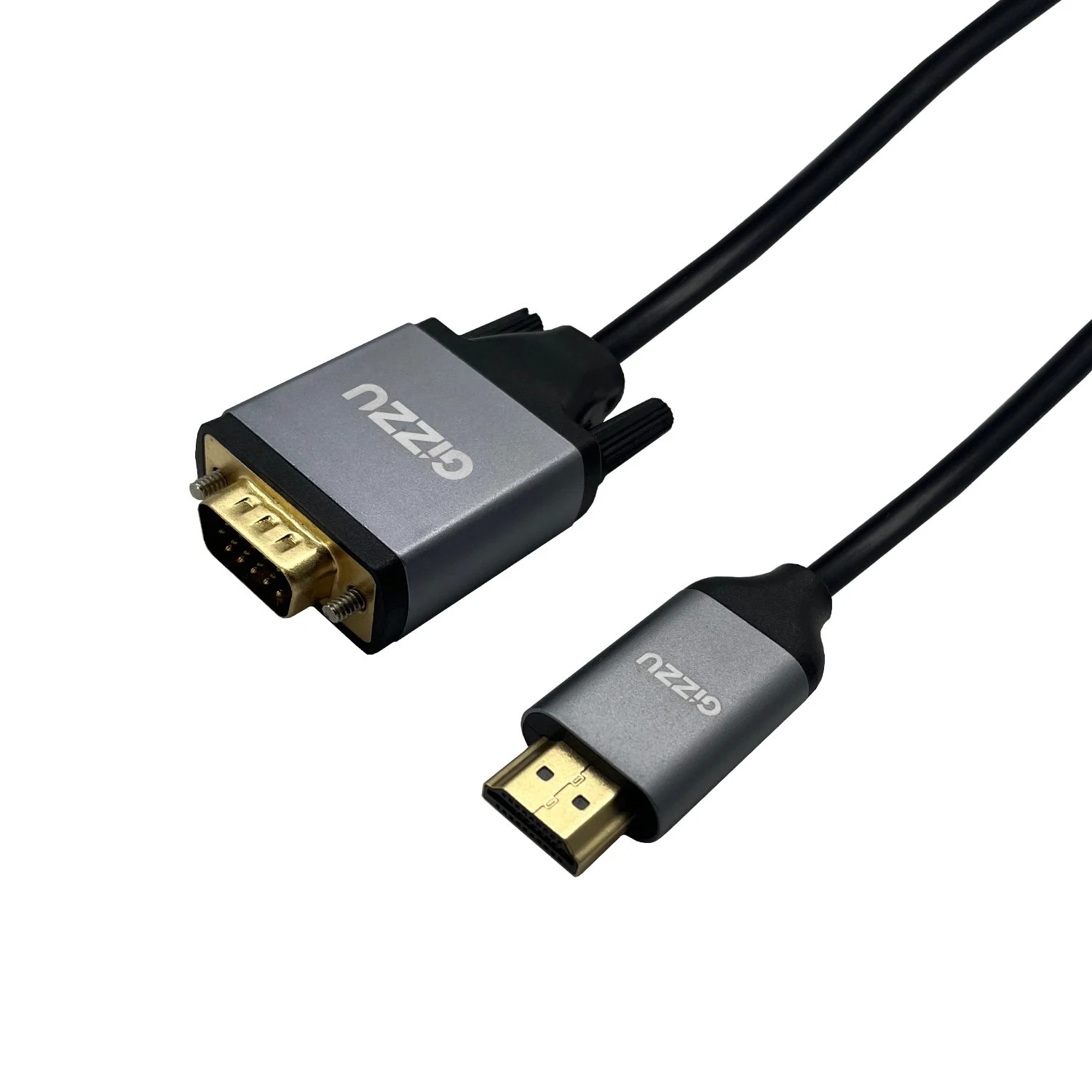
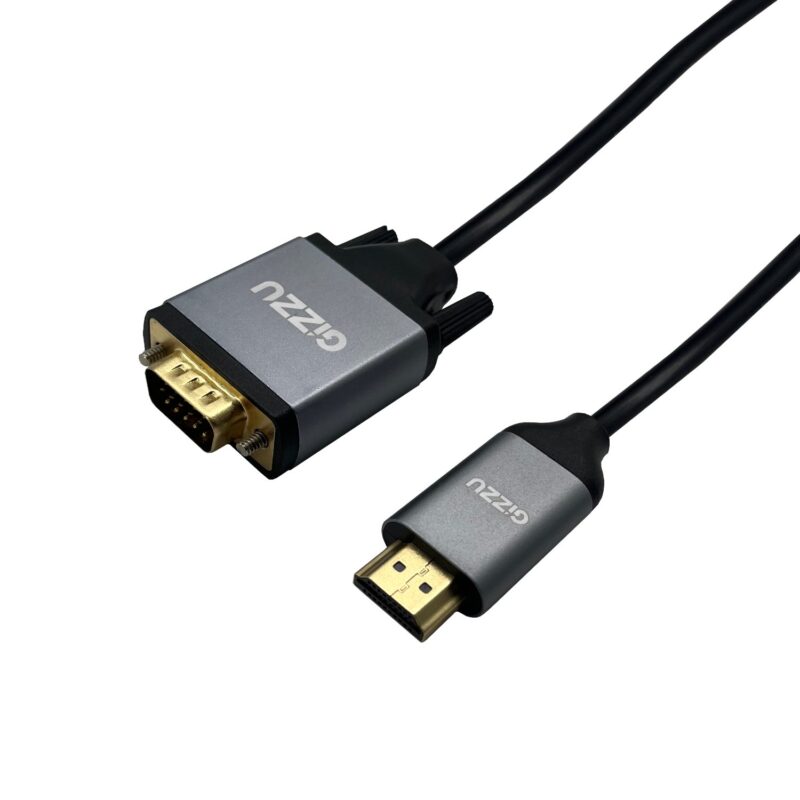
Gizzu · GCPHV18
Connect HDMI equipment to a VGA screen.
The Gizzu GCPHV18 runs from an HDMI source to a VGA display across a 1.8 m cable. It supports a published maximum of 1920 × 1080 at 60 Hz, with grey aluminium-alloy connector housings and a black PVC jacket.

Display connection
Keep a useful VGA screen working.
Connect the HDMI male plug to the source and the VGA male plug to a compatible screen or projector. This model is specified for HDMI-to-VGA use; a computer with VGA output and an HDMI screen needs a different connection solution.
Everyday setup
Check the mode before the meeting.
Choose a resolution and refresh rate supported by the source and display, up to the cable’s stated Full HD 60 Hz limit. The 1.8 m length leaves room to position nearby equipment, while the PVC jacket and aluminium-alloy housings form the listed construction.
Use for HDMI output to VGA input. Check the source and display modes before connection. The published reference does not establish audio output, reverse conversion or protected-content support. No extra audio or power accessory is included in the stated box contents.

Reviews
There are no reviews yet.