

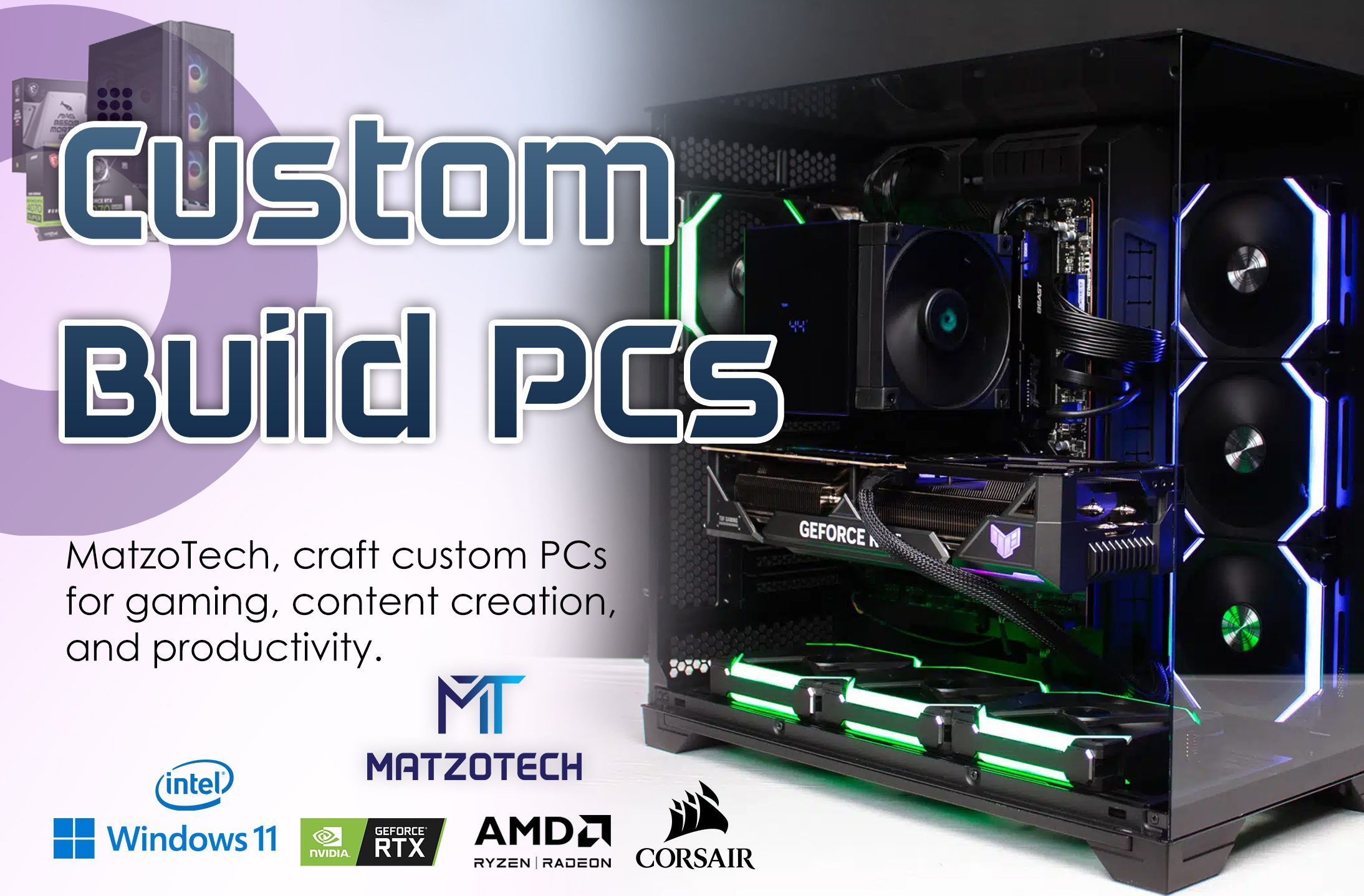
Streaming PC South Africa: Build Guide for Twitch & YouTube
A dedicated streaming PC — or a single powerful rig doing both — lets SA creators go live on Twitch and YouTube without slideshow frame rates. Evetech and Syber Gaming rank for this topic with tiered spec tables; here is the MatzoTech version for local streamers.
Single-PC vs dual-PC streaming
Single PC is simpler and cheaper. Modern NVIDIA GPUs encode via NVENC with minimal game impact — RTX 5060 and above handle 1080p60 streams while gaming.
Dual PC splits encoding to a second machine via capture card — best for competitive players who cannot afford any FPS loss.
Recommended streaming PC specs
Good — 1080p60 streams
- Ryzen 5 7600 / Core i5-13400 (6+ cores)
- RTX 5060 with NVENC
- 32 GB DDR5 RAM
- 1 TB NVMe SSD
- Stable fibre — 15–20 Mbps upload for 1080p60
Better — 1440p gaming + 1080p stream
- Ryzen 7 7800X3D / Core i7 tier
- RTX 5070
- 32 GB RAM, 2 TB SSD
OBS & Streamlabs settings for SA
Start at 4500–6000 kbps for 1080p60 on fibre. Use NVENC H.264 or AV1 if your platform supports it. Cap in-game FPS to reduce heat — Cape Town summers are hard on air-cooled rigs.
Load shedding & streaming
UPS on PC, monitor, router, and ONT. Stream will drop when fibre dies — plan content for offline windows or schedule VOD uploads.
Microphone, webcam & lighting
Audio quality separates amateur and professional streams. A dedicated USB microphone (Elgato Wave, Blue Yeti class) beats headset mics for viewer retention. 1080p webcams need good lighting — ring lights are inexpensive upgrades. MatzoTech stocks webcams and streaming accessories in peripherals.
Dual monitor setup for streamers
Run your game fullscreen on the primary display and OBS/chat/alerts on a secondary 1080p panel. Even a cheap second monitor improves workflow versus alt-tabbing on a single screen.
Gaming in South Africa: what local buyers should know
South African gamers face challenges that international review sites rarely mention. Component prices track the rand-dollar exchange, so a GPU that drops in the US may still cost more here months later. Import duties and VAT are already included in MatzoTech pricing — what you see at checkout is what you pay, with no surprise customs invoices.
Load shedding remains a factor for Western Cape gamers. We recommend pairing any gaming PC purchase with a UPS sized for your monitor and tower combined draw — typically 1000 VA for a mid-range rig. Clean shutdown time protects SSD health and prevents Windows corruption mid-update.
Fibre upload speeds matter if you plan to stream or play competitive online. Most Cape Town fibre packages deliver adequate download for game patches; focus on upload (10 Mbps minimum, 20 Mbps+ for 1080p streaming) and latency to local game servers. Wired Ethernet still beats Wi-Fi for consistent ping in ranked matches.
Finally, buy from a retailer with a physical presence when possible. If a DOA graphics card arrives, local RMA handling saves weeks compared to shipping returns to Gauteng-only warehouses.
Seasonal sales — Black Friday, end-of-financial-year, and back-to-school — can shift pricing 10–15% on pre-builts. If you are not in a rush, sign up for stock alerts on your target GPU tier. MatzoTech catalogue syncs with supplier inventory daily so you see realistic availability rather than phantom listings.
Warranty registration varies by brand: Asus, MSI, and PCBuilder each have online portals. Keep your invoice and serial numbers — MatzoTech includes these on every order confirmation email for easy reference.
Pairing your gaming PC with the right monitor
Your monitor defines how much GPU you need. A 1080p 144 Hz panel pairs perfectly with RTX 5060-tier systems — you will hit high refresh in esports and solid frame rates in AAA titles. Jumping to 1440p 165 Hz demands more headroom; RTX 5070 pre-builts make sense when your monitor already supports QHD.
Ultrawide 3440×1440 sits between 1440p and 4K in pixel load. Factor that in when comparing benchmarks from flat 1440p reviews. MatzoTech stocks gaming monitors in our peripherals range — ask our team for bundle advice when buying a PC and display together.
G-Sync and FreeSync compatibility reduces screen tearing without the input lag of V-Sync alone. Match your monitor adaptive sync standard to your GPU vendor when possible. For competitive titles, many pros still prefer 1080p high refresh over 4K — frame time consistency beats pixel count in ranked play.
Planning upgrades over 3–5 years
Gaming PCs are not disposable consoles — desktop platforms let you swap GPU, RAM, and storage as games grow heavier. When buying pre-built, confirm the PSU has headroom for a future GPU upgrade (typically 150–200 W above your current card TDP). Check motherboard PCIe slot clearance in the case before assuming a triple-fan card will fit.
RAM upgrades are the easiest win: moving from 16 GB to 32 GB DDR5 often costs less than a new game title and eliminates stutter in open-world games with browser tabs open. Storage upgrades mean adding a second NVMe or replacing a 512 GB boot drive when Steam libraries exceed capacity.
GPU upgrades every 3–4 years deliver the biggest FPS jump. CPU upgrades matter less frequently for pure gaming unless you move from 1080p to 4K or start streaming. MatzoTech can advise on compatible upgrades for systems purchased from us — contact support with your model number.
Payment, delivery & after-sales support
MatzoTech accepts standard online payment methods at checkout. Delivery timelines depend on stock location — in-warehouse items dispatch faster than supplier-backed SKUs. You will receive tracking once your order leaves our logistics partner.
Every gaming PC carries manufacturer warranty on components. If you experience a fault, contact us with your invoice number. We coordinate warranty assessment and can advise on upgrade paths if you are outside the warranty window.
Need help choosing between two models? Message our team with your monitor resolution, favourite games, and budget — we respond with a shortlist from live stock rather than generic recommendations.
High-spec streaming & gaming PCs
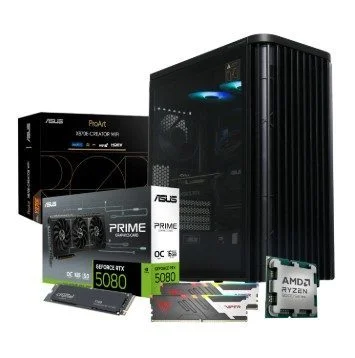
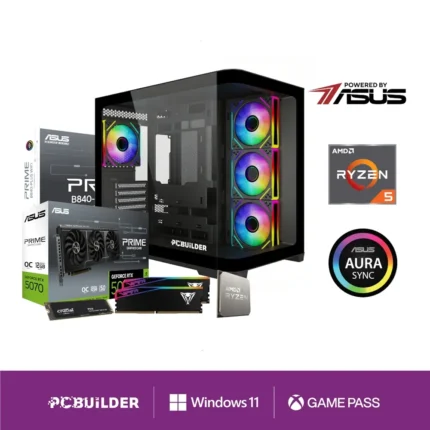
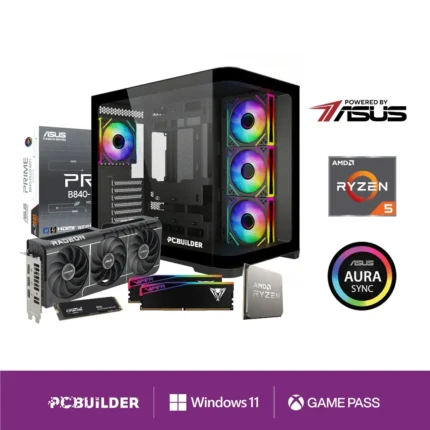
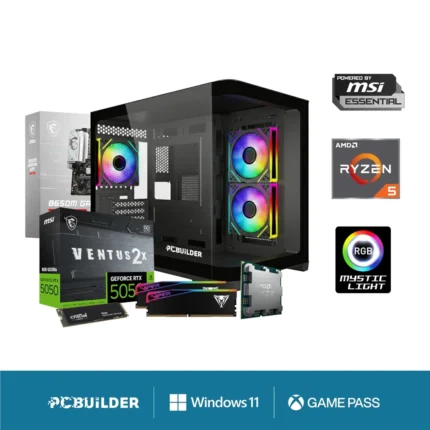
Visit MatzoTech or shop online
MatzoTech — 89 George Street, Strand, Cape Town 7140
Shop online at matzotech.co.za with delivery across South Africa, or contact our team for build advice and stock confirmation.
Related guides: Gaming PC Cape Town · Gaming PC Buyer’s Guide · Gaming Laptops Guide